manuals.online logo
Brands
  1. Home
  2. •
  3. Brands
  4. •
  5. iPort
  6. •
  7. Rack & Stand
  8. •
  9. iPort LaunchPort User manual

iPort LaunchPort User manual

This manual suits for next models

3

Other iPort Rack & Stand manuals

iPort CM-IW100T User manual

iPort

iPort CM-IW100T User manual

iPort CM-IW200 User manual

iPort

iPort CM-IW200 User manual

iPort CM-IW2000 V2 User manual

iPort

iPort CM-IW2000 V2 User manual

iPort 72356 User manual

iPort

iPort 72356 User manual

iPort 72385 User manual

iPort

iPort 72385 User manual

iPort 70095 User manual

iPort

iPort 70095 User manual

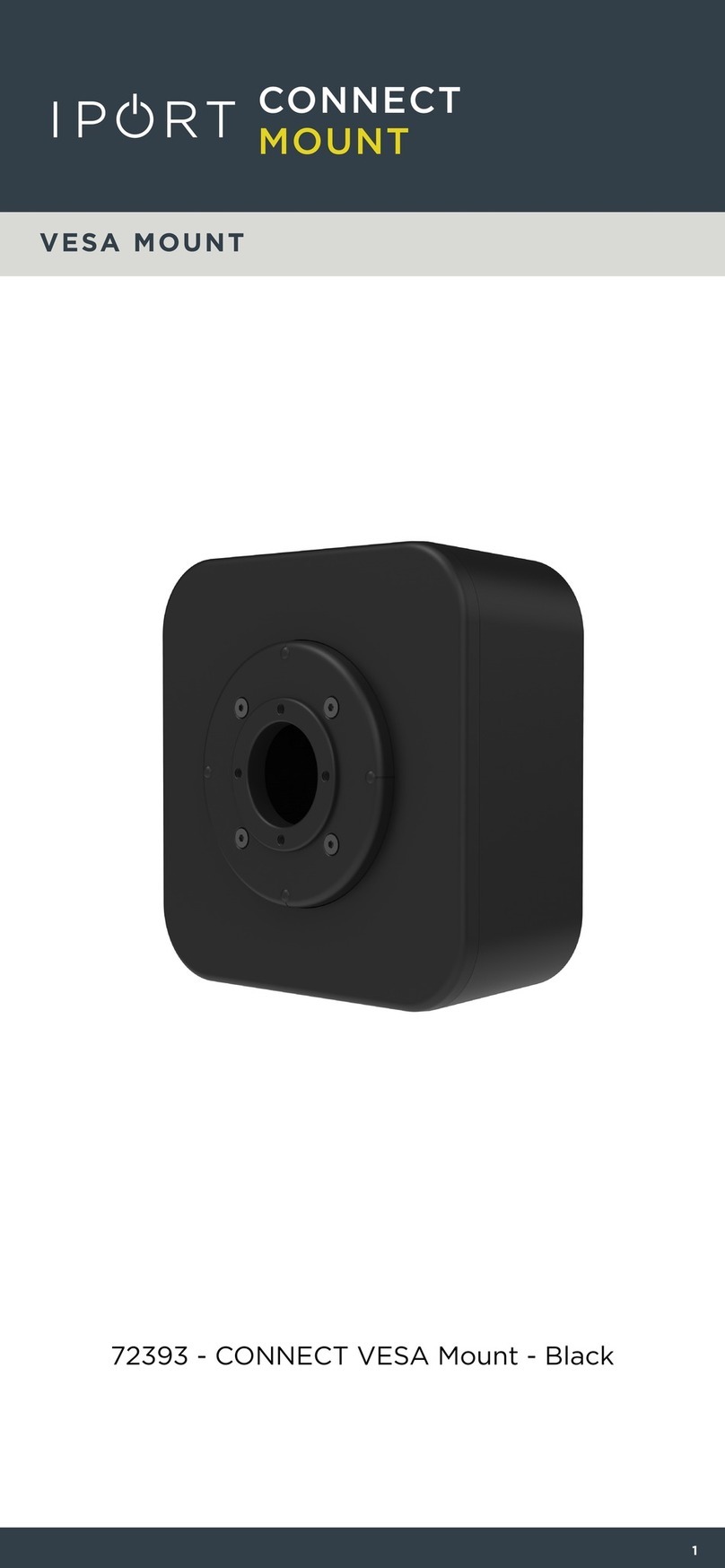
iPort 72393 User manual

iPort

iPort 72393 User manual

iPort CM-IW2000 User manual

iPort

iPort CM-IW2000 User manual

Popular Rack & Stand manuals by other brands

Dynex DX-MP3MT Quick setup guide

Dynex

Dynex DX-MP3MT Quick setup guide

Konig & Meyer 24185 manual

Konig & Meyer

Konig & Meyer 24185 manual

ECG LD 326501 instruction manual

ECG

ECG LD 326501 instruction manual

Philips SB7S19S/00 quick start guide

Philips

Philips SB7S19S/00 quick start guide

Woodline KIT-250 lb instructions

Woodline

Woodline KIT-250 lb instructions

ricoo S1222 installation instructions

ricoo

ricoo S1222 installation instructions

Kanto P301 user manual

Kanto

Kanto P301 user manual

VidaBox VB MNT FFS2 installation guide

VidaBox

VidaBox VB MNT FFS2 installation guide

PROEL PLWIN60C user manual

PROEL

PROEL PLWIN60C user manual

AllMounts PLB-43S instruction manual

AllMounts

AllMounts PLB-43S instruction manual

VMP VH-001 instruction sheet

VMP

VMP VH-001 instruction sheet

Nederman SYSTEM 920/400 instruction manual

Nederman

Nederman SYSTEM 920/400 instruction manual

Glasdon ORBIS POST MOUNTING KIT installation guide

Glasdon

Glasdon ORBIS POST MOUNTING KIT installation guide

Songmics LGR105 manual

Songmics

Songmics LGR105 manual

Grape GM401 user manual

Grape

Grape GM401 user manual

FourStarGroup 11225296 manual

FourStarGroup

FourStarGroup 11225296 manual

CHIEF FLR100 installation instructions

CHIEF

CHIEF FLR100 installation instructions

FEC XDCAM EX PMW-EX30 manual

FEC

FEC XDCAM EX PMW-EX30 manual

manuals.online logo
manuals.online logoBrands
  • About & Mission
  • Contact us
  • Privacy Policy
  • Terms and Conditions

Copyright 2025 Manuals.Online. All Rights Reserved.

Watch the installation video at LaunchPort.com/support
Turn off power to eliminate risk of shock during installation
Locate desired area for WallStation and
trace cutout and screw locations. Use a
stud finder to locate studs. Use a level to
ensure a level trace.
Using a screwdriver, install the anchors
for the WallStation and wall plate.
*NOTE: For best results pre-drill holes.
Attach fascia to WallStation. Plug power adapter into electrical recepti-
cal and plug power adapter DC plug into
wall plate.
The WallStation is ready to use. Enjoy!
Mount wall plate on wall using supplied
screws.
WIRE SIZING CHART
MAX LENGTH GAUGE
25’ 24 AWG
40’ 22 AWG
60’ 20 AWG
100’ 18 AWG
150’ 16 AWG
*Additional wire not included
BOX CONTENTS
WallStation Assembly
WallStation Fascia
wall plate
Power Supply
Cut-out Template
6ft. 18 AWG Electrical Wire
6 Drywall Anchors
Mounting Screws for WallStation
Mounting Screws for wall plate
TOOLS REQUIRED
Drywall Saw
#2 Phillips Screwdriver
Level
Measuring Tape
Attach connectors to both ends of the
wire. Wires must be installed in exactly
the same orientation on both connectors.
Plug connector into wall plate. Plug connector into WallStation. Attach WallStation to the wall using
supplied screws.
Locate desired area for wall plate and
trace cutout and screw locations.
*NOTE: wall plate must be within 2 feet of
a power outlet.
Cut opening for WallStation and wall plate
using a drywall saw.
Run supplied wire from WallStation cutout
to wall plate cutout.
*NOTE: if wiring over 6 feet of distance
refer to Wire Sizing Chart below.
Receive wire through wall plate cutout.
*NOTE: For help going through a fire-
block refer to: LaunchPort.com/support
1
7
12 13 14
89 10 11
23 4 56







PowerShuttle
BaseStation
AP.2 PowerShuttle
BaseStation
WallStation
1
1
2
2
3
3
4
4
QUICKSTART