Oktopad 2 - Setting Up (Control Surfaces)
Oktopad’s original design was inspired by a
desire to complement an APC40 or a second
Launchpad which as the primary device
would be used to launch clips. To achieve
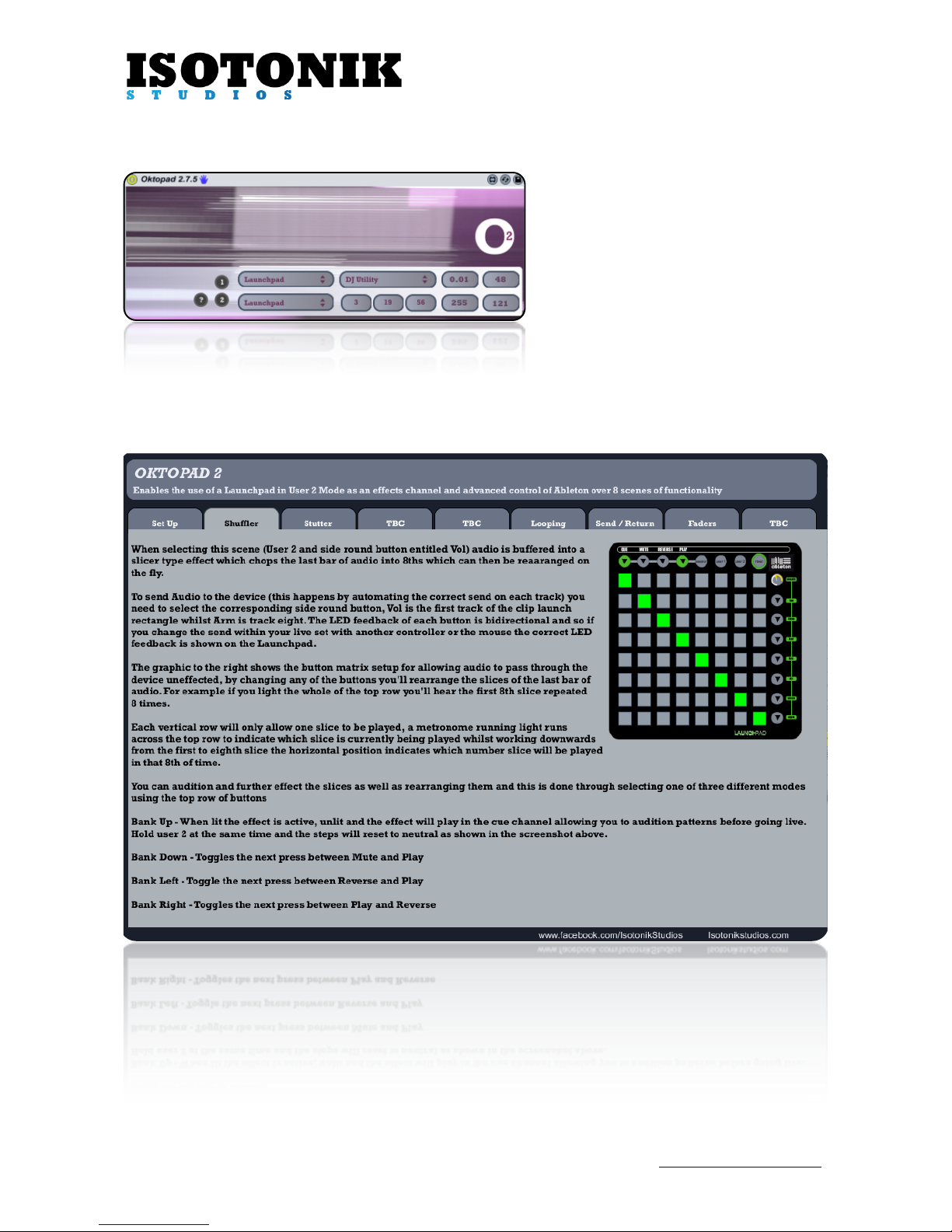
this you’ll see two menus for Control
Surfaces (They are shown with APC40 as
the entry within the screen shot).
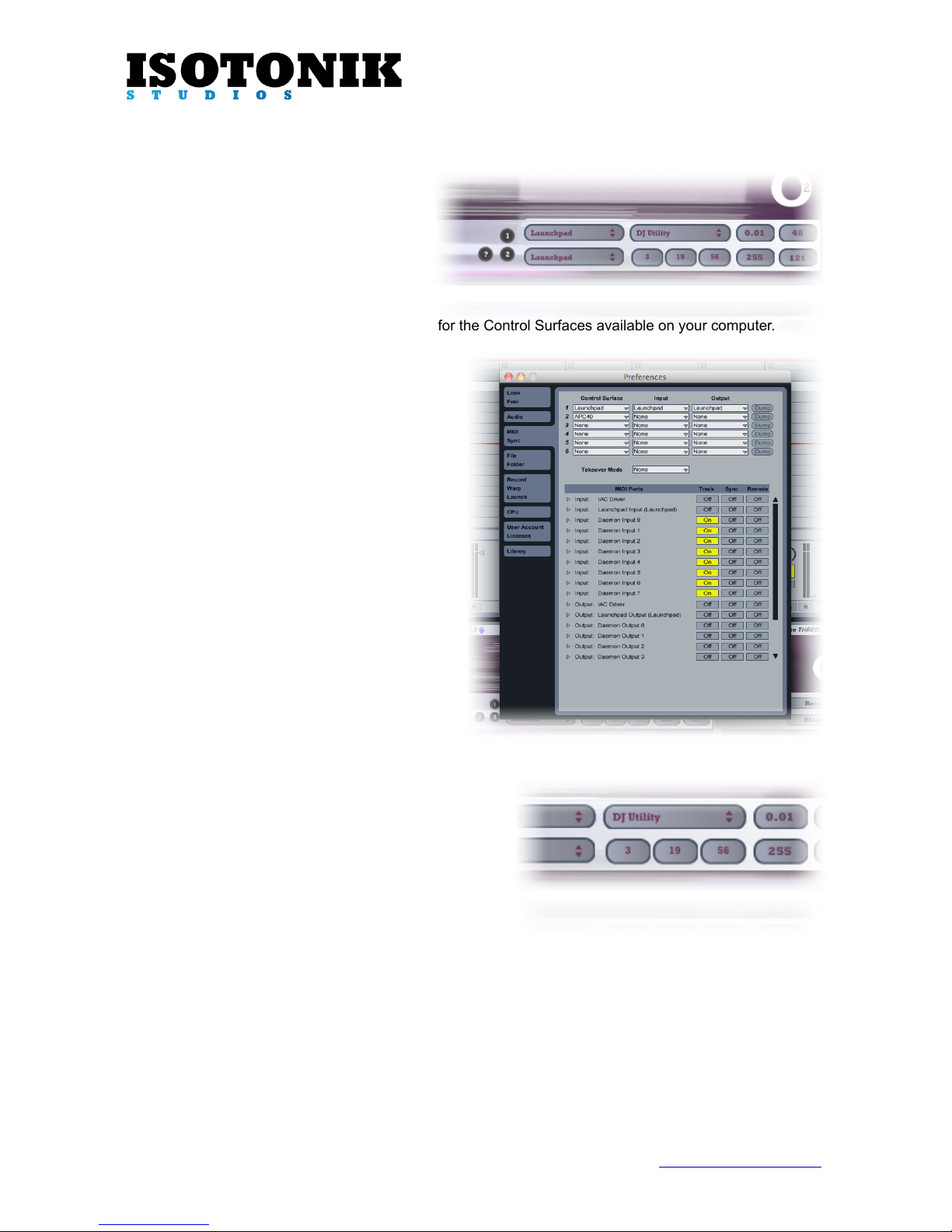
When first opening the template click the “1”
and “2” grey buttons to reset the menu selection for the Control Surfaces available on your computer.
As you hover over each menu an annotation will
give you instructions on what to select:
1, The Top Menu should be set to whichever
control surface you are going to use for launching
clips, various scenes within Oktopad are
programmed to follow this so if you select APC40
for example the looping functionality will sync to
the APC40’s Clip Launch Rectangle (RedBox)
2, The Bottom Menu should always be set to
display “Launchpad”
For best results the Launchpad should be set up
as a Control Surface in the first Control Surface
slot, if it’s the second then you need to ensure
that whichever surface you have selected in the
first slot is connected at all times when using
Oktopad.
Oktopad 2 - Setting Up (Lighting)
As the Launchpad offers so many different Lighting
options we’ve narrowed these down to three, for colour
blind users wishing to change the brightness or
orientation of the LED’s of the Launchpad simply adjust
the three number boxes (shown here as 3, 19 & 56), the
Launchpad will update with each change to indicate the
new lighting for each of the three states.
When you are happy with your control surface and lighting
settings save your Live Set and close and reopen Ableton.
Oktopad 2 - Setting Up (Manual Scene Change)
The final menu allows you to navigate through the scenes using the mouse, this is mainly useful when
learning the functionality of the device, to change scenes without the mouse hold down the USER 2 button
and one of the round side buttons (labelled Volume etc).
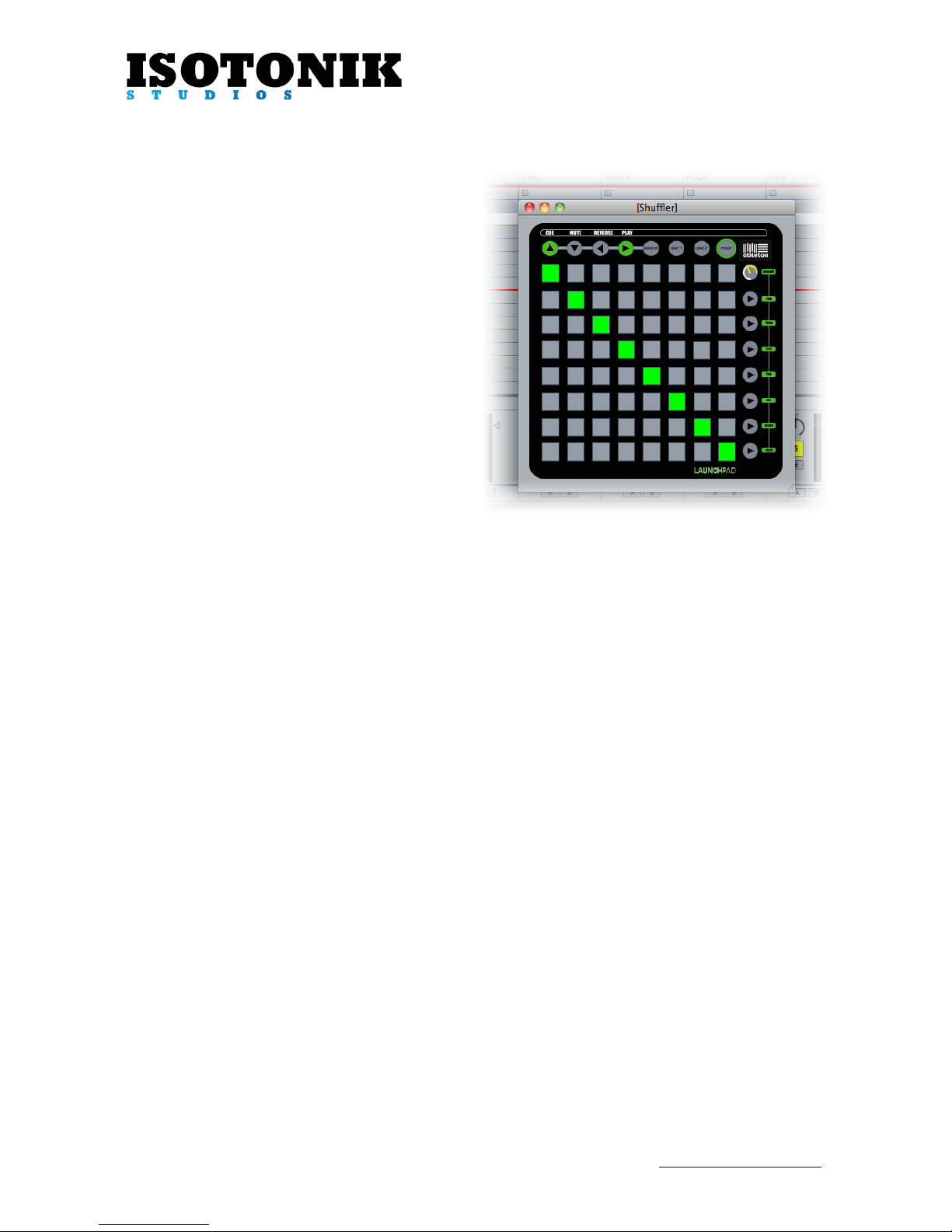
Pressing and holding the USER 2 button will toggle a floating window that displays the controls of the
currently selected scene.
Isotonik Studios 2012 - Oktopad 2 - Page 4 www.isotonikstudios.com