manuals.online logo
Brands
  1. Home
  2. •
  3. Brands
  4. •
  5. Jensen of Scandinavia
  6. •
  7. Adapter
  8. •
  9. Jensen of Scandinavia LYNX 500 User manual

Jensen of Scandinavia LYNX 500 User manual

Other Jensen of Scandinavia Adapter manuals

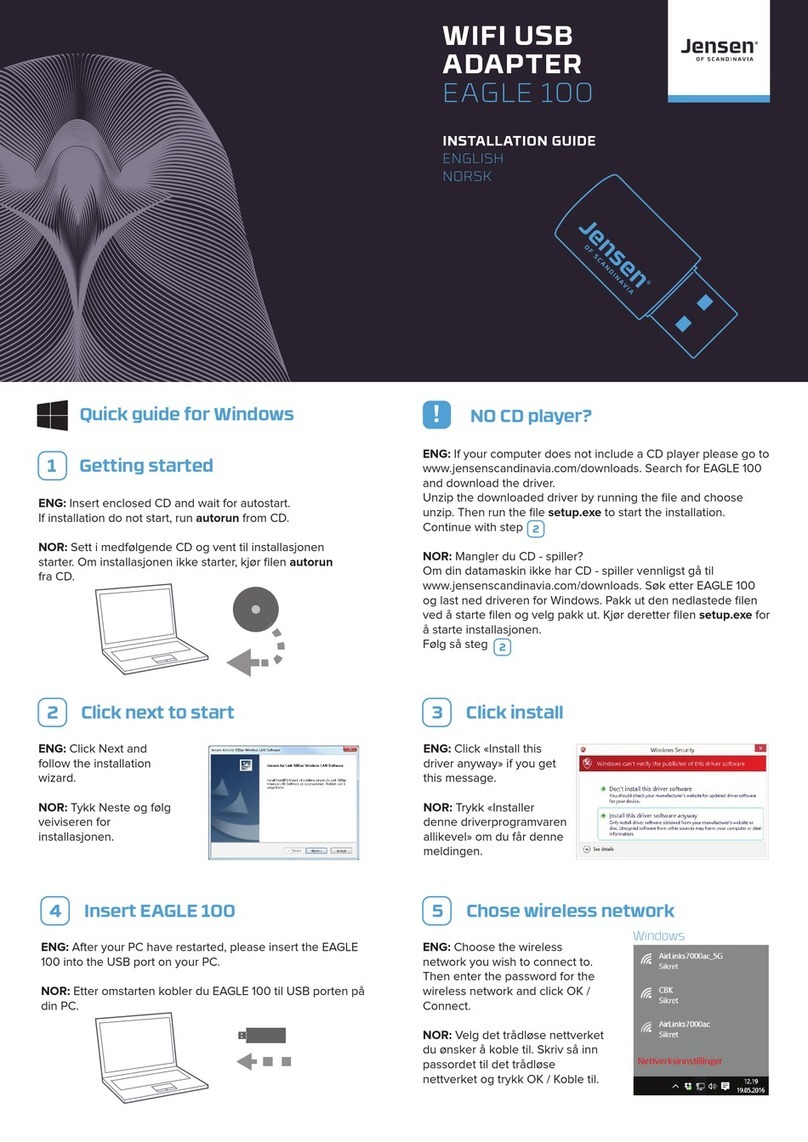
Jensen of Scandinavia EAGLE 100 User manual

Jensen of Scandinavia

Jensen of Scandinavia EAGLE 100 User manual

Jensen of Scandinavia AL500AC User manual

Jensen of Scandinavia

Jensen of Scandinavia AL500AC User manual

Jensen of Scandinavia HL3200 Installation guide

Jensen of Scandinavia

Jensen of Scandinavia HL3200 Installation guide

Popular Adapter manuals by other brands

Mini Gadgets BB2Outlet user manual

Mini Gadgets

Mini Gadgets BB2Outlet user manual

LSI LSISAS3442E-R Quick installation guide

LSI

LSI LSISAS3442E-R Quick installation guide

Moeller BBA -16 Series installation instructions

Moeller

Moeller BBA -16 Series installation instructions

Acer MWA3 quick start guide

Acer

Acer MWA3 quick start guide

Connect Tech ADG095 user guide

Connect Tech

Connect Tech ADG095 user guide

cable matters 604002 user manual

cable matters

cable matters 604002 user manual

Solwise PL-85PEW Easy start

Solwise

Solwise PL-85PEW Easy start

HP Photosmart 7100 user guide

HP

HP Photosmart 7100 user guide

HP E2494A installation guide

HP

HP E2494A installation guide

StarTech.com USB150WN1X1 quick start guide

StarTech.com

StarTech.com USB150WN1X1 quick start guide

Lindy 43198 user manual

Lindy

Lindy 43198 user manual

A&D AD-8527 instruction manual

A&D

A&D AD-8527 instruction manual

Motorola WU830G user guide

Motorola

Motorola WU830G user guide

Hawking HUF2 Specifications

Hawking

Hawking HUF2 Specifications

Allen-Bradley E3 Plus installation instructions

Allen-Bradley

Allen-Bradley E3 Plus installation instructions

Trust BT-2210Tp manual

Trust

Trust BT-2210Tp manual

HP NC7170 overview

HP

HP NC7170 overview

Uconnect BLE-485C user manual

Uconnect

Uconnect BLE-485C user manual

manuals.online logo
manuals.online logoBrands
  • About & Mission
  • Contact us
  • Privacy Policy
  • Terms and Conditions

Copyright 2025 Manuals.Online. All Rights Reserved.

USB
ADAPTER
LYNX 500
INSTALLATION GUIDE
ENGLISH
NORSK
1 Getting started
ENG: Insert enclosed CD and wait for autostart.
If installation do not start, run autorun from CD.
NOR: Sett i medfølgende CD og vent til installasjonen
starter. Om installasjonen ikke starter, kjør filen autorun fra
CD
2 Click next to start 3 Click install
ENG: Click Next to start
the installartion of Lynx
500 driver.
NOR: Trykk Neste for å
starte installasjonen av
Lynx 500.
If your computer does not include a CD player please go to
www.jensenscandinavia.com/downloads. Search for Lynx 500 and
download the driver.
Unzip the downloaded driver by running the file and choose
unzip.Then run the file setup.exe to start the installation.
Mangler CD - leser?
Om din datamaskin ikke har CD-leser vennligst gå til
www.jensenscandinavia.com/downloads. Søk etter Lynx 500 og last
ned driveren for Windows.
Pakk ut den nedlastede filen ved å starte filen og velg pakk ut. Kjør
deretter filen setup.exe for å starte installasjonen.
! NO CD player?
4 Insert LYNX500 5 Chose wireless network
ENG: Insert Lynx 500 to the USB port.
NOR: Sett Lynx 500 i en ledig USB port
ENG: Click «Install this
driver anyway» if you
gett his message
NOR: Trykk «Installer
denne
driverprogramvaren
allikevel» om du får
denne meldingen.
ENG: Choose the wireless
network you wish to connect
to. Then enter the password
for the wireless network and
click OK / Connect.
NOR: Velg det trådløse
nettverket du ønsker å koble
til. Skriv så inn passordet til
det trådløse nettverket og
trykk OK / Koble til.
Windows 10 Windows 7
Free 12 months of phone support!
Norge: 22 32 30 76
Sverige: 08 38 30 00
Danmark: 70 70 21 22
Finland: 09 455 21 22
Opening hours:
Monday - Friday: 08:00-20:00
Saturday: 14:00 - 18:00
You can also reach us by e-mail at:
[email protected]
Support
ENG: Insert enclosed CD
NOR: Sett i medfølgende CD plate
1 Getting started
2 Run installer 3 Follow the wizard
ENG: Using Finder, open the Mac OS X folder for your
Mac version (e. g. OS 10.11) and run the Installer.pkg file
NOR: Åpne Finder. Åpne mappen Mac OS X og deretter
finn din Mac OX versjon (f. eks. OS 10.11) og kjør filen
installer.pkg
If your computer does not include a CD player please go to
www.jensenscandinavia.com/downloads. Search for Lynx
500 and download the driver.
Unzip the downloaded driver by running the file and choose
unzip.Then run the file setup.exe to start the installation.
Mangler CD - leser?
Om din datamaskin ikke har CD-leser vennligst gå til
www.jensenscandinavia.com/downloads. Søk etter Lynx 500
og last ned driveren for Windows.
Pakk ut den nedlastede filen ved å starte filen og velg pakk
ut. Kjør deretter filen setup.exe for å starte installasjonen.
! NO CD player?
4 Insert LYNX500 5 Chose wireless network
ENG: After your Mac have restarted, please insert the
Lynx 500 into the USB port on your Mac.
NOR: Etter omstarten kobler du Lynx 500 til USB
porten på din Mac.
ENG: Follow the
wizard to complete
the driver
installation.
NOR: Følg
veiviseren som
kommer opp for å
installere driveren.
ENG: Open the
wireless network
utility and choose
the wireless network
you wish to connect
to Then enter the
password for the
wireless network
and click Join
NOR: Åpne Wireless
network Utility og
velg det trådløse
nettverket du ønsker
å koble til Skriv så
inn passordet til det
trådløse nettverket
og trykk Join
Information about Declaration of Conformity can be found at wwwjensenofscandinaviacom/rtte
This requirement may be operated in all EU and EFTA countries: AT BE BG CY CZ DK EE FI FR DE
GR HU IS IE IT LV LI LT MT NL NO PL RO SK SI ES SE CH TR GB
Product usage restrictions:
This product is intended for indoor use only
wwwjensenofscandinaviacom