manuals.online logo
Brands
  1. Home
  2. •
  3. Brands
  4. •
  5. Julabo
  6. •
  7. Thermostat
  8. •
  9. Julabo F12-MC User manual

Julabo F12-MC User manual

Other manuals for F12-MC

1

Other Julabo Thermostat manuals

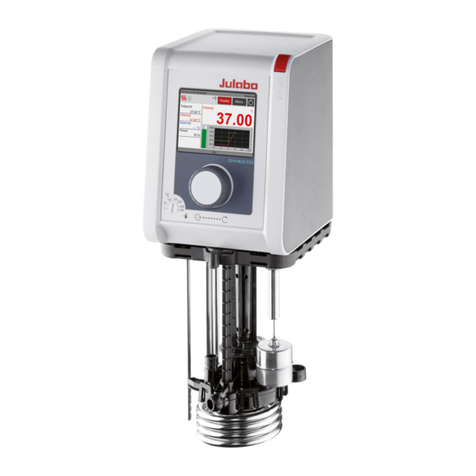
Julabo DYNEO DD Series User manual

Julabo

Julabo DYNEO DD Series User manual

Julabo F25-ME User manual

Julabo

Julabo F25-ME User manual

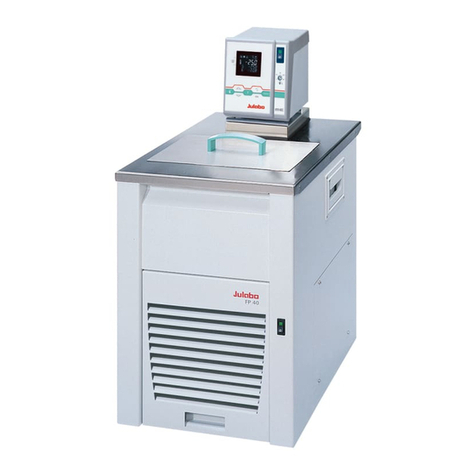
Julabo F12-MC User manual

Julabo

Julabo F12-MC User manual

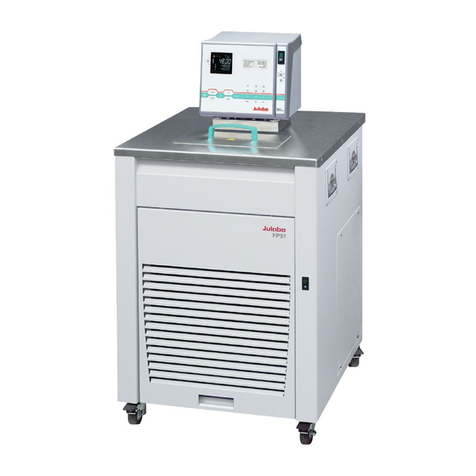
Julabo FP51-SL User manual

Julabo

Julabo FP51-SL User manual

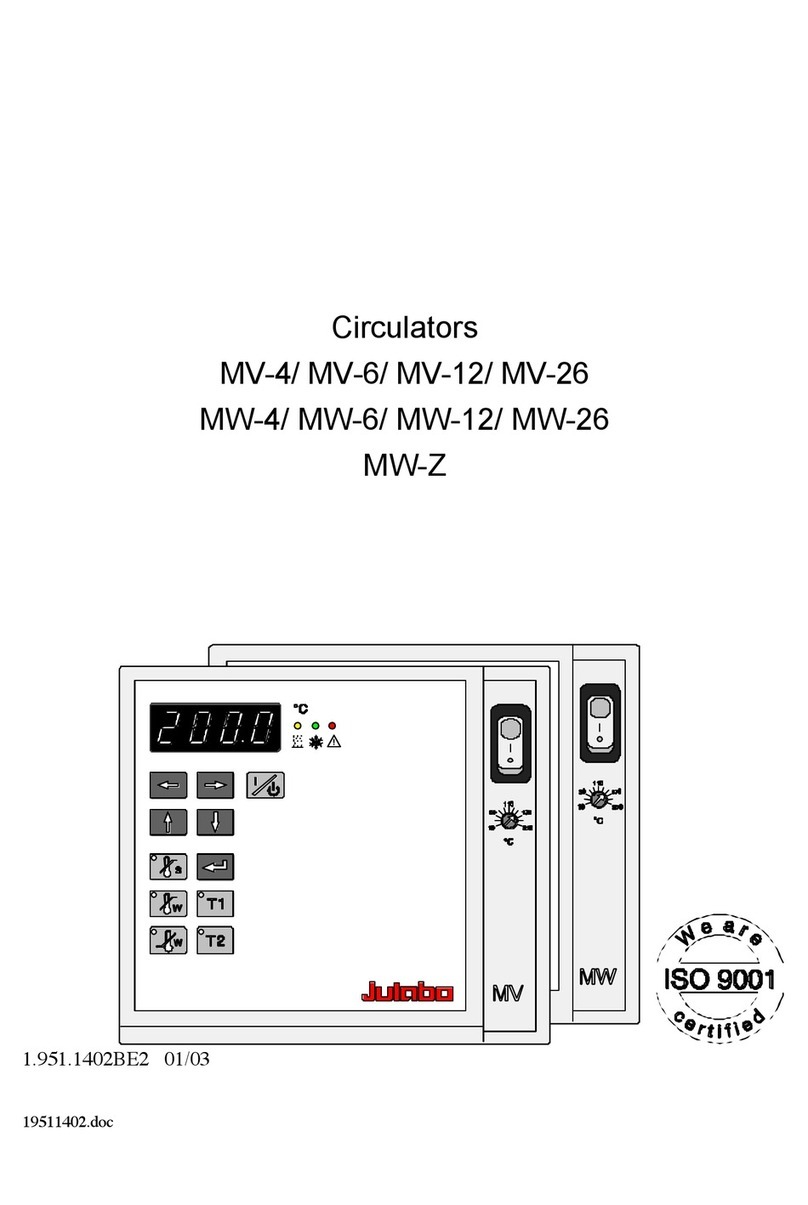
Julabo MV-4 User manual

Julabo

Julabo MV-4 User manual

Popular Thermostat manuals by other brands

Full Gauge TIC-17C product manual

Full Gauge

Full Gauge TIC-17C product manual

Imit Chronomix S manual

Imit

Imit Chronomix S manual

ChiliTec ST-35 ana instruction manual

ChiliTec

ChiliTec ST-35 ana instruction manual

Salus VS05 Installer's/user's manual

Salus

Salus VS05 Installer's/user's manual

Azel D-500 user guide

Azel

Azel D-500 user guide

Honeywell Chronotherm III owner's manual

Honeywell

Honeywell Chronotherm III owner's manual

Charmeg MP-R user manual

Charmeg

Charmeg MP-R user manual

dixell WING XW40LS Installing and operating instructions

dixell

dixell WING XW40LS Installing and operating instructions

Network Thermostat NetX X7C-WIFI Installation and programming manual

Network Thermostat

Network Thermostat NetX X7C-WIFI Installation and programming manual

Radio Thermostat CT80 Operation guide

Radio Thermostat

Radio Thermostat CT80 Operation guide

HAI Omnistat RC-120 installation manual

HAI

HAI Omnistat RC-120 installation manual

Lennox iComfort E30 Installation and setup guide

Lennox

Lennox iComfort E30 Installation and setup guide

Lux Products PSD011Ba Installation and operating instructions

Lux Products

Lux Products PSD011Ba Installation and operating instructions

Computherm Q20 operating instructions

Computherm

Computherm Q20 operating instructions

Heatmiser neoStat user manual

Heatmiser

Heatmiser neoStat user manual

Mars HEAT CONTROLLER IR Wireless Thermostat user manual

Mars

Mars HEAT CONTROLLER IR Wireless Thermostat user manual

LUX LP0511D user manual

LUX

LUX LP0511D user manual

Saswell SAS920XWHB-7-S-RF User manual and warranty card

Saswell

Saswell SAS920XWHB-7-S-RF User manual and warranty card

manuals.online logo
manuals.online logoBrands
  • About & Mission
  • Contact us
  • Privacy Policy
  • Terms and Conditions

Copyright 2025 Manuals.Online. All Rights Reserved.

QUICK SETUP GUIDE FOR JULABO F12-MC WATER BATH WITH LB SYSTEMS
1. Connect mains power
Connect circulation tubing
The circulator is used for temperature application to external, closed systems (loop circuit)
with simultaneous temperature application in the circulator bath.
Connecting the external system:
Unscrew the collar nuts from the pump connector (24a).
Screw in metal tubing connectors provided with Julabo.
Slide the tubing onto the pump connector for feed (24a)
and return flow (24b) and secure with hose clamps.

2. Set serial port protocol in Julabo
Baud rate: 4800
Parity: No
Handshake: Hardware
3. Activate remote control thru serial interface
4. Install drivers for USB/RS232-adapter
Open UC232A_Windows_Setup_V1.0.075 file that is located in software CD. Follow
instructions on the screen.
When driver installation is completed connect USB/Serial –adapter to PC’s USB-socket.
Driver installation will finalize.
5. Set serial port settings for USB/Serial-adapter
Right-click Computer and select Properties
Open Device Manager
From Ports (COM & LPT) double-click installed USB/Serial-adapter.
From Port Settings open Advanced…
Disable Use FIFO buffers and select COM port number between COM1 –COM4.
Restart Windows after changes.
6. Connect serial cable (KSW100014) between USB/Serial-adapter and Julabo circulator
7. Activate Julabo in KSV NIMA software
Turn on KSV NIMA system (it has to be connected to PC). Start KSV NIMA software. Open
Manual Control.
Double-click just above the RS-232C text.
Edit… window will appear. Check the Use RS-232C Control box and click OK.
Double-click here