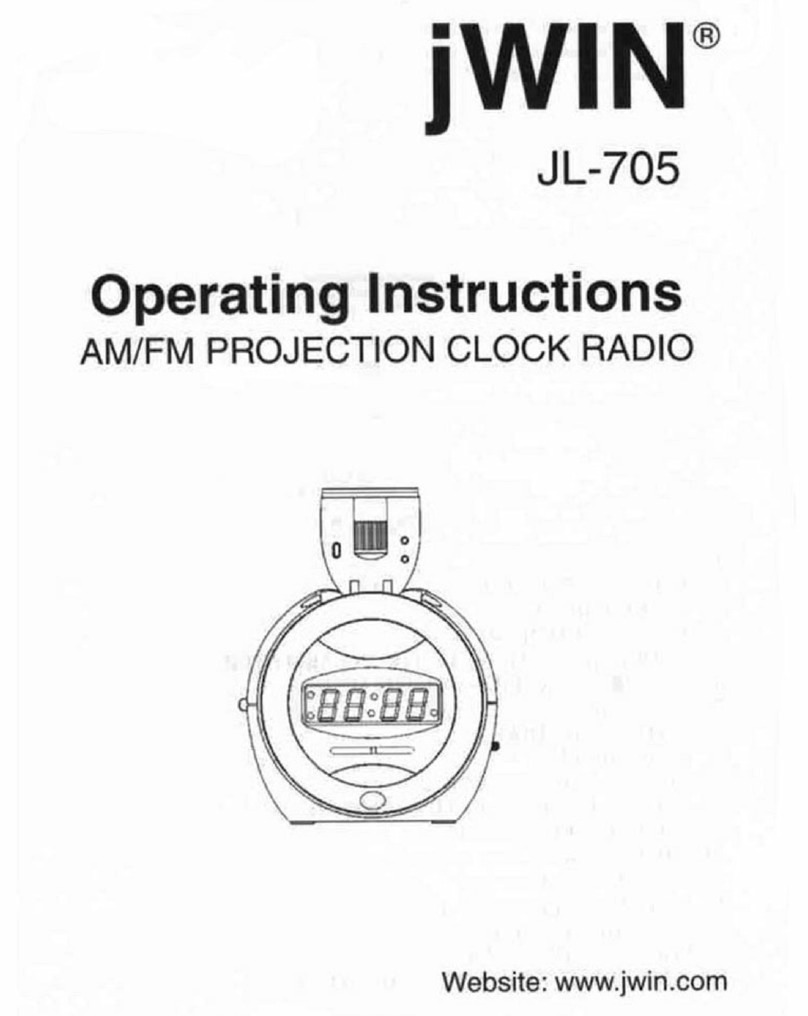
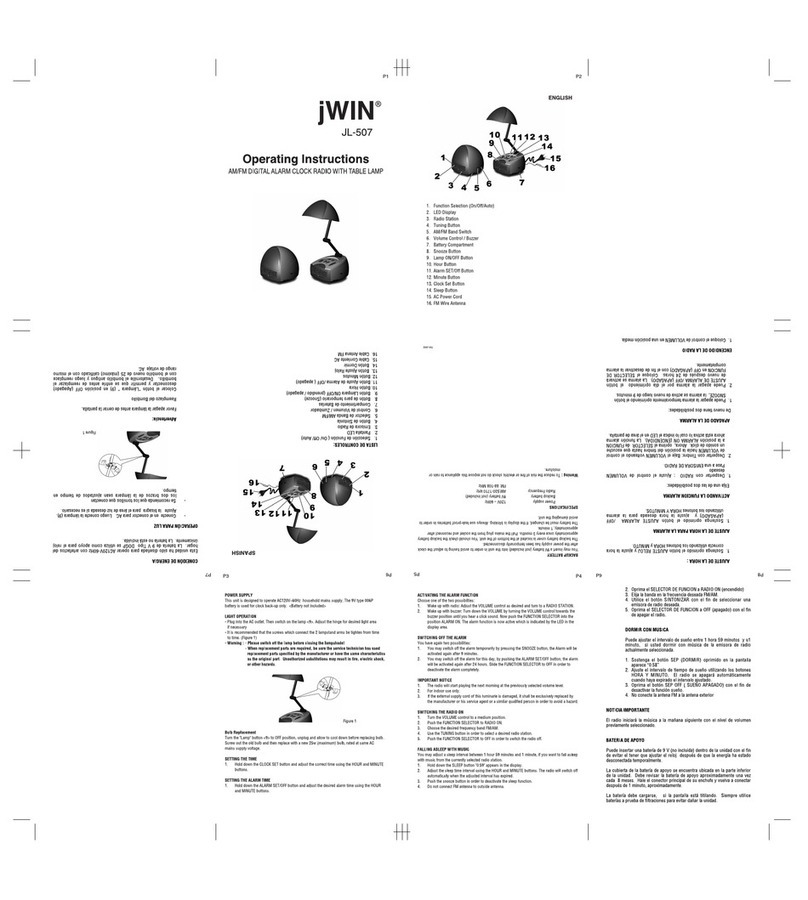
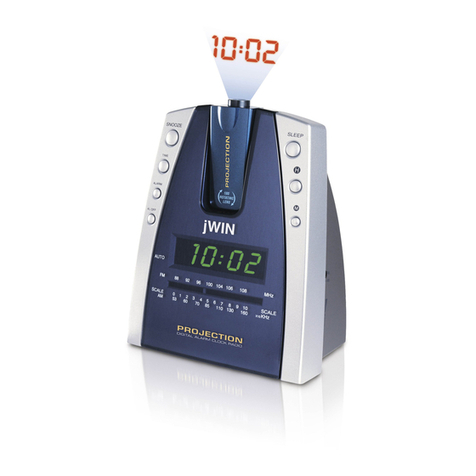
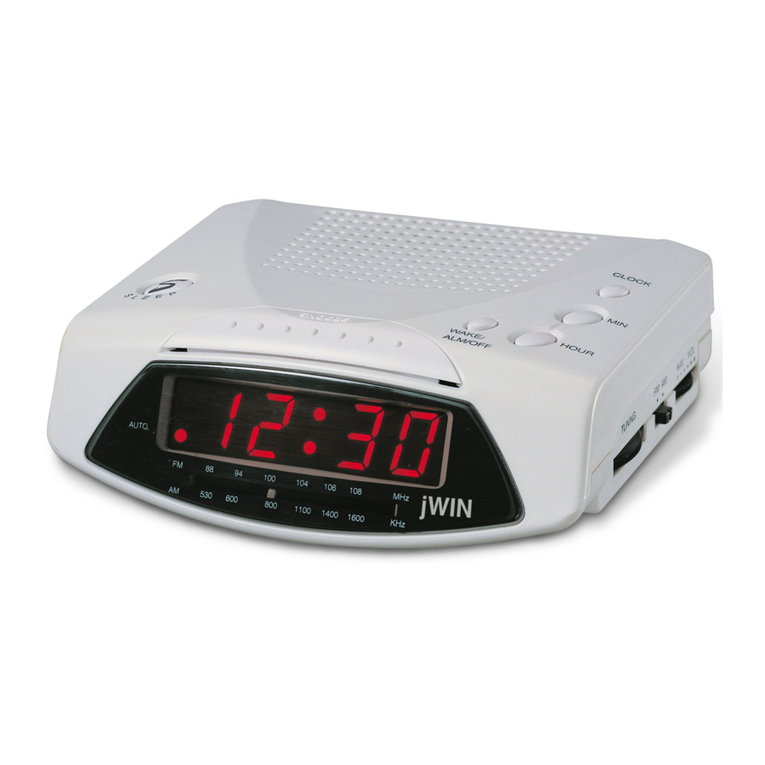
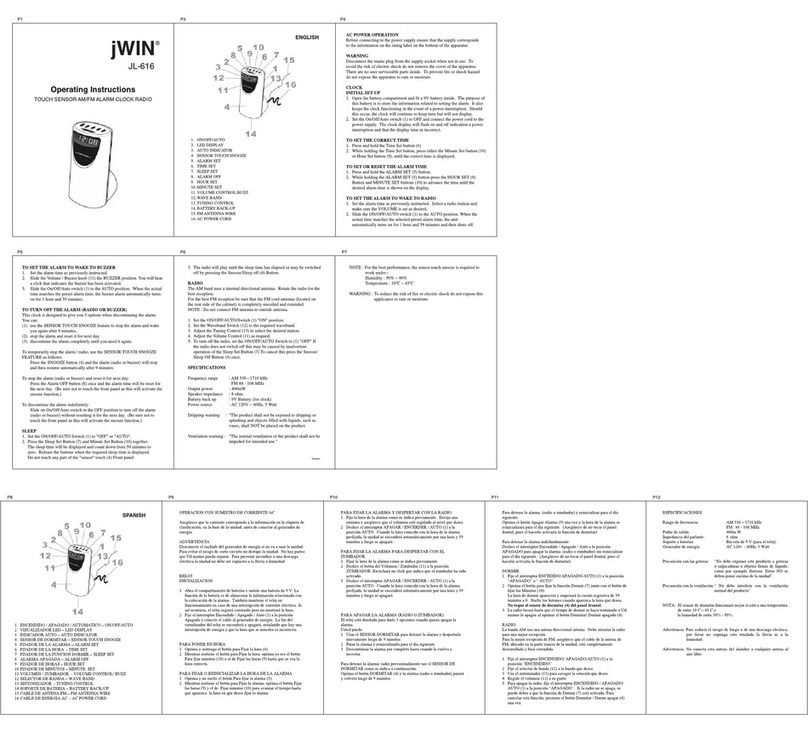
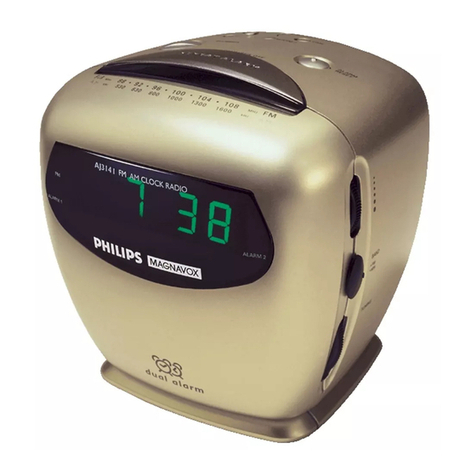
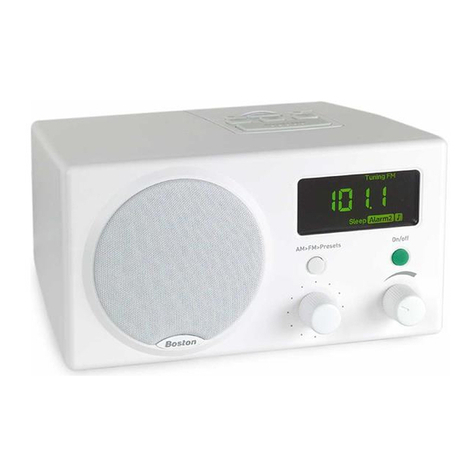
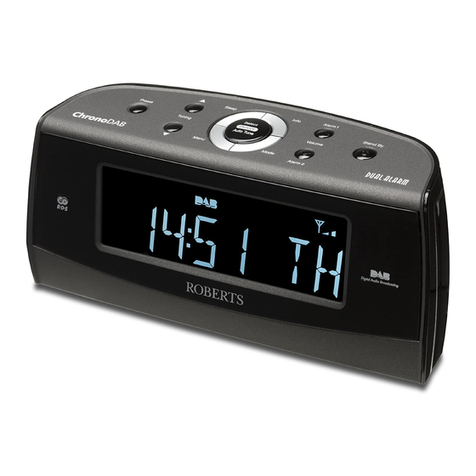
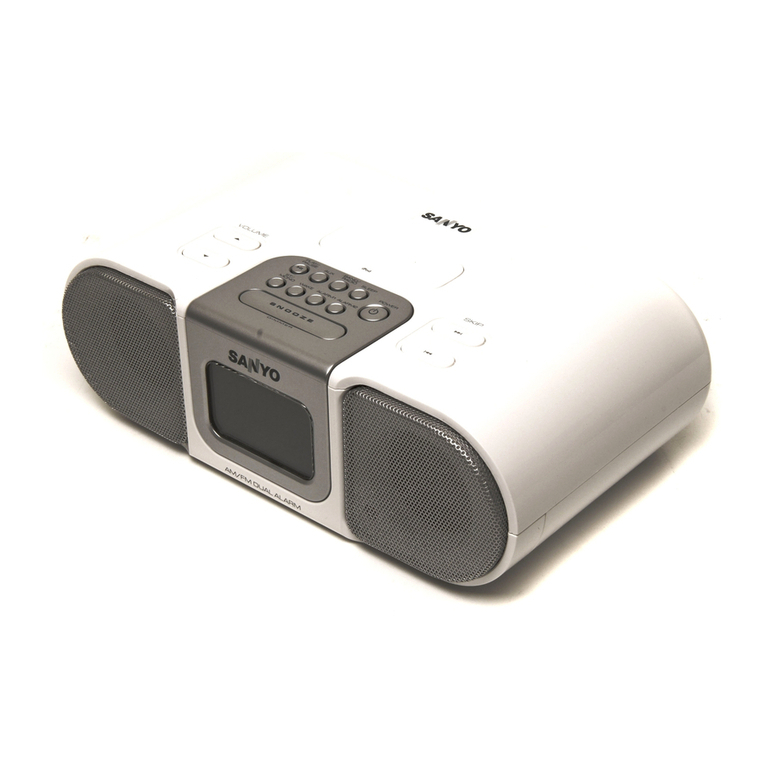
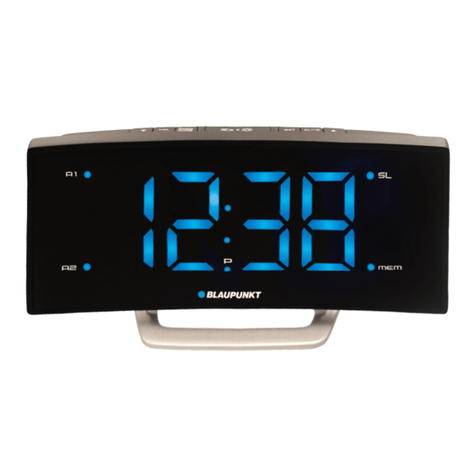
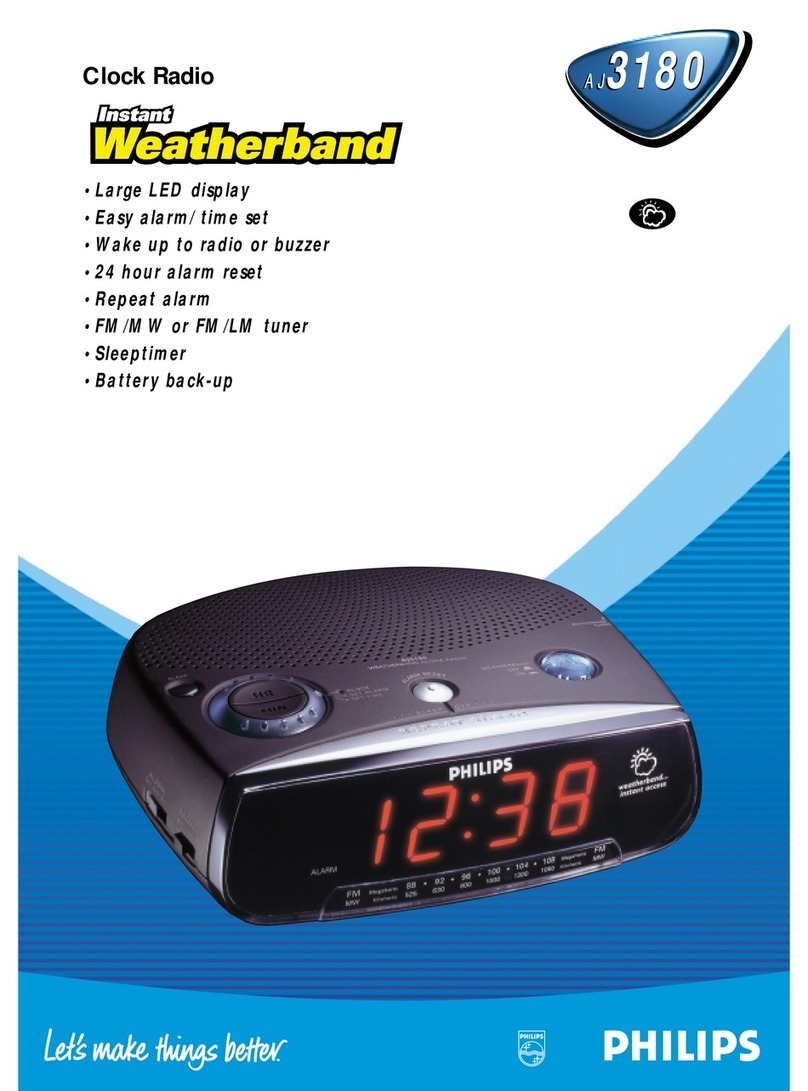
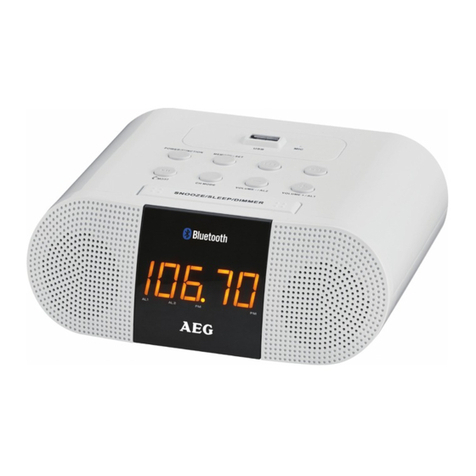
1. ON/OFF/AUTO
2. SLEEP SET
3. AUTO INDICATOR
4. POINTER
5. LED DISPLAY
6. AC CORD
7. SNOOZE/SLEEP OFF
8. WAKE SET/ALARM OFF
9. HOUR SET
10.TUNING CONTROL
11.WAVE BAND
12.VOLUME CONTROL/ BUZZ
13.MINUTE SET
14.CLOCK SET
15.FM ANTENNA WIRE
16.BATTERY BACK-UP
TO SET THE ALARM TO WAKE TO RADIO
1. Set the alarm time as previously instructed. Select a radio station and
make sure the VOLUME is set as desired.
2. Slide the ON/OFF/AUTO switch (1) to the AUTO position. When the
actual time matches the selected preset alarm time, the unit
automatically turns on for 1 hour and 59 minutes and then shuts off.
Notes:
- To shut off the alarm, press the ALARM OFF button (8) once and alarm
time will be reset for the next day. Slide the ON/OFF/AUTO switch to
the OFF position to turn off alarm and not set it for the next day.
- The radio can be temporarily turned off manually by pressing the
SNOOZE button (7) ; the radio will turn back on automatically 9
minutes later.
AC POWER OPERATION
Before connecting to the power supply ensure that the supply corresponds
to the information on the rating label on the bottom of the apparatus.
TO SET OR RESET THE ALARM TIME
1. Press and hold the WAKE SET button (8).
2. While holding the WAKE SET button (8) press the HOUR SET
Button (9) and MINUTE SET buttons (13) to advance the time until the
desired alarm time is shown on the display.
CLOCK
1. Set the ON/OFF/AUTO Switch (1) to "OFF" Connect the Mains Cord to
the power supply. The clock display will flash on and off indicating a
power interruption and that the display time is incorrect.
2. To set the correct time, press the CLOCK SET Button (14) and MINUTE
SET Button (13). or HOUR SET Button (9), together, until the correct time
is displayed.
3. Open the Clock Battery Compartment door and fit a 9V battery. The
purpose of this battery is to store the information relating to alarm time.
And to keep the clock functioning in the event of disconnection from the
mains supply or power interruption. Should this occur. The clock will
continue to keep time, but will not display.
TO SET THE ALARM TO WAKE TO BUZZER
1. Set the alarm time as previously instructed. Slide the VOLUME/
BUZZER(12) Knob to the BUZZER position; a click is heard and the
buzzer will now be activated.
2. Slide the ON/OFF/AUTO switch (1) to the AUTO position. When the
actual time matches the selected preset alarm time, the unit
automatically turns on for 1 hour and 59 minutes and then shuts off.
TO SHUT ALARM OFF
1. To shut off the alarm. press the ALARM OFF button (8) once and alarm
time will be reset for the next day. Slide the ON/OFF/AUTO switch (1)
to the OFF position to turn off alarm and not set it for the next day.
SNOOZE FUNCTION
1. The alarm can be temporarily turned off manually by pressing the
SNOOZE button (7) ; the buzzer will turn back on automatically 9 minutes
later.
WARNING
Disconnect the mains plug form the supply socket when not in use. To
avoid the risk of electric shock do not remove the cover of the apparatus.
There are no user serviceable parts inside. To prevent fire or shock hazard
do not expose the apparatus to rain or moisture.
SLEEP
1. Set the ON/OFF/AUTO Switch (1) to "OFF" or "AUTO".
2. Press the Sleep Set Button (2) and Minute Set Button (13) together.
The sleep time will be displayed and count down from 59 minutes to
zero. Release the buttons when the required sleep time is displayed.
3. The radio will now operate until the sleep time has elapsed or may be
switched off by pressing the Snooze/Sleep Off Button(7).
RADIO
The AM bands use an internal directional serial. Rotate the radio for best
reception.
For best FM reception ensure that the FM cord antenna is completely
uncoiled and extended. Rear side of cabinet.
1. Set the ON/OFF/AUTO/Switch (1) "ON" position.
2. Set the Waveband Switch (11) to the required waveband.
3. Adjust the Tuning Control (10) to select the desired station.
4. Adjusr the Volume Comtrol (12) is required.
5. To turn off the radio, set the ON/OFF/AUTO Switch to (1) "OFF". If
the radio does not switch off this may be caused by inadvertent
operation of the Sleep Set Button (2) To cancel this press the
Snooze/Sleep Off Button (7) once.
Frequency range : AM530 – 1600 KHz
FM88 – 108 MHz
Output power : 400mW
Speaker impedance : 8 ohm
Battery backup : 9V Battery (for clock)
Power source : AC 230 v~ 50Hz, 5 Wattes
SPECIFICATIONS
Dripping warning : "The product shall not be exposed to dripping or
splashing and that no objects filled with liquids, such
as vases, shall be placed on the products."
Ventilation warning : "The normal ventilation of the product shall not be
impeded for intended use."
RR-32
INSTRUCTION MANUAL