manuals.online logo
Brands
  1. Home
  2. •
  3. Brands
  4. •
  5. Kantek
  6. •
  7. Desktop
  8. •
  9. Kantek STS800 User manual

Kantek STS800 User manual

This manual suits for next models

1

Popular Desktop manuals by other brands

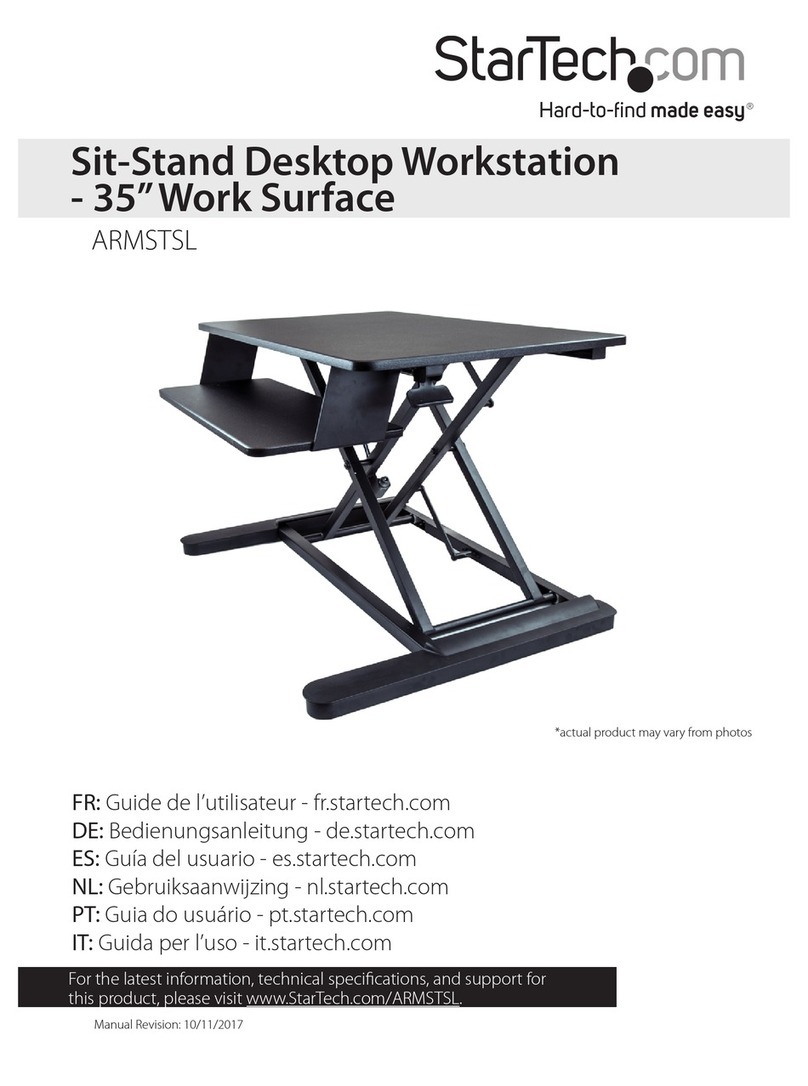
StarTech.com ARMSTSL manual

StarTech.com

StarTech.com ARMSTSL manual

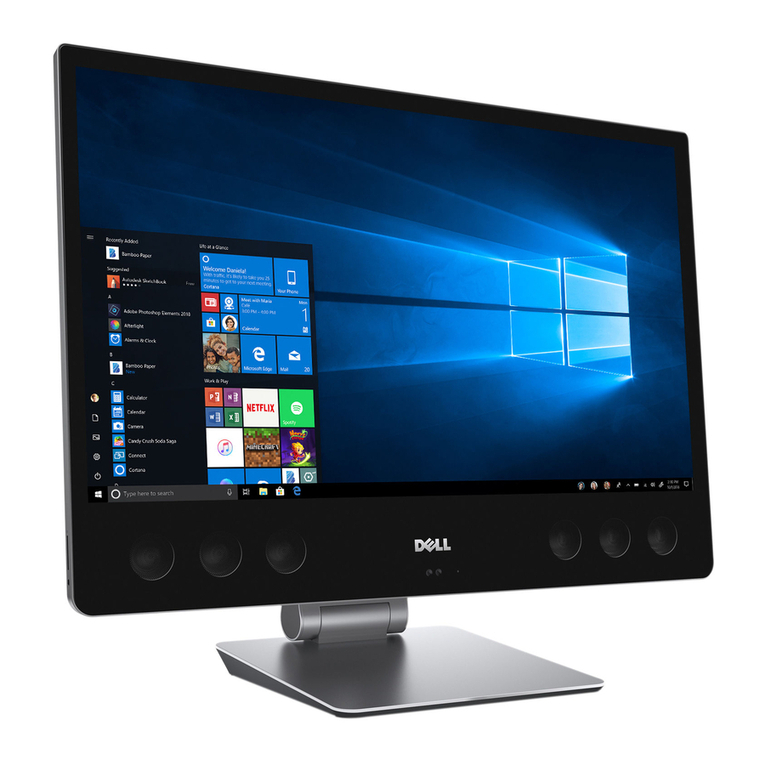
Dell Inspiron 5720 quick start guide

Dell

Dell Inspiron 5720 quick start guide

GÜDE WERKBANK GW 6/2 XL Translation of the original instructions

GÜDE

GÜDE WERKBANK GW 6/2 XL Translation of the original instructions

Lenovo ThinkCentre M62z Vodič za uporabnika

Lenovo

Lenovo ThinkCentre M62z Vodič za uporabnika

Lenovo ThinkCentre M71z user guide

Lenovo

Lenovo ThinkCentre M71z user guide

Fujitsu ESPRIMO C7xx operating manual

Fujitsu

Fujitsu ESPRIMO C7xx operating manual

Bosch DCU 130 operating instructions

Bosch

Bosch DCU 130 operating instructions

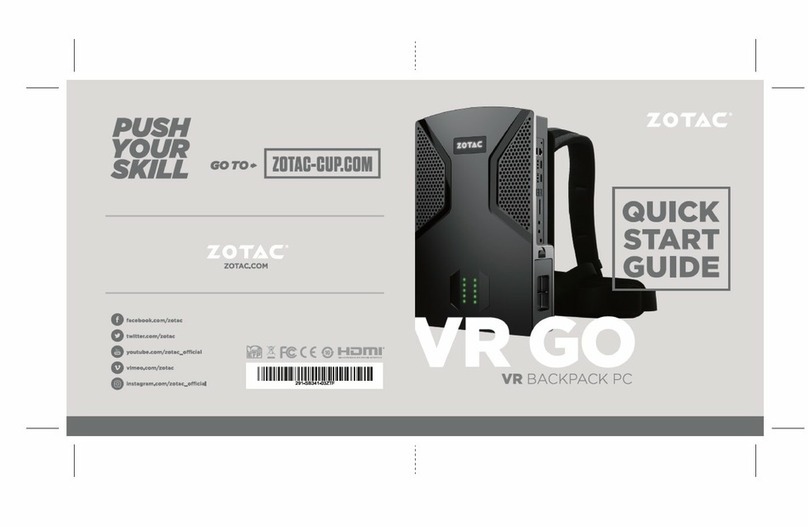
Zotac VR GO quick start guide

Zotac

Zotac VR GO quick start guide

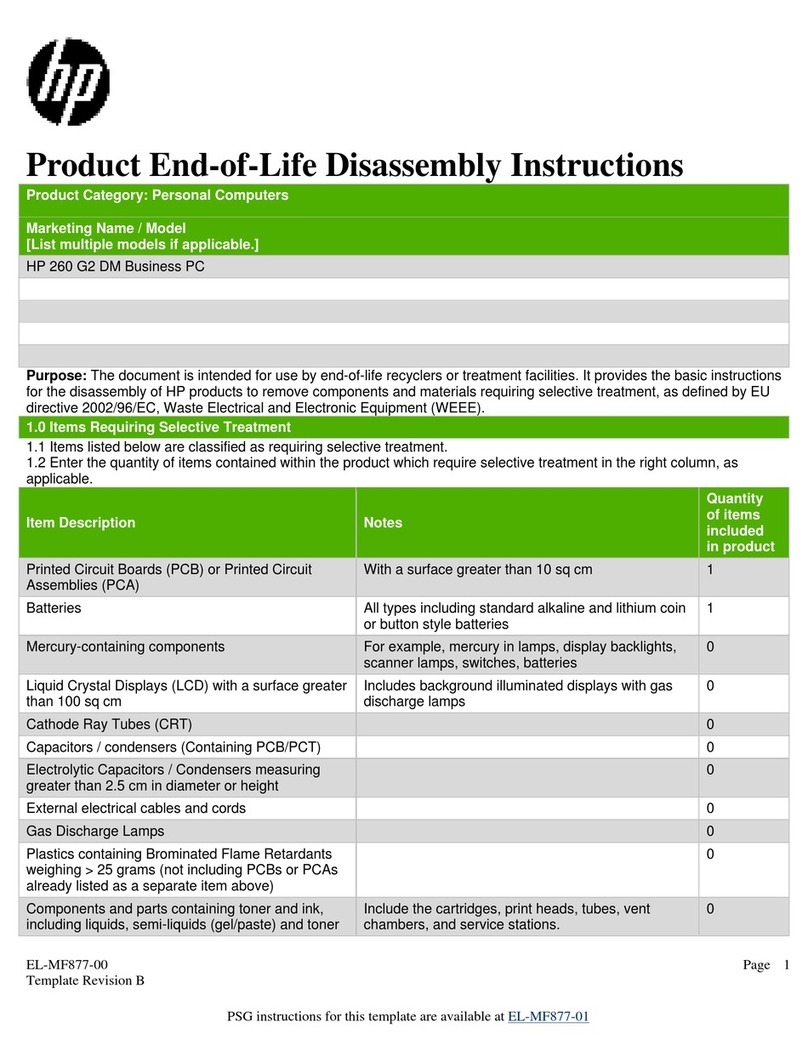
HP 260 G2 DM Product End-of-Life Disassembly Instructions

HP

HP 260 G2 DM Product End-of-Life Disassembly Instructions

Sony VAIO VGC-LS21 Specifications

Sony

Sony VAIO VGC-LS21 Specifications

HP ProOne 400 G1 specification

HP

HP ProOne 400 G1 specification

IBM PS/2 60 Hardware maintenance service

IBM

IBM PS/2 60 Hardware maintenance service

Acer Aspire SA60 Service guide

Acer

Acer Aspire SA60 Service guide

Lenovo ThinkCentre M71z Uživatelská příručka

Lenovo

Lenovo ThinkCentre M71z Uživatelská příručka

IBM Aptiva 2198 reference guide

IBM

IBM Aptiva 2198 reference guide

Sony PCV-LX810 - Vaio Slimtop Computer System reference manual

Sony

Sony PCV-LX810 - Vaio Slimtop Computer System reference manual

Dell Precision U3525 Quick reference guide

Dell

Dell Precision U3525 Quick reference guide

MicroTouch IC-215P-AW2 user guide

MicroTouch

MicroTouch IC-215P-AW2 user guide

manuals.online logo
manuals.online logoBrands
  • About & Mission
  • Contact us
  • Privacy Policy
  • Terms and Conditions

Copyright 2025 Manuals.Online. All Rights Reserved.

STS800
STS800W
A
X1
B C
D E F
K L M N P
X1 X1
X1X1X1
X1
X1
X8 X2
X1
X2X14
G
X1
I
J
H
X2
STEP.1 STEP.2
1-5
O
X
1
J
N
J
J
N
O
STEP.3-1 STEP.3-2
STEP.5
STEP.4
2-5
E
G
H
MJ
I
K
I
E
G
KI
J
H
M
I
For desk thickness less than 1.57"
Option A Option B
For desk thickness 1.57"-2.95"
J
N
J
N
STEP.6
3-5
NOTE:HOLDTHEARMDOWNWITH
ONEHAND,WHILEPRESSINGTHE
“RELEASELEVER”,TOPREVENTTHE
ARMFROMRISINGTOOQUICKY.
CAUTION
Keep
fingers
clear
CAUTION
Keep
fingers
clear
Lever
Gentlypresslevertoreleasearm,
andraiseslowly.
STEP.9
4-5
45°
STEP.8-1 STEP.8-2
STEP.8
LFor desk depth 24"
For desk depth 30"
J
J
STEP.7 Positioning installation of the arm mechanism
To determine position of the mechanism refer to the enclosed template
"+" Increase tension to accomodate additional weight
"-" Decrease tension for less weight
While pressing lever, raise and lower to desired height.
Release lever to lock arm in position.
Maximum Capacity 28lbs
Lever

STEP.10
5-5
Positioning installation of the arm mechanism
L
J
For desk depth 24"
For desk depth 30"
31.5 INCH
30.5 INCH
29.5 INCH
28.5 INCH
27.5 INCH
26.5 INCH
25.5 INCH
24.5 INCH
23.5 INCH
1.Measure the depth of the
desk or mounting surface.
2.Select position of the
arm base using the
template below.