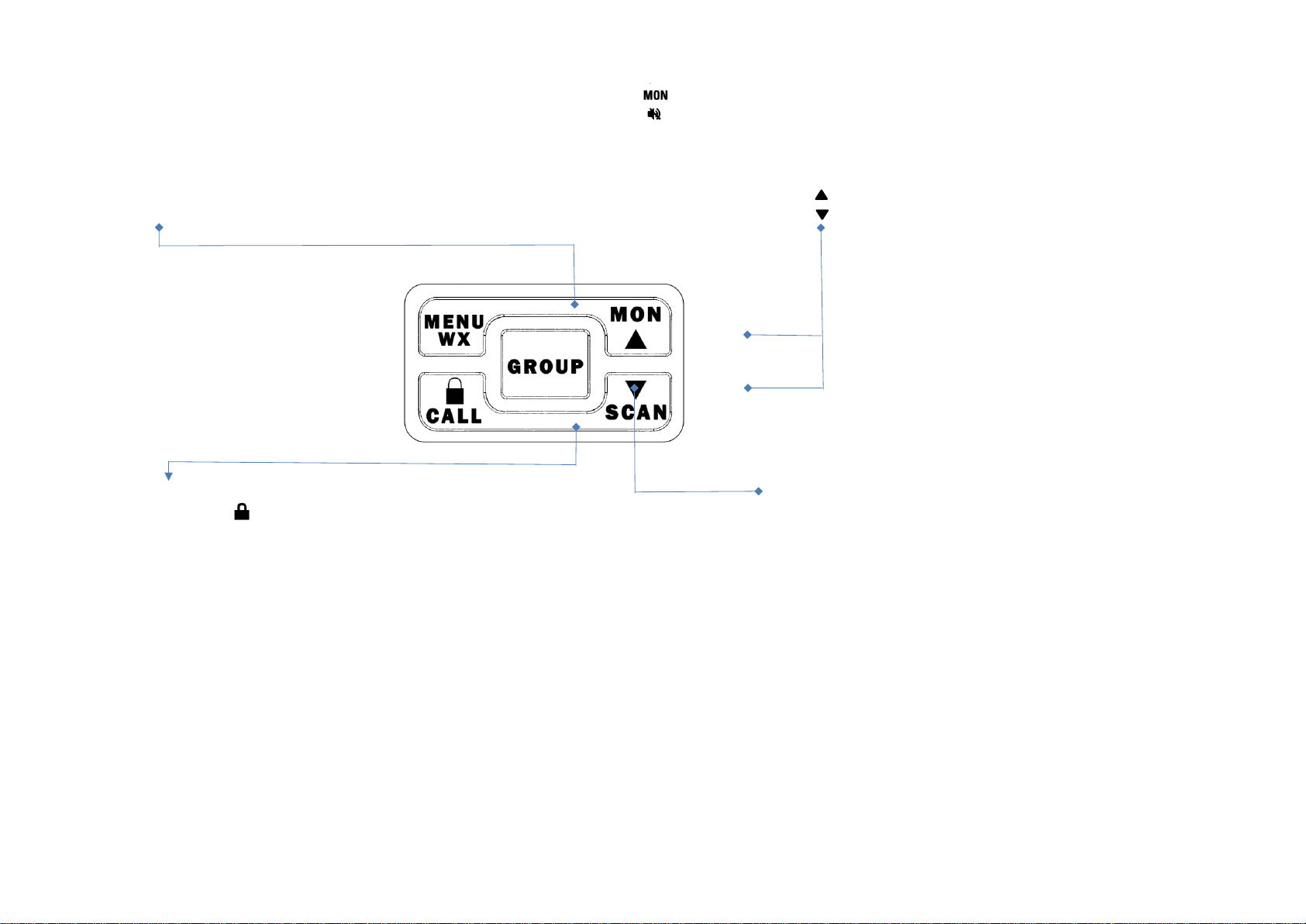
● Press the GROUP or PTT key to confirm and revert back to the main screen, or the key to confirm
and continue next function setting.
4. GROUP CTCSS/CODE FUNCTION
To set GROUP CTCSS/CDCSS code
● Press the key 4 times, GROUP CTCSS/CDCSS code will flash.
● Press or to select new CTCSS or CDCSS code.
● Press the GROUP or PTT key to confirm and revert back to the main screen, or the key to confirm
and continue next function setting.
5. VOX (Hands-Free Function)
The unit has a built-in Voice Activated Circuit (VOX) function. You can enjoy talking and listening without pressing PTT
key. To have better performance, you can use this function with the external earphone (optional accessories).
● Press the key 5 times, LCD displays icon and VOX sensitivity setting will flash.
● Press or to choose VOX sensitivity setting.
VOX sensitivity level from “ OFF, L1, L2, L3” for “OFF, Low, Medium and High" respectively.
After turning on the VOX function, LCD will display icon. Press the GROUP or PTT key to confirm
and revert back to the main screen, or the key to confirm and continue next function setting.
Please speak close to the mic in order to activate VOX function.
6. SELECTING CALL TONE
● Press the key 6 times, LCD will display icon and call tone number will flash.
● Press or to scroll between 1 to 10 and choose the call tone you like.
● Press the GROUP or PTT key to confirm and revert back to the main screen, or the key to confirm
and continue next function setting.
7. ROGER BEEP
The roger beep function enables a short tone signal which is transmitted after releasing the PTT button.
● Press the key 7 times, LCD displays the icon.
● Press or to turn the Roger beep on or off.
● Press the GROUP or PTT key to confirm and revert back to the main screen, or the key to confirm
and continue next function setting.
8. KEY BEEP
The unit has the function to turn the key beep on or off.