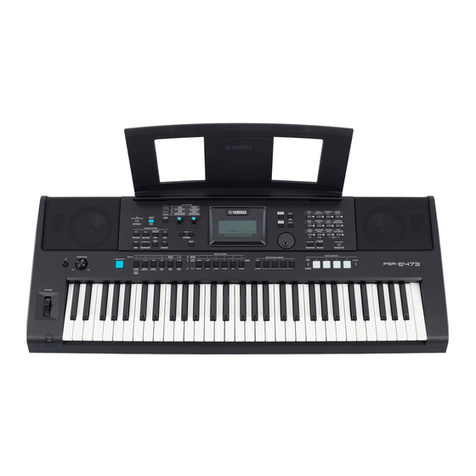
Selecting a rhythm style
Press one of the [RHYTHM STYLE GROUP] switches
and select a style.
1. Press the [START/STOP] switch
The automatic accompaniment will begin playing according to the chord shown
in the LCD screen. Now you can play along with the automatic accompaniment.
Changing how you specify the chords
There are several different ways to use the keyboard to specify chords, as appropriate
for your preferences and abilities.
1. Press the [START/STOP] switch
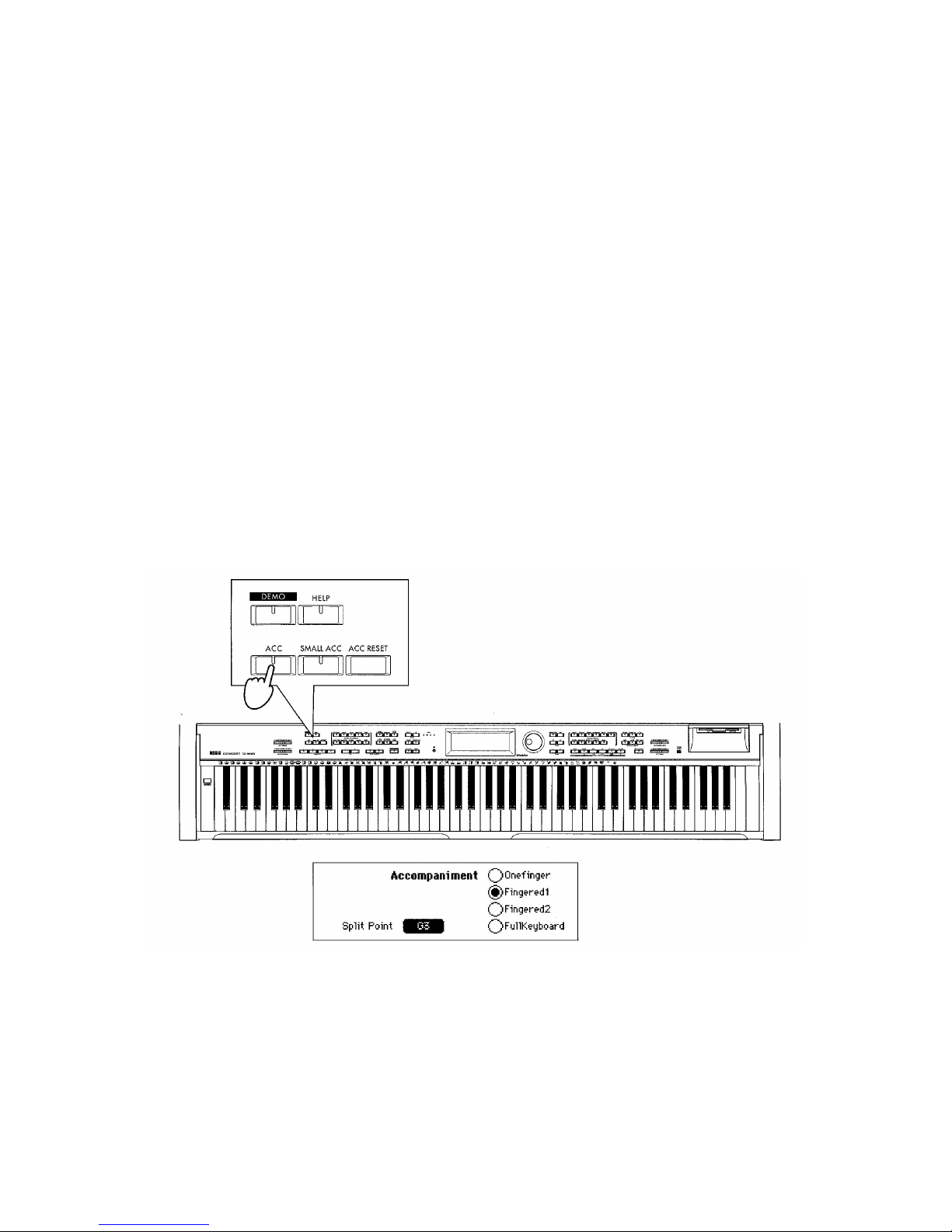
The [ACC] switch indicator will light, and
the “Accompaniment”page will appear.
2. Select the method of specifying chords
——8