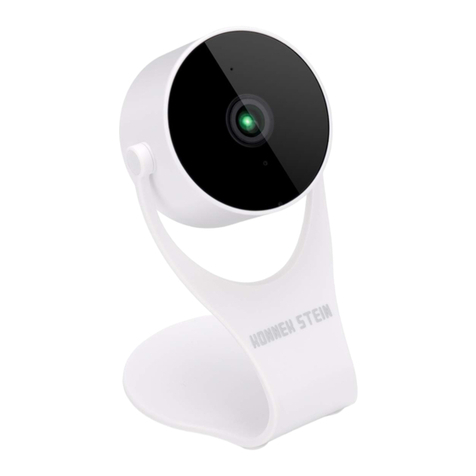
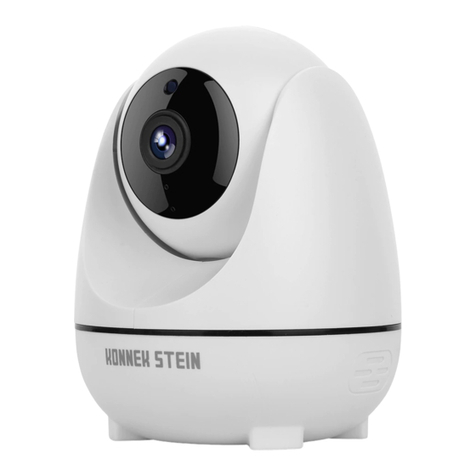
KONNEK STEIN QC21SE User manual


1.Product Introduction
01

2.Camera Information
02

3.Install the App
The app is keep updating,If you had problem with connecting to the device,
03
3.Sign up and login smart life account.

4.Connecting Device
Firstly, make sure your phone is connected to a 2.4GHz Wi-Fi and power the camera.
Step 1
long press the reset button on the back next to Power interface for around 8 secs, a
short “beep beep beep" prompt tone will be heard when reset successfully, If you still
don't hear it, repeat the reset steps. After reset successfully you will hear“beep beep”in
every 10 seconds, it means the device is ready to paring.
Note: Must reset the device before new connection.
04

01 02 03
Step 2
Open “Smart Life” APP, click “add device” or “+” on the upper-right corner choose
“add device” (Picture 1), Choose “Camera&Lock” and select “smart camera (Wi-Fi)”
(Picture 2). Tick "Make sure the indicator is flashing quickly or a prompt tone is heard"
and click "Next" (Picture 3) when you hear the “beep beep” prompt tone in every 10s,
then press “Next”. If the camera is not beeping, press and hold the reset button for 8
secs to reset it.
Note: This device has no indicator light.
5
05

04 05 06
Step 3
Enter the Wi-Fi password to connect the device to network (Only 2.4GHz Network
Supported) (Picture 4), The APP will generate a QR code, use the camera to scan the
QR code. A “beep beep beep" prompt tone will be heard if scan successfully, click
the button of "I heard a prompt" to start adding device (Picture 5&6).
06

070809
Step 4
If the interface jumps to Picture 7, it means camera added successfully. The interface
will jump to preview like Picture 8. Back to homepage (Picture 9), you can click the
added device directly to view monitoring status.
07

1Camera Name
2
3
4
5
6
7
8
9
10
11
12
13
14
15
16
17
18
19
20
Switch Video Quality HD/SD
Time Stamp
Edit Camera Settings
Sound Switch
Zoom in
Unfold the function bar
Record a video clip and save it to gallery
Microphone: Press to talk (Two-way or One-way audio)
Screenshot: Take a screenshot and save it to gallery
Full-Screen Mode
Playback: Watch the videos saved on the microSD card
Gallery: The folder where screenshotsand videosare saved
Theme Color: Switch Light Mode/DarkMode
Private Mode: Enable/disable sleep mode
Motion Tracking: Automatically tracks when objects move.
Motion Detection: Receive push notification when motion is detected
Edit: Edit Camera Settings
Message: Alarmnotifications
Direction: Pan-tilt control
21 Cloud: Cloud Storage Service (Not for free)
1
4
5
26
3
11 10 9 8 7
12 13 14 15
16 17 18
19 20 21
5.App Video Interface Information
08

6.Product Installation
09
Table of contents
Other KONNEK STEIN Security Camera manuals