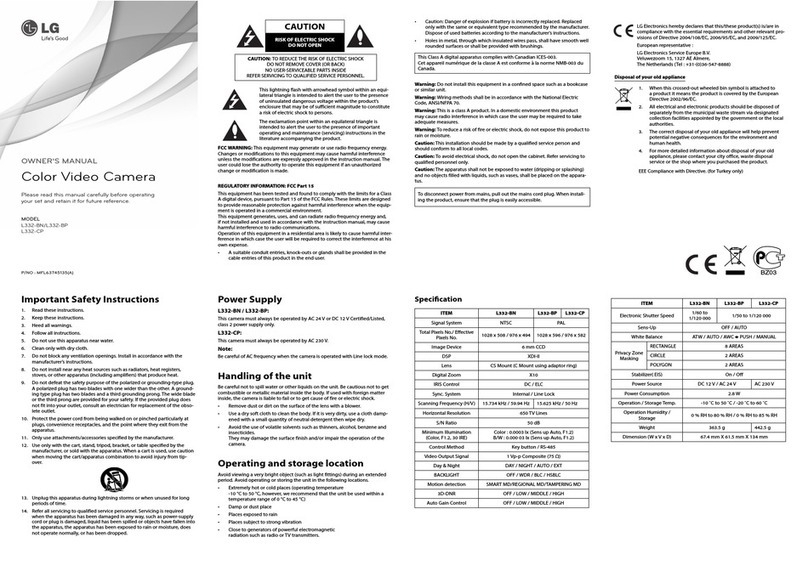
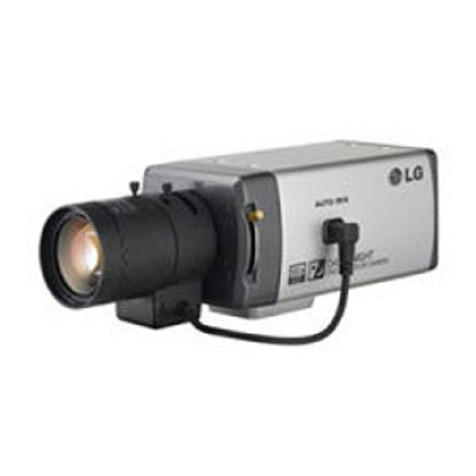
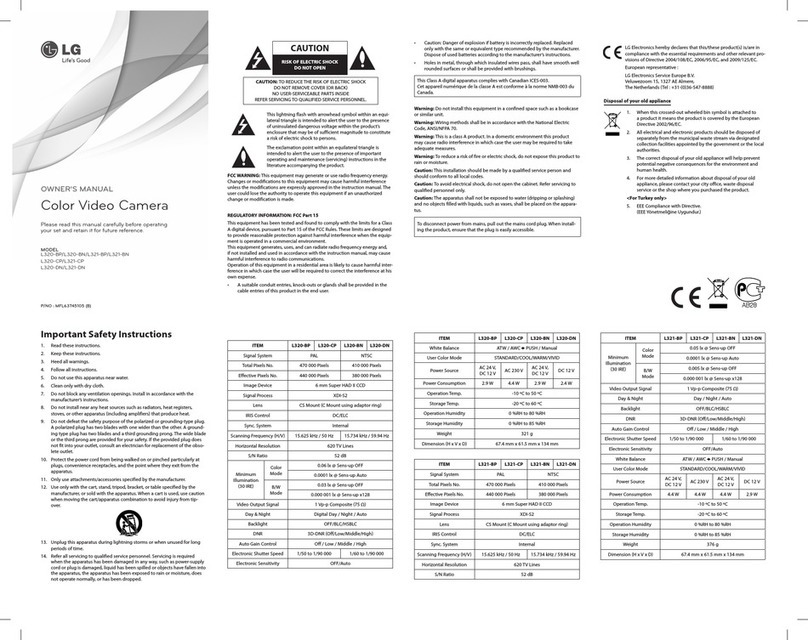
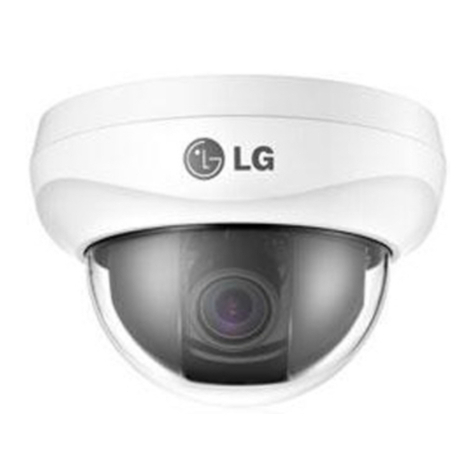
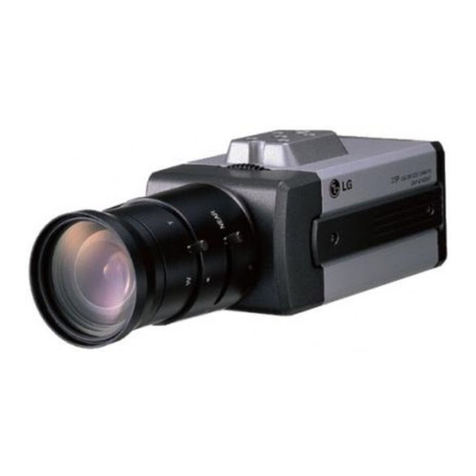
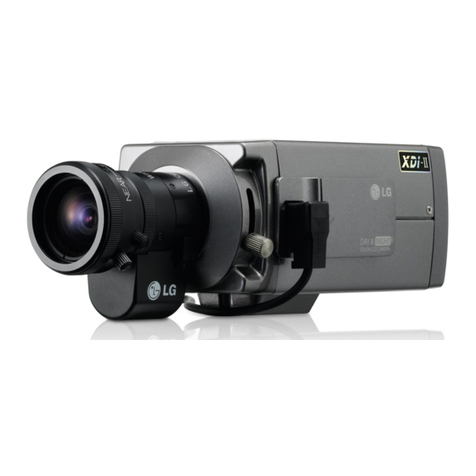
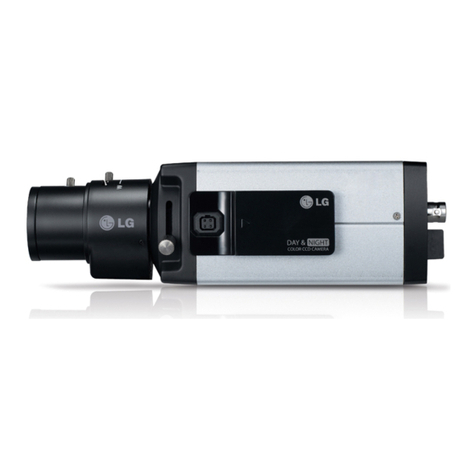
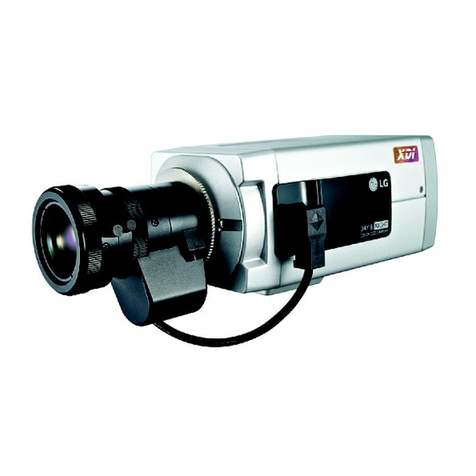
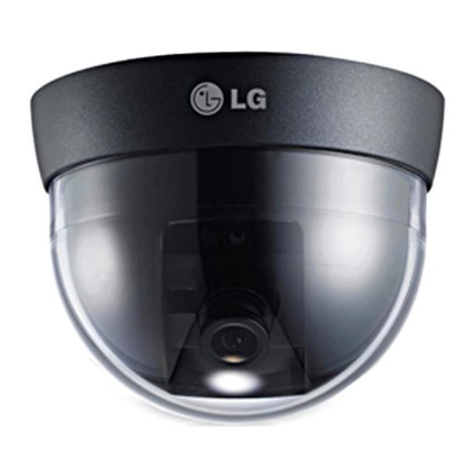
LG LS921 User manual

Color Video Camera
User Manual
Model: LS921
LS923
Before installing, operating or adjusting
this product, please read this instruction
booklet carefully and completely.

2
CAUTION
RISK OF ELECTRIC SHOCK
DO NOT OPEN
CAUTION: TO REDUCE THE RISK OF ELECTRIC SHOCK
DO NOT REMOVE COVER (OR BACK)
NO USER-SERVICEABLE PARTS INSIDE
REFER SERVICING TO QUALIFIED SERVICE PERSONNEL.
This lightning flash with arrowhead symbol
within an equilateral triangle is intended to
alert the user to the presence of uninsulated
dangerous voltage within the product’s
enclosure that may be of sufficient magnitude
to constitute a risk of electric shock to persons.
The exclamation point within an equilateral
triangle is intended to alert the user to the
presence of important operating and
maintenance (servicing) instructions in the
literature accompanying the product.
FCC WARNING: This equipment may generate or use radio
frequency energy. Changes or modifications to this
equipment may cause harmful interference unless the
modifications are expressly approved in the instruction
manual. The user could lose the authority to operate this
equipment if an unauthorized change or modification is
made.
REGULATORY INFORMATION: FCC Part 15
This equipment has been tested and found to comply with
the limits for a Class A digital device, pursuant to Part 15 of
the FCC Rules. These limits are designed to provide reasonable
protection against harmful interference when the equipment
is operated in a commercial environment.
This equipment generates, uses, and can radiate radio
frequency energy and, if not installed and used in accordance
with the instruction manual, may cause harmful interference
to radio communications.
Operation of this equipment in a residential area is likely to
cause harmful interference in which case the user will be
required to correct the interference at his own expense.
A suitable conduit entries, knock-outs or glands shall
be provided in the cable entries of this product in the
end user.
•

3
Caution: Danger of explosion if battery is incorrectly
replaced. Replaced only with the same or equivalent
type recommended by the manufacturer. Dispose
of used batteries according to the manufacturer’s
instructions.
Holes in metal, through which insulated wires pass,
shall have smooth well rounded surfaces or shall be
provided with brushings.
This Class A digital apparatus complies with Canadian
ICES-003.
Cet appareil numérique de la classe A est conforme à la
norme NMB-003 du Canada.
Warning: Do not install this equipment in a confined space
such as a bookcase or similar unit.
Warning: Wiring methods shall be in accordance with the
National Electric Code, ANSI/NFPA 70.
Warning: This is a class A product. In a domestic
environment this product may cause radio interference
in which case the user may be required to take adequate
measures.
Warning: To reduce a risk of fire or electric shock, do not
expose this product to rain or moisture.
•
•
Caution: This installation should be made by a qualified
service person and should conform to all local codes.
Caution: To avoid electrical shock, do not open the
cabinet. Refer servicing to qualified personnel only.
Caution: The apparatus shall not be exposed to water
(dripping or splashing) and no objects filled with liquids,
such as vases, shall be placed on the apparatus.
To disconnect power from mains, pull out the mains
cord plug. When installing the product, ensure that the
plug is easily accessible.

4
Disposal of your old appliance
1. When this crossed-out wheeled bin
symbol is attached to a product it means
the product is covered by the European
Directive 2002/96/EC.
2.
All electrical and electronic products
should be disposed of separately from the
municipal waste stream via designated
collection facilities appointed by the
government or the local authorities.
3. The correct disposal of your old appli-
ance will help prevent potential negative
consequences for the environment and
human health.
4. For more detailed information about
disposal of your old appliance, please
contact your city office, waste disposal
service or the shop where you pur-
chased the product.
This product is manufactured to comply
with EMC Directive 2004/108/EC and Low
Voltage Directive 2006/95/EC.
European representative :
LG Electronics Service Europe B.V.
Veluwezoom 15, 1327 AE Almere,
The Netherlands (Tel : +31-036-547-8940)

5
1. Read these instructions.
2. Keep these instructions.
3. Heed all warnings.
4. Follow all instructions.
5. Do not use this apparatus near water.
6. Clean only with dry cloth.
7. Do not block any ventilation openings. Install in
accordance with the manufacturer's instructions.
8. Do not install near any heat sources such as radiators,
heat registers, stoves, or other apparatus (including
amplifiers) that produce heat.
9. Do not defeat the safety purpose of the polarized or
grounding-type plug. A polarized plug has two blades
with one wider than the other. A grounding type plug
has two blades and a third grounding prong. The wide
blade or the third prong are provided for your safety. If
the provided plug does not fit into your outlet, consult
an electrician for replacement of the obsolete outlet.
10. Protect the power cord from being walked on or
pinched particularly at plugs, convenience receptacles,
and the point where they exit from the apparatus.
11. Only use attachments/accessories specified by the
manufacturer.
12. Use only with the cart, stand, tripod, bracket, or table
specified by the manufacturer, or sold with the appa-
ratus. When a cart is used, use caution when moving
the cart/apparatus combination to avoid injury from
tip-over.
13. Unplug this apparatus during lightning storms or
when unused for long periods of time.
14. Refer all servicing to qualified service personnel.
Servicing is required when the apparatus has been
damaged in any way, such as power-supply cord or
plug is damaged, liquid has been spilled or objects
have fallen into the apparatus, the apparatus has been
exposed to rain or moisture, does not operate
normally, or has been dropped.
Important Safety Instructions

6
Power Supply
LS921P-B/ LS921N-B/ LS923P-B, LS923N-B:
This camera must always be operated a AC 24 V or DC 12 V
Certified/Listed, class 2 power supply only.
LS921P-C/ LS923P-C:
This camera must always be operated a AC 230 V.
Note:
Be careful of AC frequency when the camera is operated
with Line lock mode.
Handling of the unit
Be careful not to spill water or other liquids on the unit. Be
cautions not to get combustible or metallic material inside
the body. If used with foreign matter inside, the camera is
liable to fail or to get cause of fire or electric shock.
Remove dust or dirt on the surface of the lens with a
blower.
Use a dry soft cloth to clean the body. If it is very dirty,
•
•
use a cloth dampened with a small quantity of neutral
detergent then wipe dry.
Avoid the use of volatile solvents such as thinners,
alcohol, benzene and insecticides.
They may damage the surface finish and/or impair the
operation of the camera.
Operating and storage location
Avoid viewing a very bright object (such as light fittings)
during an extended period. Avoid operating or storing the
unit in the following locations.
Extremely hot or cold places (operating temperature
-10 °C to 50 °C, however, we recommend that the unit
be used within a temperature range of 0 °C to 45 °C)
Damp or dust place
Places exposed to rain
Places subject to strong vibration
Close to generators of powerful electromagnetic
radiation such as radio or TV transmitters.
•
•
•
•
•
•
Cautions for Safe Operation

7
Features................................................................. 8
Features Chart.................................................................. 8
Part Names and Functions................................... 9
Connections ........................................................12
Precautions .....................................................................12
Connection Overview .................................................12
Connecting Display device........................................13
Connecting Power Source.........................................13
Connecting RS-485/RS-232C TTL Device .............14
Connecting Alarm Device..........................................15
Connecting Day&Night Switch................................16
Mounting the Lens.......................................................17
Concerning Auto-Iris Lenses.....................................19
Flange-back Adjustment .........................................20
Mounting the camera .................................................21
Menu Operation..................................................22
OSD Menu control buttons.......................................22
OSD Menu Overview ...................................................23
General Operation........................................................26
Camera Identication Settings ................................26
Exposure Settings.........................................................27
White Balance settings ...............................................30
Day/Night Setting.........................................................31
Motion Detection Setting..........................................32
3D-DNR Setting .............................................................33
Privacy Setting...............................................................34
Special Menu Settings.................................................35
Reference ............................................................41
RS-232C TTL/RS-485 Protocol (Optional) .............41
Specication...................................................................42
Contents

8
Features
This Color Video Camera is designed for installation in an
video surveillance system.
This manual contains instructions on how to install and

manage the Color Video Camera in your video surveillance
system. Should you require any technical assistance, please
contact authorized service center.
LS921 High resolution and high sensitivity with a
6 mm Interline SUPER HAD CCD II.
650 TV lines of horizontal resolution.
Line Lock when using AC 24 V.
Line Lock when using AC 230 V.
(LS921P-C).
Automatically switch between DC 12 V
and AC 24 V.
•
•
•
•
•
LS923 High resolution and high sensitivity with a
6 mm Interline Color CCD.
600 TV lines of horizontal resolution.
Line Lock when using AC 24 V.
Line Lock when using AC 230 V.
(LS921P-C).
Automatically switch between DC 12 V
and AC 24 V.
•
•
•
•
•
Features Chart
This table shows the differences between the models.
Use LS921P-B is used for the description, operation and
details provided in this operating guide.
Models WDR Sens-up Day & Night Stabilizer
LS921 No Yes Filter change Yes
LS923 Yes Yes Filter change No

9
a bcd ef
aLens mount cap
The lens mount of the camera is covered using a cap
to protect it. Remove the lens cap covering the lens.
bCamera installation bracket
The bracket can be fixed at the top or bottom of the
camera.
cFlange-back adjustment lever
dLens iris output connector (LENS)
This 4- pin connector is used to send the Iris control
signal and power supply to an auto-iris type lens.
eSetup menu control buttons
Use these buttons to set the menu options.
fALC Lens Setting Switch
DC: When you attach an Auto Iris lens requiring
the DC control signal, please put this switch in
the DC position.
ELC: When you attach a manual or fixed lens,
please put this switch in the ELC position.
VIDEO: When you attach an Auto Iris lens
requiring the video control signal, please put this
switch in the VIDEO position.
•
•
•
Part Names and Functions

10
Part Names and Functions
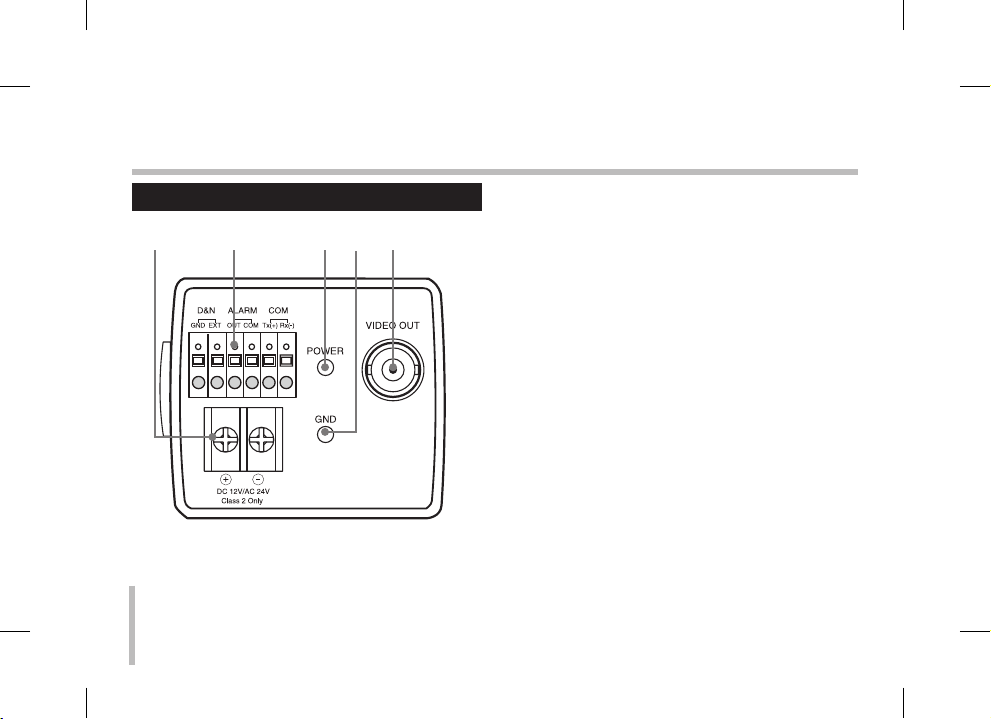
LS921P-B/ LS921N-B/ LS923P-B/ LS923N-B
g h ij k
gPower input terminal
Supplies AC 24 V or DC 12 V from an external power
source.
hExternal Device Connectors
D&N
Connect the external switch to set the D&N
function manually.
ALARM (Alarm Output Terminal)
Connect to the alarm input of an external device.
COM (COMMUNICATION)
Connect to an external controller of RS-232C TTL/
RS-485(optional) format.
iPower indicator
Lights when the camera is powered.
jGND
kVideo output connector (BNC type)
Supplies analog video signal (composite) to the
connected device such as a DVR or monitor.
•
•
•
This manual suits for next models
3
Table of contents
Other LG Camcorder manuals
Popular Camcorder manuals by other brands

Panasonic
Panasonic AG-HMC152EN operating instructions

Insignia
Insignia NS-DCC5HB09 - Camcorder - 720p user guide

MYDLINK
MYDLINK DCS-6100LH Quick installation guide

Sony
Sony video Hi8 Handycam CCD-TR555 operating instructions

SECURECOM
SECURECOM V-5014B installation guide

Panasonic
Panasonic HDC-SD100 operating instructions