Lifemax 331 User manual

Under Pillow Vibration
Alarm Clock SKU: 331
Thank you for purchasing a Lifemax Under Pillow Vibration Alarm Clock. We
hope you’ll get many years of use from this product. We recommend you
read this document thoroughly to familiarise yourself with how your product
works, how you should use it safely and effectively and how to look after
your product to ensure it continues working as it should.
Instruction Manual
www.lifemaxuk.co.uk
Document Version No
Warranty Information
Your Lifemax product is guaranteed for one year against defective parts or
construction. This guarantee is from the date of purchase and is only valid with
proof of purchase, Please note this guarantee does not cover normal wear and
tear or damage caused by accident or maltreatment. The extended rights of this
guarantee are in addition to the consumer statutory rights and do not limit the
effect of these statutory rights.
Please register your product at https://www.lifemaxuk.co.uk/warranty.
Technical Specification
Model No 331 Battery Type 2 x AAA
Alarms 1Size 93 X 70 X 15mm
This is a WEEE symbol. It indicates that when the end-user discards this product,
it must be sent to separate collection facilities for recovery and recycling. By
separating this product from other household-type waste, the volume of waste
sent to incinerators or land-fills will be reduced and natural resources will thus
be conserved. Lifemax Ltd provide an end-of-life solution for this product when
sold in the UK by accepting back any end of life items for processing by a local
registered waste disposal company.
331IM28022023.indd 1-2331IM28022023.indd 1-2 28/02/2023 11:10:1928/02/2023 11:10:19

www.lifemaxuk.co.uk
Document Version No
www.lifemaxuk.co.uk
Document Version No
Product Information
Ideal for those with hearing loss or for shift workers, this under pillow alarm clock will
vibrate to wake even the deepest sleeper.
How to use...
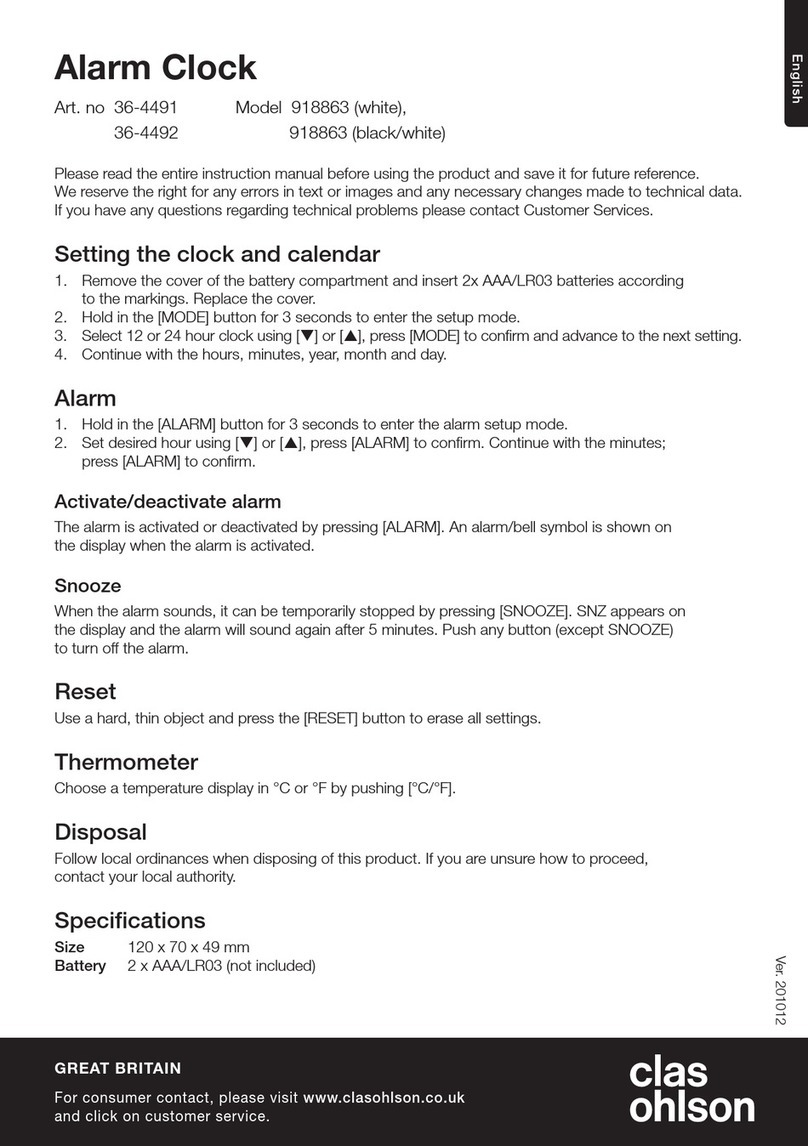
again to advance to day of the month setting and use the UP/DOWN button to adjust. Press
the CLOCK CAL SET button again to confirm and complete the time setting.
SETTING THE ALARM
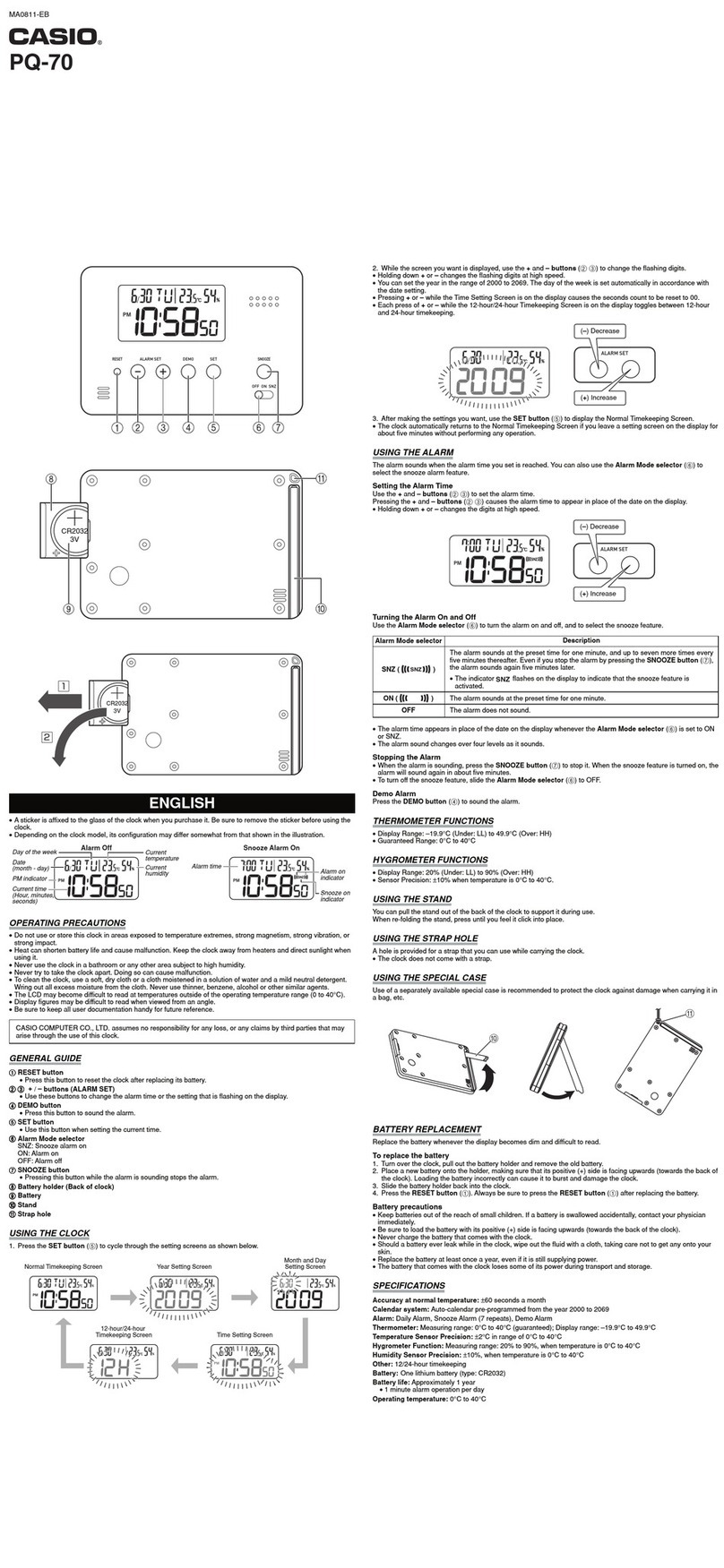
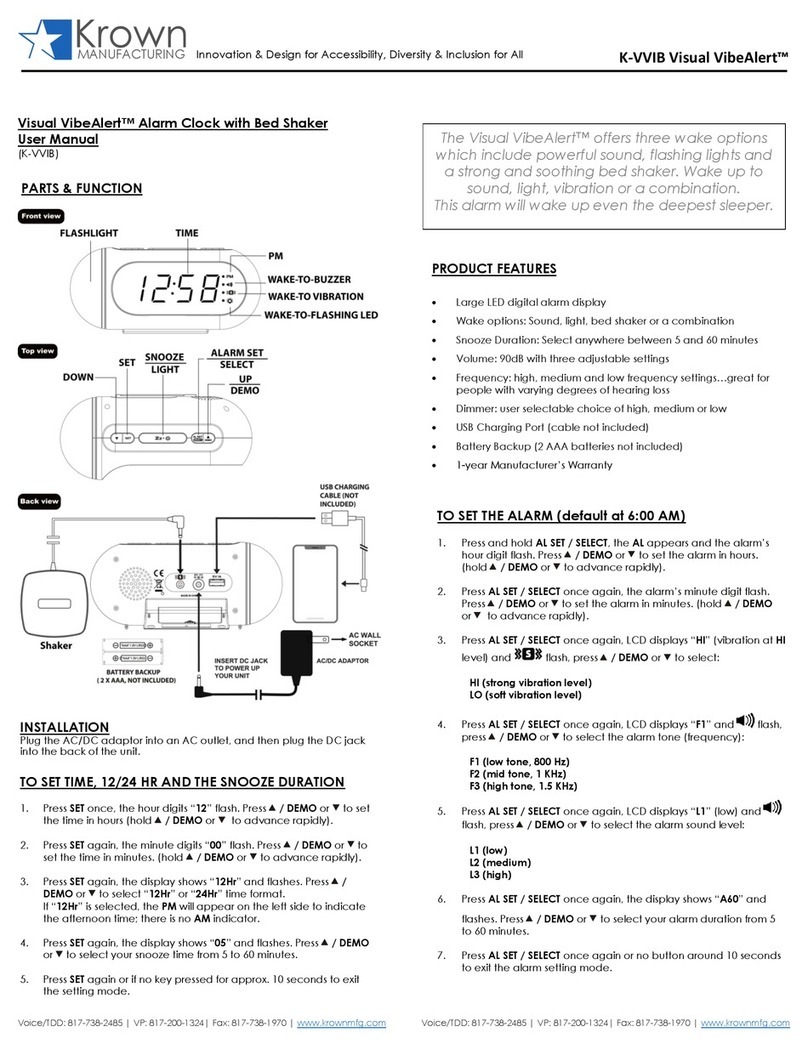
Press and hold the ALARM SET button for 2 seconds to enter the alarm set mode and the
hour will flash on the upper section of the LCD screen. [Please note the hour setting can
be in either 12 or 24 hour mode depending on how you are viewing the alarm on the home
screen. If in 12 hour mode you should see AM or PM to the far left of the upper section of
the LCD screen. This can be changed by using the UP button prior to setting the alarm. Use
the UP/DOWN buttons to adjust the hours.] Press the ALARM SET button again to advance
to the minute setting and use the UP/DOWN buttons to adjust. Press the ALARM SET
button again to confirm the alarm setting and to return to the normal display mode. You
can use the ALARM ON/OFF button on the front of the alarm to activate or deactivate the
alarm. On the back of the alarm you can use the alarm BUZZER/VIBRATION selector switch
to choose buzzer and vibration, just buzzer or just vibration.
ALARM SNOOZE FUNCTION
When the alarm sounds you can press the SNOOZE button to snooze the alarm for around
8 minutes.
ACTIVATE DISPLAY BACKLIGHT
Press LIGHT button activate the display backlight.
ACTIVATE KEY LOCK FUNCTION
To lock the UP, DOWN, CLOCK CAL SET and ALARM SET keys on the alarm move the KEY
LOCK selector switch to the locked position.
What’s included...?
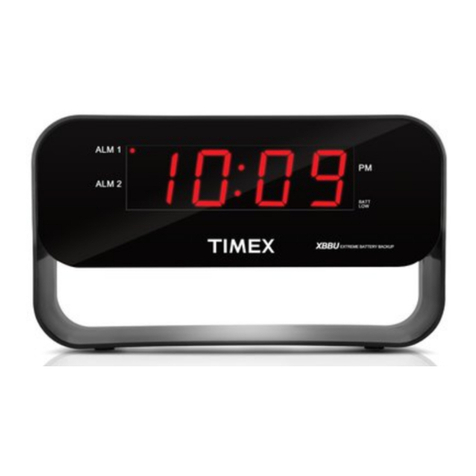
Under Pillow Vibration Alarm Clock
Travel Case
Safety Information
This product uses 2 x AAA batteries (not included). Use only designated battery type. Do
not use re-chargeable batteries. Do not mix battery types. Read instructions carefully and
install batteries correctly observing the polarity (+-) sign to avoid leakage. Always replace
sets of batteries at the same time. Do not mix old and new batteries. Do not attempt to
recharge non-rechargeable batteries. Remove batteries from the product when it will not
be used for an extended period of time to avoid leakage. Remove exhausted batteries to
avoid leakage. Do not short out battery contacts. Do not dispose of batteries in fire. Do not
immerse electrically operated products in water or other liquid. Wipe dean only.
1. Display
2. Snooze/Light
3. Up
4. Down
5. Alarm On/Off
6. Alarm Set
7. Clock Cal Set
8. Buzzer/Vibration
9. Key Lock
10. Battery Compartment
11. Stand
SETTING THE TIME
Press and hold the CLOCK CAL SET button for 2 seconds to enter time set mode and the
minute will flash on the LCD screen. Use the UP/DOWN buttons to adjust the minutes. Press
the CLOCK CAL SET button to advance to the hour setting and use the UP/DOWN buttons
to adjust. Press the CLOCK CAL SET button again to advance to the year setting and use
the UP/DOWN buttons to adjust. Press the CLOCK CAL SET button again to advance to the
month setting and use the UP/DOWN buttons to adjust. Press the CLOCK CAL SET button
PLEASE NOTE
IF YOU TURN THE CLOCK OVER YOU WILL SEE A RECTANGULAR SWITCH WITH A LOCK/
UNLOCK SYMBOL. IF THIS IS SWITCHED DOWN IT WILL LOCK ALL BUTTONS.
MAKE SURE THIS IS SWITCHED UP WHEN SETTING YOUR CLOCK.
331IM28022023.indd 3-4331IM28022023.indd 3-4 28/02/2023 11:10:1928/02/2023 11:10:19