manuals.online logo
Brands
  1. Home
  2. •
  3. Brands
  4. •
  5. LOYTEC
  6. •
  7. Server
  8. •
  9. LOYTEC LINX-21 Series User manual

LOYTEC LINX-21 Series User manual

Other LOYTEC Server manuals

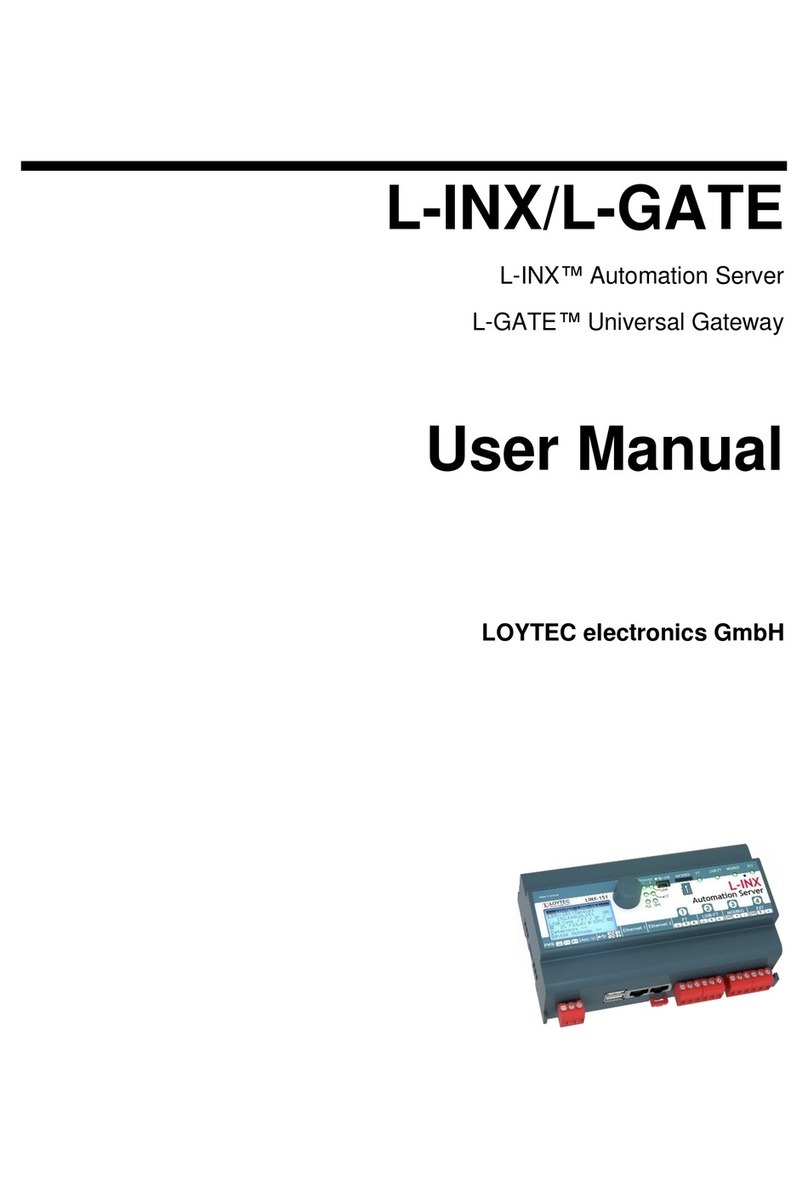
LOYTEC L-INX User manual

LOYTEC

LOYTEC L-INX User manual

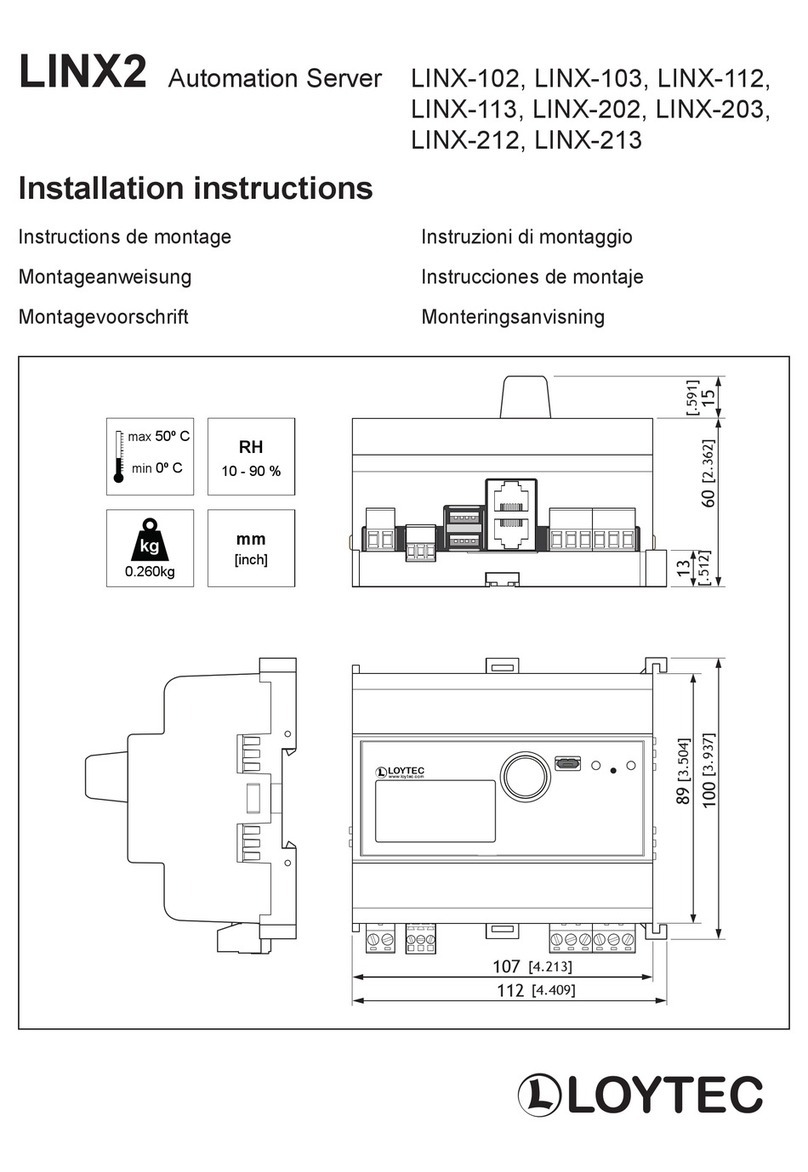
LOYTEC LINX2 LINX-102 User manual

LOYTEC

LOYTEC LINX2 LINX-102 User manual

LOYTEC L-INX User manual

LOYTEC

LOYTEC L-INX User manual

Popular Server manuals by other brands

HP Tc2120 - Server - 256 MB RAM installation guide

HP

HP Tc2120 - Server - 256 MB RAM installation guide

Lenovo ThinkServer RD230 manual

Lenovo

Lenovo ThinkServer RD230 manual

Avocent CPS810 Installer/user guide

Avocent

Avocent CPS810 Installer/user guide

Dell PowerEdge R6615 Installation and service manual

Dell

Dell PowerEdge R6615 Installation and service manual

FreeWave HT2+ installation guide

FreeWave

FreeWave HT2+ installation guide

GIGA-BYTE TECHNOLOGY G492-Z50 user manual

GIGA-BYTE TECHNOLOGY

GIGA-BYTE TECHNOLOGY G492-Z50 user manual

Lanner HTCA-E400 user manual

Lanner

Lanner HTCA-E400 user manual

Bull NovaScale T840 E2 user guide

Bull

Bull NovaScale T840 E2 user guide

Asus RS740-E70RS24-EG Configuration guide

Asus

Asus RS740-E70RS24-EG Configuration guide

Meinberg LANTIME M300/TCR manual 

Meinberg

Meinberg LANTIME M300/TCR manual 

HP ProLiant SL335s G7 Maintenance and service guide

HP

HP ProLiant SL335s G7 Maintenance and service guide

ZyXEL Communications VANTAGE RADIUS 50 user guide

ZyXEL Communications

ZyXEL Communications VANTAGE RADIUS 50 user guide

Lantronix xDirect-IAP quick start guide

Lantronix

Lantronix xDirect-IAP quick start guide

Fujitsu PRIMEQUEST 2400E3 General description

Fujitsu

Fujitsu PRIMEQUEST 2400E3 General description

IBM 9040-MR9 manual

IBM

IBM 9040-MR9 manual

IBM 306m - eServer xSeries - 8849 user guide

IBM

IBM 306m - eServer xSeries - 8849 user guide

green hippo Hippotizer Nevis+ quick start guide

green hippo

green hippo Hippotizer Nevis+ quick start guide

IBM 8203-E4A Brochure & specs

IBM

IBM 8203-E4A Brochure & specs

manuals.online logo
manuals.online logoBrands
  • About & Mission
  • Contact us
  • Privacy Policy
  • Terms and Conditions

Copyright 2025 Manuals.Online. All Rights Reserved.

Installation instructions
LINX-21x Automation Server, BACnet
Instructions de montage
Montageanweisung
Montagevoorschrift
Instruzioni di montaggio
Instrucciones de montaje
Monteringsanvisning
89
100 60
13
107
112
max 50º C
min 0º C
0,250 kg
10 - 90 %
kg
RH
LOYTEC
DIN TS35
0.2 - 2.5 mm2
7
3 poles:
Weidmüller
BLZP 5.08/06/180
10/100Base-T
(RJ45)
-
+
EIA-485
BACnet MS/TP or Modbus ~
-
12-35 VDC
12-24 VAC
+
~
4 5 6 8 15 16 17
POWEREthernetRS-485
Serial Terminal / M-Bus
RESET
PLC LINK
ACT
ACT
BACnet/IP Ethernet
BBMD
POWER
STATUS
Connectors
EIA-485 4 Input GND
MS/TP 5 Input + (B) non-inverting input
Modbus 6 Input
-
(A) inverting input
Ethernet 8 10/100Base-T (RJ45)
POWER 15 Power supply input EARTH GND
16 Power supply input MINUS
Can be connected to EARTH GND
17 Power supply input PLUS
Must NOT be connect to
EARTH GND
SERIAL 40 EIA-232 (DB9 male)
Terminal or M-Bus depending on
DIP switch No. 7
Buttons
RESET Reset
STATUS Send “I AM” message
Status LEDs
A OFF PLC not running
Green flashing PLC program running
Green PLC program not running
Orange I/O disabled
Red CPU overload
B Green flashing Traffic on
BACnet MS/TP port
C Green flashing Traffic on BACnet/IP port
D Green Ethernet link
E Green flashing Ethernet traffic
F Green LINX-210:OFF
LINX-211:BBMD enabled
G Green Power
H OFF Normal operation
NOTE: If terminal 4 is not connected make a
short between terminal 15 and 16,
and connect to EARTH GND.
40
A
B
C
F
E
D
G
H

Document 88075802 Web edition
06/2010
Printed in Austria
Data is subject to change
LOYTEC
LOYTEC electronics GmbH
MADE IN EC
W12/2010
LINX-210
006101810000F12A07
SER#
MAC address of Ethernet port
Serial number of the device
Date Code
000AB001285B
MAC1
http://www.loytec.com
[email protected]
1 2 3 4 5 6 7
OFF
ON
7 Serial Port
OFF Terminal Mode
ON M-Bus Mode
Factory default, do not change!
1 2 3 4 5 6
OFF OFF ON OFF OFF OFF
Serial Port