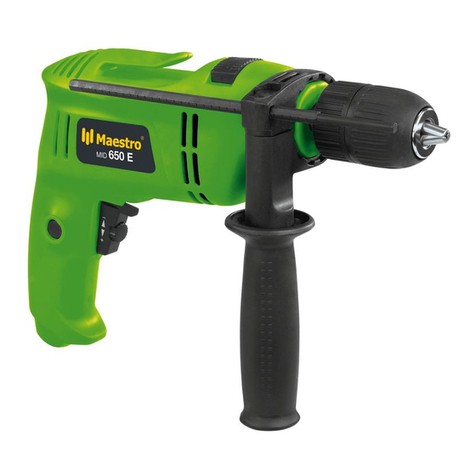
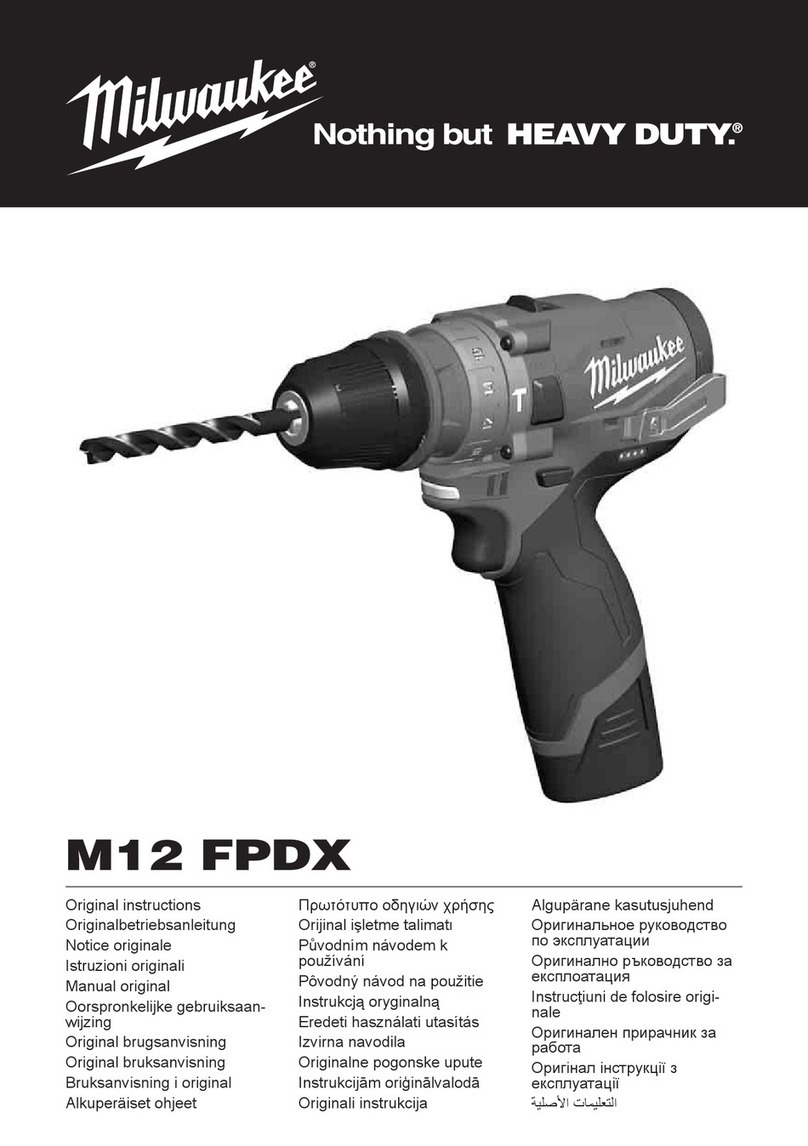
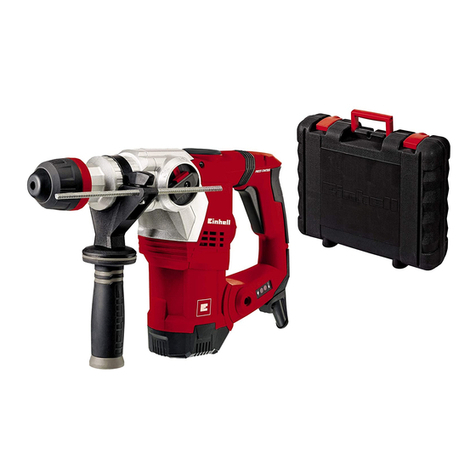
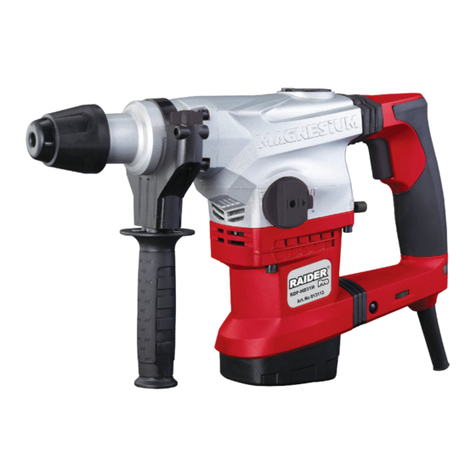
Maestro MID 1000 E User manual

Original operating instructions
Hammer Drill
Originalbetriebsanleitung
Schlagbohrmaschine
Instrucţiuni de utilizare originale
Maşină de găurit cu percuţie
Orijinal Kullanma Talimatı
Darbeli Matkap
Art.-No.: 42.598.13 I.-Nr.: 11010 MID 1000 E

2
4
5
GB
6
GB
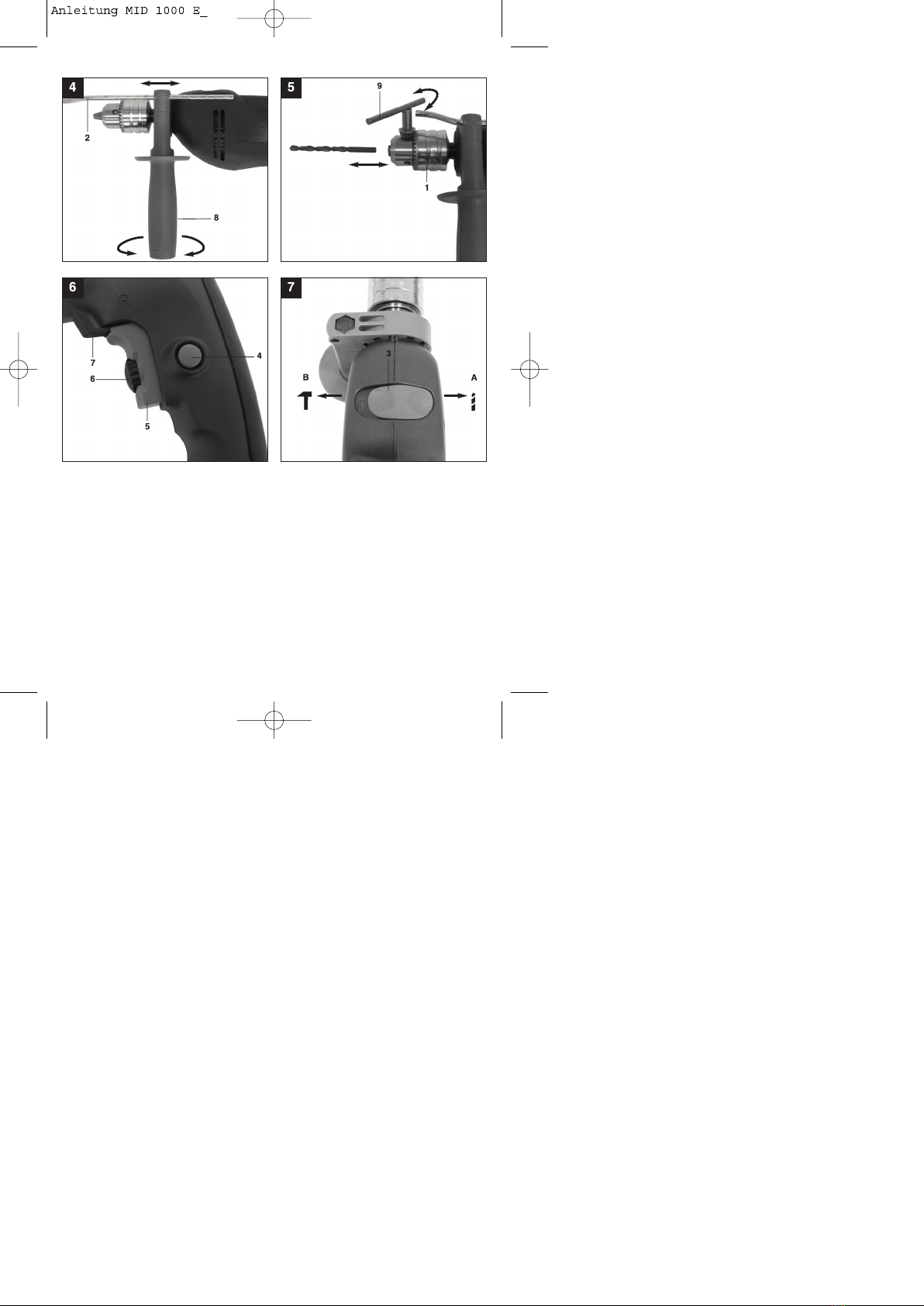
Additional information for electric power tools ŸThe supplied additional handle (8) must first be
mWarning! fitted. To do this, the clamp must be opened by
The specified vibration value was established in turning the handle until it is wide enough for the
accordance with a standardized testing method. It additional handle to be slid over the chuck (1) and
may change according to how the electric equipment on to the hammer drill.
is used and may exceed the specified value in ŸAfter you have positioned the additional handle (8),
exceptional circumstances. turn it to the most comfortable working position for
you.
The specified vibration value can be used to compare ŸNow turn the handle in the opposite direction again
the equipment with other electric power tools. until the additional handle is secure.
ŸThe additional handle (8) is suitable for both
The specified vibration value can be used for initial lefthanded and right-handed users.
assessment of a harmful effect.
5.2 Fitting and adjusting the depth stop
Keep the noise emissions and vibrations to a (Fig. 4/Item 2)
minimum. The depth stop (2) is held in place by the additional
handle (8) by clamping. The clamp can be released
ŸOnly use appliances which are in perfect working and tightened by turning the handle.
order. ŸRelease the clamp and fit the depth stop (2) in the
ŸService and clean the appliance regularly. recess provided for it in the additional handle.
ŸAdapt your working style to suit the appliance. ŸSet the depth stop (2) to the same level as the drill
ŸDo not overload the appliance. bit.
ŸHave the appliance serviced whenever necessary. ŸPull the depth stop back by the required drilling
ŸSwitch the appliance off when it is not in use. depth.
ŸWear protective gloves. ŸTurn the handle on the additional handle (8) until it
is secure.
Residual risks ŸNow drill the hole until the depth stop (2) touches
the workpiece.
Even if you use this electric power tool in
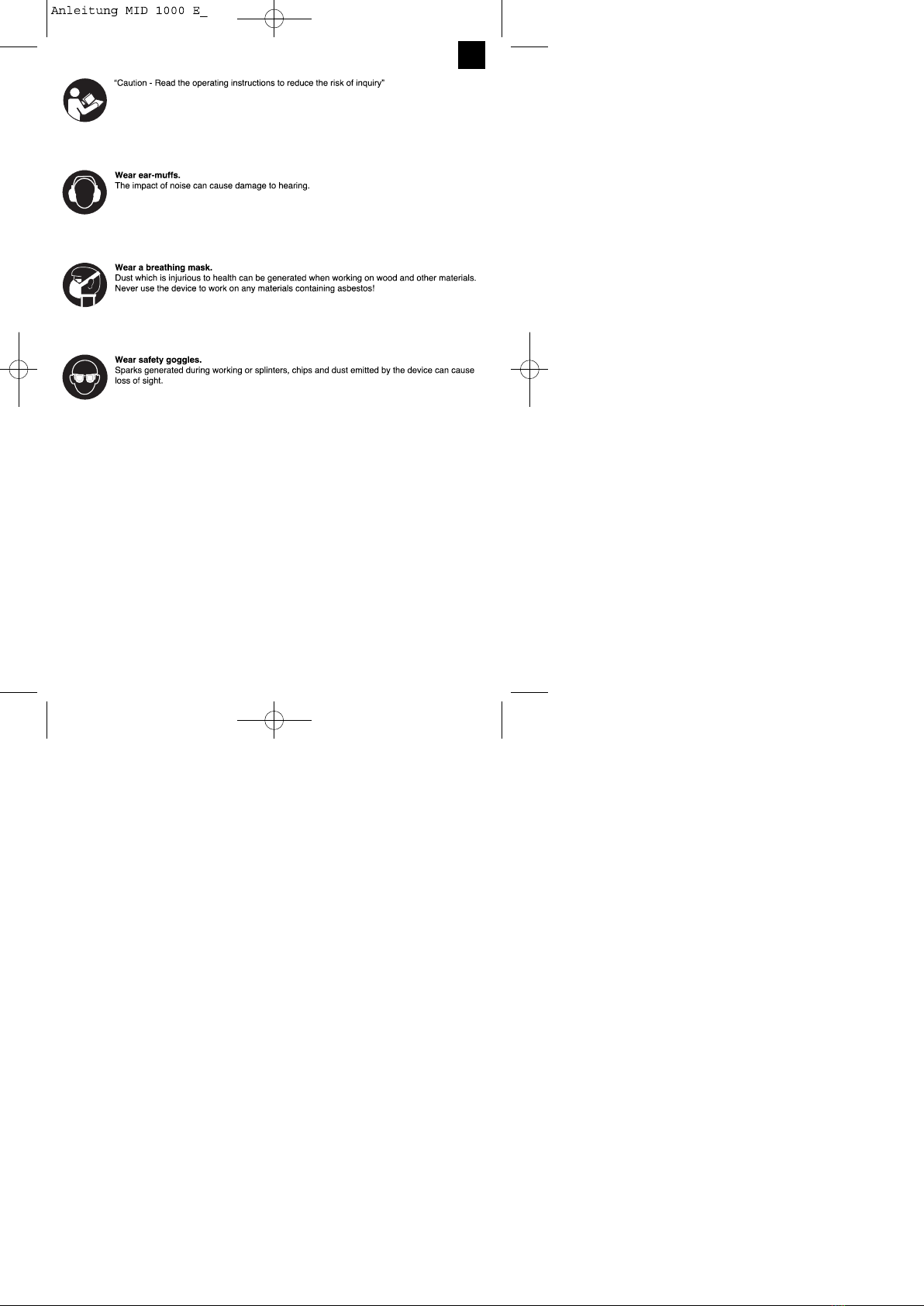
accordance with instructions, certain residual 5.3 Fitting the drill bit (Fig. 5)
risks cannot be rules out. The following hazards
may arise in connection with the equipment's ŸAlways pull the power plug before making
construction and layout: adjustments to the equipment.
ŸRelease the depth stop (2) as described in 5.2 and
1. Lung damage if no suitable protective dust push it towards the drill handle. This provides free
is used. access to the chuck (1).
2. Damage to hearing if no suitable ear protection ŸUndo the chuck by turning it anti-clockwise with the
used. supplied chuck key (9).
3. Health damage caused by hand-arm vibrations ŸTo ensure that it is perfectly positioned the drill bit
the equipment is used over a prolonged period or tool should be inserted as far as possible into the
is not properly guided and maintained. chuck. After inserting the drill bit or tool, tighten the
chuck (1) by turning the chuck key (9) clockwise
5. Before starting the equipment until the drill bit or tool is secure. Check that the drill
bit is secure in the chuck (1).
Before you connect the equipment to the mains ŸCheck at regular intervals that the drill bit or tool is
supply make sure that the data on the rating plate secure (pull the mains plug).
are identical to the mains data.
Always pull the power plug before making
adjustments to the equipment. 6. Operation
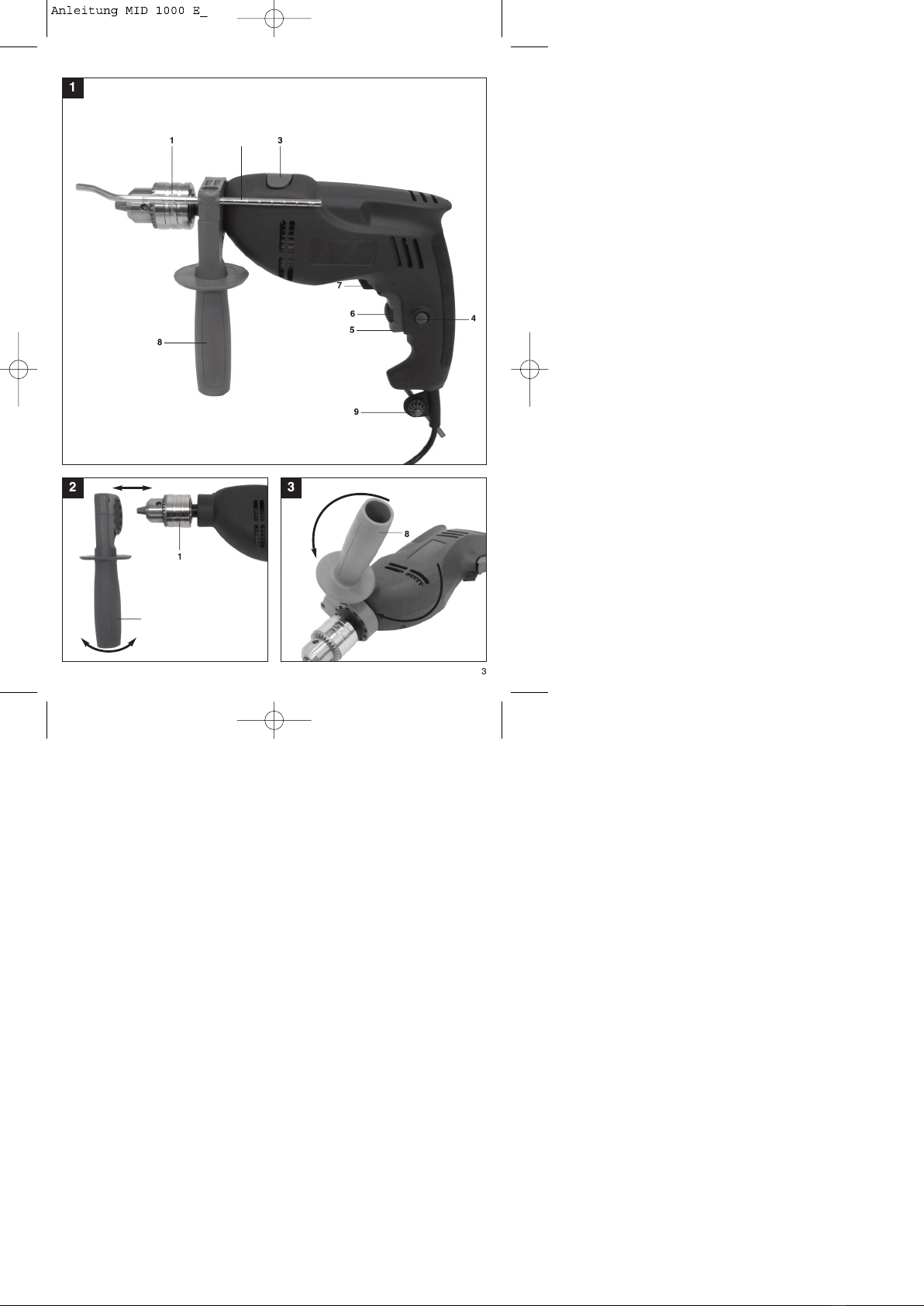
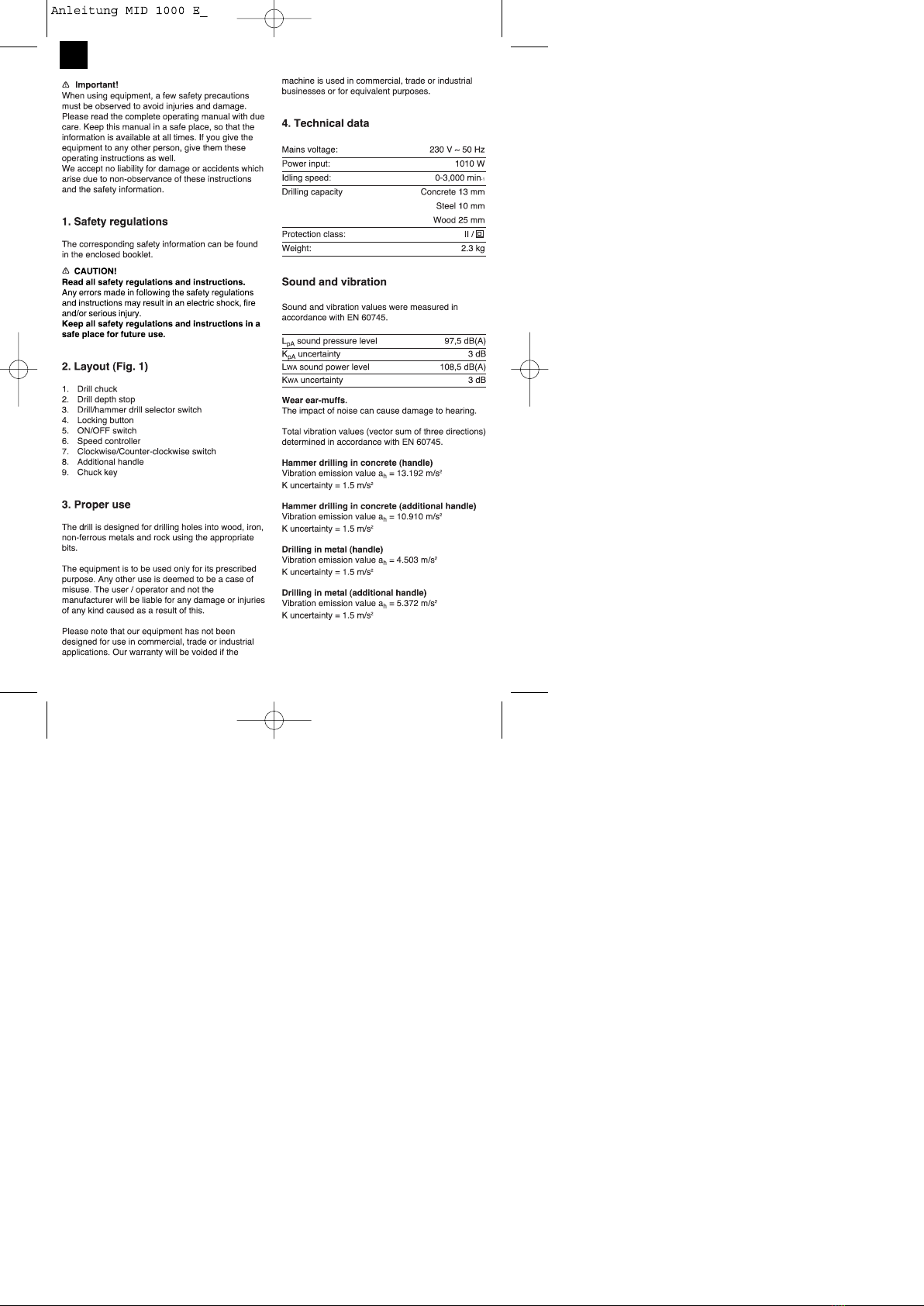
5.1. Fitting the additional handle (Fig. 2-3/Item 8) 6.1 ON/OFF switch (Fig. 6/Item 5)
ŸFirst fit a suitable drill bit into the tool (see 5.3).
The additional handle (8) enables you to achieve
better stability whilst using the hammer drill. Do not ŸConnect the mains plug to a suitable socket.
use the tool without the additional handle. ŸPosition the drill in the position you wish to drill.
The additional handle (8) is secured to the hammer
drill by a clamp. During the handle clockwise tightens To switch on:
this clamp. Turning it anti-clockwise will release the Press the ON/OFF switch (5)
clamp.
7
GB
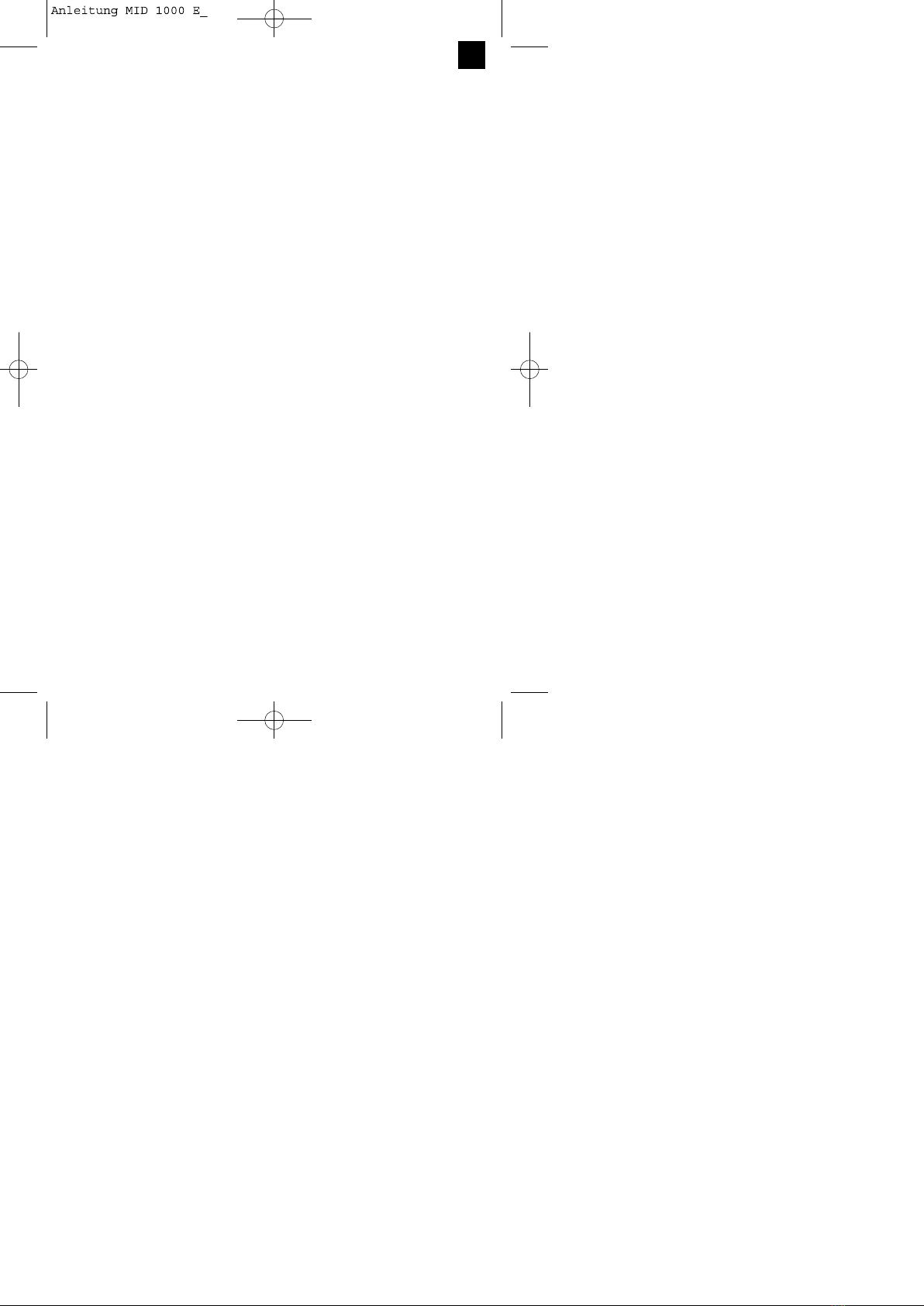
Continuous operation: Use for: Wood, metal, plastic
Secure the ON/OFF switch (5) with the locking Hammer drill
button (4). Drill / hammer drill selector switch (3) in the hammer
drill position. (Position B)
To switch off: Use for: Concrete, rock, masonry
Press the ON/OFF switch (5) briefly.
6.6 Tips for working with your hammer drill
Ÿ6.2 Adjusting the speed (Fig. 6/Item 5)
ŸYou can infinitely vary the speed whilst using the 6.6.1 Drilling concrete and masonry
tool. ŸSwitch the Drill/Hammer drill selector switch (3) to
ŸSelect the speed by applying a greater or lesser position B (Hammer drill).
pressure to the ON/OFF switch (5). ŸAlways use carbide drill bits and a high speed
ŸSelect the correct speed: The most suitable speed setting for drilling into masonry and concrete.
depends on the workpiece, the type of use and the
drill bit used. 6.6.2 Drilling steel
ŸLow pressure on the ON/OFF switch (5): Lower ŸSwitch the drill / hammer drill selector switch (3) to
speed (suitable for: small screws and soft position A (drill).
materials) ŸAlways use HSS drill bits (HSS = high speed steel)
ŸGreater pressure on the ON/OFF switch (5): and a low speed setting for drilling steel.
ŸHigher speed (suitable for large/long screws and ŸWe recommend that you lubricate the hole with a
hard materials) suitable cutting fluid to prevent unnecessary drill bit
wear.
Tip: Start drilling holes at low speed. Then increase
the speed in stages. 6.6.3 Inserting/Removing screws
ŸSwitch the Drill/Hammer drill selector switch (3) to
Benefits: position A (drill).
ŸThe drill bit is easier to control when starting the ŸUse a low speed setting
hole and will not slide away.
ŸYou avoid drilling messy holes (for example in tiles). 6.6.4 Starting holes
If you wish to drill a deep hole in a hard material
6.3 Preselecting the speed (Fig. 6/Item 6) (such as steel), we recommend that you start the
ŸThe speed setting ring (6) enables you to define the hole with a smaller drill bit.
maximum speed. The ON/OFF switch (5) can only
be pressed to the defined maximum speed setting. 6.6.5 Drilling tiles
ŸSet the speed using the setting ring (6) on the ŸTo start the hole, switch the drill / hammer drill
ON/OFF switch (5). selector switch (3) to position A (drill).
ŸDo not attempt to make this setting whilst the drill is ŸSwitch the drill / hammer drill selector switch (3) to
in use. position B (hammer drill) as soon as the drill bit has
passed through the tiles.
6.4 Clockwise/Counter-clockwise switch
(Fig. 6/Item 7)
ŸChange switch position only when the drill is at a 7. Replacing the power cable
standstill!
ŸSwitch the direction of the hammer drill using the If the power cable for this equipment is damaged, it
clockwise/counter-clockwise switch (7): must be replaced by the manufacturer or its aftersales
service or similarly trained personnel to avoid
Direction Switch position danger.
Clockwise (forwards and drill) R
Counter-clockwise (reverse) L
8. Cleaning, maintenance and
6.5 Drill / hammer drill selector switch
(Fig. 7/Item 3) ordering of spare parts
Change switch position only when the drill is at a Always pull out the mains power plug before starting
standstill! any cleaning work.
Drill 8.1 Cleaning
Drill / hammer drill selector switch (3) in the drill ŸKeep all safety devices, air vents and the motor
position. (Position A) housing free of dirt and dust as far as possible. Wipe
8
GB
the equipment with a clean cloth or blow itwith
compressed air at low pressure.
ŸWe recommend that you clean the device
immediately each time you have finished using it.
ŸClean the equipment regularly with a moist cloth and
some soft soap. Do not use cleaning agents or
solvents; these could attack the plastic parts of the
equipment. Ensure that no water can seep into the
device.
8.2 Carbon brushes
In case of excessive sparking, have the carbon
brushes checked only by a qualified electrician.
Important! The carbon brushes should not be rep
laced by anyone but a qualified electrician.
8.3 Maintenance
There are no parts inside the equipment which
require additional maintenance.
8.4 Ordering replacement parts:
Please quote the following data when ordering
replacement parts:
ŸType of machine
ŸArticle number of the machine
ŸIdentification number of the machine
ŸReplacement part number of the part required
For our latest prices and information please go to
www.isc-gmbh.info
9. Disposal and recycling
The unit is supplied in packaging to prevent its being
damaged in transit. This packaging is raw material
and can therefore be reused or can be returned to
the raw material system.
The unit and its accessories are made of various
types of material, such as metal and plastic.
Defective components must be disposed of as
special waste. Ask your dealer or your local council.
�
9
GB
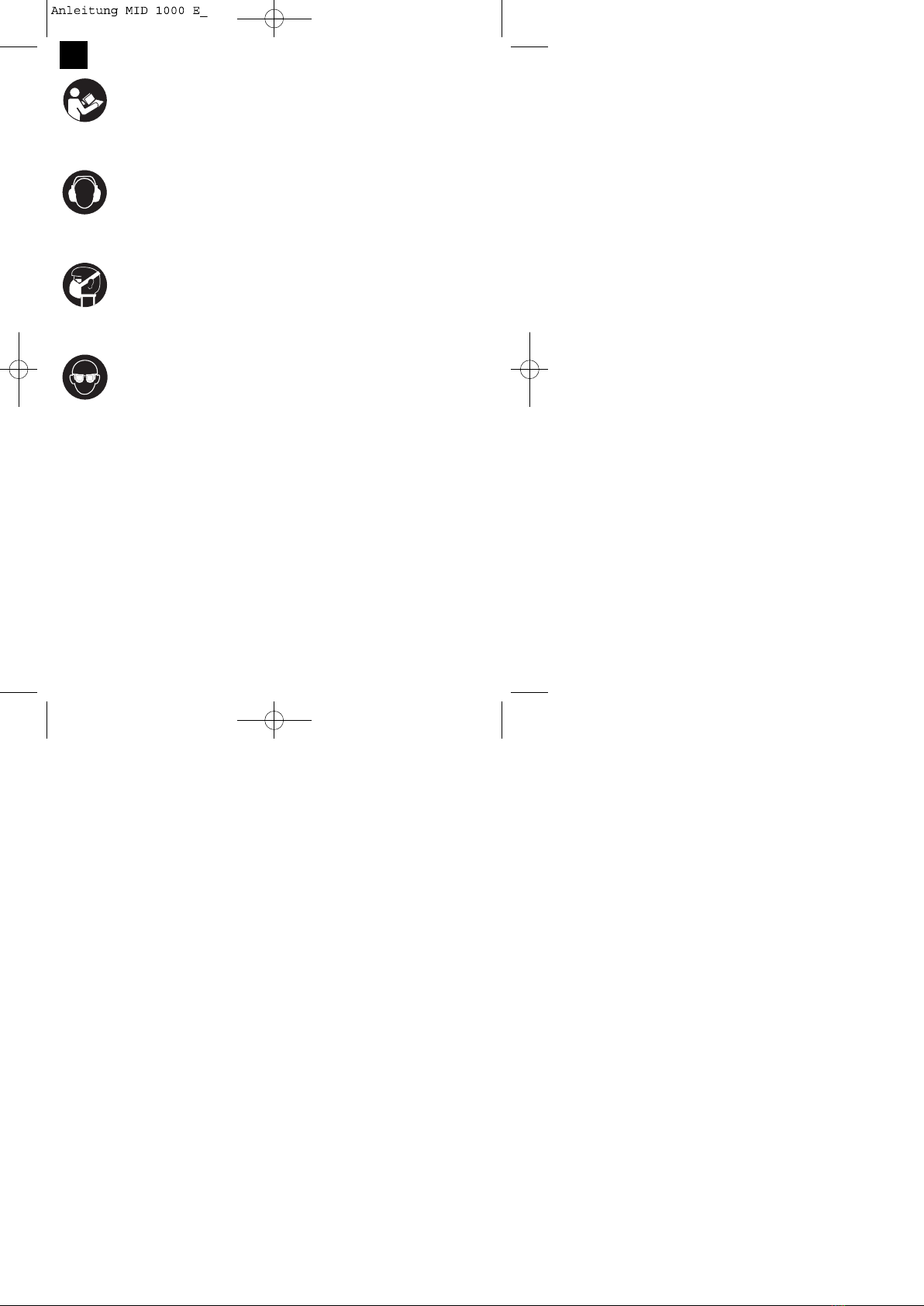
“WARNUNG - Zur Verringerung des Verletzungsrisikos Bedienungsanleitung lesen”
Tragen Sie einen Gehörschutz.
Die Einwirkung von Lärm kann Gehörverlust bewirken.
Tragen Sie eine Staubschutzmaske.
Beim Bearbeiten von Holz und anderer Materialien kann gesundheitsschädlicher Staub
entstehen. Asbesthaltiges Material darf nicht bearbeitet werden!
Tragen Sie eine Schutzbrille.
Während der Arbeit entstehende Funken oder aus dem Gerät heraustretende Splitter, Späne
und Stäube können Sichtverlust bewirken.
10
D
This manual suits for next models
1
Table of contents
Languages:
Other Maestro Drill manuals