manuals.online logo
Brands
  1. Home
  2. •
  3. Brands
  4. •
  5. Marksman
  6. •
  7. Remote Starter
  8. •
  9. Marksman M11a User manual

Marksman M11a User manual

Other Marksman Remote Starter manuals

Marksman X6 User manual

Marksman

Marksman X6 User manual

Marksman M6A User manual

Marksman

Marksman M6A User manual

Marksman M9A User manual

Marksman

Marksman M9A User manual

Marksman M7a User manual

Marksman

Marksman M7a User manual

Marksman M8a User manual

Marksman

Marksman M8a User manual

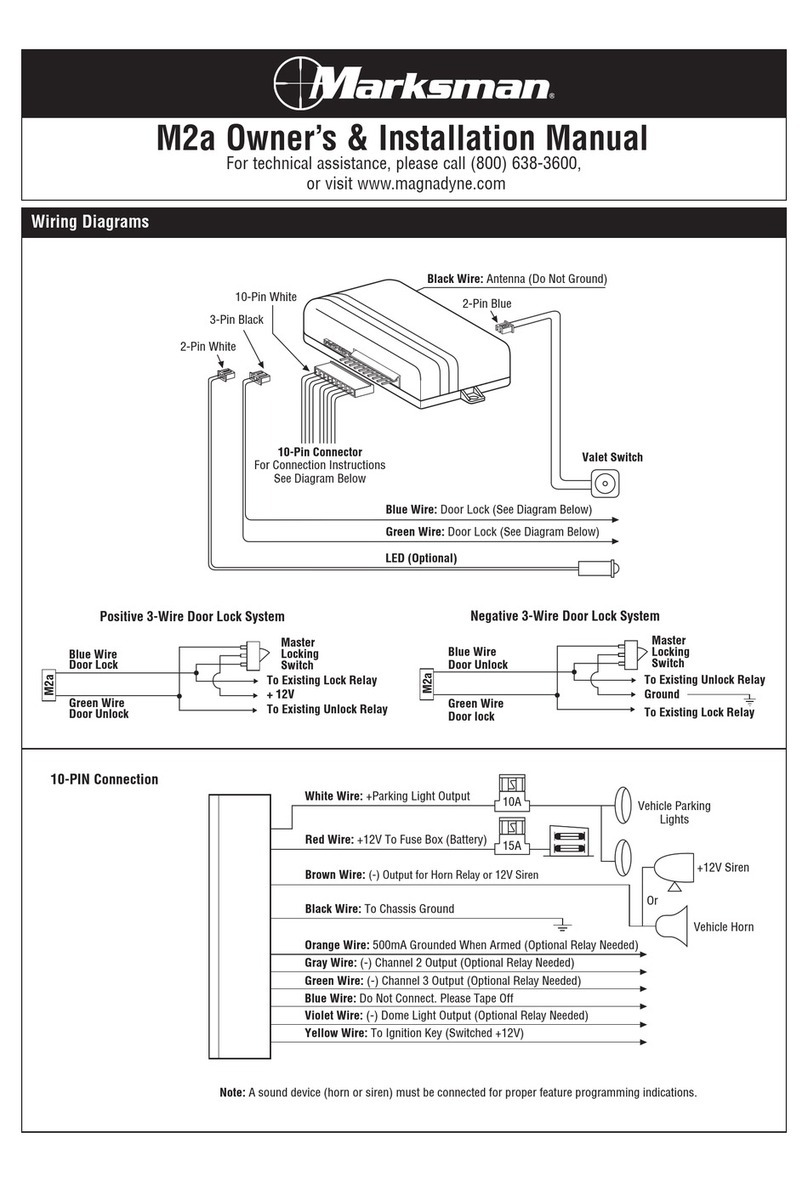
Marksman M2A Quick start guide

Marksman

Marksman M2A Quick start guide

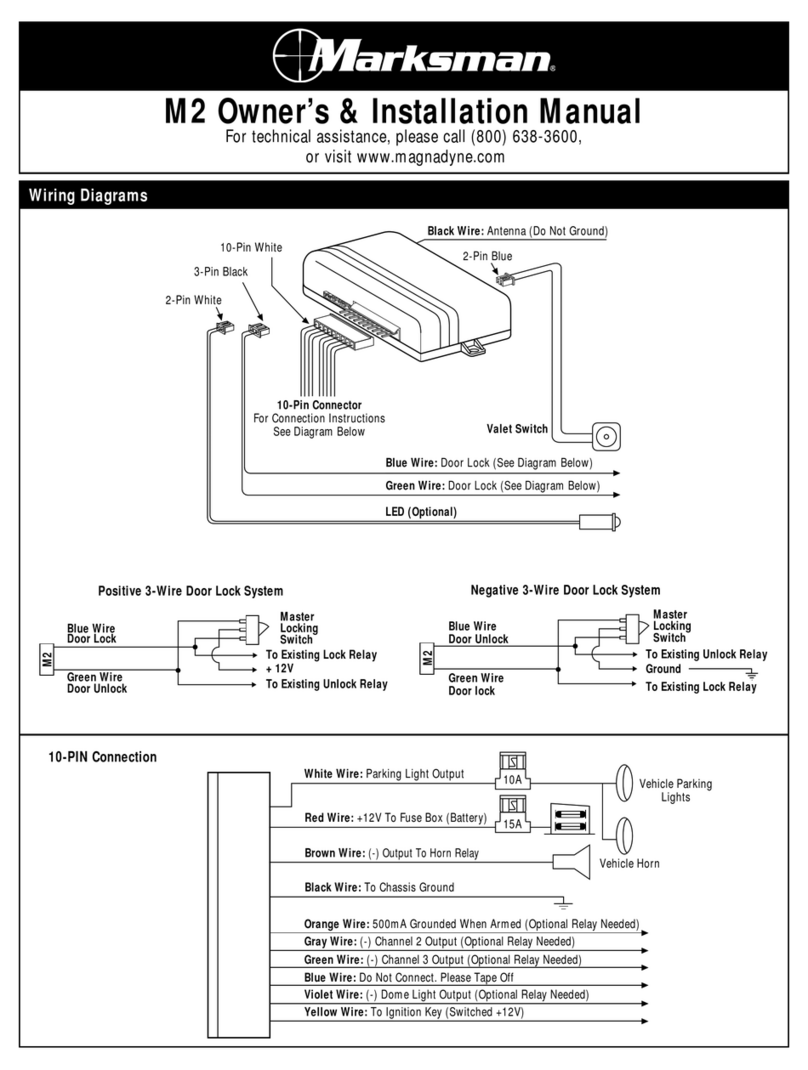
Marksman M2 Quick start guide

Marksman

Marksman M2 Quick start guide

Popular Remote Starter manuals by other brands

FamilyTool FMT002JST instruction manual

FamilyTool

FamilyTool FMT002JST instruction manual

PowerJump LMD-021 user manual

PowerJump

PowerJump LMD-021 user manual

AstroStart 803U user manual

AstroStart

AstroStart 803U user manual

Durite 0-649-20 Leaflet

Durite

Durite 0-649-20 Leaflet

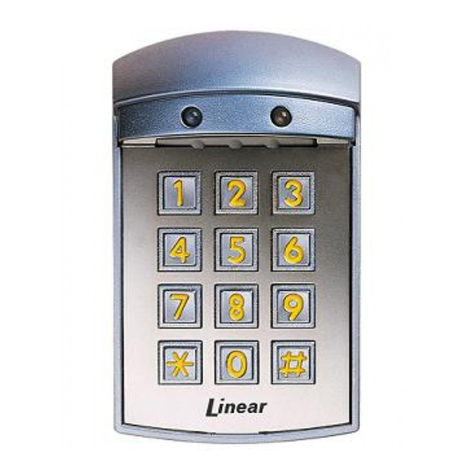
Linear ACCESS AK-21 Installation and programming instructions

Linear

Linear ACCESS AK-21 Installation and programming instructions

Soundstream TARANTULA RS.2 installation guide

Soundstream

Soundstream TARANTULA RS.2 installation guide

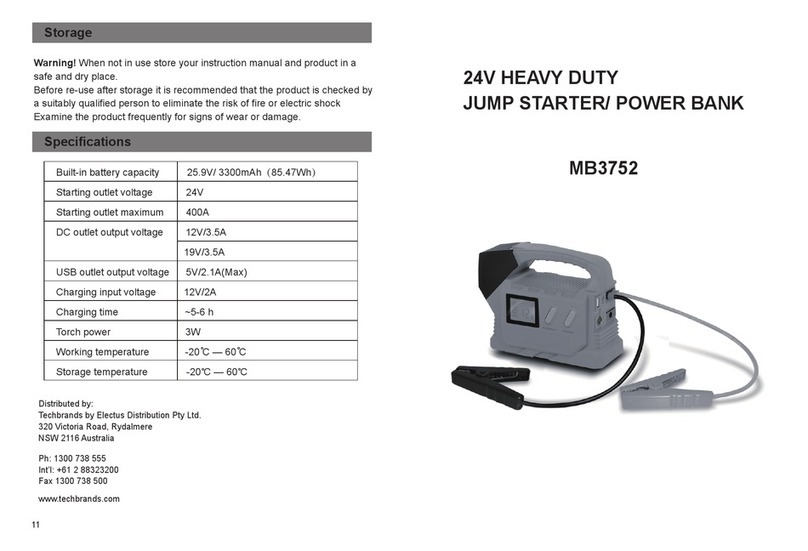
Jaycar Electronics MB3752 instruction manual

Jaycar Electronics

Jaycar Electronics MB3752 instruction manual

Ultra Start 72 Series owner's manual

Ultra Start

Ultra Start 72 Series owner's manual

ADS FLASHLOGIC FLRSVW1 Product guide

ADS

ADS FLASHLOGIC FLRSVW1 Product guide

Black Widow Security BW RAS 400 installation manual

Black Widow Security

Black Widow Security BW RAS 400 installation manual

Vector Power City DK080706 Owner's manual & warranty

Vector

Vector Power City DK080706 Owner's manual & warranty

Code Alarm CA-535 owner's manual

Code Alarm

Code Alarm CA-535 owner's manual

EINHELL EGS 3600 Directions for use

EINHELL

EINHELL EGS 3600 Directions for use

Schumacher INSTANT POWER IP-75C owner's manual

Schumacher

Schumacher INSTANT POWER IP-75C owner's manual

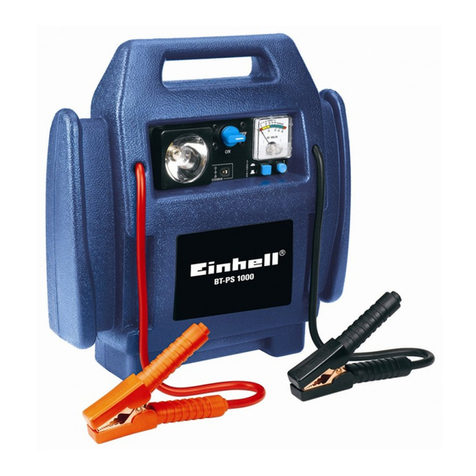
EINHELL BT-PS 1000 Directions for use

EINHELL

EINHELL BT-PS 1000 Directions for use

Mazda 0000-8F-H28 installation instructions

Mazda

Mazda 0000-8F-H28 installation instructions

DEI 450ESP owner's guide

DEI

DEI 450ESP owner's guide

Directed Electronics AutoCommand 28624TN Owner's installation guide

Directed Electronics

Directed Electronics AutoCommand 28624TN Owner's installation guide

manuals.online logo
manuals.online logoBrands
  • About & Mission
  • Contact us
  • Privacy Policy
  • Terms and Conditions

Copyright 2025 Manuals.Online. All Rights Reserved.

For Technical Assistance, please call (800) 638-3600,
or visit www.magnadyne.com
Installation
Manual
Model: M11a
This device complies with part 15 of the FCC rules. Operation is subject to the following two conditions:
(1) This device may not cause harmful interference; and
(2) This device must accept any interference received, including interference that may cause undesired operation.
Note: The manufacturer is not responsible for any radio or TV interference caused by unauthorized modifications to
this equipment. Such modifications could void the user’s authority to operate the equipment.
M11A-IM 3/8/05 3:42 PM Page 1
2
Windshield Receiver/Antenna
• The combination windshield receiver/antenna mounts on the windshield (inside vehicle).
• We suggest you mount the receiver/antenna on the lower left-hand side of the windshield.
Warning!
Do not mount the
Windshield Receiver/Antenna
in such a manner that it obstructs the driver’s view.
• The receiver/antenna can be mounted vertical or horizontal.
• Remove the protective tape backing.
• Carefully align the receiver/antenna and apply to windshield.
• Route the black connecting cable behind the trim and connect to receiver/antenna.
• Connect the other end to the control module.
Valet Switch
Select a mounting location for the switch that is easily accessible to the driver of the vehicle. The switch does
not have to be concealed. However, concealing the switch is always recommended, as this provides an even
high level of security to the vehicle. Mount the valet switch in a hidden but accessible location. Route the valet
switch wires to the control module.
LED Status Indicator
The LED indicator status should be mounted in a highly visible area. Leave at least 6mm of space behind the
mounting location for LED housing. Once a suitable location is chosen, drill a 1/4" hole. Run the LED wires
through the hole then press the 2 pin LED housing into the place. Route the LED wires to the control module.
Installer Warnings!
This remote starter with alarm system is designed to be installed on fuel injected vehicles with an automatic
transmission ONLY.
• Never install this remote starter on a manual transmission vehicle.
• This system must be installed and wired through a safety switch it will not start in any forward or reverse gear.
• Some automatic transmission vehicle (mainly older GM vehicles with a purple starter wire) have a mechanical-
type park safety switch instead of electrical safety switch. The mechanical type does not interrupt the starter
circuit when the transmission is any gear and does not offer the 100% level of safety required for remote
starting purposes. Therefore, our system should never be installed on any vehicle that uses a mechanical type
park safety switch.
• Once you install this system, you must verify that the vehicle will not start any forward or reverse gear.
Regardless of the type of vehicle.
• Read operation manual for operating and programming routine.
• Do not install any component near the brake, gas pedal or steering linkage.
• Some vehicles have a factory installed transponder immobilizer system that can severely complicate the
installation. There is possibility that this system can not be installed on some immobilizer equipped vehicles.
• Most vehicles have an SRS air bag system. Use extreme care and do not probe any wires of the SRS system.
• Disconnect the car battery before connecting work on the vehicle.
• Use conventional crimp lock, bullet on any wiring. Poor wiring, i.e. taped joints will possibly introduce
unreliability into the alarm system and may result in false alarms or incorrect operation.
• Install wiring neatly under carpets or behind trim to prevent possible damage to wires.
• For the wires that operate at currents more than 10A, we suggest soldering all connection points. Do not use
crimp lock type connectors or wire nuts.
Installation
M11A-IM 3/8/05 3:42 PM Page 2

Wiring
3
White 6-Pin Heavy Gauge Connector
The method that the remote starter uses to start the vehicle is a duplicate of the ignition
switch function. Below, is an explanation of the 3 basic functions of the ignition switch. Since
this installation will require analysis of the ignition switch functions, it is recommended
making the three connections below at the ignition switch harness directly.
Violet Wire: (Starter Output)
Careful consideration for the connection of this wire must be made to prevent the vehicle from starting while
in gear. Understanding the difference between a mechanical and an electrical Neutral Start Switch will allow
you to properly identify the circuit and select the correct installation method. In addition you will realize why
the connection of the safety wire is required for all mechanical switch configurations.
Failure to make this connection properly can result in person injury and property damage.
In all installations it is the responsibility of the installing technician to test the remote start unit and assure
that the vehicle can not start via RF control in any gear selection other than park or neutral.
In both mechanical and electrical neutral start switch configurations, the connection of the “Violet” wire will
be made to the low current start solenoid wire of the ignition switch harness. This wire must have +12 volts
when the ignition switch is turned to the “START” (crank) position only. This wire have 0 volts in all other
ignition switch positions.
Note: If a starter disable relay is installed, the connection of the violet wire must be at the starter side of the
relay, not the ignition switch side.
Failure to connect this wire to the ignition switch side of the neutral safety switch can result in personal injury
and property damage (see Neutral Start Safety Test for further details).
Red Wires (2): (+12 V Power Input)
Remove the two 20A fuses prior to connecting these wires and do not replace them until the harness has
been plugged into the control module. These wires are the source of current for all the circuits the relay
harness will energize. They must be connected to a high current source. It is recommended that these wires
be connected to the 12V battery terminal.
Yellow Wire: (Ignition 1 Output)
Connect the “Yellow” wire to the ignition 1 wire from the ignition switch. The ignition wire should receive +12
volts” when the ignition key is in the “ON” or “RUN” and “START” or “CRANK” position. When the ignition is
turned “OFF”, the ignition wire should receive “0” voltage. The yellow wire must be connected.
"ACC" "START"
"OFF" "ON"
C
Starter
Start Cut Relay
(When Used)
D
Violet Wire
(
Closed in Park
or Neutral Only
Neutral Safety Switch
White 6-Pin
Connector
M11A-IM 3/8/05 3:42 PM Page 3
Wiring
4
White 6-Pin Heavy Gauge Wiring Connector (continued)
Pink Wire: (Ignition 2 Output)
Some vehicles have (2) ignition wires that must be powered. Connect the “Pink” wire to the ignition 2 wire
from the ignition switch. No connection required on vehicles without a second ignition.
Brown Wire: (Accessory Output, Heater/ACC Output)
Connect the “Brown” wire to the accessory wire that powers the climate control system. An accessory wire
will show +12 volts when the ignition switch is turned to the “ACCESSORY” or “ON” and “RUN” positions, it
will show 0 Volts when the key is turned to the “OFF” and “START” or “CRANK” position. There will often be
more than one accessory wire in the ignition harness. The correct accessory wire will power the vehicle’s
climate control system . Some vehicles may have separate wires for the blower motor and the air conditioning
compressor. In such cases, it will be necessary to add a relay to power the second accessory wire.
White 5-Pin Connector
Red Wire with White Stripe: (Parking Light Relay Input)
The “Red/White” wire has already been assembled to work with a +12 volt switched parking
light system (most vehicles). For vehicles with ground switched parking light activation cut
this wire and connect it to ground.
White Wire: (Parking Light Relay Output, +12 V 10A Output + or - selectable)
Connect the “White” wire to the parking light wire coming from the headlight switch. Do not connect the
“White” wire to the dashboard lighting dimmer switch (damage to the dimmer will result). The limitation of
the “White” wire is 10 Amp max. Do not exceed this limit or damage to the alarm and parking relay will result.
Black Wire: (System Ground)
This is main ground connection of the alarm module. Make this connection to a solid section of the vehicle
frame. Do not connect this wire to any existing ground wires supplied by the factory wire loom, make the
connection to the vehicle’s frame directly.
Brown Wire: (Programmable Siren Drive Output - Factory Default Setting)
This is the positive (+) output
connection for the siren, current
capacity is 2 Amps. Make connection
to the (+) red wire from the siren.
Make the (-) black wire coming from
the siren to a good chassis ground.
(+) Low Current Horn Output
(Set Alarm Feature Programming
Part 2 to Horn Output - Optional
Setting)
This wire is provided to use the
existing vehicle’s horn as the alarm
system’s optional warning audible
device. It’s a transistorized low current output, and should only be connected to the low current positive (+)
output from the vehicle’s horn switch.
Red Wire: (System Power +12V Constant)
The “Red” wire supplies power to the system. Connect this wire to a constant +12 volt source.
87
87a
86 85
30
Brown
Wire
To Ground
To Horn
+12V or Ground Depending
on System Requirements
Fuse
5-Pin
White Plug
M11A-IM 3/8/05 3:42 PM Page 4
5
Wiring
White 2-Pin Connector
LED Status Indicator:
The LED indicator status should be mounted in a highly visible area such as top of the dashboard, on top of
the shifter console or on dashboard face. Leave at least 6mm space behind the mounting location for LED
housing. Once a suitable location is chosen, drill a 1/4" hole. Run the LED wires though the hole then press
the 2-Pin LED housing into the place. Route the LED wires to the control module.
Black 4-Pin Connector
Two-Way Transceiver/Antenna Module:
The two-way transceiver/antenna mounts on the windshield
(Inside). We suggest you mount it on the lower left or upper left
hand side of windshield (driver side). Warning! Do not mount in
such a manner that it obstructs the drivers view.
• Remove the protective tape backing.
• Carefully align the two-way transceiver/antenna and apply to windshield.
• Route the black connector wire behind the trim and connect to the two-way transceiver/antenna.
• Connect the other end to the control module.
• Special considerations must be made for windshield glass as some newer vehicles utilize a metallic
shielded window glass that will inhibit or restrict RF reception. In these vehicles, route the two way
transceiver/antenna module away from metallic shielded window glass as far away as possible.
Brown 3-Pin Connector
Optional Paging (Knock) Sensor:
The optional paging (knock) sensor can be added on.
1. Peel the protective paper from the double sided adhesive tape and attach one side to the bottom part of the
paging sensor.
2. After cleaning the area around left bottom part of the front window so that it stays attached firmly, the
paging sensor should be attached on the front window.
3. Hide the wire by carefully pushing it inside the space of the front window’s mold trim.
4. Adjusting the sensitivity sensor, if you turn the adjustment screw clockwise, the sensitivity is increased,
counter clockwise sensitivity is decreased.
For best reception results, we suggest
mounting the antenna horizontally.
M11A-IM 3/8/05 3:42 PM Page 5
6
Wiring
Blue 2-Pin Connector
Valet Switch
Select a mounting location for the switch that is easily accessible to the driver of the vehicle. The
switch does not have to be concealed, however, concealing the switch is always recommended,
as this provides an even high level of security to the vehicle. Mount the valet switch in a hidden but accessible
location. Route the valet switch wires to the control module.
Black 9-Pin Mini
Connector
White/Black Wire:
(Negative Safety Shut
Down Input.)
The White/Black wire
provides an instant shutdown for the
remote start, whenever it is
grounded. Connect the wire to the
hood pin switch previously installed.
this wire must be routed through a
grommet in the firewall and
connected to the hood pin switch. If the pin switch is to be used with an alarm system, connect this wire with
diode. Diodes are required when the hood pin is used as a triggering device. Wire as shown.
White/Violet Wire: Positive Safety Shut Down Input
This wire provides an instant shutdown for the remote start, whenever it gets +12 volts. If the brake lights switch
in the vehicle switches +12 Volts to the brake light circuit, connect this wire to the output side of the brake switch.
This will allow the remote start
to shut down if an attempt is
made to operate the vehicle
without the key while running
under the control of the remote
start. In most vehicles, in order
to shift gear, the brake pedal
must be depressed. The brake
input will in turn cause the
remote start unit to shut off.
Black/White Wire: (-) Remote Start Enable Toggle Switch Input, (-) Neutral Safety Switch Input
When the Black/white wire is grounded, the remote start unit is operable. When this wire is open from ground, the
remote start is disabled.
1. An optional “remote start toggle switch” can be added on to temporarily disable the Remote Start Device, it can
prevent the vehicle from being remote started accidentally. This feature is useful if the vehicle is being serviced
or stored in an enclosed area. To disable the remote start, move the optional remote start enable toggle switch
to the OFF position. To enable the remote start, move the optional remote start enable toggle switch to the ON
position.
2. If needed, this wire can connect to the Park/Neutral switch in the vehicle (See testing in your installation guide).
Important Note: Directly connect the Black/White wire to the “Ground” when this wire is
not used for it’s intended safety purpose or remote start will not operate.
Hood Pin Switch
White/Black Wire
Negative Safety
Diode Diode
To Alarm Instant
Trigger Blue Wire
H
Black
9-Pin Mini
Connector
Brake Light Bulbs
+12 Volts
Switch Closes when
Brake is Depressed White/Violet Wire
Brake Pedal
To Lights
M11A-IM 3/8/05 3:42 PM Page 6
Black 9-Pin Mini Connector (continued)
Blue Wire: (-) Ground Instant Trigger Input (Zone 2)
This wire is the ground trigger input wire for hood/trunk pin switches.
White/Green Wire: (-) Diesel wait to Start Input
In diesel vehicles it is necessary to interface with the wire that on the Wait to Start light in the dashboard. This wire
illuminates the bulb until the vehicle’s glow plugs are properly heated. When the light goes out the vehicle can be
started. This wire is always at the connector leading to the bulb in the dashboard. It can also be found at the
Engine Control Module (ECM) in many vehicles. To test and determine the polarity of this wire:
1. Set your Multi-Meter to DC voltage (12V or 20V is fine).
2. Attach the (+) probe of the meter to (+) 12V.
3. Probe the wire that you suspect leads to the bulb with the (-) probe of the meter.
4. Turn the ignition switch to the ON position.
5. If the meter indicates 12 Volts until the light goes out, you have isolated the connect wire and the wire’s
polarity is negative (Ground while the bulb is ON).
6. If the meter reads zero (0) volts until the light goes out and then reads 12 volts, you have isolated the
connection wire and the wire’s polarity is positive.
Connect this wire to the wire in the vehicle that sends the signal to turn on the Wait To Start bulb in the
dashboard. In most diesel the wire is negative (Ground Turns on the Bulb) and this wire can be directly connected
to the in the vehicle. If the vehicle uses a positive wire (12V to turn the bulb ON) a relay must be used to change
the polarity.
Green Wire: (-) Negative Door Trigger Input (Zone 3)
This wire is the ground trigger input wire for negative door pin switch.
Violet Wire: Positive Door Switch Sensing Input (Zone 3)
This wire is the positive trigger input wire for positive door pin switch.
Wiring
White/Green Wire
Wait to Start Input
Wait to
Start Light
Ignition (+)
Black
9-Pin Mini
Connector
(
-
) Wait to Start Wire
To Vehicle
7
Wait to Start
Light
87
87A
85
86 30
(+) Wait to Start Wire
Black
9-Pin Mini
Connector
White/Green Wire
Wait to Start Input
M11A-IM 3/8/05 3:42 PM Page 7
Black 9-Pin Mini Connector (continued)
White/Blue Wire: (-) Instant Start and Turn Off Input
This wire activates and turns off the remote starter each time it sees a momentary ground signal. Normally used for
testing during installation or when activating the module from an after market system.
White/Red Wire: (-) Tachometer Signal Connection
This input provides the remote start system with information about the engine’s revolutions per minute
(RPM). It can be connected to the negative side of the coil in vehicle with conventional coils. In multi-coil and
high energy ignition system locating a proper signal may be more difficult. Once connected, you must
program the Start Feature Stage 2 to “Tachometer Checking Type" and teach the system the RPM signal (see
Start Feature Stage 2 Programming).
In multi-coil ignition system, the system can have individual coil wires. Individual coil wires in a multi-coil
ignition system will register lower amounts of AC voltage. Common locations for a tachometer wire are the
ignition coil itself, the back of the gauges, engine computers, and automatic transmission computers.
Important! Do not test tachometer wires with a test light or logic probe. Electronic
components of the ignition system will be damaged.
How to find a tachometer wire with your multi-meter:
1. Set the ACV or AC voltage *(12V or 20V is OK).
2. Attach the (-) probe of the meter to chassis ground.
3. Start and run the vehicle.
4. Probe the wire you suspect of being the tachometer wire with the red probe of the meter.
5. If this is the correct wire the meter will read between 1V and 6V
at idle, and will increase as engine RPM
increases.
Note: No connection of this wire is required, if you use the voltage or timer checking type mode.
White 4-Pin Mini Connector
2-Stage Sensor:
Allows easy connection with quick disconnect ability for other optional devices.
1. Red: +12 Volt Constant Input.
2. Black: Main Sensor Ground.
3. Blue: Instant Trigger (-) Input.
4. Green: Warn Away (-) Input.
White 10-Pin Mini Connector
Yellow Wire:
(-) 200mA Ignition 3 Output
This wire provides a 200mA (-) ground output that becomes active in 4 seconds before the
remote start unit initializes and remains grounded while running. It may also be used for an
immobilizer bypass module.
8
Wiring
Ignition: 3-Wires from
Ignition Key switch
Constant +12V:
Fused 25A Capable
Yellow Wire 87
87A
85
86
30
White 10-Pin
Mini Connector
M11A-IM 3/8/05 3:42 PM Page 8
Wiring
9
White 10-Pin Mini Connector
(continued)
Yellow Wire: (continued)
Transponder Interfacing Using ALA984 Relay (may also use optional RS-TIM bypass module):
If the vehicle has transponder system installed, you will need to bypass the system while the vehicle is
operating under the control of the Remote Start Unit. To do this, follow these steps:
1. You will need a transponder key that's already programmed to the vehicle.
2. Remove the trim around the ignition switch.
3. Wrap a thin (30awg) wire tightly around ignition switch 6 to 8 times and secure it.
4. About 6" down line make another loop of approximately 2" diameter.
5. Place the key inside this loop and secure it to the loop.
6. Connect one end of the 30 awg wire to pin (87) of the relay module.
7. Connect the other end of the loop wire to pin (30) of relay module.
8. Connect pin (86) to ignition, connect pin (85) to the yellow wire of the white 10-pin mini connector.
Ignition 3 Output:
Some newer vehicles use a
third ignition wire which is
required to start and keep
the vehicle’s engine running.
If this is the case, wire an
IGN 3 Relay (not supplied)
as shown:
DO NOT CONNECT ANY
VEHICLE CIRCUITS
TOGETHER, THEY ARE
ISOLATED FOR A REASON.
Transponder Key
87
87A
85
86 30
Ignition
Switch
+12 Volt Ignition
Yellow Wire
10-Pin Mini White Plug
GM VATS Key Override Using ALA984 Relay
(may also use optional RS-PLM bypass module)
:
Passkey/Vats: Anti-Theft Bypass
87
87A 85
86
30
To Ignition
White 10-Pin
Mini Connector
Passkey Wire Computer Side
Orange or Black Plastic Tube
at Steering Column
Resistor
Cut
Passkey Wire Key Side
Yellow Wire
M11A-IM 3/8/05 3:42 PM Page 9
Wiring
Resistor
Yellow
Trucks: Orange/Black or Cars: Black
Passkey II Passive Anti-Theft Bypass
87
87A 85
86 30
To Vehicle's Ignition Wire
Trucks: Red/White or Cars: White
White 10-Pin
Mini Connector
Yellow Wire
10
White 10-Pin Mini Connector
(continued)
GM VATS Key Override Using ALA985H Relay:
Black/Violet Wire: (-) 200mA Timer Control Channel 6 Output
(See Alarm Feature Programming Part 3) (Factory default setting on momentary ground) This wire is built-
in user programmable timer output provides a ground through this wire. You may program the built-in
timer to send ground signal for any time interval between 1 second and 2 minutes. For instance, this timer
output may be used to turn on the headlights with the remote control. Also, on certain Mercedes Benz,
BMW, Jaguar and Volkswagens you can use this unique timed output to allow remote closure of all power
windows and sunroof without the need for an external module.
Brown/White Wire: (-) 200mA Programmable Output
Horn Output (See Alarm Feature Programming Part 3):
This wire can be used to activate the existing vehicle’s horn as the alarm system’s optional warning audible
device. It’s a transistorized
low current output, and
should only be connected
to the low current ground
output from the vehicle’s
horn switch. When the
system is triggered, the
horn will sound (depending
on the vehicle’s
requirement an additional
relay may be required as
shown).
Factory Security Rearm Signal Output (See Alarm Feature Programming Part 3):
This wire can be used to rearm a factory installed security system. This wire will supply a pulse whenever the
remote start times out or is shut down using the transmitter and remote door locking.
87
87a
86 85
30
Brown/White Wire
+12V
To Horn
+12V or Ground Depe
on System Requiremen
Fuse
6-Pin Mini
White Plug
M11A-IM 3/8/05 3:42 PM Page 10