Model no. 043-8240-8 | Contact us: 1-855-803-9313
76
TM
OPERATION
CAUTION: When working, the part above “Max” mark must not be immersed into
the liquid.
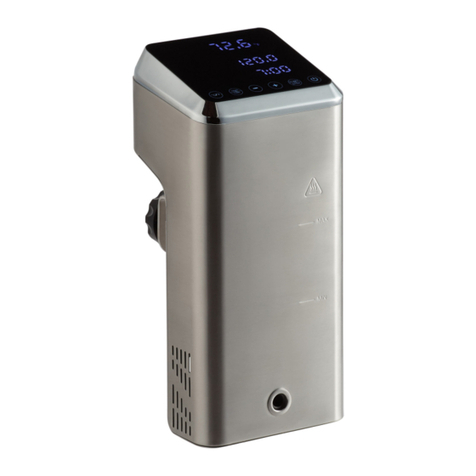
1. Attach the appliance to a pot. It should clip on the far side of the pot and face
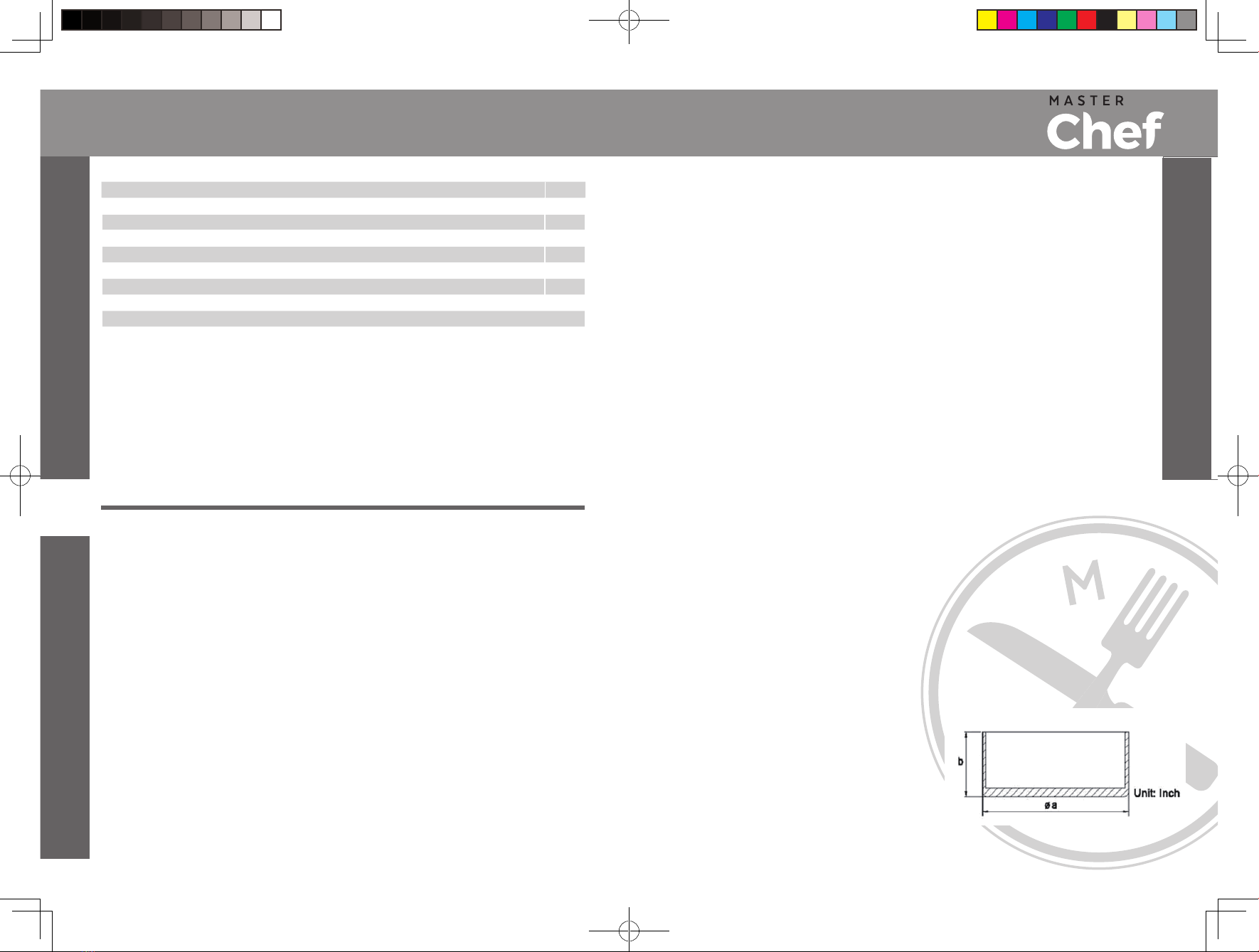
toward you. We recommend using a pot that is at least 4 1/4" (11 cm) tall.
2. Add water to the pot For best results, use a 4 quart/3.8 litre pot. The. water level
should be between the “Min” and “Max” levels on the appliance. The water level
will rise when you add food to the container, so don’t fill it up too high.
3. Plug the appliance into a power outlet. One long beep will sound and all the
indicators illuminate for about 1 second and then will turn off while the indicator
of “ ” key lights solidly.
4. Press “ ” key once and the appliance enters into setting mode. The “Actual
temperature display”, “ ” , “ ” ,“ ”, “ ” and “ ”
will light continuously while the
“Setting temperature/time display” shows the default temperature “120.0” flickering
and the indicator of “ ” key blinks. Now you can set your desired temperature by
“” and “ ”
keys. The
adjustable temperature ranges between
86° and 194°F (30° ans 90°C).
The “Setting temperature/time display” will show the setting temperature after
finish setting. 0.1 can be increased after every press of “ ” key while 0.1 can be
decreased after every press of “ ” key. And you can hold and press the “ ” or “ ”
keys to increase or decrease the temperature quickly. You can also Ahold and press
key to switch between °C and °F temperature.
5. After setting temperature, press “ ” key to enter into time setting mode.
The “Actual temperature display”, “ ” ,“ ” , “ ”,“ ” and “ ” will light
continuously solidly while the “Setting temperature/time display” shows the default time
“3:00” flickering and the indicator of “ ” key blinks. Now you can set your
desired time by “ ” and “ ” keys, the adjustable time ranges between zero (00:00)
and 99 hours and 59 minutes (99:59), and the “Setting temperature/time display” will
show the setting time after being set.
You can increase time by one minute by pressing
" " key, and you can decrease time by one missing by pressing " '' key.
Or you can hold and press the “ ” or “ ” keys to increase or decrease the time
quickly.
6. After finish setting time, press “ ” key once, the appliance starts to heat based on
the settings made. The “Actual temperature display” shows the actual water temperature.
During operation, the “Actual temperature display”, “Setting temperature/time display”,
“” , “ ” ,“ ” , “ ” ,“ ” and “ ” will light continuously.
NOTE:
(1) During heating process, you can press “ ” key to check the set temperature
and time. You can also reset the temperature and time if the setting temperature
is not has not been reached.
(2) During operation, you can hold and press “ ” key for about 2 seconds to stop the
appliance and enter into standby mode.
7. Wait for the water to heat up to the setting temperature. One long beep will sound
when the setting temperature is reached and the time will start to count down
automatically. At that time, the “Setting temperature/time display” switches
to indicate the time automatically, the “ ” lights and the “ ” will turn off.
8. Add your food in the pot and let the appliance do its work. When the countdown is
finished, three beeps will sound,
then the appliance will enter into standby mode.
At that time, remove the cooked food.
CAUTION: The skirt part will become very hot during and after operation.
Do not touch appliance unless it has cooled down completely.
9. Unplug the appliance and clean it by following the operation of “CLEANING”,
then put it away.
10. The appliance is of parameter reset function. If the appliance is unplugged, it will
display the default temperature and time setting that is “120:0” and “03:00”
respectively
The appliance has a memory function. If the appliance is turned off but still
after being turned on again.
11.
OPERATION
“ ”
plugged in, the previous set temperature and time will be displayed when turned on again.