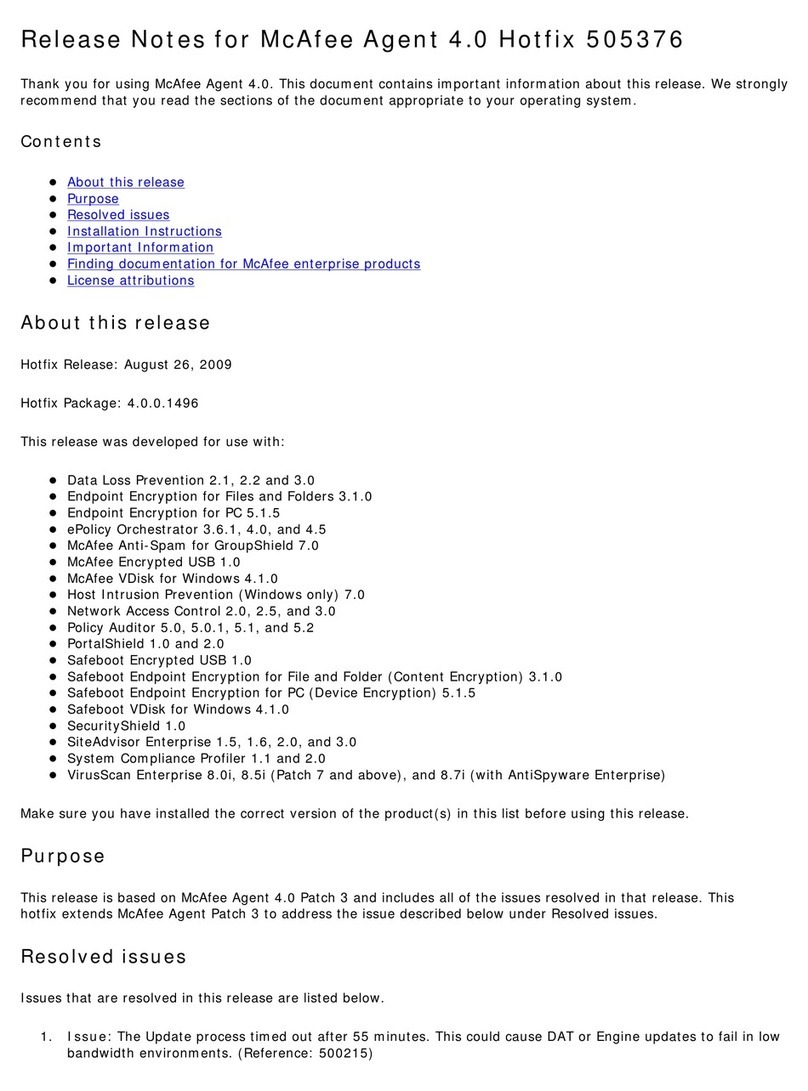
NoteSoftware
You must acquire and install.Internet Explorer 7 or 8, or
Firefox 3.0
You must acquire and install if using SQL Server 2005 Express..NET Framework 2.0
If not previously installed, the installation wizard installs automatically.Microsoft Visual C++
Redistributable
If not previously installed, the installation wizard installs automatically.Microsoft Visual C++
Redistributable - x86 9.0.21022
If not previously installed, the installation wizard installs automatically.MDAC 2.8
If not previously installed, the installation wizard installs automatically.SQL Server 2005 Backward
Compatibility
If no other database has been previously installed, this database can be installed
automatically at user’s selection.
SQL Server 2005 Express
Update the ePolicy Orchestrator server and the database server with the most
current updates and patches.
Microsoft updates
The installation fails if using a version of MSI previous to MSI 3.1.MSI 3.1
Database installation documented in this guide
The only database installation scenario described in detail is a first-time installation of SQL
Server 2005 Express. In this scenario, the ePolicy Orchestrator Setup installs both the ePolicy
Orchestrator software and the database on the same server. If the database is to be installed
on a different server from the ePolicy Orchestrator software, manual installation of SQL is
required on the remote server.
Other relevant database installations and upgrades
See the documentation provided by the database manufacturer for information about the
following installation scenarios:
• Installing SQL Server 2005 or 2008.
• Upgrading from MSDE 2000 to SQL Server 2005 or 2008.
• Upgrading from MSDE 2000 to SQL Server 2005 Express.
Nested triggers — The SQL Server Nested Triggers option must be enabled.
Database collation — The only database collation supported by ePolicy Orchestrator is the
U.S. English default: SQL_Latin1_General_Cp1_CI_AS.
Maintenance settings — McAfee recommends making specific maintenance settings to ePolicy
Orchestrator databases. For instructions, see
Maintaining ePolicy Orchestrator databases
in the
ePolicy Orchestrator 4.5 Help.
SQL Server
Dedicated server and network connection — Use a dedicated server and network connection
if managing more than 5,000 client computers.
Local database server — If using SQL Server on the same system as the ePolicy Orchestrator
server, McAfee recommends using a fixed memory size in Enterprise Manager that is
approximately two-thirds of the total memory for SQL Server. For example, if the computer has
1 GB of RAM, set 660 MB as the fixed memory size for SQL Server.
Pre-Installation
System requirements
9McAfee ePolicy Orchestrator 4.5 Installation Guide