3. Xplained Pro
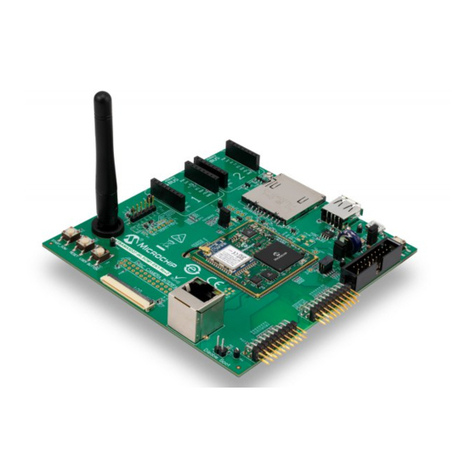
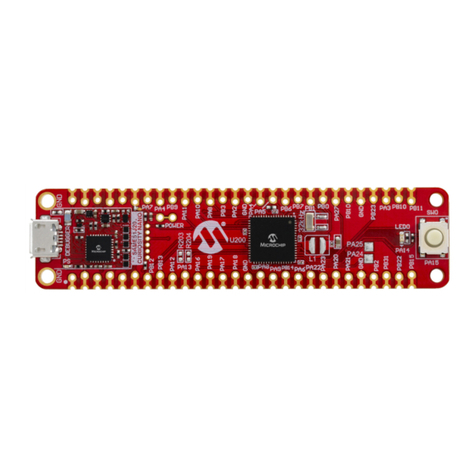
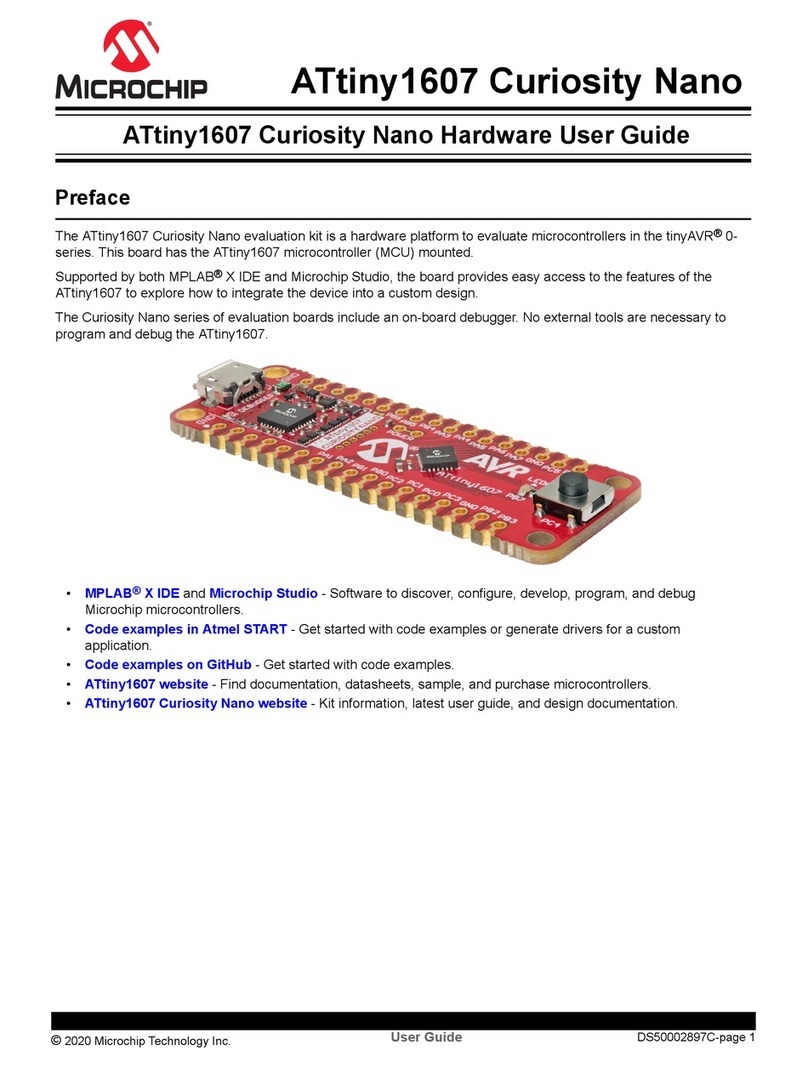
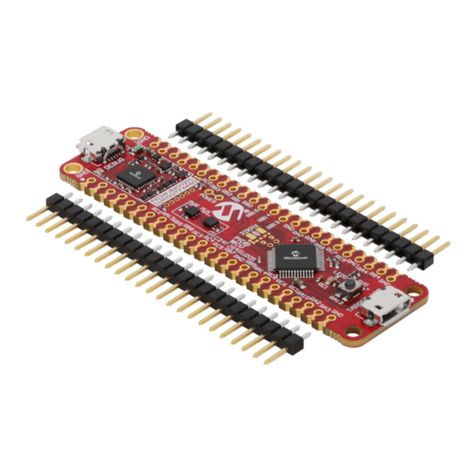
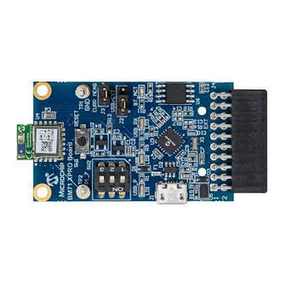
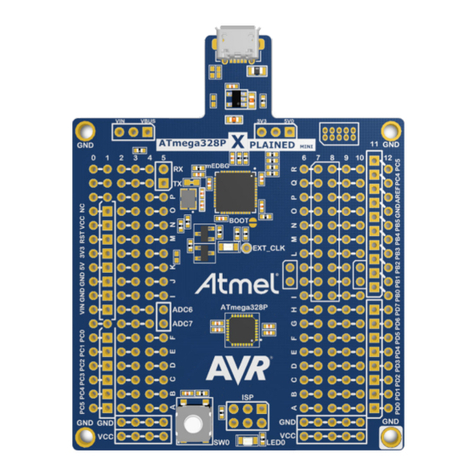
The Xplained Pro is an evaluation platform that provides the full Microchip microcontroller experience.
The platform consists of a series of Microcontrollers (MCUs) and extension boards. These are integrated
with Atmel Studio, which contains Advanced Software Framework (ASF) drivers, demo code, support
data streaming, and so on.
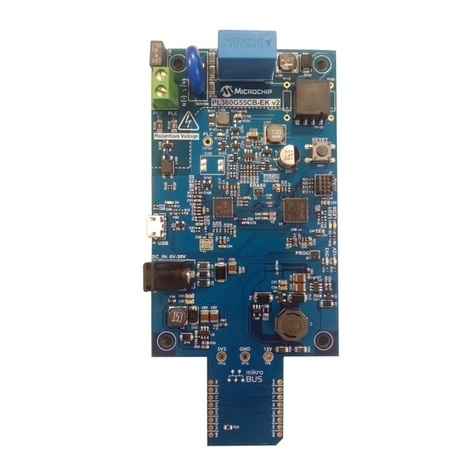
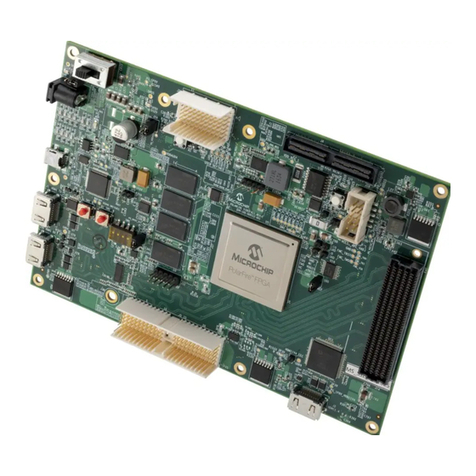
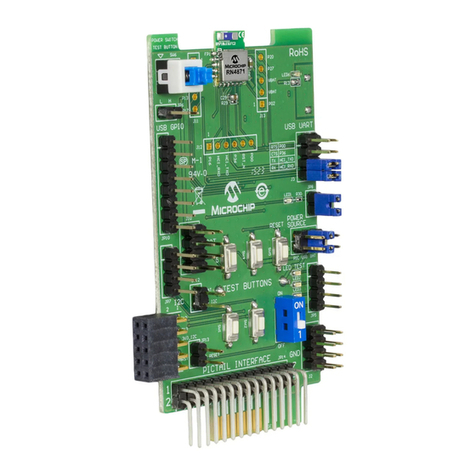
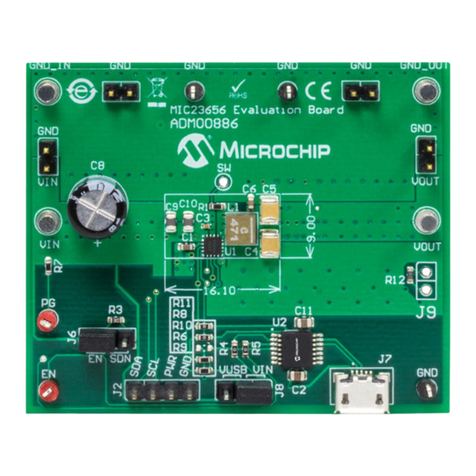
The Xplained Pro MCU boards support a wide range of Xplained Pro extension boards, and are
connected through a set of standardized headers and connectors. Each extension board has an
identification (ID) chip to uniquely identify which boards are connected to an Xplained Pro MCU board.
This information is used to present relevant user guides, application notes, data sheets, and example
code through Atmel Studio.
3.1 Embedded Debugger
The Xplained Pro contains the Microchip Embedded Debugger (EDBG) for on-board debugging. The
EDBG is a complex USB device with three interfaces, such as a debugger, virtual COM port, and a data
gateway interface (DGI). Together with Atmel Studio, the EDBG debugger interface can program and
debug the microcontroller. On the SAM L10/SAM L11 Xplained Pro, the SWD interface is connected
between the EDBG and the microcontroller.
The virtual COM Port is connected to a UART on the microcontroller and provides a straightforward way
to communicate with the target application through terminal software. It offers variable baud rate, parity,
and stop bit settings. Note that the settings on the microcontroller must match the settings given in the
terminal software.
Note: The virtual COM port in the EDBG requires the terminal software to set the data terminal ready
(DTR) signal to enable the UART pins connected to the microcontroller. If the DTR signal is not enabled,
the UART pins on the EDBG is kept in high-z (tristate), rendering the COM port unusable. The DTR signal
is set automatically by some terminal software, but it must be manually enabled in the terminal.
The DGI consists of several physical interfaces for communication with the host computer.
Communication over the interfaces is bidirectional. It can be used to send events and values from the
microcontroller or as a generic printf-style data channel. Traffic over the interfaces can be time stamped
on the EDBG for accurate tracing of events. Timestamping imposes an overhead that reduces maximum
throughput. The Atmel Data Visualizer Extension, installed with Atmel Studio, is used to send and receive
data through DGI.
The EDBG controls two LEDs on the SAM L10/SAM L11 Xplained Pro: a power LED and a status LED.
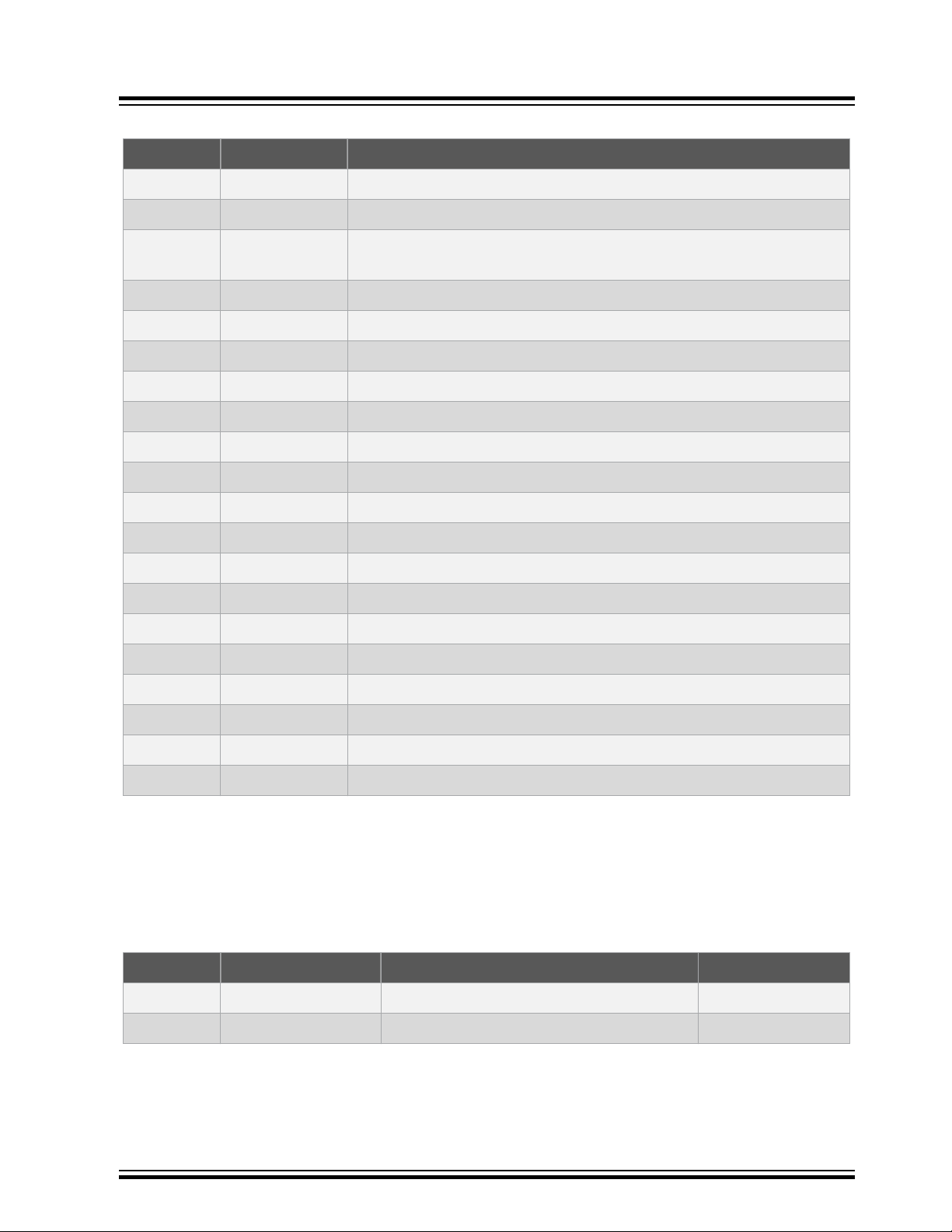
The following table provides how the LEDs are controlled in different operation modes.
Table 3-1. EDBG LED Control
Operation Mode Power LED Status LED
Normal Operation Power LED is lit when power is
applied to the board.
Activity indicator, LED flashes
when any communication
happens to the EDBG.
Bootloader Mode (idle) The power LED and the status LED blink simultaneously.
Bootloader Mode (firmware
upgrade)
The power LED and the status LED blink in an alternating pattern.
Xplained Pro
© 2018 Microchip Technology Inc. User Guide DS70005359B-page 6