EnglishDeutsch
 logo
Brands
  1. Home
  2. •
  3. Brands
  4. •
  5. Mitsubishi
  6. •
  7. Projection TV
  8. •
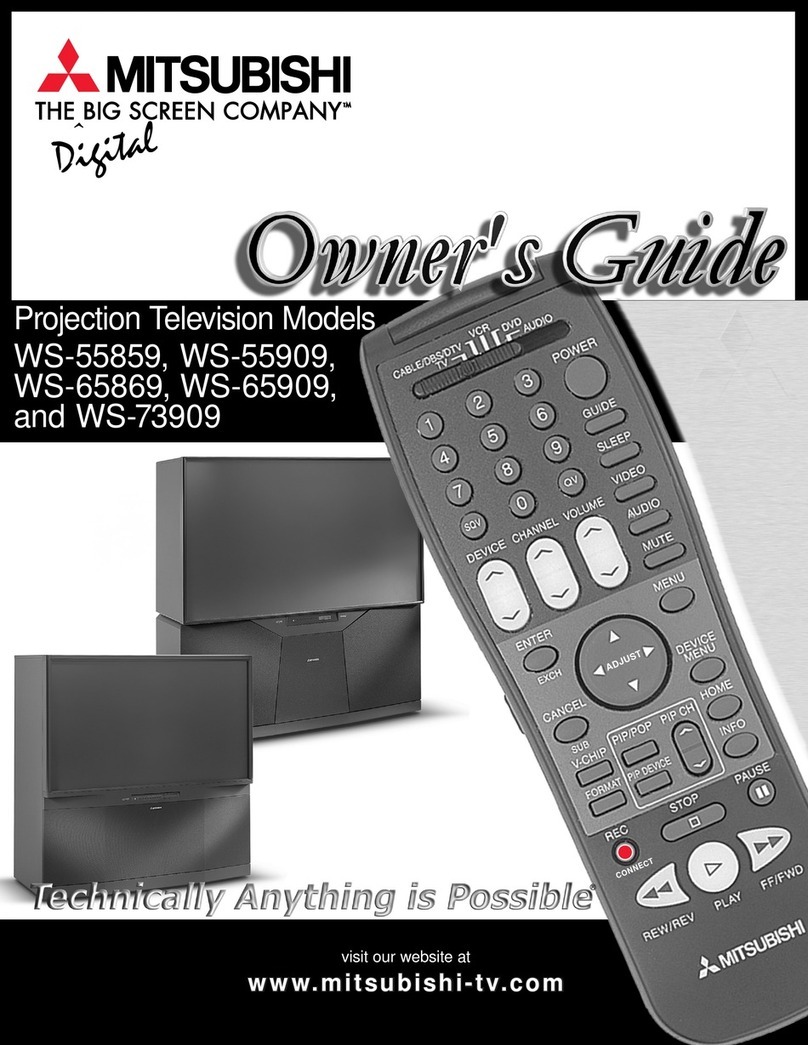
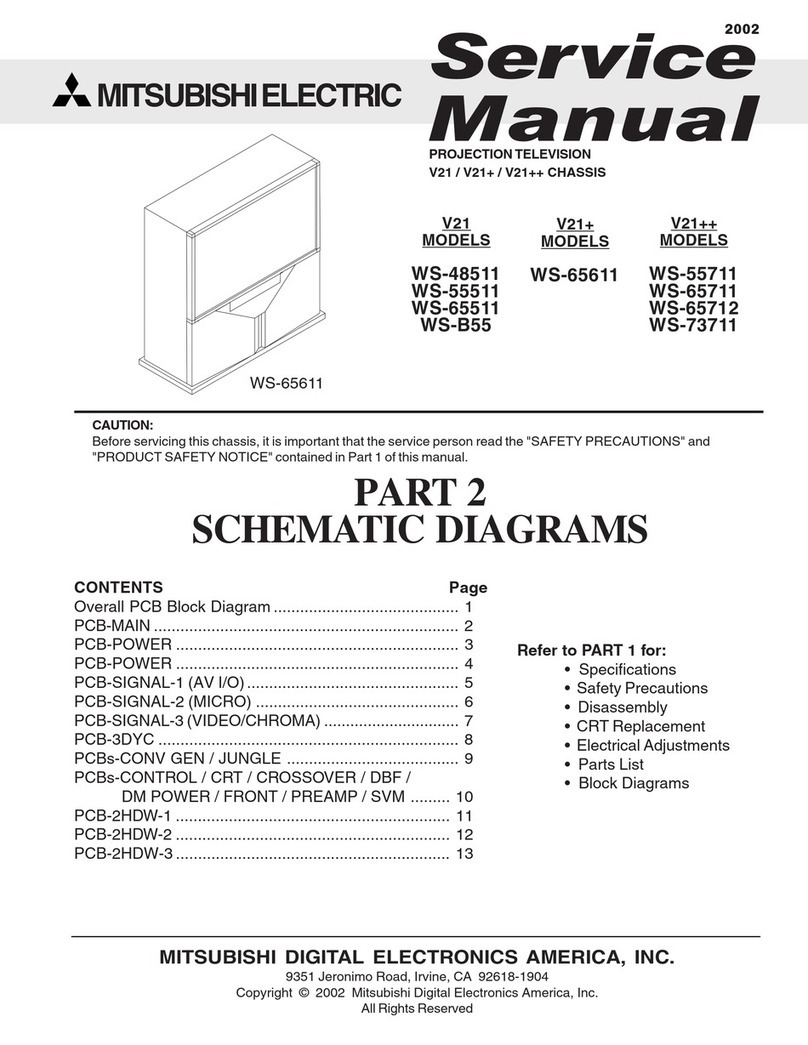
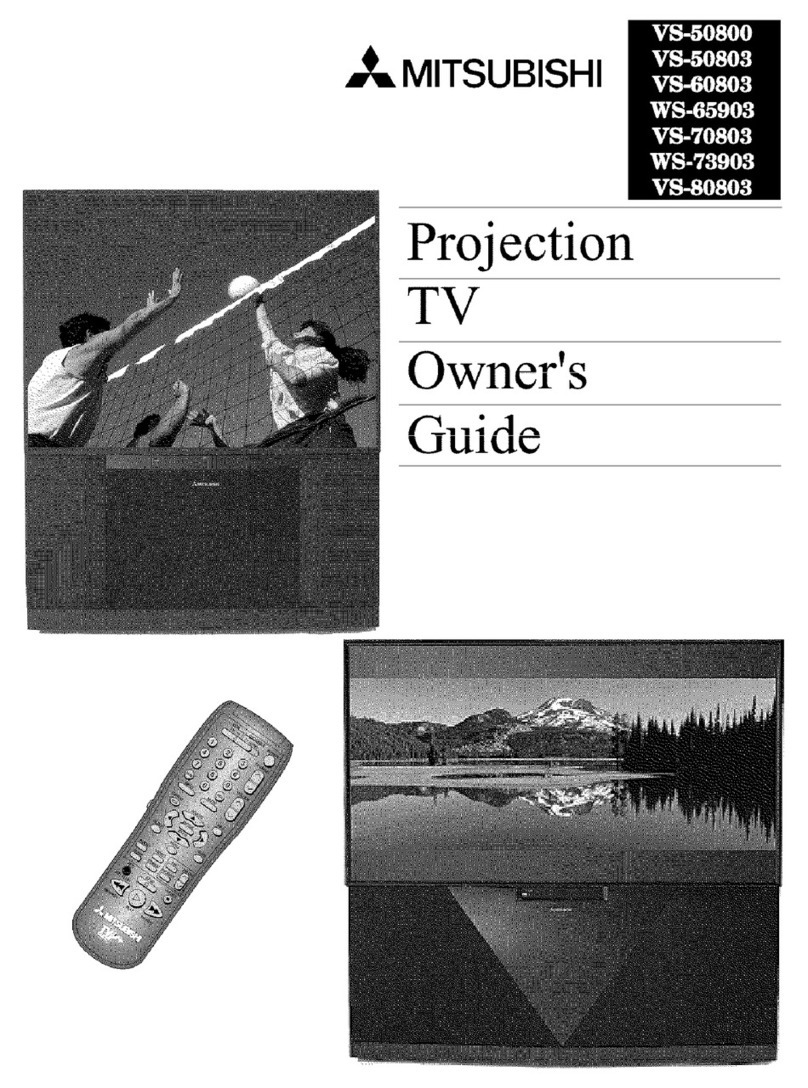
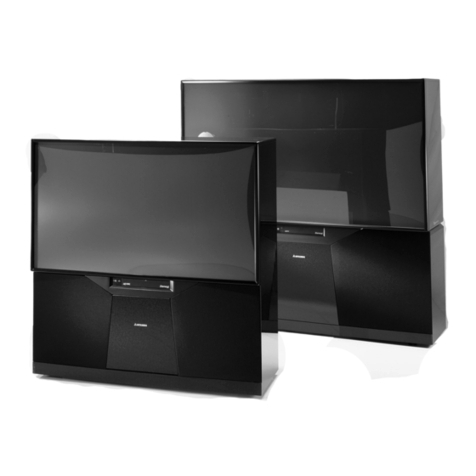
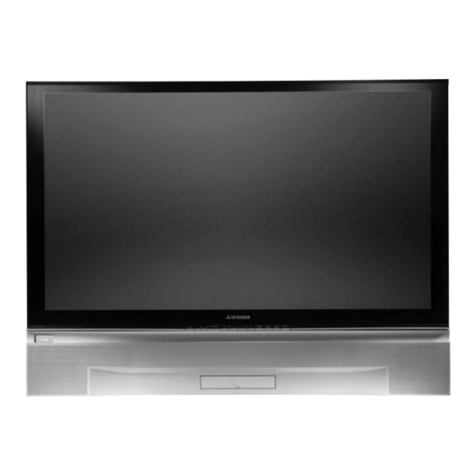
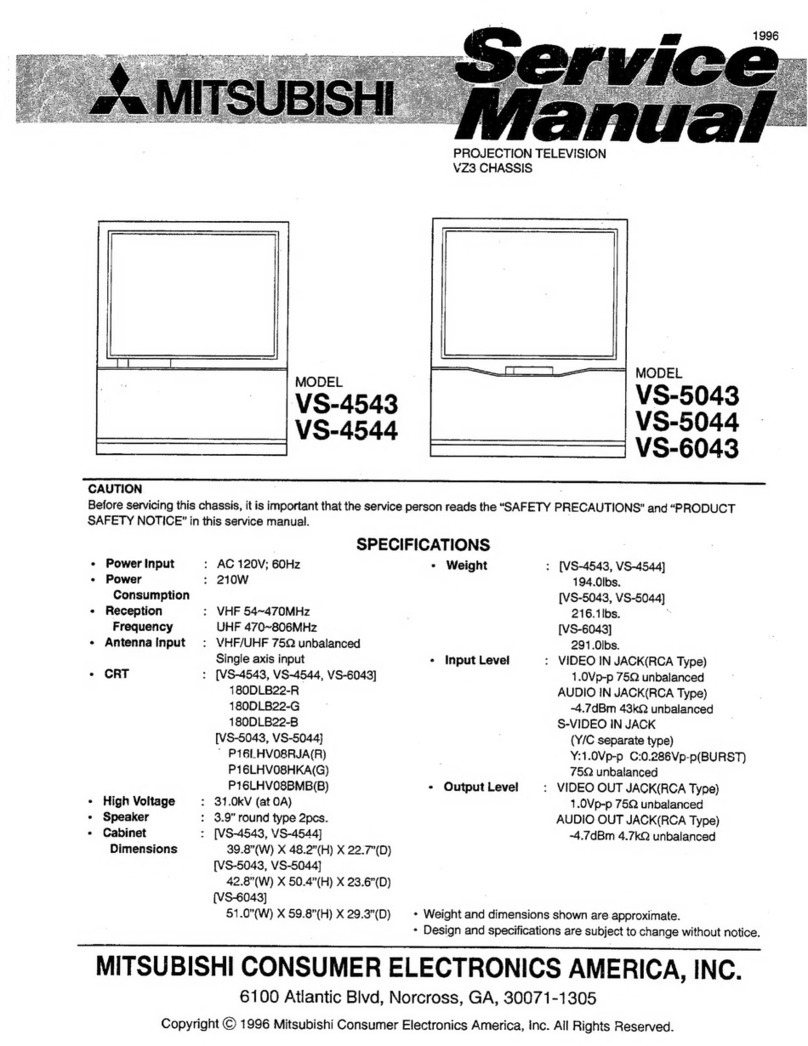
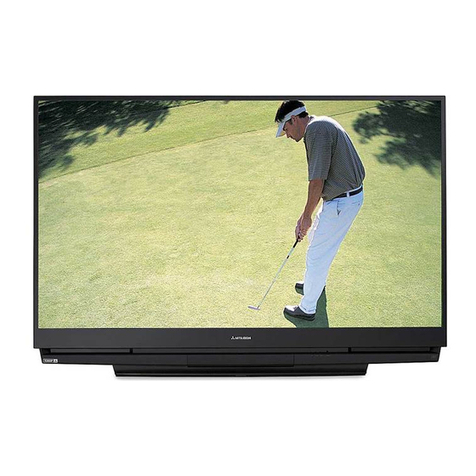
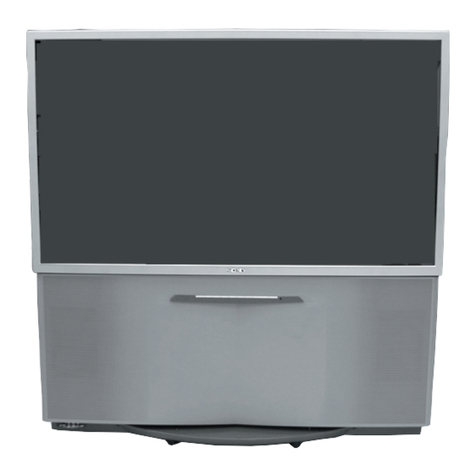
  9. Mitsubishi VS-45607 User manual

Mitsubishi VS-45607 User manual

This manual suits for next models

6

Other Mitsubishi Projection TV manuals

Mitsubishi WS-73909 User manual

Mitsubishi

Mitsubishi WS-73909 User manual

Mitsubishi WS-65315A User manual

Mitsubishi

Mitsubishi WS-65315A User manual

Mitsubishi WS-65903 User manual

Mitsubishi

Mitsubishi WS-65903 User manual

Mitsubishi VS-45502 User manual

Mitsubishi

Mitsubishi VS-45502 User manual

Mitsubishi Mr.Slim WD-52627 Installation guide

Mitsubishi

Mitsubishi Mr.Slim WD-52627 Installation guide

Mitsubishi WS-65807 User manual

Mitsubishi

Mitsubishi WS-65807 User manual

Mitsubishi VS-5041 User manual

Mitsubishi

Mitsubishi VS-5041 User manual

Mitsubishi WS-48511 Guide User manual

Mitsubishi

Mitsubishi WS-48511 Guide User manual

Mitsubishi VS-50803 User manual

Mitsubishi

Mitsubishi VS-50803 User manual

Mitsubishi WS-65908 User manual

Mitsubishi

Mitsubishi WS-65908 User manual

Mitsubishi WD-65000 User manual

Mitsubishi

Mitsubishi WD-65000 User manual

Mitsubishi WD-62327 User manual

Mitsubishi

Mitsubishi WD-62327 User manual

Mitsubishi VS-4543 User manual

Mitsubishi

Mitsubishi VS-4543 User manual

Mitsubishi Mr.Slim WD-52627 User manual

Mitsubishi

Mitsubishi Mr.Slim WD-52627 User manual

Mitsubishi S6085 User manual

Mitsubishi

Mitsubishi S6085 User manual

Mitsubishi Platinum Series User manual

Mitsubishi

Mitsubishi Platinum Series User manual

Mitsubishi WS-48315 User manual

Mitsubishi

Mitsubishi WS-48315 User manual

Mitsubishi WS-55517 User manual

Mitsubishi

Mitsubishi WS-55517 User manual

Mitsubishi WS-48315 User manual

Mitsubishi

Mitsubishi WS-48315 User manual

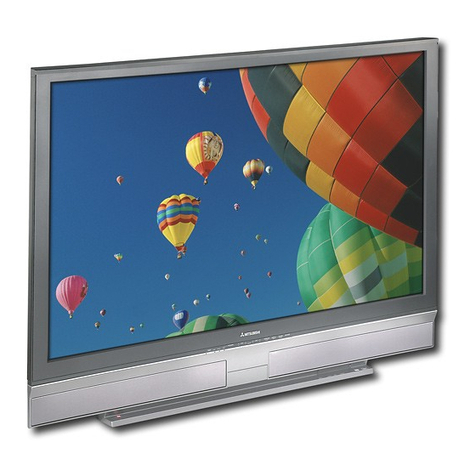
Mitsubishi VS-50111, VS-60111, WT-42311, User manual

Mitsubishi

Mitsubishi VS-50111, VS-60111, WT-42311, User manual

Mitsubishi WD-52528 User manual

Mitsubishi

Mitsubishi WD-52528 User manual

Mitsubishi WS-48511 Guide Installation and maintenance instructions

Mitsubishi

Mitsubishi WS-48511 Guide Installation and maintenance instructions

Mitsubishi WS-73907 User manual

Mitsubishi

Mitsubishi WS-73907 User manual

Mitsubishi WD-57833 User manual

Mitsubishi

Mitsubishi WD-57833 User manual

Popular Projection TV manuals by other brands

Samsung ST-43T6P Owner's instructions

Samsung

Samsung ST-43T6P Owner's instructions

Toshiba ColorStream TP50G60 owner's manual

Toshiba

Toshiba ColorStream TP50G60 owner's manual

Mitsubishi Electric WD-65734 Specification sheet

Mitsubishi Electric

Mitsubishi Electric WD-65734 Specification sheet

Optoma EP652A user manual

Optoma

Optoma EP652A user manual

Samsung SP43T8HPX/XEC Service manual

Samsung

Samsung SP43T8HPX/XEC Service manual

Philips 28PW6006 - annexe 1 Eco profile

Philips

Philips 28PW6006 - annexe 1 Eco profile

Sony KP-57WS500 - 57" Hi-scan 1080i™ 16:9 Projection... Dimensions

Sony

Sony KP-57WS500 - 57" Hi-scan 1080i™ 16:9 Projection... Dimensions

Philips 43PP8421 user manual

Philips

Philips 43PP8421 user manual

Hitachi 51F510 operating guide

Hitachi

Hitachi 51F510 operating guide

RCA P52950 user guide

RCA

RCA P52950 user guide

Sony KP-51DS1U Service manual

Sony

Sony KP-51DS1U Service manual

Magnavox 51MP392H - 51" Widescreen Hd Ready Tv owner's manual

Magnavox

Magnavox 51MP392H - 51" Widescreen Hd Ready Tv owner's manual

Hitachi 46F510 operating guide

Hitachi

Hitachi 46F510 operating guide

Pioneer Elite PRO 510HD operating instructions

Pioneer

Pioneer Elite PRO 510HD operating instructions

Philips 43PP8421 Directions for use

Philips

Philips 43PP8421 Directions for use

JVC I'Art Pro AV-48P776 Brochure & specs

JVC

JVC I'Art Pro AV-48P776 Brochure & specs

Sony GRAND WEGA KDF-55XS955 operating instructions

Sony

Sony GRAND WEGA KDF-55XS955 operating instructions

Sony KP-46WT520 - Wide Screen Projection Tv Service manual

Sony

Sony KP-46WT520 - Wide Screen Projection Tv Service manual

https://manuals.online logo
https://manuals.online logoBrands
  • About & Mission
  • Contact us
  • Privacy Policy
  • Terms and Conditions

Copyright 2026 Manuals.Online. All Rights Reserved.

MITSUBISHI
THE BIG SCREEN COMPANY TM
RISKOF ELECTRICSHOCK
DO NOT OPEN
CAUTION: TO REDUCE THE RISK OF ELECTRIC SHOCK, DO NOT REMOVE COVER
(OR BACK).
NO USER-SERVlCEABLE PARTS INSIDE.
REFER SERVICING TO QUALIFIED SERVICE PERSONNEL.
/_The lightning flash with arrowhead symbol within an equilateral triangle is intended to alert
the user to the presence of uninsulated"dangerous voltage within the products enclosure
that may be of sufficient magnitude to constitute a risk of electric shock
The exclamation point within an equilateral triangle is intended to alert the user to the
presence of important operating and maintenance (servicing) instructions in the literature
accompanying the appliance.
Warning: To avoid permanently imprinting a fixed imageonto your TV screen,pleasedo not displaythe same
stationary imageson the screen for more than 15%of your total TV viewing in one week. Examplesof stationary
imagesare letterbox top/bottom barsfrom DVD disc or other video sources,side bars when showing standardTV
pictures on widescreenTV's, stock market reports, video game patterns, station logs,web sitesor stationary com-
puter images. Suchpatterns can unevenly agethe picture tubes causing permanent damageto theTV. Pleasesee page
58 for a detailed explanation.
Note: This equipment has been tested and found to comply with the limits for a Class B digital
device, pursuant to part 15 of the FCC Rules. These limits are designed to provide reasonable
protection against harmful interference in a residential installation. This equipment generates, uses
and can radiate radio frequency energy and, if not installed and used in accordance with the instruc-
tions, may cause harmful interference to radio communications. However, there is no guarantee that
interference will not occur in a particular installation. If this equipment does cause harmful interfer-
ence to radio or television reception, which can be determined by turning the equipment off and on,
the user is encouraged to try to correct the interference by one or more of the following measures:
•Reorient or reJocate the receiving antenna
•Increase the separation between the equipment and receiver
• Connect the equipment into an outlet on a circuit different from that
to which the receiver is connected
• Consult the dealer or an experienced radio/TV technician for help
Changes or modifications not expressly approved by Mitsubishi could void the user's authority to operate
this equipment.
WARNING:
TO REDUCE THE RISKOF FIREOR ELECTRIC SHOCK, DO NOT EXPOSETHISAPPLIANCE TO RAIN OR
MOISTURE.
CAUTION:
TO PREVENTELECTRICSHOCK, MATCH WIDE BLADE OF PLUGTO WIDE SLOT,FULLYINSERT.
NOTE TO CATV SYSTEM INSTALLER:
THIS REMINDER ISPROVIDEDTO CALLTHE CATV SYSTEMINSTALLER'SATTENTION TOARTICLE 820-40 OF
THE NEC THAT PROVIDESGUIDELINES FOR PROPERGROUNDING AND, IN PARTICULAR,SPECIFIESTHAT
THE CABLE GROUND SHALL BECONNECTEDTOTHE GROUNDING SYSTEMOFTHE BUILDING,AS CLOSE
TOTHE POINT OF CABLE ENTRYAS PRACTICAL.
Contents
Important Safeguards 5
Instructions on safety and proper handlingof your Mitsubishi television
Special Features 7
Distinctive features, items included with your Mitsubishi television and hookup guidelines
Shortcuts 8
A quick reference list
Connections 9
Basichookups to an antenna, cable and components
Remote Control Functions 15
Features of the remote control, programming to work with other audio and video products,
explanation of buttons
Thel_ ®Menu System 2 I
Explanation of the on-screen menu system and the basic set-up menu screens including
Memorizing Channels, Set Clock and Day, AV Connection and On-Screen Language
Remote Control Input and Channel Selection 3 I
Changing inputs and channels and setting the sleep timer with the remote control
The Main Menu Screens 33
Explains the Parent Lock, Channel Edit, Advanced Features and AudioNideo Settings Menus
Special Remote Control Functions 49
How the remote works with other products includingthe Mitsubishi A/V Network, viewing
the PIP (Picture-in-Picture) and POP (Picture-outside-Picture)
Control Panel Functions 54
Explanation of the front panel buttons and the back panel terminals
Troubleshooting 57
Common problems, notes on caring and cleaningyour Mitsubishi television and how to
obtain service
Appendices 6 I
Diamond ShieldTM installation, remote control programming codes, bypassing the parent lock
Please read all these instructions regarding your television set and retain for future refer-
ence. Follow all warnings and instructions marked on the television.
I. Read, Retain and Follow Instructions
Read all safety and operating instructions before operating the appliance. Retain the safety and operating
instructions for future reference. Follow all operating and use instructions.
2. Heed Warnings
Adhere to all warnings on the applianceand in the operating instructions.
3. Cleaning
Unplug thisTV receiver from the walt outlet before cleaning.Do not useliquid or aerosol cleaners.Cleaners
canpermanently damagethe cabinet or screen.Use adamp cloth for cleaning.
4. Attachments and Equipment
Never add anyattachments and/or equipment without approval of the manufacturer assuchadditions may
result in the risk of fire, electric shock or other personal injury.
5. Water and Moisture
Do not usethis'IV receiver where contact with or immersioninwater ispossible. Do not usenear bath
tubs, wash bowls, kitchen sinks,laundry tubs,swimming pools, etc.
6. Accessories
Do not placethis TV receiver on an unstable cart,stand,tripod, bracket, or table. The TV receiver mayfall,
causingserious injuryto a childor adult, and serious damageto the appliance. Use only
with a cart, stand,tripod, bracket, or table recommended by the manufacturer,or sold with
theTV receiver. Any mounting of the applianceshould follow the manufacturer's instruc-
tions, and should usea mounting accessoryrecommended bythe manufacturer.
An applianceand cart combinationshould be moved with care. Quick stops, excessive
force, and uneven surfacesmay causethe applianceand cart combination to overturn.
7. Ventilation
Slots and openingsin the cabinetare provided for ventilation and to ensure reliable operation of theTV
receiver and to protect it from overheating. Do not block these openingsor allow them to be blocked by
placingtheTV receiver on a bed,sofa,rug,or other similar surface. Nor should it be placed over a radiator
or heat register. If the TV receiver is to be placedin a rack or bookcase,ensurethat there is adequate
ventilation and that the manufacturer's instructions havebeen adhered to.
8. Power Source
This TV receiver should be operatedonlyfrom the type of power source indicated on the marking label. If
you are not sure of the type of power supplied to your home, consult your appliancedealer or local power
company.
9. Grounding or Polarization
This TV receiver isequipped with a polarized alternating current line plug havingone blade wider than the
other. This plug will fit into the power outlet only one way. Ifyou are unableto insertthe plug fully intothe
outlet, try reversing the plug. If the plug should still fail to fit, contact your electrician to replaceyour
obsolete outlet. Do not defeat the safety purpose of the polarized plug.
I0. Power-Cord Protection
Power-supplycords should be routed so that they are not likely to be walked on or pinched by items placed
upon or againstthem, payingparticular attention to cords at plugs,convenience receptacles,and the point
where they exit from the appliance. 5

I I. Lightning
For added protection for thisTV receiver during a lightningstorm, or when it isleft unattended and unused
for long periods of time, unplug it from the wall outlet and disconnect the antennaor cable system. This will
prevent damageto theTV receiver due to lightning and power-line surges.
12. Power Lines
An outside antenna system should not be locatedinthe vicinity of overhead power lines or other electric
light or power circuits, or where it can fall into such power linesor circuits. When installingan outside
antennasystem,extreme care should be taken to keep from touching such power lines or circuits ascontact
with them might be fatal.
13. Overloading
Do not overload walt outlets and extension cords asthis can result ina risk of fire or electric shock.
14. Object and Liquid Entry
Never pushobjects of anykind into thisTV receiver through openingsasthey maytouch dangerousvoltage
points or short-out parts that could result in a fire or electric shock. Never spill liquid of anykind on theTV
receiver. EXAMPLE OF ANTENNA GROUNDING
15. Outdoor Antenna Grounding
If an outside antennaor cablesystem is connected to the TV receiver,be sure
the antenna or cable systemis grounded so asto provide some
protection againstvoltage surges and built-up static charges.
Section 810 of the National Electrical Code,ANSI/NFPA
70-1984, provides information with respect to proper
grounding of the mast and supporting structure, grounding
of the lead in wire to an antenna discharge unit, size of
grounding conductors, location of antenna discharge unit, con-
nection to grounding electrodes, and requirements for the
grounding electrode.
LEAD IN WIRE
(NEC SECTION 810-20)
GROUNDING
CONDUCTORS
:_.POWER SERVIC EGROUNDING
ELECTRODE SYSTEM
NEC -- NATIONAL ELECTRICAL CODE (NEC ART 250, PART H)
16. Servicing
Do not attempt to service this TV receiver yourself asopening or removing covers may expose you to
dangerousvoltage or other hazards. Refer all servicing to qualified service personnel.
17. Damage Requiring Service
Unplug thisTV receiver from the walt outlet and refer servicing to qualified service personnel under the
following conditions:
(a)When the power-supply cord or plug isdamaged.
(b) If liquid hasbeen spilled,or objects havefallen into theTV receiver.
(c) If theTV receiver hasbeenexposed to rain or water.
(d) If theTV receiver does not operate normally by following the operating instructions,adjust only those
controls that are covered by the operating instructionsasan improperadjustment of other controls may
result indamageand will often require extensive work by a qualified technician to restore theTV receiver to
itsnormal operation.
(e) If theTV receiver hasbeen dropped or the cabinet hasbeen damaged.
(f)When theTV receiver exhibits a distinct changein performance -- this indicatesa need for service.
18. Replacement Parts
When replacement parts are required, be sure the service technician hasused replacement parts specified
by the manufacturer or havethe samecharacteristics asthe original part. Unauthorized substitutions may
result infire, electric shock or other hazards.
19. Safety Check
Upon completion of anyservice or repairs to this TV receiver,askthe service technician to perform safety
checksto determine that the TV receiver isin safeoperating condition.
0ComponentVideo Input - for the best picture from DVD players
0DiamondShield TM- protective screen shield
(Optional with VS-45607,VS-50607 & VS-60607)
0 IRIS TM - sensor that automatically adjusts brightness and contrast
0 Multibrand Remote Control - use one remote control for many
audio video components
0PIP and POP - Picture-in-picture and Picture-outside-picture with
split screen mode
The following items are included with your newTV:
Remote Control Active A/V Network Cable DJam°ndShEeld"
_ao_ory I_staBed on models V$-50707, VS-5S707, VS_0707
apd V S-70707
Optiona] for models V$-45607, VS-50607, VS_Z_607
(2),_ S
Batteries
The connections shown in this book are general. Cable systems as well as individual audio and/or
video components can vary from those shown here. The first diagrams show basic connections
to antenna or cable systems. After you have completed these, you can then connect any addi-
tional components (stereo, DVD, AV receiver, etc.).
IMPORTANT
To maximize your system for its best
performance, your dealer can help you
customize hookups and sell you any
additional connection accessories that
may be needed for your individual
equipment.
7
0Hooking up yourTV to an antenna or wall outlet cable
0Remote control functions - pages 19-20
0Menu screen summaries - page 22-24
0Selecting the input - page 3 I
0Setting theV-chip parent lock - page 33
0Picture-in-picture mode - page 50
0Picture-outside-picture mode - page 52
0Troubleshooting - page 57
- page 9
TV to Antenna orWall Outlet Cable
Separate UHF andVHF antennas
I. Connect the UHF andVHF
antenna leads to the UHF/VHF
combiner.
2. Press the combiner ontoANT-A
on the TV back panel.
VNF Antenna UHF A_teer_
(C_neE_ 14"_9)
F_atTw_ Lead F_t T_
1
Ex[emal
A_terna
0r Ca_e
L PTIONAL*
Oemb_r_r
Baok S_e
TV Sack Panel
ANT._,
.@@@
®
oo
®®
®@
o
o 6
@@@
o6'%0
*there are different combiners for different wires.
Check with your dealer for the combiner style that you need,
Twin lead antenna or wall outlet cable
For antenna with twin fiat
leads
I. Connect the 300 ohm twin leads to
the transformer.
2. Push the 75 ohm side of the trans-
former onto ANT-A on the TV
back panel.
For cable or antenna with
coaxial lead
Connect the incoming cable to
ANT-A on the TV back panel,
000.....L/
Twin Load
J
/
_a_Hng T_ndo_er
TV Back PaneI
ANT A
@@@
®
o
@
®®
®@
o
@@
@o@
Connection of TV to Cable Box
I. Connect the incoming cable to
ANT-A on theTV back panel.
2. Connect two coaxial cables as
follows:
•One from CABLE LOOP-OUT on
theTV back panel to IN on the
back of the cable box,
• One from OUT on the back of the
cable box to ANT-B on theTV
back panel,
incoming Cabl_
TVBack Panel
@o @G@
m_ALOep_U_TB o_ _o®
Cable Box
rear terminals
Connection ofTV toVCR and Cable Box
I. Connect the incoming cable toANT-A
on the TV back panel.
2. Connect three coaxial cables as follows:
•One from CABLE LOOP-OUT on the
TV back panel to IN on the back of the
cable box.
• One from OUT on the back of the
cable box to ANTENNA IN on the
VCR back panel.
• One from ANTENNA OUT on the
VCR back panel to ANT-B on the TV
back panel.
TV Back pan_
©
®
.... ®®
ANT_L_OUT ANT,B ®®
©
VCR Back panel
If your VCR has avideo chant=el
ON/OFF sw_tch_ set it to OFF,
Audio Video Connections
I. Connect a video cable fromVIDEO
OUT on theVCR back panel toVIDEO
INPUT I or INPUT 2 on theTV back
panel.
If you have a S-VHSVCR, follow the
same steps, using the S-Video terminals
on the VCR and TV.
2. Connect a set of audio cables from
AUDIO OUT on theVCR back panel
to AUDIO INPUT on the TV back
panel. The red cable connects to the R
(right) channel and the white cable
connects to the L (left). If yourVCR is
non-stereo, connect only the L (left)
cable.
TV _ck P_e_
RCA
cab_
VCR _ck pa_el
If your VCR has a video channel
ON/OFF s_wltch, set it to OFF,
_ F_CA pin-ly
video caSe_
A_tac_
only
cat_e
type
type cable
10
Connection ofTV toVCg and Antenna or
Wall Outlet Cable
Antenna/Cable Connections
I. Connect the incoming cable toANT-A
on theTV back panel.
2. Connect two coaxial cables as follows:
•One from CABLE LOOP-OUT on the
TV back panel toANTENNA IN on the
VCR back panel.
• One fromVCR back panelANTENNA
OUT to ANT-B on the TV back panel.
If your VCR has a video channel
OWOFF swltch_ set It to OFF,
®®
®
Audio/Video Connections
I. Connect a video cable fromVIDEO
OUT on theVCR back panel toVIDEO
INPUT I or INPUT 2 on theTV back
panel.
If you have a S-VHS VCR, follow the
same steps, using the S-Video terminals
on the VCR and TV.
2. Connect a set of audio cables from
AUDIO OUT on theVCR back panel to
AUDIO INPUT on theTV back panel.
The red cable connects to the R (right)
channel and the white cable connects to
the L (left). If yourVCR is non-stereo,
only connect the L (left) cable.
©
OUT
OPTIONAL
_ypOc_b_e
VCRBackPanel
If your VCR has
a video channel
ON/OFF switch,
set it to OFF.
TV Back Panel
o'_
o I
Wh_e
OROd 0
v_eoc_bJo
®
II