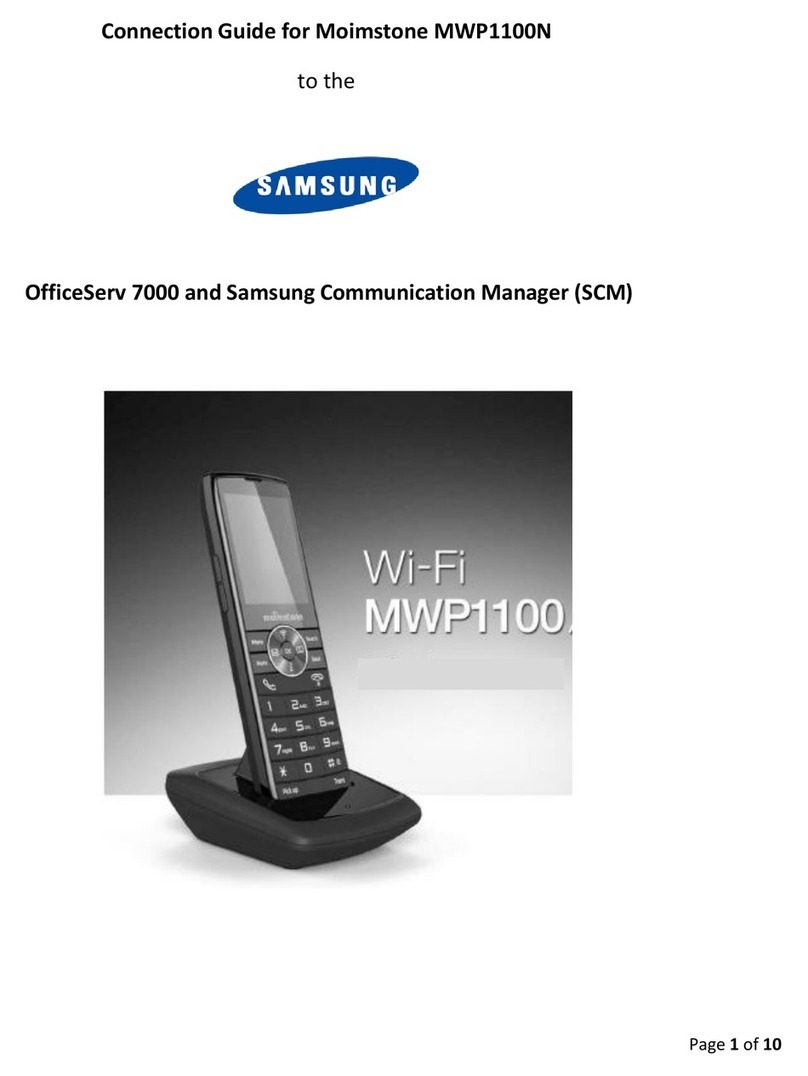
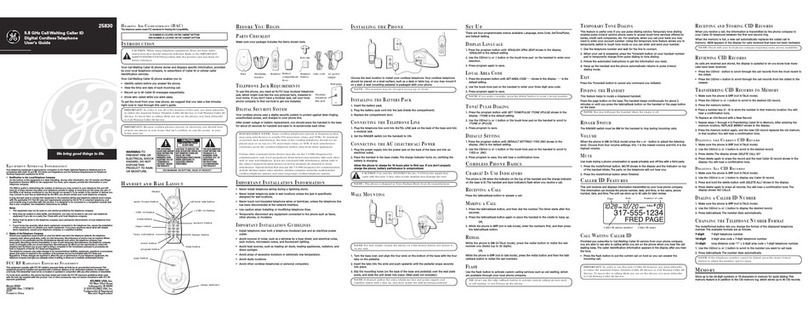
Admin Manual
MWP1100A
3
Table of Contents
▣Introduction.........................................................................................................................................5
1. Causion................................................................................................................................................5
2. Components.........................................................................................................................................8
3. Buttons.................................................................................................................................................8
4. Icons.....................................................................................................................................................9
5. Connecting the battery.......................................................................................................................10
6. Charing Cradle................................................................................................................................... 11
7. Registration........................................................................................................................................12
▣Basic Feature....................................................................................................................................13
1. Making and ending a call....................................................................................................................13
2. Answer a call......................................................................................................................................13
3. Call history .........................................................................................................................................13
4. Call Transfer .......................................................................................................................................14
5. Call pickup .........................................................................................................................................14
6. Volume Control...................................................................................................................................14
▣Menu.................................................................................................................................................15
1. Contacts.............................................................................................................................................16
2. Call Manage.......................................................................................................................................19
3. Message.............................................................................................................................................23
4. Useful Functions.................................................................................................................................24
5. Sound.................................................................................................................................................26
6. Display ...............................................................................................................................................28
7. Settings..............................................................................................................................................30
8. System info ........................................................................................................................................33
▣Web Setting ......................................................................................................................................34
1. HOME ................................................................................................................................................35
2. Call Setup...........................................................................................................................................36
3. Phone Setup ......................................................................................................................................44
4. Function Setup...................................................................................................................................48
5. Maintenance.......................................................................................................................................50