manuals.online logo
Brands
  1. Home
  2. •
  3. Brands
  4. •
  5. MTL
  6. •
  7. Surge Protector
  8. •
  9. MTL HICKMAN EdgeBox RI User manual

MTL HICKMAN EdgeBox RI User manual

Other MTL Surge Protector manuals

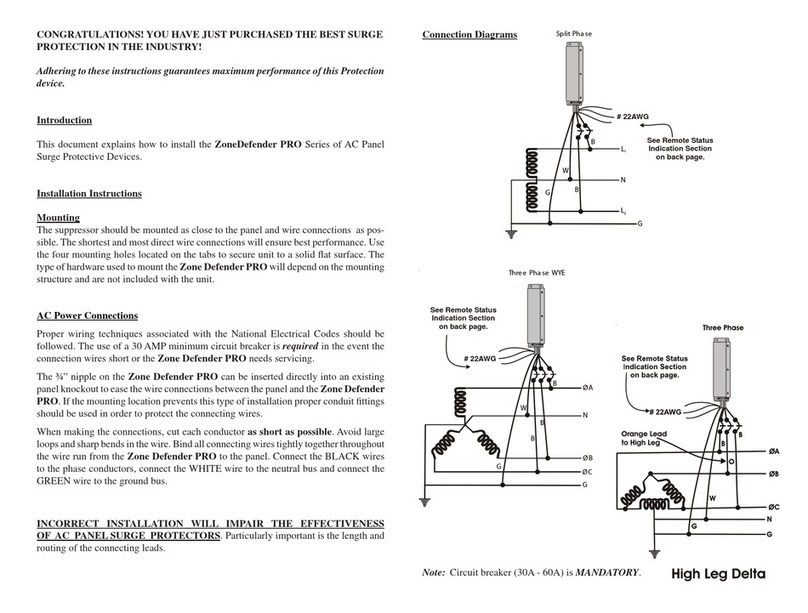
MTL ZoneDefender PRO Series Instruction Manual

MTL

MTL ZoneDefender PRO Series Instruction Manual

MTL MTL4500 Series User manual

MTL

MTL MTL4500 Series User manual

Popular Surge Protector manuals by other brands

Philips Theatre Director SPP4200WA/17 Owner's manual & warranty

Philips

Philips Theatre Director SPP4200WA/17 Owner's manual & warranty

M-system MMA instruction manual

M-system

M-system MMA instruction manual

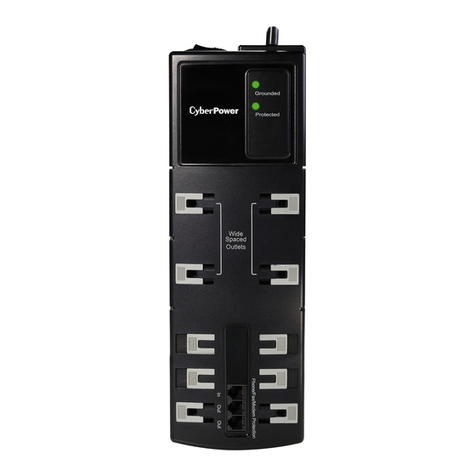
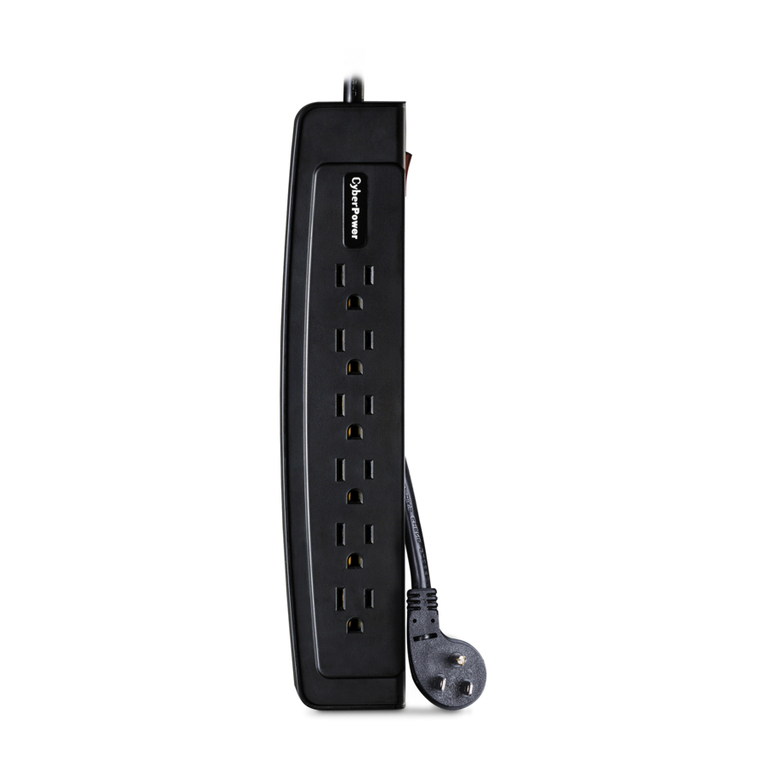
CyberPower CSP600WSU user manual

CyberPower

CyberPower CSP600WSU user manual

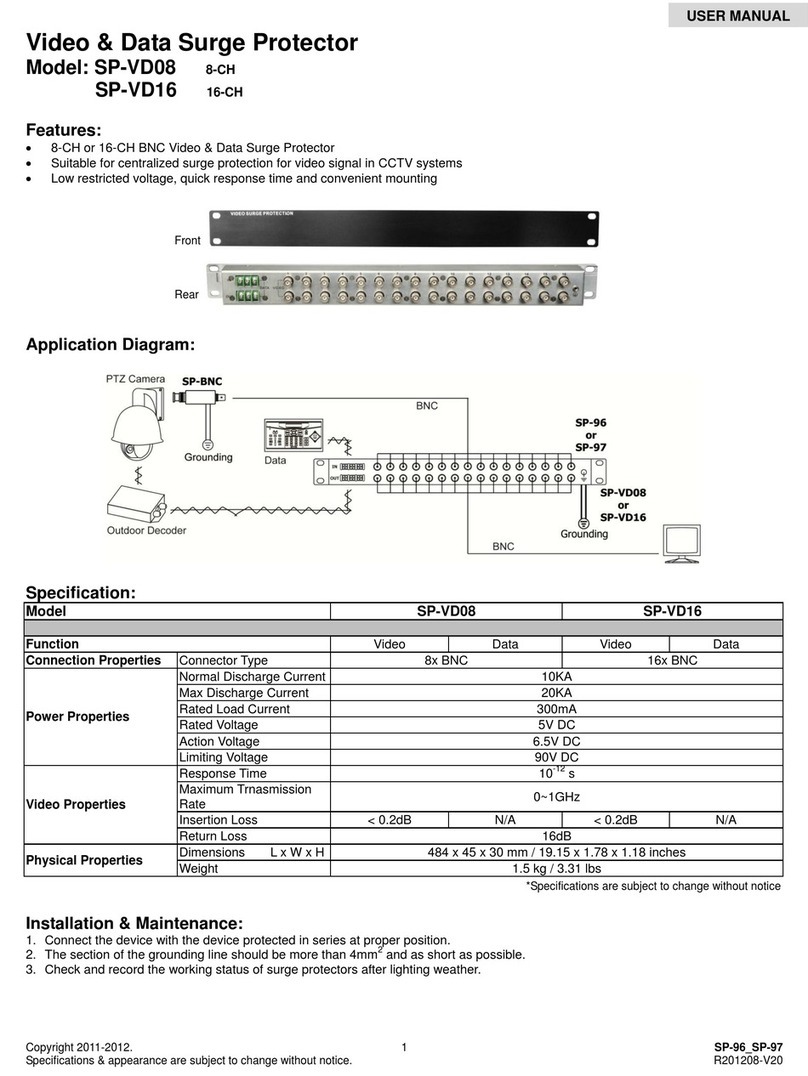
UTP BALUN SP-VD08 user manual

UTP BALUN

UTP BALUN SP-VD08 user manual

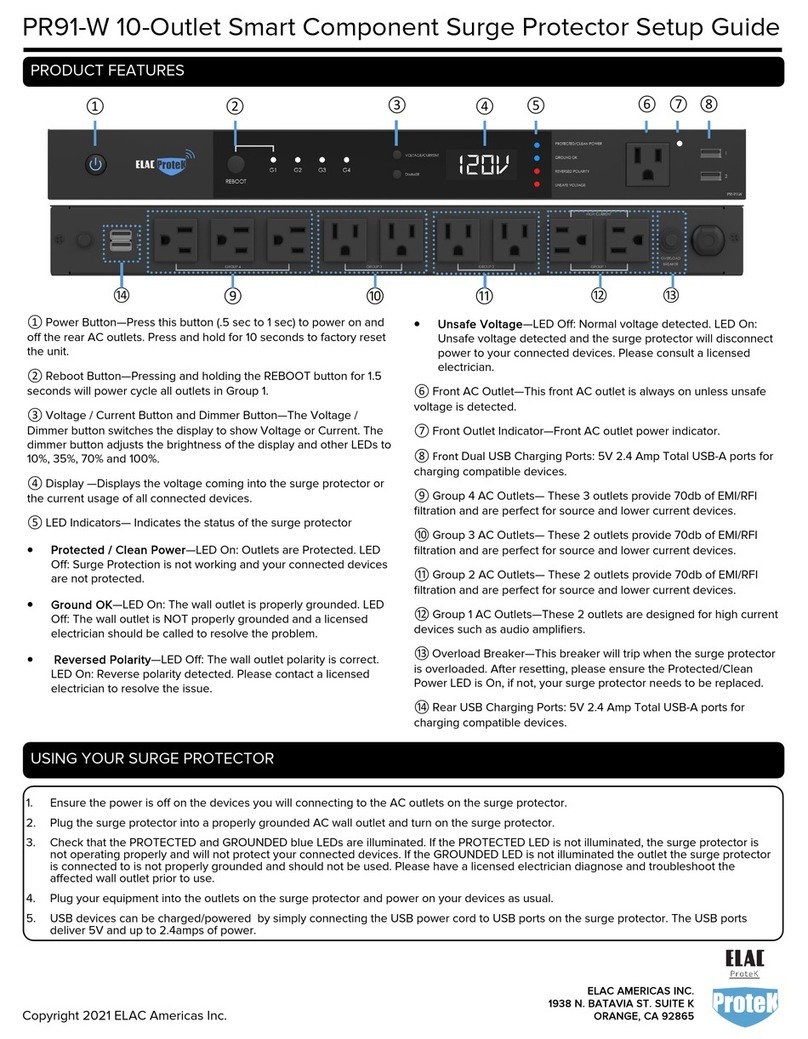
ELAC ProteK PR91-W Setup guide

ELAC

ELAC ProteK PR91-W Setup guide

Tsubaki TSM4000M1 instruction manual

Tsubaki

Tsubaki TSM4000M1 instruction manual

CyberPower B1006T user manual

CyberPower

CyberPower B1006T user manual

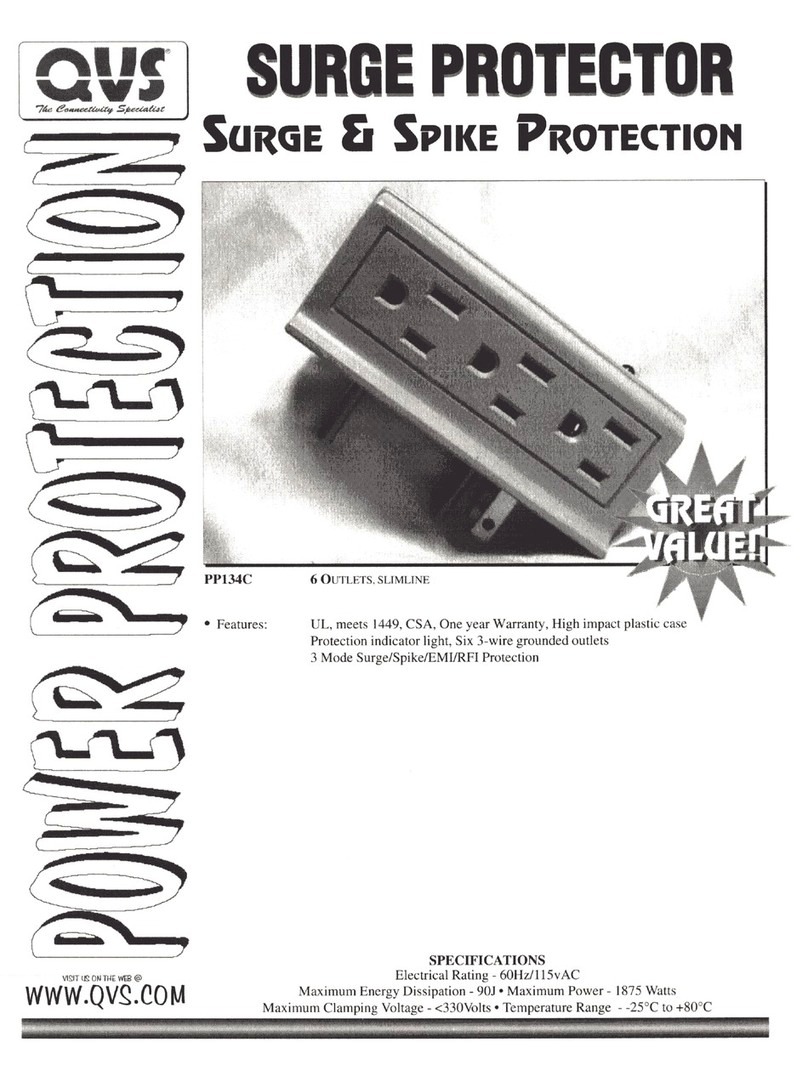
QVS PP134C Specification sheet

QVS

QVS PP134C Specification sheet

Davis Instruments Radio Surge Protector user guide

Davis Instruments

Davis Instruments Radio Surge Protector user guide

CyberPower B300WRC1 user manual

CyberPower

CyberPower B300WRC1 user manual

M-system MGD-24 instruction manual

M-system

M-system MGD-24 instruction manual

Panamax MAX 5400-EX owner's guide

Panamax

Panamax MAX 5400-EX owner's guide

OBO Bettermann ÜSM-20-230I1PE65 installation instructions

OBO Bettermann

OBO Bettermann ÜSM-20-230I1PE65 installation instructions

CyberPower CSP604T user manual

CyberPower

CyberPower CSP604T user manual

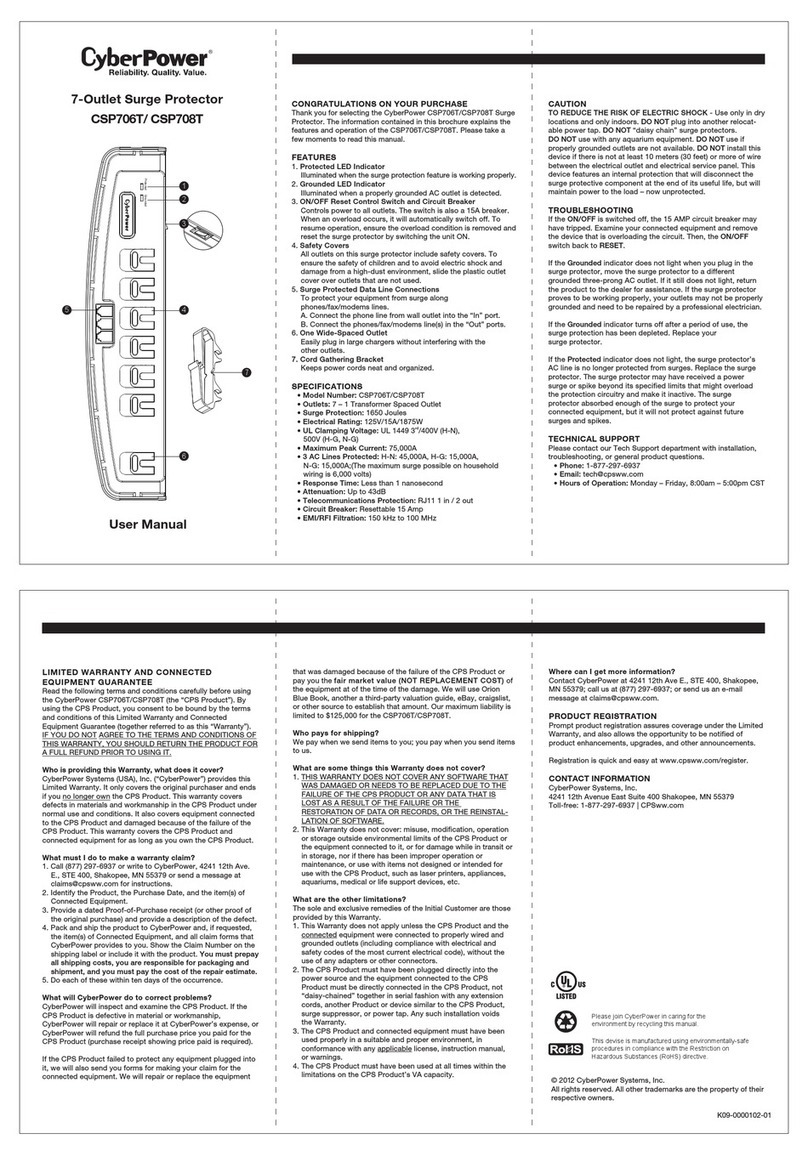
CyberPower CSP706T user manual

CyberPower

CyberPower CSP706T user manual

Mitsubishi Electric LITOL LTM-125RF manual

Mitsubishi Electric

Mitsubishi Electric LITOL LTM-125RF manual

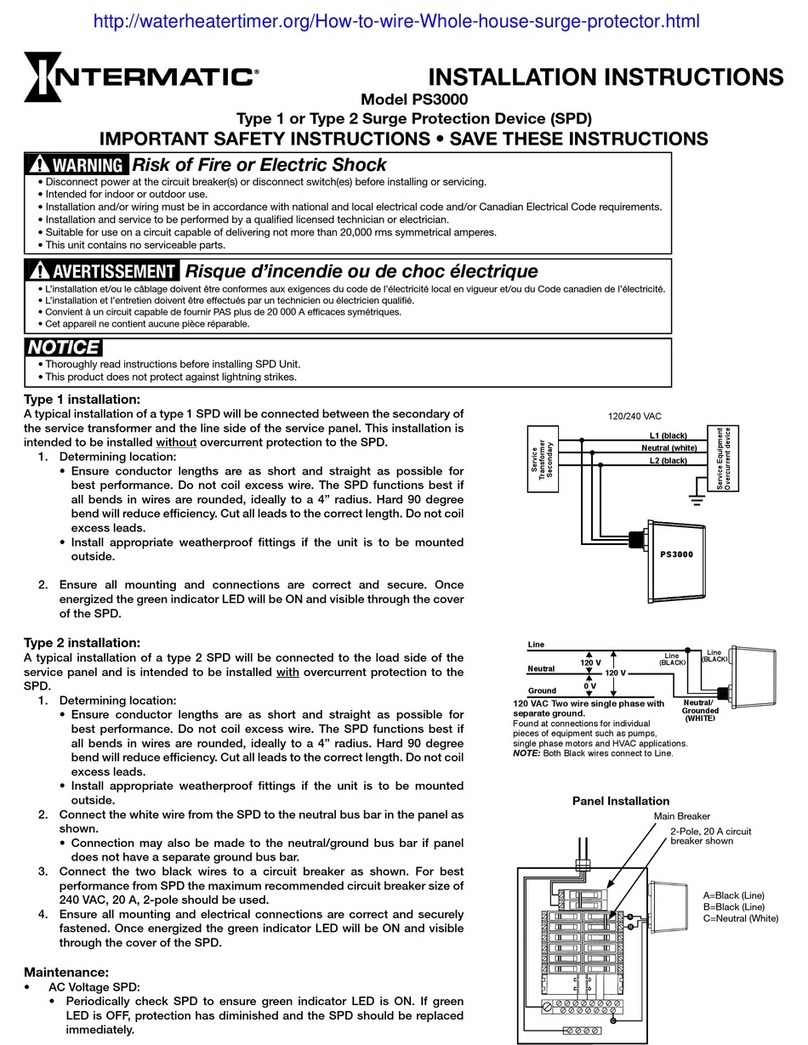
Intermatic PS3000 installation instructions

Intermatic

Intermatic PS3000 installation instructions

Siemens SICROWBAR 7VV3003 operating instructions

Siemens

Siemens SICROWBAR 7VV3003 operating instructions

manuals.online logo
manuals.online logoBrands
  • About & Mission
  • Contact us
  • Privacy Policy
  • Terms and Conditions

Copyright 2025 Manuals.Online. All Rights Reserved.

Installation Guide for
EdgeBox RI
4 Commerce Way
Arden, NC 28704
Phone: (828) 676-1700
Fax: (828) 676-2330
WWW.HICKMANEDGESYSTEMS.COM
DATE: 10/7/22 | DRN BY: PL | CKD BY: PL | DWG #: 64118-39642 | REV: A
G. Finish Strip
Parallel to deck flutes
(required for metal deck
B. Bottom Section
A. Top Section
H. Closure Strip
Perpendicular to deck flutes
(required for metal deck)
C. End Cap Insert
Slides into exposed end of bottom section
Installation Guide for
EdgeBox RI
FM
Approved
ANSI/SPRI/FM4435/ES-1 TESTED
FINISH STRIP
(TYPE 2 SHOWN)
CORRUGATED ROOF
DECK BY OTHERS
CONCEALED
JOINT SPLICE
FASTENER
FASTENER
6" F.E. / 12" O.C. (TYP. 4)
TOP SECTION
BOTTOM SECTION
OPTIONAL INSULATION
BY OTHERS
MEMBRANE BY OTHERS
ROOF SIDE
A
B
H
OPTIONAL
INSULATION
(BY OTHERS)
ROOF DECK
(BY OTHERS)
G
C
E
12" OC
D
F
D. Fastener
Included and required
F. EdgeBox Spine
Required for height or width greater than 6"
CLOSURE STRIP
FASTENER
PROVIDED
E. Fastener
Size varies based on height of EdgeBox
min. 1" penetration required
NOTES:
#1 - Isolate all metal parts from ACQ treated wood or other galvanically
incompatible material with appropriate membrane material.
#2 - Appliance attachments, such as lightning rods, signs, or antennae
that penetrate the edge system, induce a galvanic reaction, or otherwise
compromise the effectiveness of the roof edge system, shall be eliminated
or isolated to prevent problems per ANSI/SPRI/FM4435/ES-1. Lightning
protection systems for example must not be directly affixed to the product
provided by Hickman. Consult Hickman for alternative attachment
suggestions.
Florida Product
Approval
STEP 1: Installing Closure Strip & Finish Strip
Required for metal deck only. Place appropriate strips on the edge
of the metal deck. Secure in place with provided fastener. Fastener
heads not to interfere with bottom sections.
STEP 2: Installing Bottom Section
Starting at the corners, place bottom sections as shown above
working from the corners to the center. Secure in place using
provided fasteners through pre-punched holes. Butt adjacent
sections against original.
STEP 4: Installing End Caps
Place end cap in exposed end of bottom section, secure with
provided fastener (2 per end cap).
STEP 5: Installing Top Section
Starting at the corners, place top sections as shown in FIGURE 5.
Working from the corners to the center, consider lengths of middle
pieces prior to cutting to avoid creating relatively short sections (less
than 5'-0"). Secure top to bottom using fastener through pre-
punched holes in the face and through pre-punched holes in the
back. Secure top to substrate using fastener through counter-sunk
pre-punched holes, through edgebox assembly into substrate. Butt
adjacent sections against original.
FINISH
STRIP
END CAP
BOTTOM
SECTIONS
CLOSURE
STRIP
METAL DECK
BY OTHERS
FASTENER @ 24" O.C.
FASTENER
@ 12" O.C.
FIGURE 1
FIGURE 2
FIGURE 4
FIGURE 5
FIGURE 3
TOP
SECTIONS
FIGURE 6
FASTENER,
MIN. 4 PER 12'
SECTION