Karaoke song quick play
Once you ha e gone through the Kwizoke Plus quick assembly guide and powered up the
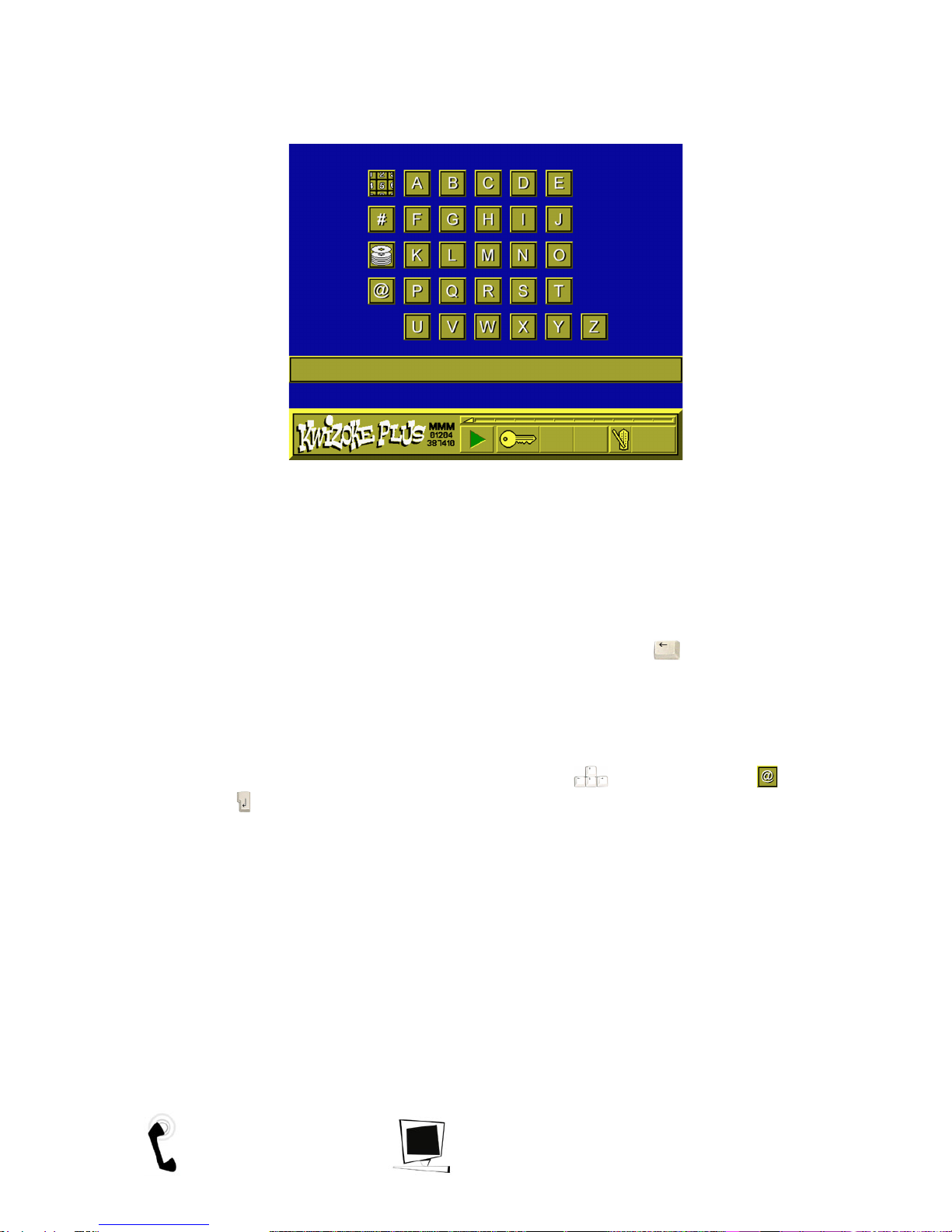
machine, the Karaoke software will load. You should see the following screen:
This is the Karaoke song selection screen. There are different ways of searching for a song but
here we will co er two. For more information on finding songs, see the Karaoke section.
Searching for a Karaoke song by i le
To search for a song by title, you simply start to type the title of the song into the keyboard.
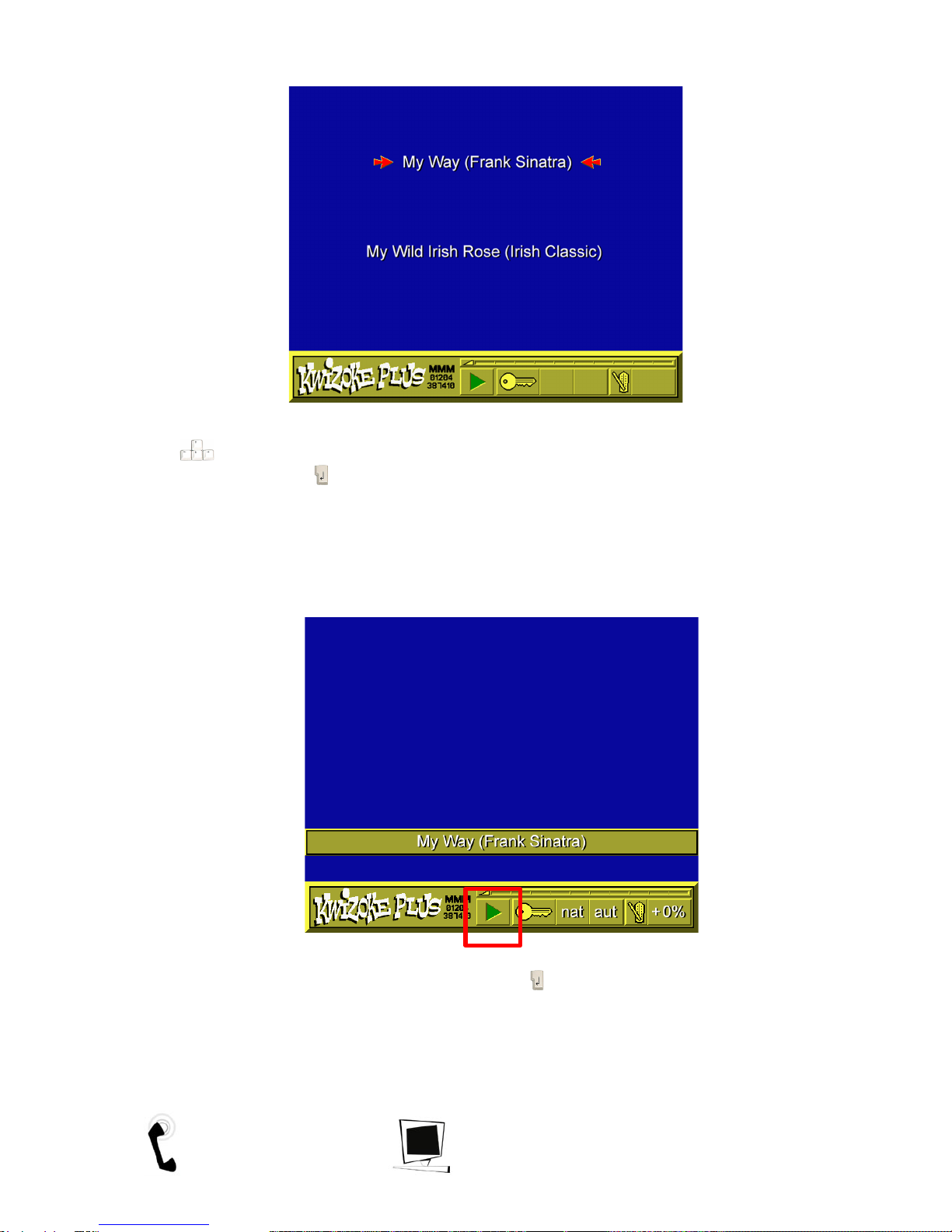
After three of four letters ha e been typed, the screen will display a list of songs which match
the letters you typed.
If no song appears, we do not ha e that song. Press the backspace key to go back some
letters and try again, or a different song. Please refer to your 'Karaoke song listing by title' to check
exact spellings of song names as this will make a difference.
Searching for a Karaoke song by ar is
To search for a song by artist you must use the cursor keys to select the at sign and
press return . You can now enter the name of the artist by typing in the keyboard. After
three of four letters ha e been typed the screen will display a list of artists which match the
letters you ha e typed. Please refer to your 'Karaoke song listing by artist' to check exact spellings of
artist names as this will make a difference.
Tel: UK (01204) 387410 http://www.mmm.co.uk 5