LLUSTRAT ONS
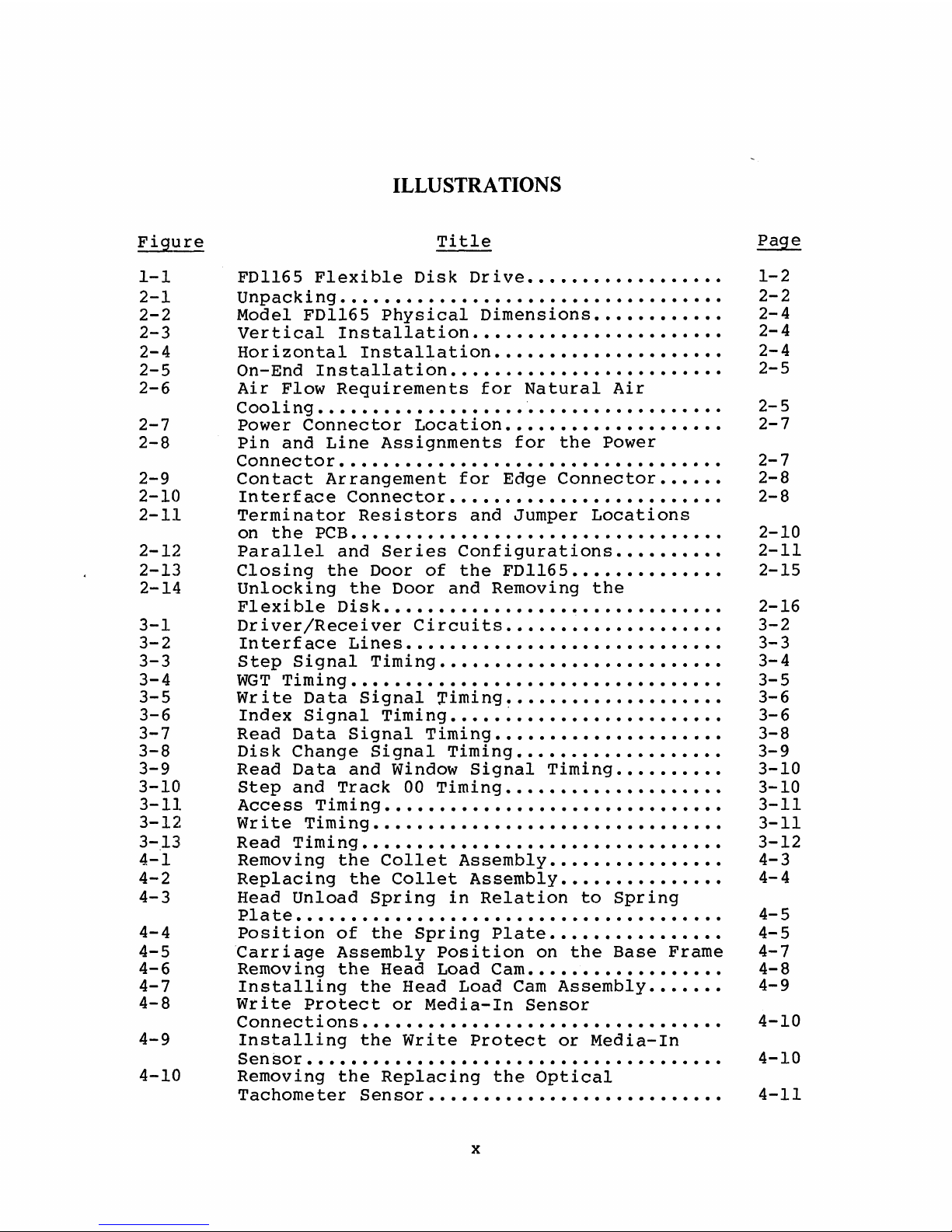
Figur Titl Pag
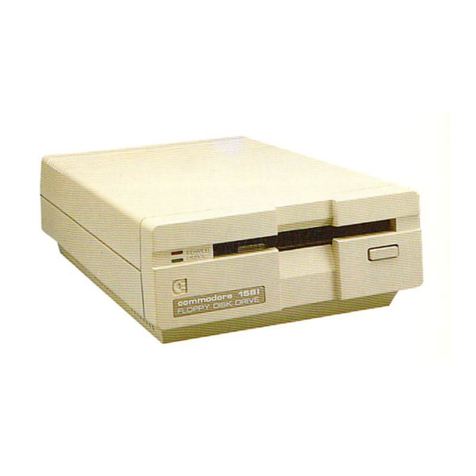
1- 1 FD1165 Fl xibl Disk Driv
.................
1-2
2- 1 Unpacking
..................................
2-2
2-2 Mod l FD1165 Physical Dim nsions
...........
2-4
2-3 V rtical Installation
......................
2-4
2-4 Horizontal Installation
....................
2-4
2-5 On-End Installation
........................
2-5
2-6 Air Flow R quir m nts for Natural Air
Cooling
..................
.................
2-5
2-7 Pow r Conn ctor Location
...................
2-7
2-8 Pin and Lin Assignm nts for th Pow r
Conn ctor
..................................
2-7
2-9 Contact Arrang m nt for Edg Conn ctor
.....
2-8
2-10 Int rfac Conn ctor
........................
2-8
2-11 T rminator R sistors and Jump r Locations
on th PCB
.................................
2-10
2-12 Parall l and S ri s Configurations
.........
2-11
2-13 Closing th Door of th FD1165
.............
2-15
2- 14 Unlocking th Door and R moving th
Fl xibl Disk
................
.
............. 2-16
3- 1 Driv r/R c iv r Circuits
...................
3-2
3-2 Int rfac Lin s
............................
3-3
3-3 St p Signal Timing
.........................
3-4
3-4 WGT Timing
.................................
3-5
3-5 Writ Data Signal Timing.
..................
3-6
3-6 Ind x Signal Timing
....
.
..................
3-6
3-7 R ad Data Signal Timing
....................
3-8
3-8 Disk Chang Signal Timing
..................
3-9
3-9 R ad Data and Window Signal Timing
.........
3-10
3-10 St p and Track 00 Timing
...................
3-10
3-11 Acc ss Timing
..............................
3-11
3-12 Writ Timing
...............................
3-11
3- 13 R ad Timing
................................
3-12
4- 1 R moving th Coll t Ass mbly
...............
4-3
4-2 R placing th Coll t Ass mbly
..............
4-4
4-3 H ad Unload Spring in R lation to Spring
Plat ...................................... 4-5
4-4 Position of th Spring Plat
...............
4-5
4-5 Carriag Ass mbly Position on th Bas Fram 4-7
4-6 R moving th H ad Load Cam
....
............. 4-8
4-7 Installing th H ad Load Cam Ass mbly
......
4-9
4-8 Writ Prot ct or M dia-In S nsor
Conn ctions
................................
4-10
4-9 Installing th Writ Prot ct or M dia-In
S nsor..................................... 4-10
4-10 R moving th R placing th Optical
Tachom t r S nsor
..........................
4-11
x