3
TABLE OF CONTENTS
IMPORTANT SAFETY INSTRUCTIONS ................................................................................................................... 4
Symbols in This Document...................................................................................................................................................... 4
WARNING INFORMATION:....................................................................................................................................................... 4
CAUTION INFORMATION: ........................................................................................................................................................ 5
REMARK INFORMATION: ......................................................................................................................................................... 6
1. Powerporter Warranty .................................................................................................................................... 7
2. Care and Maintenance .................................................................................................................................... 7
Environmental Requirements................................................................................................................................................. 7
Care and Cleaning...................................................................................................................................................................... 7
Maintenance ............................................................................................................................................................................... 7
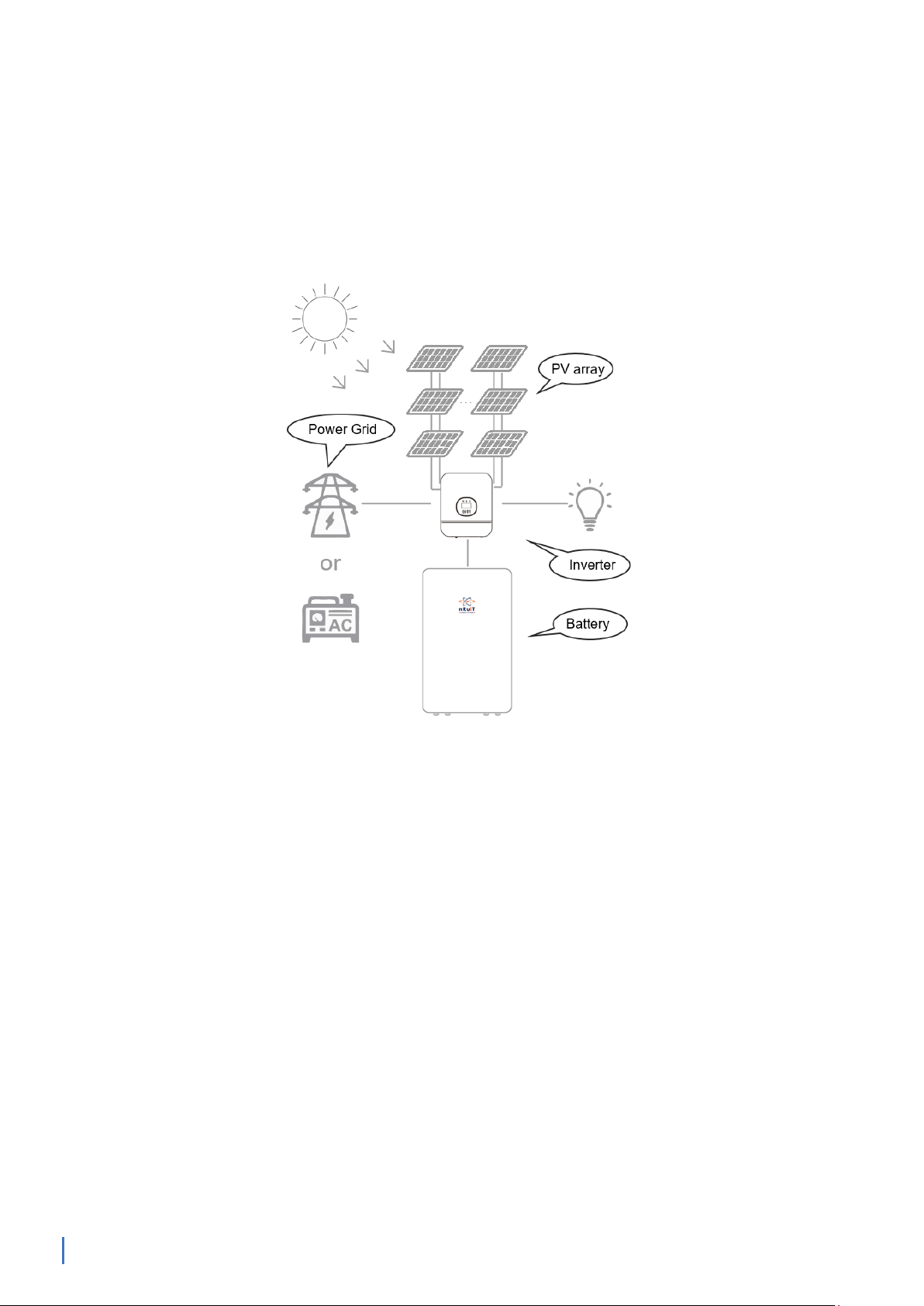
3. Powerporter Overview.................................................................................................................................... 8
About Power Porter .................................................................................................................................................................. 8
Monitoring Your System .......................................................................................................................................................... 9
Abbreviation of manual ........................................................................................................................................................... 9
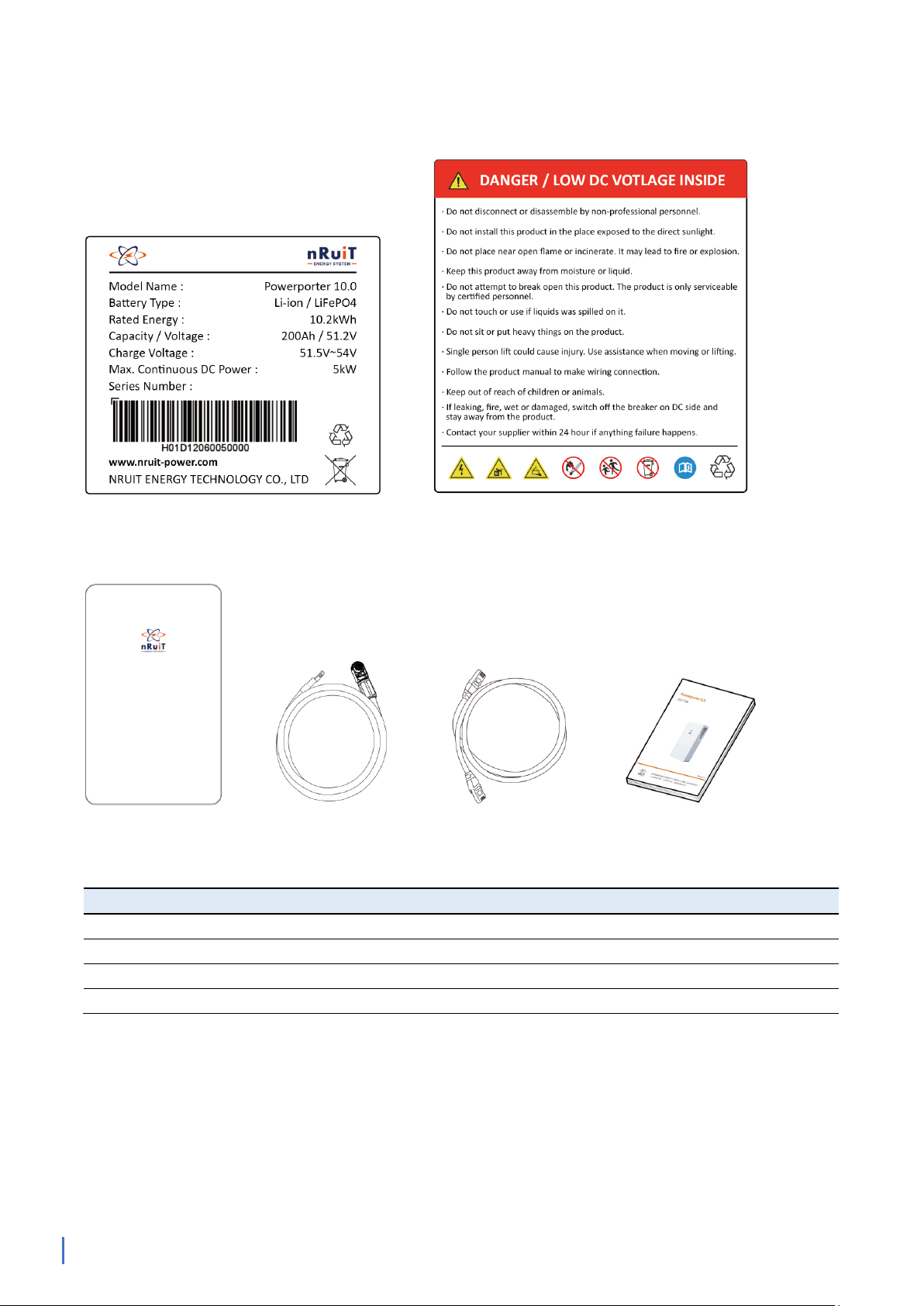
List of Goods..............................................................................................................................................................................10
Install Fittings............................................................................................................................................................................11
Powerporter Installation Location ......................................................................................................................................11
4. Interface Definition ........................................................................................................................................12
Powerporter interface panel................................................................................................................................................12
LED status indicators...............................................................................................................................................................12
CAN/RS485 Interface Definition..........................................................................................................................................13
Schematic diagram of connection with inverter - simple connection .....................................................................14
Schematic diagram of connection with inverter - recommended connection......................................................14
Powerporter power cable connection...............................................................................................................................14
Powerporter on and off .........................................................................................................................................................16
Powerporter Communication Interface ............................................................................................................................16
Connect with Inverter.............................................................................................................................................................16
Inverter Support List ...............................................................................................................................................................16
Operating ...................................................................................................................................................................................17
Trouble shooting ......................................................................................................................................................................17
Technical Support ....................................................................................................................................................................18
6. How to deal with an emergency ....................................................................................................................18
7. When the product is turn off and not in use .................................................................................................19
8. System Message .............................................................................................................................................19
nRuiT Quality Assurance ....................................................................................................................................20