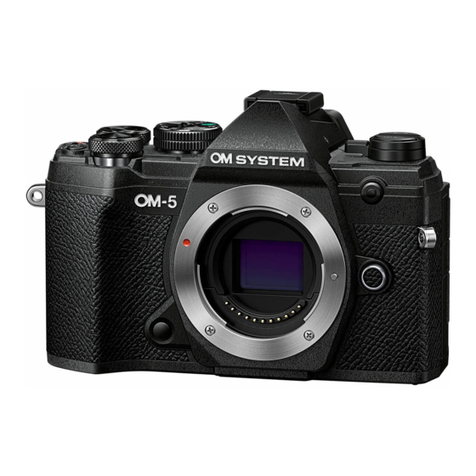
OM-5 Quick Guide 9
Modes
M Mode
B Mode
For total control choose the M Mode.
In this mode you select shutter speed
and aperture as you want. The OM-5
shows in the viewnder and / or monitor
how the exposure of the nal image will
look like, that you are able to control the
result before you take the image.
The B Mode gives a quick and easy
access to the “Live Modes“:The camera
shows you how the images develops
and you can stop exposure as soon as
it is well exposed.
“Live Composite” only adds composites of the
sections with changes in brightness.
“Live Bulb” keeps the shutter open while the
shutter release button is pressed.
“Live Time” opens the shutter on the rst push
and closes it on the second push of the shutter
release button.
by OM SYSTEM Ambassador Matt Suess
by OM SYSTEM Ambassador Matt Suess
S Mode
Use S mode when you would like to
control the shutter speed in case you
are shooting fast moving object. You
don’t have to worry about the aperture
as the camera is choosing the one tting
to your shutter speed.
by OM SYSTEM Ambassador Rania Rönntoft