4
301 Fulling Mill Road, Suite G ©Copyright 2006 by On-Q/Legrand, Inc All Rights Reserved.
Middletown, PA 17057 www.onqlegrand.com
(800)-321-2343
III. Installation
The On-Q 4 Port Router/Switch is best installed during new construction in two steps; at “rough-in”
after the Electricians are done, but prior to drywall being installed, and at “trim-out” after the drywall is
installed and painted. These steps are detailed below:
A. “Rough-in” steps:
1. A single dedicated Cat 5e should be run in the walls from the structured wiring enclosure
location in the home where the On-Q 4 Port Router/Switch will be installed to each outlet
location in the rooms where Internet service is required (leave extra cable at both ends).
2. At the selected outlet locations, a single gang box or mud ring should be installed, with the
extra Cat 5e cable in the box, or attached in such a way that it may be fished out after the
drywall is installed.
B. “Trim-out” steps:
1. The Cat 5e that was secured at each of the outlets should be pulled out and terminated with
a 110 punchdown tool on an RJ45 insert and attached to a wallplate, which is then installed
in the single gang box or mud ring.
2. In the structured wiring enclosure the Cat 5e from the outlets may be terminated with a 110
punchdown tool onto an On-Q Network Interface Module or with RJ-45 plugs for direct
connection to the On-Q 4 Port Router/Switch.
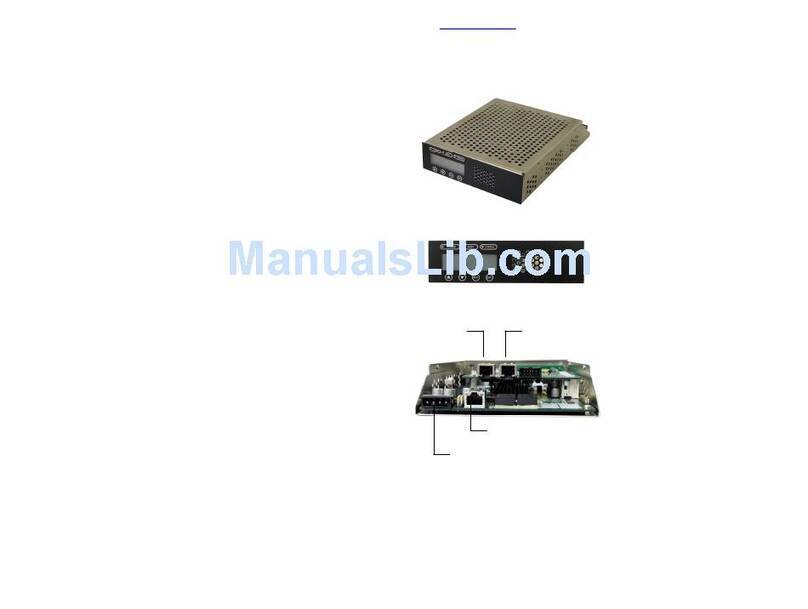
3. The On-Q 4 Port 10/100 Router/Switch is installed in the structured wiring enclosure by
slipping the tabs into the square holes, and using the push pin in a round hole to secure the
router.
4. If the outlet cables were punched down at a Network Interface Module, Cat 5e patch cables
are then connected from the On-Q 6 Port Network Interface Module to the input ports on the
On-Q 4-Port 10/100 Router/Switch.
5. An additional Cat 5e patch cable is then connected from the network (WAN) port of the 4 Port
10/100 Router/Switch to the Cable Modem or DSL Modem housed in the structured wiring
enclosure.
6. The 4 Port 10/100 Router/Switch is powered with an AC to DC adapter which also needs to
be plugged in to an AC source.
7. Follow the steps in the next two sections for configuring the router.
NOTE: Use proper tools and standard TIA 568A rules to prep and terminate the Cat 5e
cable, such as a Cat 5 Cable Stripper, an RJ45 Crimp Tool and a 110 Punchdown Tool.