manuals.online logo
Brands
  1. Home
  2. •
  3. Brands
  4. •
  5. Optimal Speaker Design
  6. •
  7. Subwoofer
  8. •
  9. Optimal Speaker Design Black TreVoce12 EQ DSP User manual

Optimal Speaker Design Black TreVoce12 EQ DSP User manual

This manual suits for next models

2

Other Optimal Speaker Design Subwoofer manuals

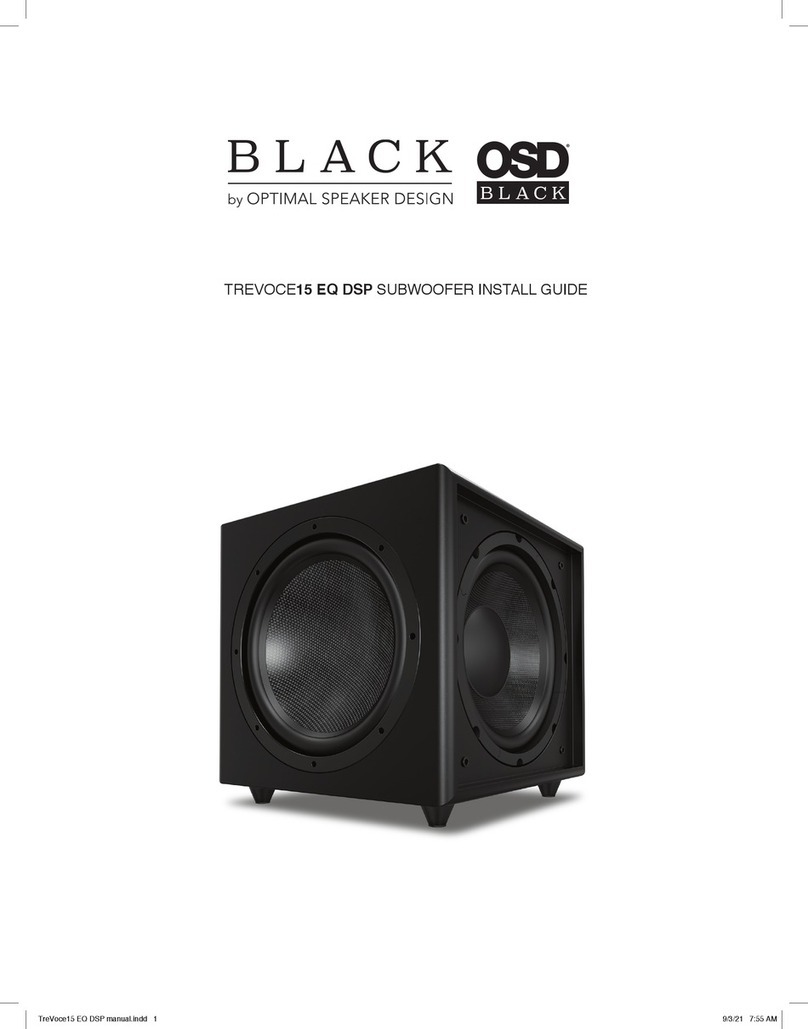
Optimal Speaker Design BLACK TREVOCE 15 EQ DSP User manual

Optimal Speaker Design

Optimal Speaker Design BLACK TREVOCE 15 EQ DSP User manual

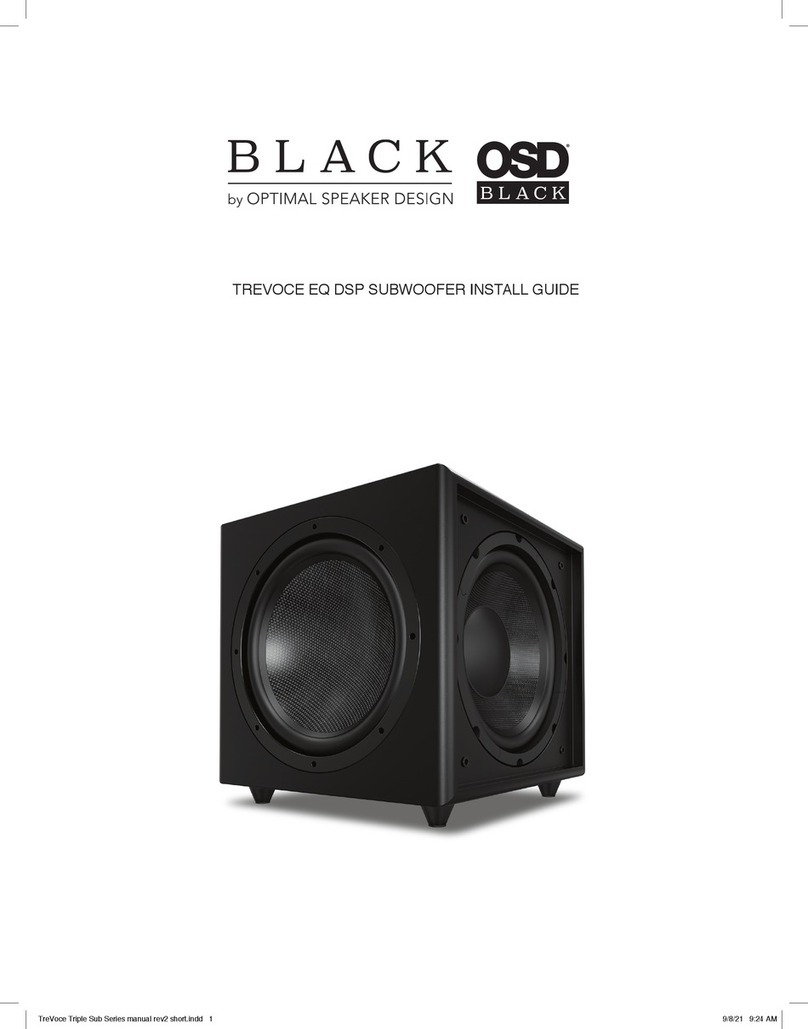
Optimal Speaker Design Black TreVoce8 EQ DSP User manual

Optimal Speaker Design

Optimal Speaker Design Black TreVoce8 EQ DSP User manual

Popular Subwoofer manuals by other brands

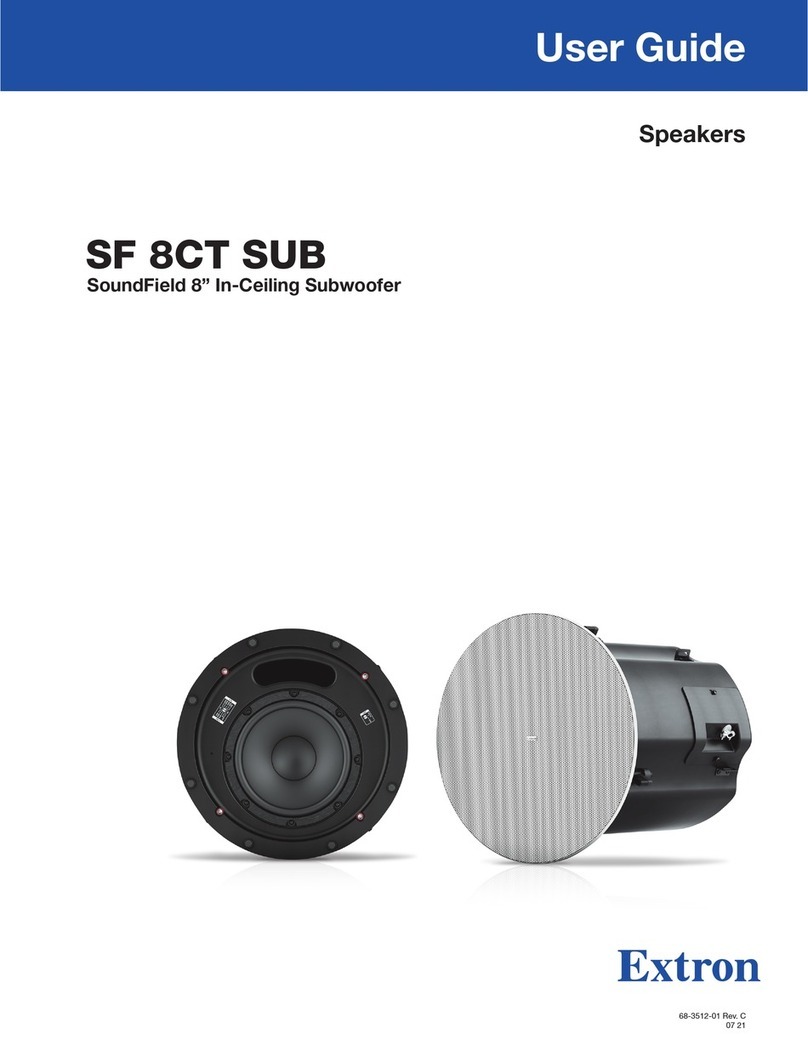
Extron electronics SF 8CT SUB user guide

Extron electronics

Extron electronics SF 8CT SUB user guide

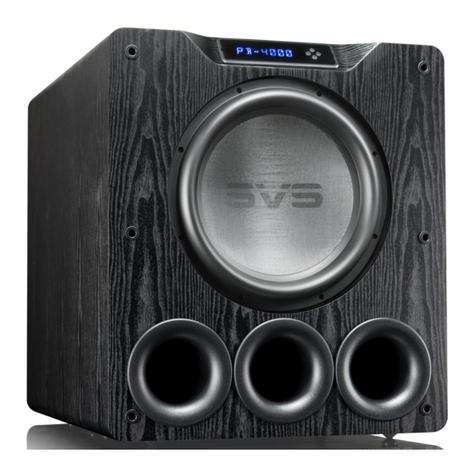
SVS PB-4000 quick start guide

SVS

SVS PB-4000 quick start guide

Pioneer S-DVR9SW Service manual

Pioneer

Pioneer S-DVR9SW Service manual

Yamaha YST-SW515 Service manual

Yamaha

Yamaha YST-SW515 Service manual

Velodyne SPL-800 ULTRA - REV B datasheet

Velodyne

Velodyne SPL-800 ULTRA - REV B datasheet

Teufel US 2110/1 SW operating instructions

Teufel

Teufel US 2110/1 SW operating instructions

Wet Sounds SS-65 user manual

Wet Sounds

Wet Sounds SS-65 user manual

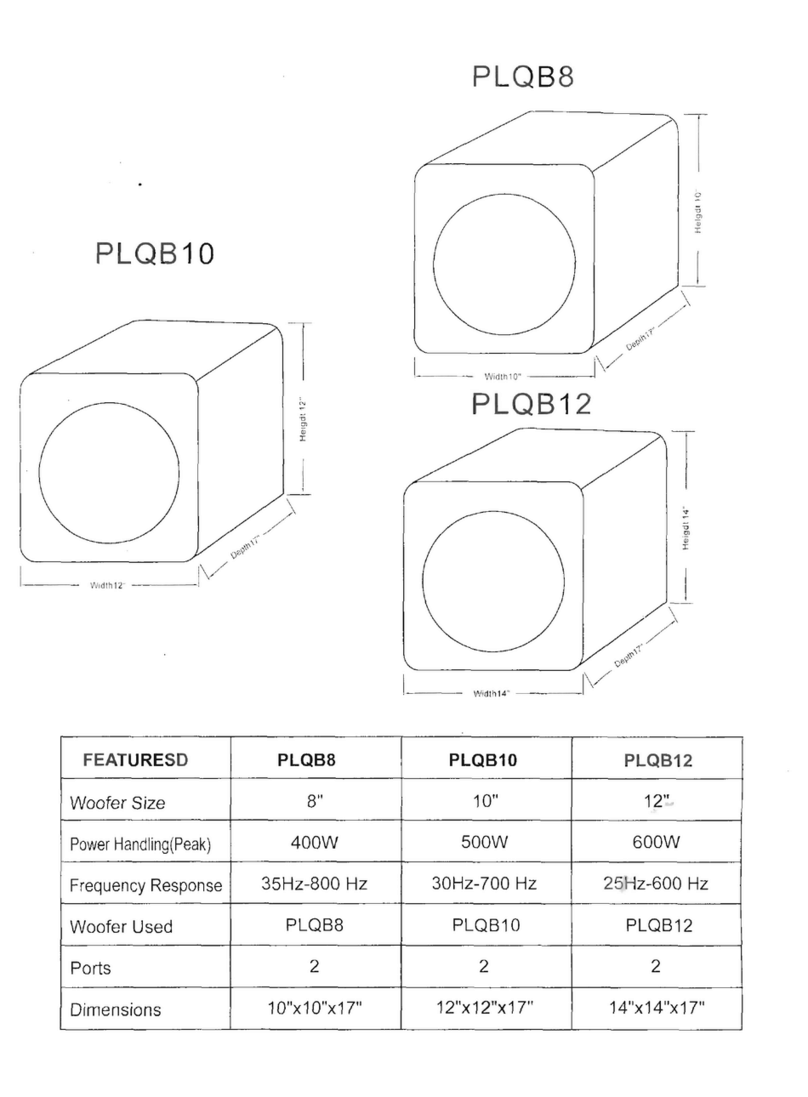
Pyle PLQB10 Specifications

Pyle

Pyle PLQB10 Specifications

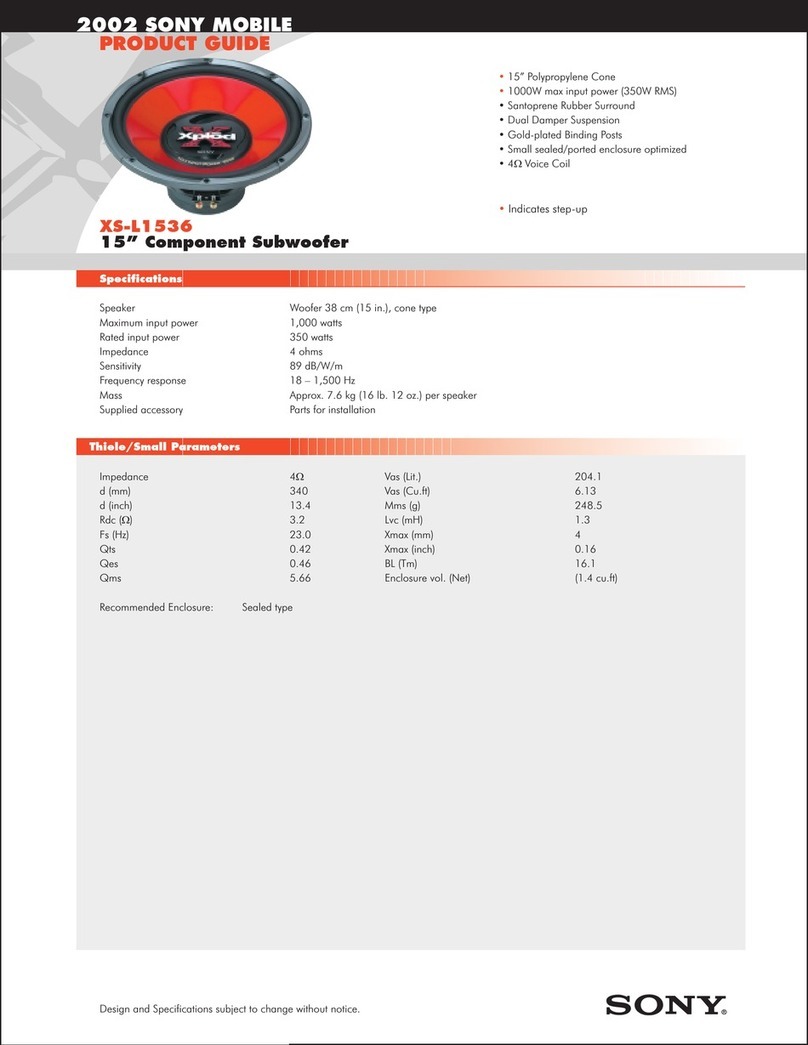
Sony XS-L1536 Product guide

Sony

Sony XS-L1536 Product guide

Sony XS-AW8 operating instructions

Sony

Sony XS-AW8 operating instructions

B&C Speakers 15 HPL 76W Specifications

B&C Speakers

B&C Speakers 15 HPL 76W Specifications

Velodyne DD-18+ Specifications

Velodyne

Velodyne DD-18+ Specifications

Sonance Cinema Series SUB 10-150 Specifications

Sonance

Sonance Cinema Series SUB 10-150 Specifications

Hifonics HW-12 Owners & installation manual

Hifonics

Hifonics HW-12 Owners & installation manual

Yamaha 64263 owner's manual

Yamaha

Yamaha 64263 owner's manual

Magnat Audio ADR 130 BP user manual

Magnat Audio

Magnat Audio ADR 130 BP user manual

Technics SB-AS500 Operaing instructions

Technics

Technics SB-AS500 Operaing instructions

Lyngdorf BW-2 owner's manual

Lyngdorf

Lyngdorf BW-2 owner's manual

manuals.online logo
manuals.online logoBrands
  • About & Mission
  • Contact us
  • Privacy Policy
  • Terms and Conditions

Copyright 2025 Manuals.Online. All Rights Reserved.

TREVOCE EQ SEIRES SUBWOOFER INSTALL GUIDE
TREVOCE15 EQ TREVOCE12 EQ
TREVOCE EQ SERIES SUBWOOFER INSTALL GUIDE
Installation Precautions:
Before installing
Thank you for buying the latest version of our most popular subwoofer.
The additional upgrades we have made make this the best all-round sub in our history. Incorporated in the Trevoce EQ Series is the new
native EQ. The native EQ has allowed us to extract the maximum bass extension possible from our design. This allows the full range of
musical instruments and special effects to be reproduced. The Trevoce EQ Series does this all without any increase in the size of the
sub. Our Trevoce subs offer the smallest footprint you will nd in triple driver designs.
Before connecting your subwoofer, make sure all equipment is switched off and that voltage switch is set to your country’s voltage. Do
not connect the subwoofer power supply cable before completing all connections.
Features:
World Class Digital Amplier Technology
The TreVoce Series powered subwoofer incorporates the latest digital amplier technology to maximize performance
while generating very little heat. In standby mode, the unit consumes less than 0.5 watts, making it one of the greenest
solutions available.
Tuned System Performance
Rear mounted volume control, low pass crossover, phase control ensure optimal system integration and built-in native EQ
ensures the deepest bass frequencies.
Cabinet
An attractive furniture quality solid cabinet with ‘leather’ nish, provides the foundation for high sound quality and clarity.
TREVOCE EQ SERIES SUBWOOFER INSTALL GUIDE
Connection & Controls
1. High Level Inputs
Use for Left/Right connection from speakers.
2. Line Level Input
Use for Left/Right connection from subwoofer-out,
or line-out, on amp/AVR.
3. LFE Input
Connect to the LFE output on the Receiver/Processor.
4. Balanced XLR Input
For lower noise connection if available.
5. Power LED
(Red) Standby Mode - (Blue) Power Mode ON
6. Power Mode Switch
Set the power mode ( OFF, AUTO, or ON )
7. Phase Switch
Allows you to set the phase of the woofer 0-180°
8. Crossover Control
Adjusts the subwoofers frequency output output to match
main speakers
9. Volume Control
Adjusts subwoofer volume level.
10. Voltage Switch
Select input voltage. Default: 110-120V or 220-240V
11. Master Power Switch
Controls the main power to the subwoofer
12. AC Power Cord
Connect the included AC power cord.
13. Fuse Holder
Master Power Fuse. Includes spare fuse inside holder.
3.
2.
1.
4.
5.
6.
7.
8.
9.
10.
11.
12.
13.
Settings & Controls
Setting the Power Mode
ON Mode:
If the subwoofer is set to ON mode, it will always be ready to play. However, undesired noise from interference or
connections changing may be heard. Use the standard ON mode only if needed, set the power switch to OFF when not in
use.
AUTO Mode:
Setting the switch to AUTO enables AUTO Sense. The subwoofer turns ON and OFF automatically in response to signal
input. The subwoofer will enter standby mode if no signal is sensed for longer than 15 minutes.
Set the MODE switch to the ON position for setup.
After making all the connections, setup your subwoofer using the following steps:
1. Plug the subwoofer into an electrical outlet using the included power cord. The status LED will illuminate solid blue
when power is present and the subwoofer is ON.
TreVoce EQ Series Manual 2/24
Optimal Speaker Design | Brea, CA | osdaudio.com
Specications
Warranty Information
Spec TreVoce15 EQ TreVoce12 EQ
Power 1000W RMS 1600W Peak 375W RMS 500W Peak
Active Woofer 15” Graphite Paper Cone 12” Graphite Paper Cone
Passive Woofer Dual 15” Glass Fiber Cone Dual 12” Glass Fiber Cone
Frequency 16 -160 Hz ±3dB 18 -160 Hz ±3dB
Phase 0-180° 0-180°
Voltage 100-120V AC / 220-240V AC 100-120V AC / 220-240V AC
Inputs Hi Level / Low Level / LFE Hi Level / Low Level / LFE
Dimensions (WxHxD) 19.3 x 19.3 x 19.3 in (WxHxD) 16 x 15.4 x 15 in
Weight 98 lbs 46 lbs
All Optimal Speaker Design powered subwoofer products have a 2 Year Limited Warranty against defects in materials and workmanship. Proof of purchase must accompany
all claims. During the warranty period Optimal Speaker Design will replace any defective part and correct any defect in workmanship without charge for either parts or labor
Optimal Speaker Design may replace returned speakers with a product of equal value and performance. In such cases, some modication to the mounting may be necessary
and are not Optimal Speaker Designs responsibility.
For this warranty to apply, the unit must be installed and used according to its written instructions. If necessary, repairs must be performed by Optimal Speaker Design. The
unit must be returned to Optimal Speaker Design at the owner’s expense and with prior written permission. Accidental damage and shipping damage are not considered
defects, nor is damaged resulting from abuse or from servicing performed by an agency or person not specically authorized in writing by Optimal Speaker Design
Optimal Speaker Design sells products only through authorized dealers and distributors to ensure that customers obtain proper support and service. Any Optimal Speaker
Design product purchased from an unauthorized dealer or other source, including retailers, mail over dealers and on-line sellers will not be honored or serviced under existing
Optimal Speaker Design warranty policy. Any sale of product by an unauthorized source or other manner not authorized by Optimal Speaker Design shall void the warranty on
the applicable product.
Damage to or destruction of components due to application of excessive power voids the warranty on those parts. In these cases, repairs will be made on the basis of the
retail value of the parts and labor. To return for repairs, you must email customer service at [email protected] for a Returned Merchandise Authorization (RMA)
number# then the unit must be shipped to Optimal Speaker Design at the owner’s expense, along with a note explaining the nature of service required. Be sure to pack the
speaker(s) in a corrugated container with at least 3 inches of resilient material to protect the unit from damage in transit.
This Warranty Does Not Cover: Damage caused by abuse, accident, misuse, negligence, or improper operation (installation) • Any products that have been altered or modied
• Any product whose identifying number of decal, serial #, etc. has been altered, defaced or removed • Normal wear and maintenance.
TREVOCE EQ SERIES SUBWOOFER INSTALL GUIDE
2. Set the controls and switches to their initial setup positions:
VOLUME set the dial to 50% or 12 o’clock
CROSSOVER adjust the upper frequency limit. The purpose is to control the overlap the upper frequencies of the
subwoofer and the main speakers lower frequencies. Check your main speakers specs to determine their low-end limit.
PHASE set to 0°
3. Play a movie scene or soundtrack and set the system volume to an average level. Listen to the bass level from your
favorite listening position and adjust the volume accordingly.
4. Continue listening to your favorite source track and experiment with the phase control until you nd the best setting
for you. Depending on the location of the subwoofer the bass may sound louder and deeper when the phase has been
optimized. In some cases adjusting the phase will have no audible difference.
5. Initial setup is now complete.