manuals.online logo
Brands
  1. Home
  2. •
  3. Brands
  4. •
  5. Origaudio
  6. •
  7. Vacuum Cleaner
  8. •
  9. Origaudio Crumbee User manual

Origaudio Crumbee User manual

Popular Vacuum Cleaner manuals by other brands

Shark KD400WM owner's guide

Shark

Shark KD400WM owner's guide

Shark CORDLESS SV780_N 14 user manual

Shark CORDLESS

Shark CORDLESS SV780_N 14 user manual

Philips FC9176/08 manual

Philips

Philips FC9176/08 manual

Kenmore KW3030 user manual

Kenmore

Kenmore KW3030 user manual

AMiO YF-101 user manual

AMiO

AMiO YF-101 user manual

Beko VRT 94929 VI user manual

Beko

Beko VRT 94929 VI user manual

Shark CORDLESS SV780 Series quick start guide

Shark CORDLESS

Shark CORDLESS SV780 Series quick start guide

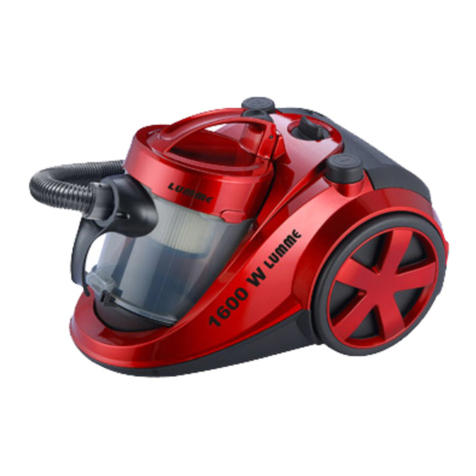
Lumme LU-3203 instruction manual

Lumme

Lumme LU-3203 instruction manual

Melissa 640-040/051 instruction manual

Melissa

Melissa 640-040/051 instruction manual

Makita DVC152L instruction manual

Makita

Makita DVC152L instruction manual

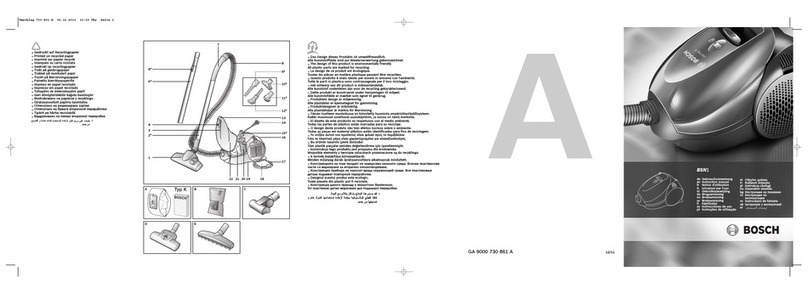
Bosch BSN1 instruction manual

Bosch

Bosch BSN1 instruction manual

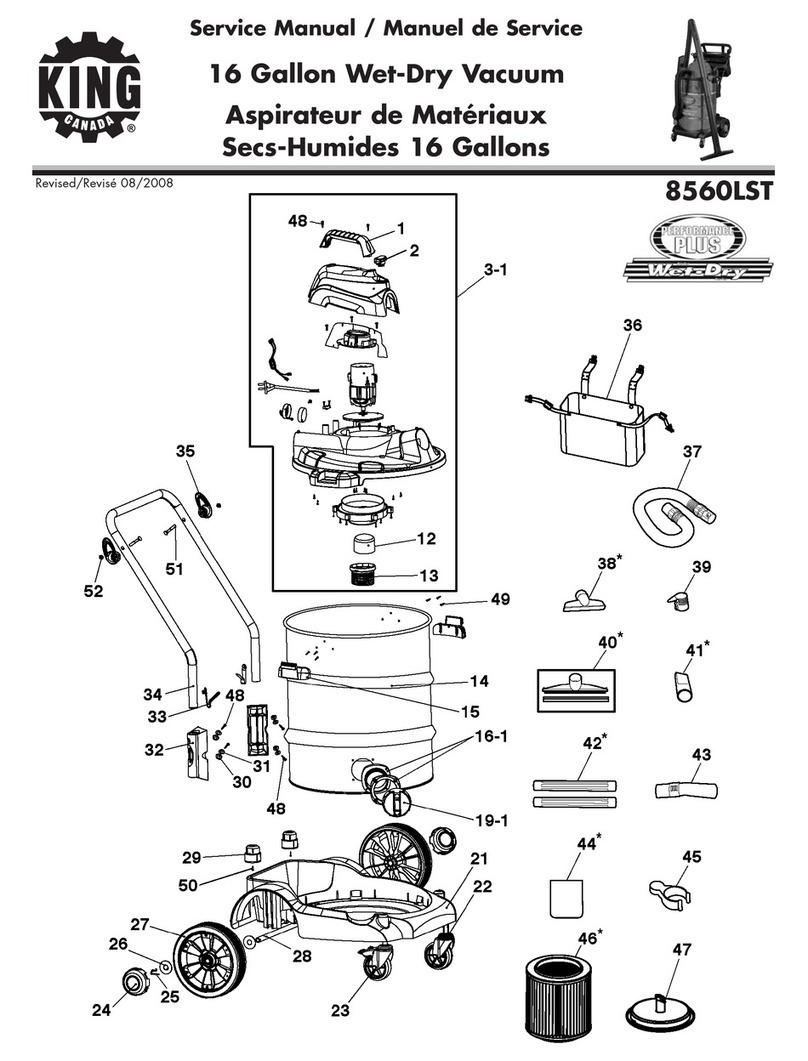
King Canada 8560LST Service manual & parts list

King Canada

King Canada 8560LST Service manual & parts list

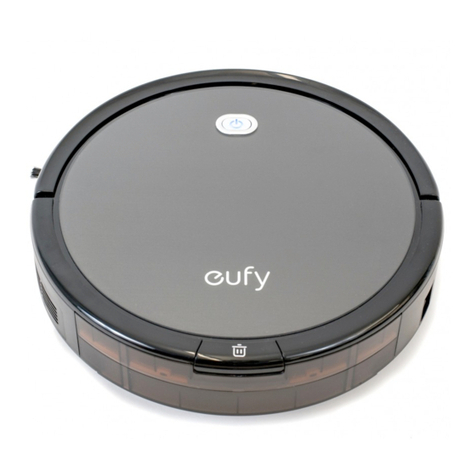
EUFY RoboVac 11c+ owner's manual

EUFY

EUFY RoboVac 11c+ owner's manual

Panasonic MC-E4101 Service manual

Panasonic

Panasonic MC-E4101 Service manual

Panasonic MC-V9658 operating instructions

Panasonic

Panasonic MC-V9658 operating instructions

Bosch BGB 2 Series instruction manual

Bosch

Bosch BGB 2 Series instruction manual

Hoover dog & cat TURBO manual

Hoover

Hoover dog & cat TURBO manual

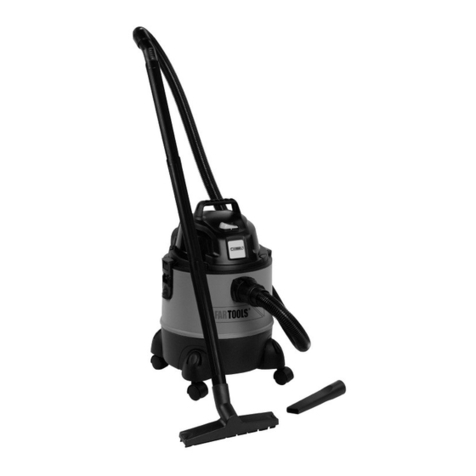
FGE Far Tools NET UP 20 manual

FGE

FGE Far Tools NET UP 20 manual

manuals.online logo
manuals.online logoBrands
  • About & Mission
  • Contact us
  • Privacy Policy
  • Terms and Conditions

Copyright 2025 Manuals.Online. All Rights Reserved.

1. Flip the switch to
the left to wake up
Crumbee. Turn the
switch to the right to
put Crumbee back to
sleep.
1. Make sure Crumbee is turned
o and pull Crumbee apart.
(Don’t worry, Crumbee can’t
feel a thing)!
2. Empty Crumbee’s tummy
by pulling apart the bottom
piece and throwing away any
scraps.
3. To reassemble Crumbee,
snap the bottom and top
back together.
To keep Crumbee squeaky clean,
remove the lter and clean it with
a brush. To avoid any damage to
Crumbee, do not let water enter
into the machine.
Crumbee helped keep your desk clean, so please help keep the
Earth clean by disposing of Crumbee’s batteries responsibly.
2. Feed Crumbee
two AA batteries
(included).
Begin Using Your Crumbee
Make sure Crumbee is tighlty reset.
Maintain Crumbee
Keep Crumbee Clean Crumbee Anatomy
Top Cover
Battery Case Button
ON/ OFF
Middle Shell
Bottom Cover
Brush
Propeller
Filter
Disposal of Crumbee

Crumbee
1. To avoid injuries, do not put your ngers into the
center of Crumbee.
2. You wouldn’t like to be disassembled and neither
does Crumbee! Don’t disassemble or modify the
machine, please.
3. Crumbee is great for cleaning up small messes like
keyboard dust, and paper scraps. Avoid using Crumbee
to clean up liquids and larger debris.
CAUTION Product Details
AA Battery Life
This product contains small parts. Not intended for
children under the age of 3.
Crumbee Instruction Manual
Desktop Vacuum Cleaner
100 hours with typical use
www.origaudiopromo.com
Crumbee includes batteries and a small brush.
© 2020 Forty Four Group, LLC., d/b/a Origaudio ∙
Printed in California ∙ Made in China