EnglishDeutsch
 logo
Brands
  1. Home
  2. •
  3. Brands
  4. •
  5. Panasonic
  6. •
  7. CD Player
  8. •
  9. Panasonic RXD13 - RADIO CASS. W/CD-LOW User manual

Panasonic RXD13 - RADIO CASS. W/CD-LOW User manual

Other manuals for RXD13 - RADIO CASS. W/CD-LOW

1

Other Panasonic CD Player manuals

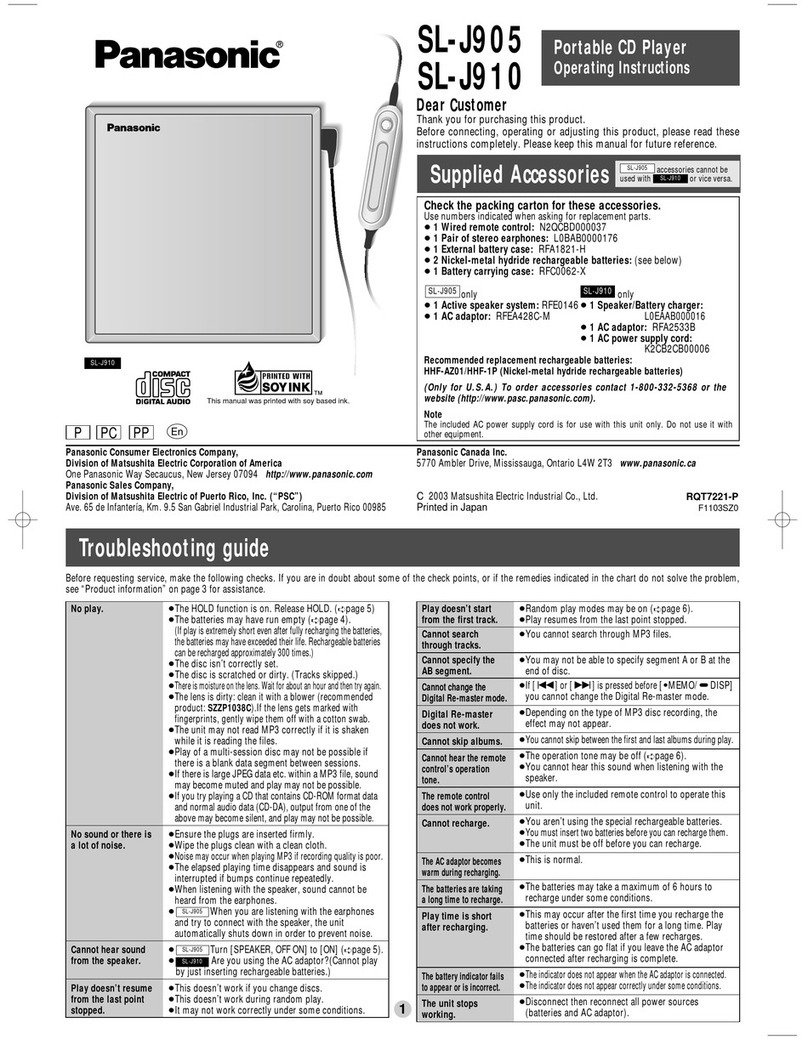
Panasonic SL-J905 User manual

Panasonic

Panasonic SL-J905 User manual
Panasonic SL-CT476J User manual

Panasonic

Panasonic SL-CT476J User manual
Panasonic SL-CT582VGC User manual

Panasonic

Panasonic SL-CT582VGC User manual
Panasonic SL-PH270 User manual

Panasonic

Panasonic SL-PH270 User manual
Panasonic SL-CT582VEE User manual

Panasonic

Panasonic SL-CT582VEE User manual
Panasonic SL-CT345 User manual

Panasonic

Panasonic SL-CT345 User manual
Panasonic SL-SW860 User manual

Panasonic

Panasonic SL-SW860 User manual
Panasonic SL-SX475 User manual

Panasonic

Panasonic SL-SX475 User manual
Panasonic KX-L783A User manual

Panasonic

Panasonic KX-L783A User manual
Panasonic DVDCP67 - DIG. VIDEO DISC PLAY User manual
Panasonic

Panasonic DVDCP67 - DIG. VIDEO DISC PLAY User manual

Panasonic SL-CT700 User manual

Panasonic

Panasonic SL-CT700 User manual

Panasonic SL-SX276J User manual

Panasonic

Panasonic SL-SX276J User manual
Panasonic SL-SX291C User manual

Panasonic

Panasonic SL-SX291C User manual
Panasonic SL-CT485 User manual

Panasonic

Panasonic SL-CT485 User manual
Panasonic SL-SX460 User manual

Panasonic

Panasonic SL-SX460 User manual
Panasonic CX-DP88 Operating User manual
Panasonic

Panasonic CX-DP88 Operating User manual

Panasonic SL-CT590 User manual

Panasonic

Panasonic SL-CT590 User manual
Panasonic SL-S112 User manual

Panasonic

Panasonic SL-S112 User manual

Panasonic SL-MV60 User manual

Panasonic

Panasonic SL-MV60 User manual
Panasonic SL-S120 User manual

Panasonic

Panasonic SL-S120 User manual

Panasonic SL-SV600J User manual

Panasonic

Panasonic SL-SV600J User manual

Panasonic PalmTheater DVD-LV75 User manual

Panasonic

Panasonic PalmTheater DVD-LV75 User manual

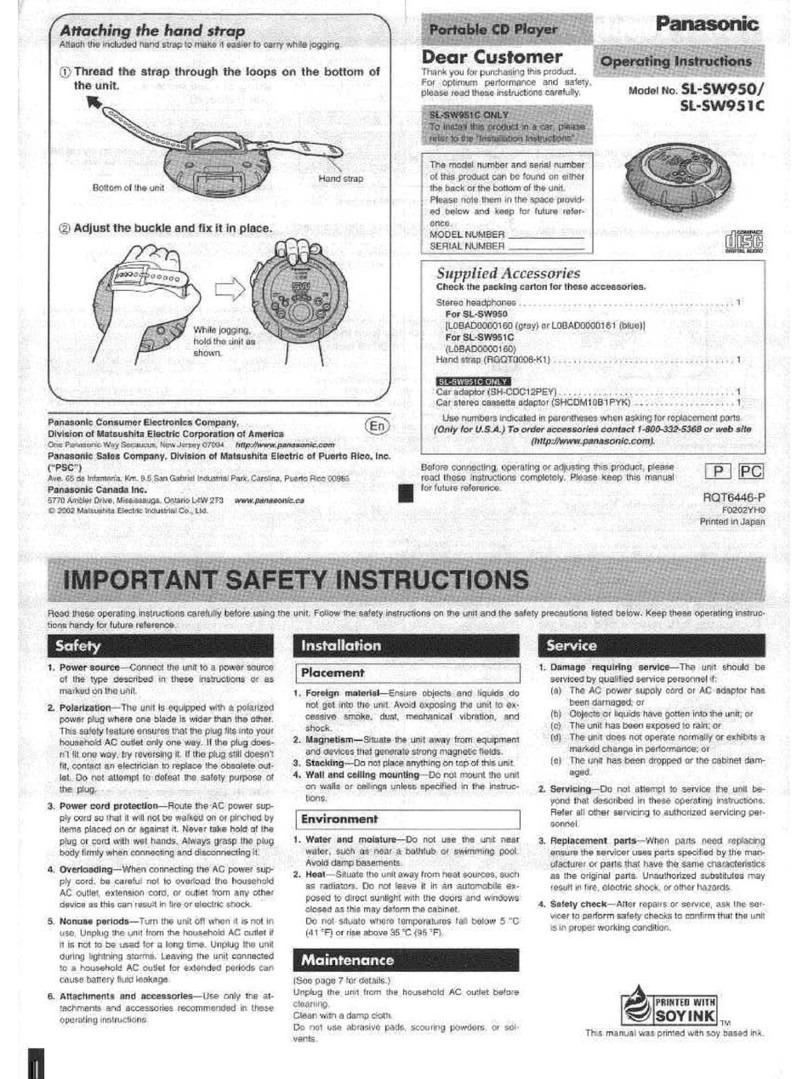
Panasonic SL-SW950 User manual
Panasonic

Panasonic SL-SW950 User manual
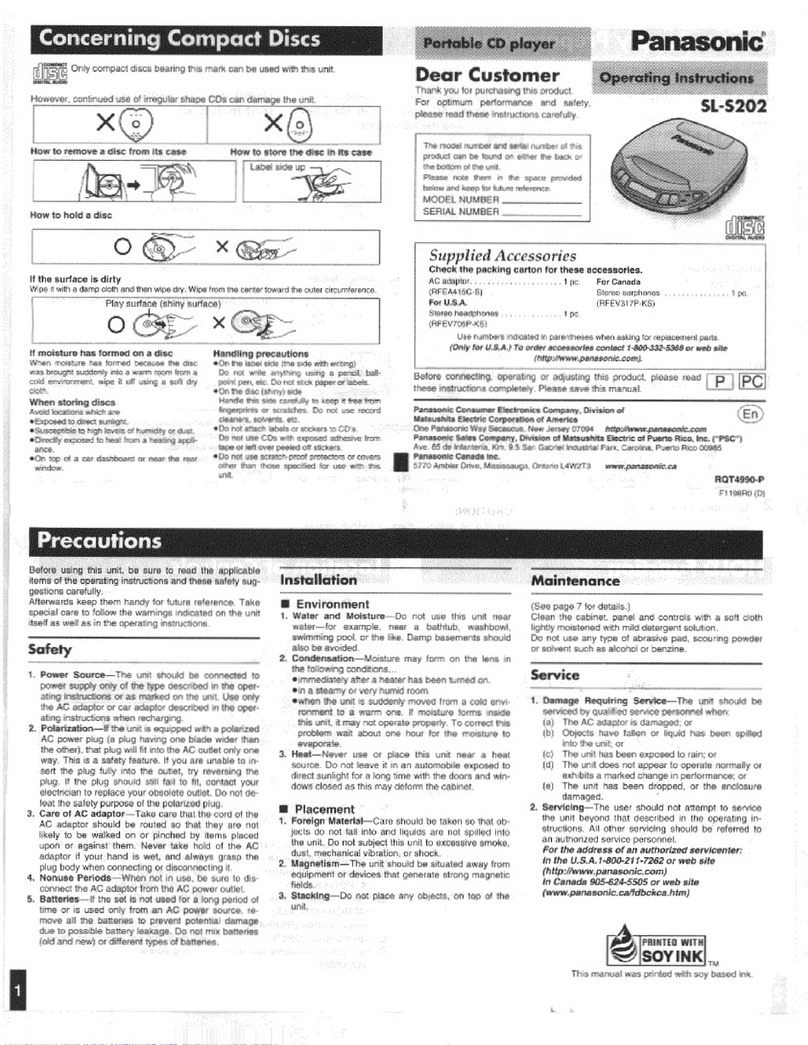
Panasonic SL-S202 User manual
Panasonic

Panasonic SL-S202 User manual

Popular CD Player manuals by other brands

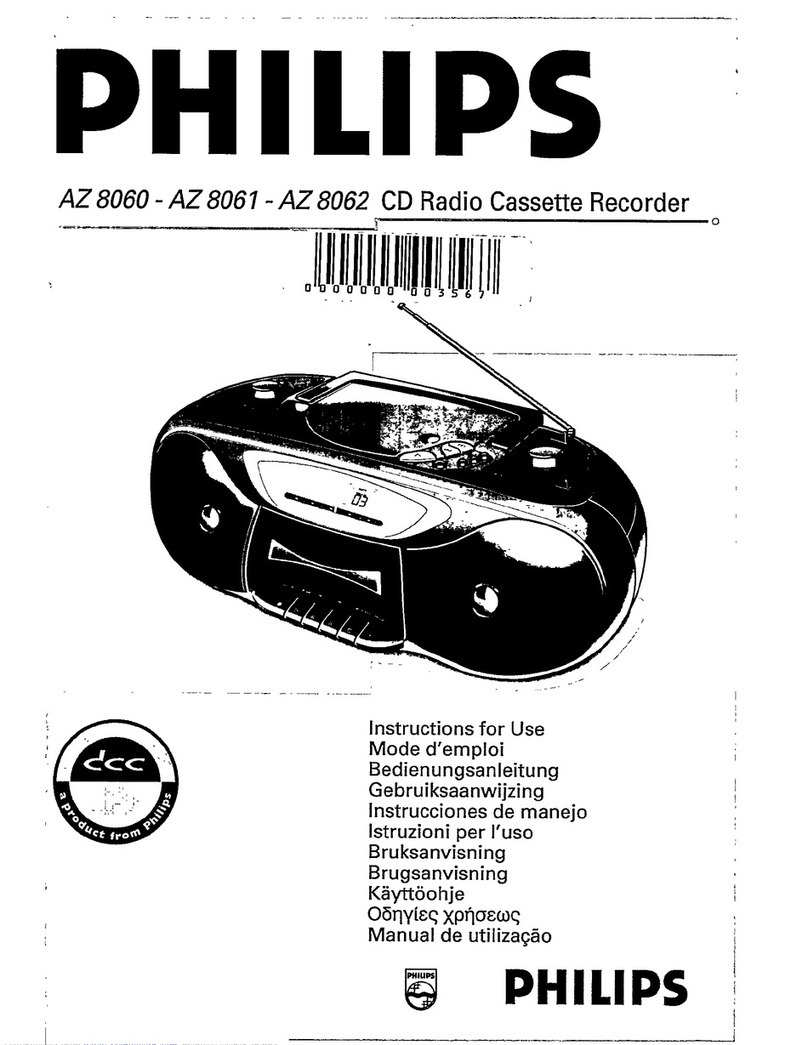
Philips AZ 8060 null

Philips

Philips AZ 8060 null

Sony CDX GT310 - Radio / CD null

Sony

Sony CDX GT310 - Radio / CD null

Philips CDR-775 null

Philips

Philips CDR-775 null

RCA RP-7923 instruction manual

RCA

RCA RP-7923 instruction manual

Pioneer DEH-P3550MP XM Operation manual

Pioneer

Pioneer DEH-P3550MP XM Operation manual

Philips CD582 user manual
Philips

Philips CD582 user manual

Philips AZ 6821 operating manual

Philips

Philips AZ 6821 operating manual

Lasonic MSU-2020 user manual

Lasonic

Lasonic MSU-2020 user manual

THOMSON RCD150 user manual

THOMSON

THOMSON RCD150 user manual

Denon DCD-1420 Service manual

Denon

Denon DCD-1420 Service manual

Onkyo DX-7210 instruction manual

Onkyo

Onkyo DX-7210 instruction manual

Sony MZ-R3 operating instructions

Sony

Sony MZ-R3 operating instructions

Denon DVM-4800 Service manual

Denon

Denon DVM-4800 Service manual

JBL MR-32 Operation manual

JBL

JBL MR-32 Operation manual

RCA RCD152 Specifications

RCA

RCA RCD152 Specifications

Technics SL-PS770A Service manual

Technics

Technics SL-PS770A Service manual

Clarion compact disc owner's manual

Clarion

Clarion compact disc owner's manual

Sony MZ-M10 operating instructions

Sony

Sony MZ-M10 operating instructions

https://manuals.online logo
https://manuals.online logoBrands
  • About & Mission
  • Contact us
  • Privacy Policy
  • Terms and Conditions

Copyright 2026 Manuals.Online. All Rights Reserved.

OrderNo. MD0102028C1
A6
PortableStereoCD System
RX-D13
Color
(A)... BlueType
(R) ... RedType
(S)... SilverType
P ... U.S.A.
PC... Canada
TapeDeck:SG20 MechanismSeries
Traverse Deck:RAE0152Z-1C MechanismSeries
SPECIFICATIONS
RADIO
FrequencyRange
FM 87.9-107.9MHz(200 kHzsteps)
87.5-108.0MHz(100 kHzsteps)
AM 520-1710 kHz(10 kHzsteps)
IntermediateFrequency
AM 450 kHz
FM 10.7MHz
Sensitivity
AM 46 dB/m/50 mW
FM 15 dB/50 mW
TAPE RECORDER
Track System 4 track, 2channel, stereo
Monitorsystem Variablesound monitor
Recording system ACbias
Erasing system Multi polemagnet
Frequencyrange
Normal position 50 ~12000 Hz
CD PLAYER
Sampling frequency 44.1kHz
Decoding 16 bitlinear
Beam source Semiconductorlaser
(wavelength 780 nm)
No. ofchannels 2channel, stereo
Wowand flutter Less than possible
measurementdata
D/Aconverter (1bitDAC)
GENERAL
Power Requirement
AC 120 V, 60 Hz
Power Consumption :14 W
Battery 9 V(sixR20/LR20, D, UM-1
batteries)
Do notuse rechargeabletypebatteries.
Memoryback-up 6V(fourR6/LR6, AA, UM-3
batteries)
Do notuse rechargeabletypebatteries.
Speakers 10 cm (3-15/16”) 4 x2
Jacks
Output Phones :3.5mm stereo (32 )
Dimensions(WxHxD) 420 x167 x275 mm
(16-17/32”x6-31/32”x10-13/
16”)
Mass 3.4kg (7lb. 8oz.)without
batteries
Power consumption in standbymode:1W
Notes:
1. Specificationsaresubject to changewithout notice.
2. Mass and dimensionsareapproximate.
2001 Matsushita Electronics (S)Pte. Ltd. All rights reserved.
Unauthorizedcopying and distribution isaviolation oflaw.
1. SafetyPrecaution
(This “SafetyPrecaution”is appliedonlyinU.S.A.)
1. Beforeservicing, unplug thepowercord topreventanelectric
shock.
2. Whenreplacing parts, use onlymanufacturer’srecommended
components for safety.
3. Check thecondition ofthepowercord. Replace ifwearor
damageisevident.
4. Afterservicing, besuretorestoretheleaddress, insulation
barriers, insulation papers, shields, etc.
5. Beforereturning theservicedequipmenttothecustomer, besure
tomake thefollowing insulation resistance test topreventthe
customerfrom being exposedtoashock hazard.
-Insulation Resistance Test
1. Unplug thepowercord and shortthetwoprongsoftheplug with
ajumperwire.
2. Turn on thepowerswitch.
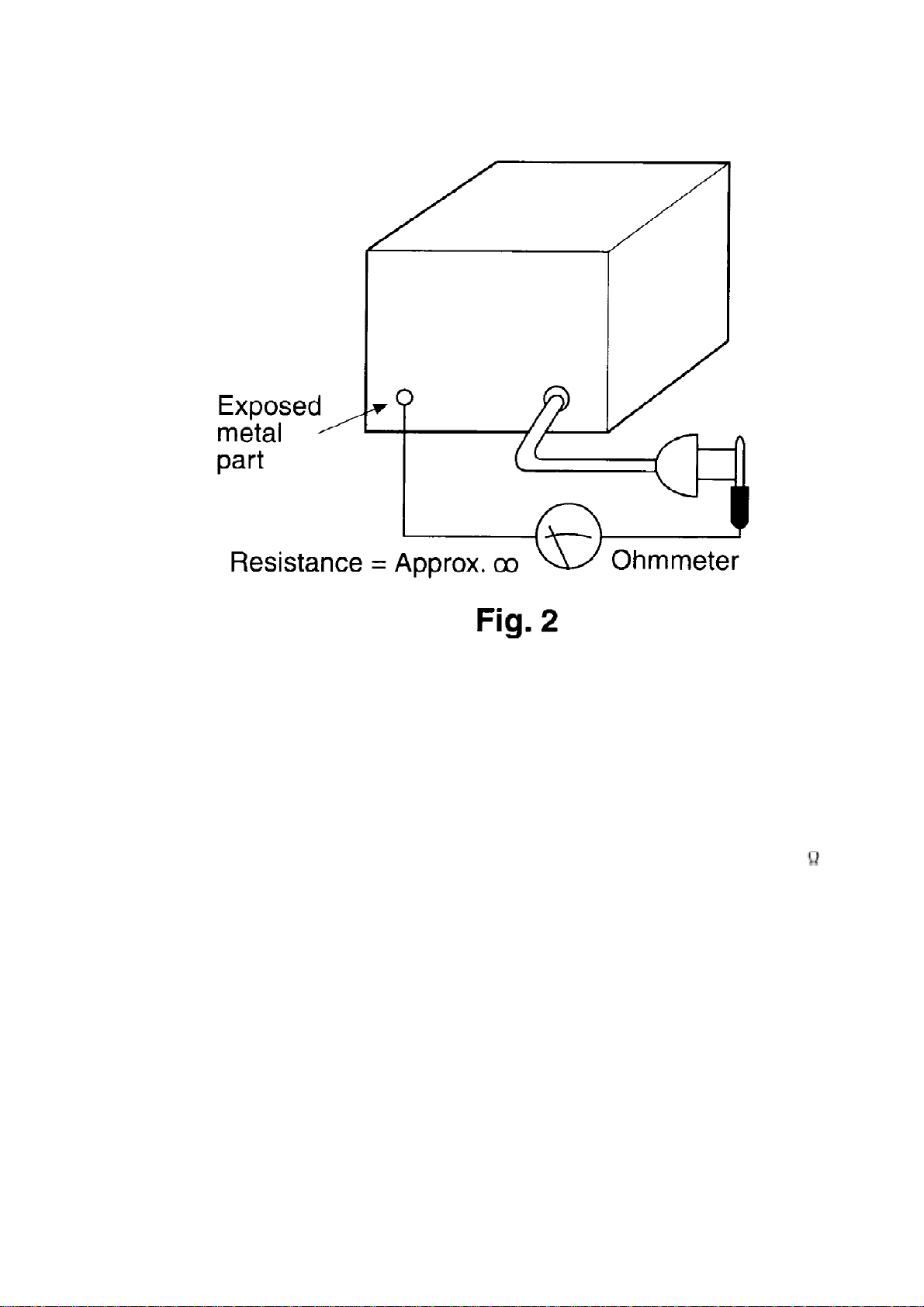
3. Measuretheresistance valuewithohmmeterbetweenthejumper
ACplug and eachexposedmetal cabinet part, suchas screw
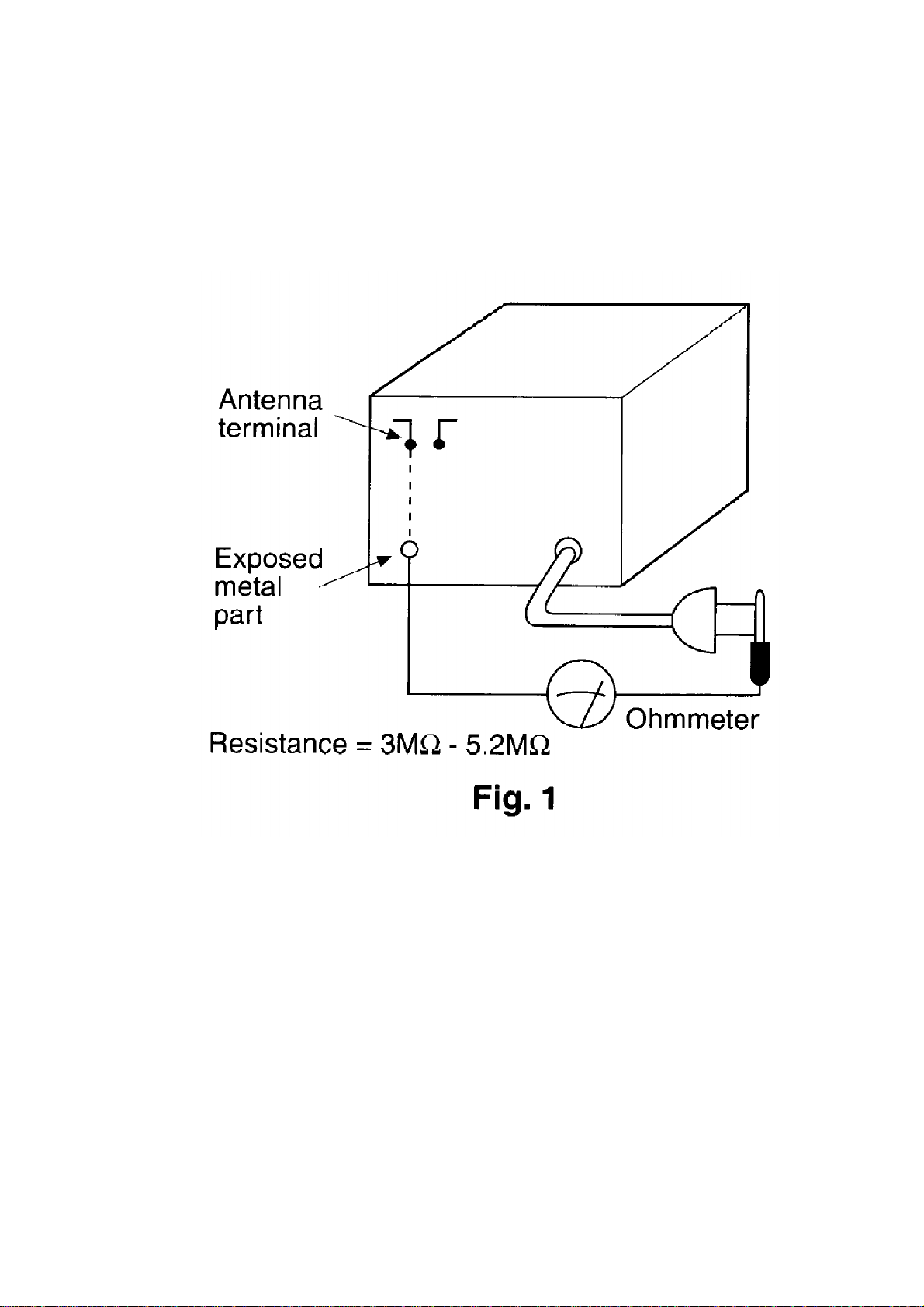
heads, antenna, control shafts, handlebrackets, etc. Equipment
withantennaterminalsshouldreadbetween3M and 5.2M to
all exposedparts*. (Fig1) Equipmentwithoutantennaterminals
shouldreadapproximatelyinfinitytoall exposedparts. (Fig2)
*Note:Someexposedparts maybeisolatedfrom thechassisby
design. These will readinfinity.
4. Ifthemeasurementisoutsidethespecifiedlimits, thereisa
possibilityofashock hazard. Theequipmentshouldberepaired
and recheckedbeforeitisreturnedtothecustomer.
BatteryService Life
UM-1 (D-size)Batteries / Approximately30 hrs of Tape Recording. (EIAJ)/ Approximately16 hrs
of Tape Playback. (EIAJ)/ Approximately11.5 hrs of CD Recording. (EIAJ)/ Approximately10.5
hrs of CD Playback. (EIAJ)
The batteryservice life is measuredaccording to the conditions setforth byEIAJ. (Electronic
Industries Association of Japan). As the batteryservice life varies with the method of operation
and environmental conditions, use these values as reference.
2. Before Repairand Adjustment
DisconnectAC power, discharge PowerSupplyCapacitors C120, C220, C317 through a 10 , 5
Wresistorto ground. DONOTSHORT-CIRCUITDIRECTLY(with a screwdriverblade, for
instance), as this maydestroysolidstate devices.
Afterrepairs are completed, restore powergraduallyusing a variac, to avoidovercurrent.
Current consumption atAC 120 V, 60 HzinNOSIGNALmode shouldbe ~75 mArespectively.
3. Protection Circuitry
The protection circuitrymayhave operatedifeitherof the following conditions are noticed:
-Nosound isheard whenthepoweristurnedon.
-Stopsduring aperformance.
The function of this circuitryis to prevent circuitrydamage if, forexample, the positive and
negative speakerconnection wires are “shorted”, orifspeakersystems with animpedance less
thanthe indicatedratedimpedance of the amplifierare used.
Ifthis occurs, followthe procedure outlines below:
1. Turn off thepower.
2. Determinethecause oftheproblemand correct it.
3. Turn on thepoweronce againafteroneminute.
Note:
Whenthe protection circuitryfunctions, the unitwill not operate unless the poweris firstturned
off and thenon again.
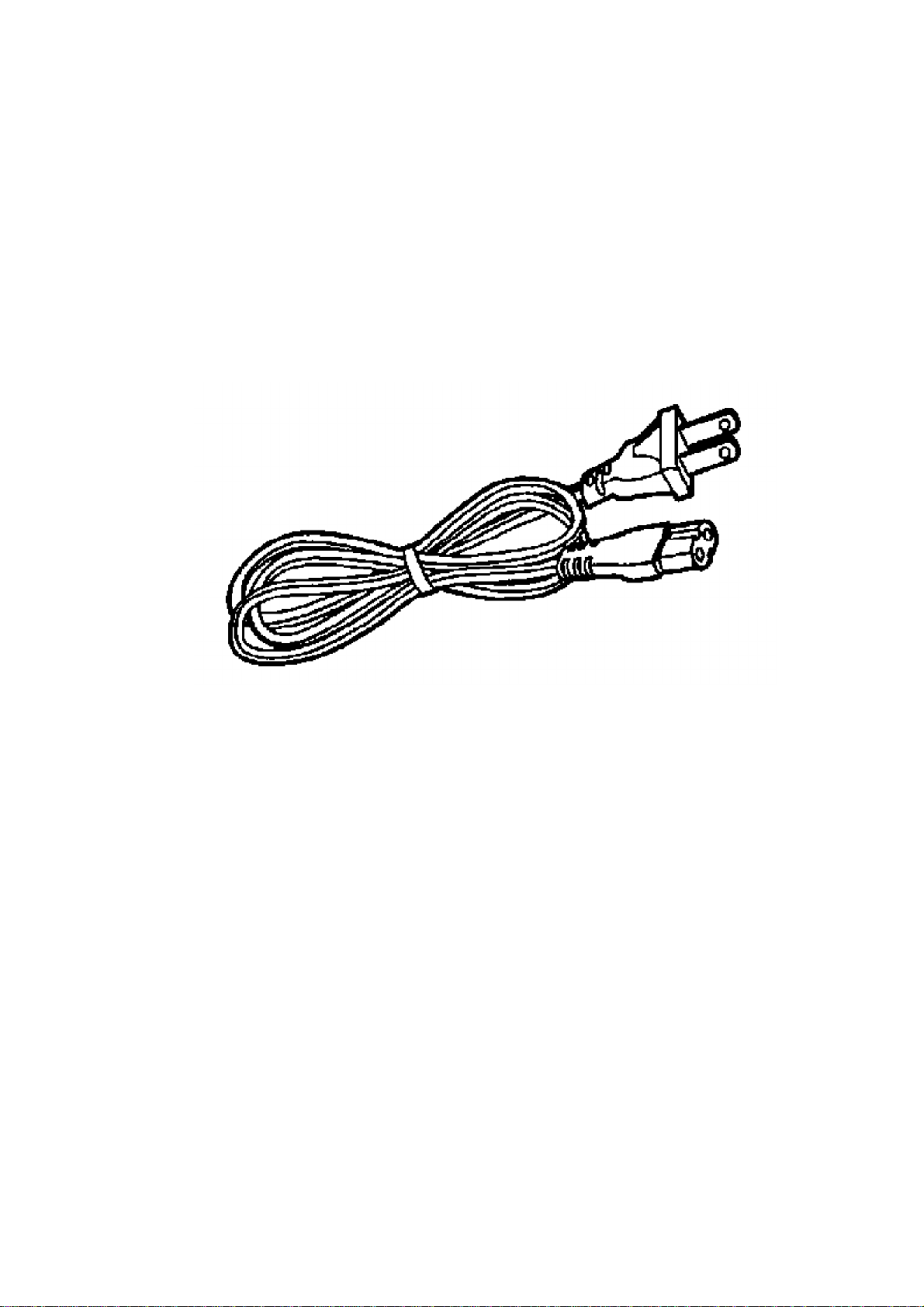
4. Accessories AC powercord.... 1 pc
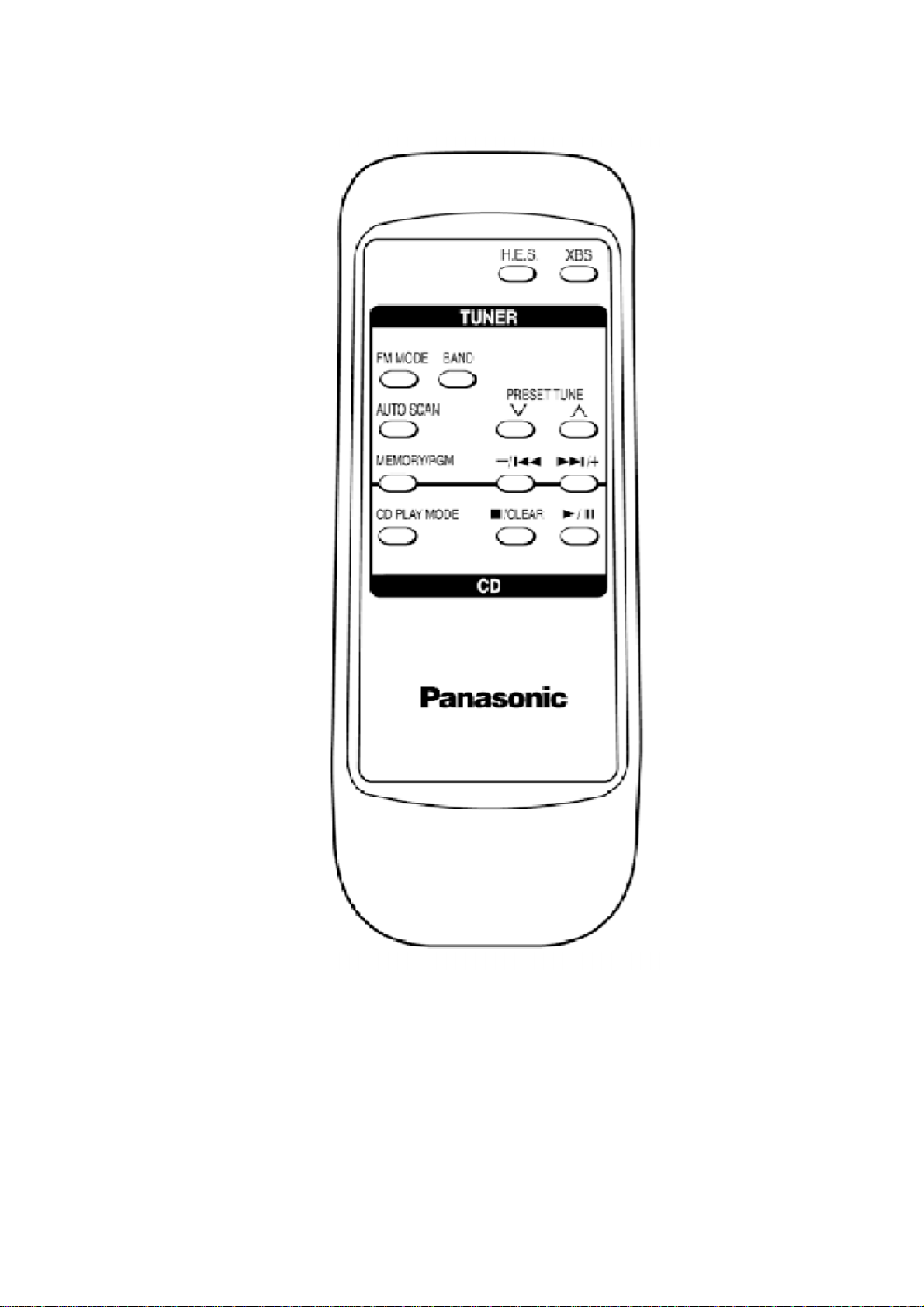
Remote Control.... 1 pc
5. Handling Precautions For Traverse Deck
The laserdiode inthe traverse deck (optical pickup) maybreak downdue to potential difference
causedbystatic electricityof clothes orhumanbody. So, be careful of electrostatic breakdown
during repairof the traverse deck (optical pickup).
-Handling oftraverse deck (optical pickup)
1. Donotsubject thetraverse deck (optical pickup)tostatic
electricityas itisextremelysensitivetoelectrical shock.
2. Topreventthebreakdownofthelaserdiode, anantistatic
shorting pinisinsertedintotheflexibleboard (FFCboard).
3. Take carenottoapplyexcessivestress totheflexibleboard (FFC
board). Whenremoving or connecting theshortpin, finishthejob
inas shorttimeas possible.
4. Donotturn thevariableresistor (laserpoweradjustment). Ithas
alreadybeenadjusted.
-Grounding for electrostaticbreakdownprevention
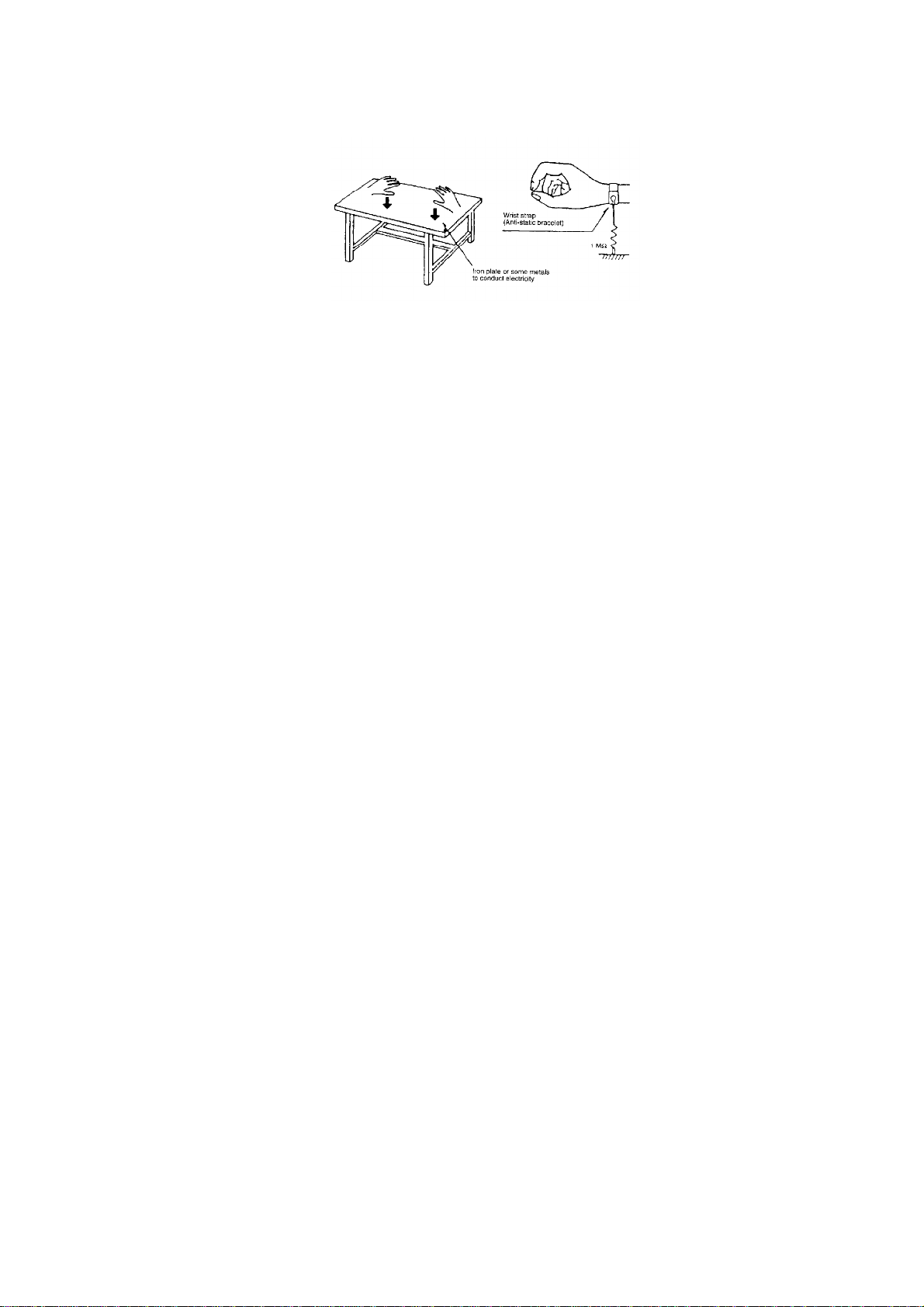
1. Humanbodygrounding
Use theanti-staticwrist straptodischargethestaticelectricity
from your body.
2. Worktablegrounding.
Putaconductivematerial (sheet) or steel sheet on thearea
wherethetraverse deck (optical pickup)isplace, and ground the
sheet.
Caution:
Thestaticelectricityofyour clothes will notbegroundedthrough
thewrist strap. So, take carenottolet your clothes touchthe
traverse deck (optical pickup).
on whenreplacing the Traverse Deck
The traverse deck has a shortpoint shortedwith solderto protectthe laserdiode against
electrostatics breakdown. Be sure to remove the solderfrom the shortpoint before making
connections.
6. Precaution ofLaser Diode
Caution:
Thisunitutilizes aclass 1laser. Invisiblelaserradiation isemitted
from theoptical pickup lens. Whentheunitisturnedon:
1. Donotlookdirectlyintothepickup lens.
2. Donotuse optical instruments tolookat thepickup lens.
3. Donotadjust thepreset variableresistor on thepickup lens.
4. Donotdisassembletheoptical pickup unit.
5. Iftheoptical pickup isreplaced, use themanufacturer’sspecified
replacementpickup only.
6. Use ofcontrol or adjustments or performance ofprocedures
otherthanthose specifiedhereinmayresultinhazardous
radiation exposure.
CAUTION!
THIS PRODUCTUTILIZES ALASER.
USE OFCONTROLS ORADJUSTMENTS ORPERFORMANCE OF
PROCEDURES OTHERTHANTHOSE SPECIFIEDHEREINMAY
RESULTINHAZARDOUS RADIATIONEXPOSURE.
7. Controls
8. Self-DiagnosticFunctions
8.1. Setting oftheSelf-DiagnosticMode
1. SwitchtheSELECTORtoCD and set toTAPE STOP state. (CD
PLAY STOP)
2. Press the/CLEARfor thefirst twosecondsand followedbythe
FASTFORWARD keysfor anothertwosecondswithoutreleasing
the/CLEARkey, itshall enterintotheSelf-Diagnosticmode.