manuals.online logo
Brands
  1. Home
  2. •
  3. Brands
  4. •
  5. Panasonic
  6. •
  7. Laptop
  8. •
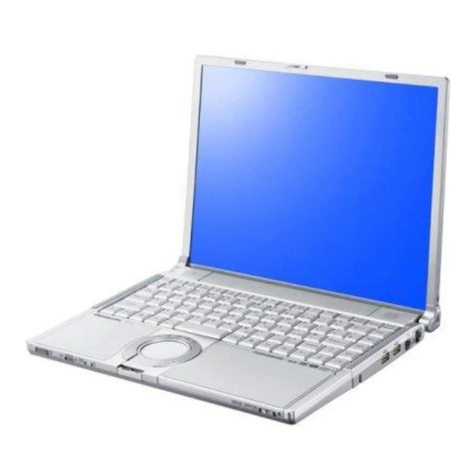
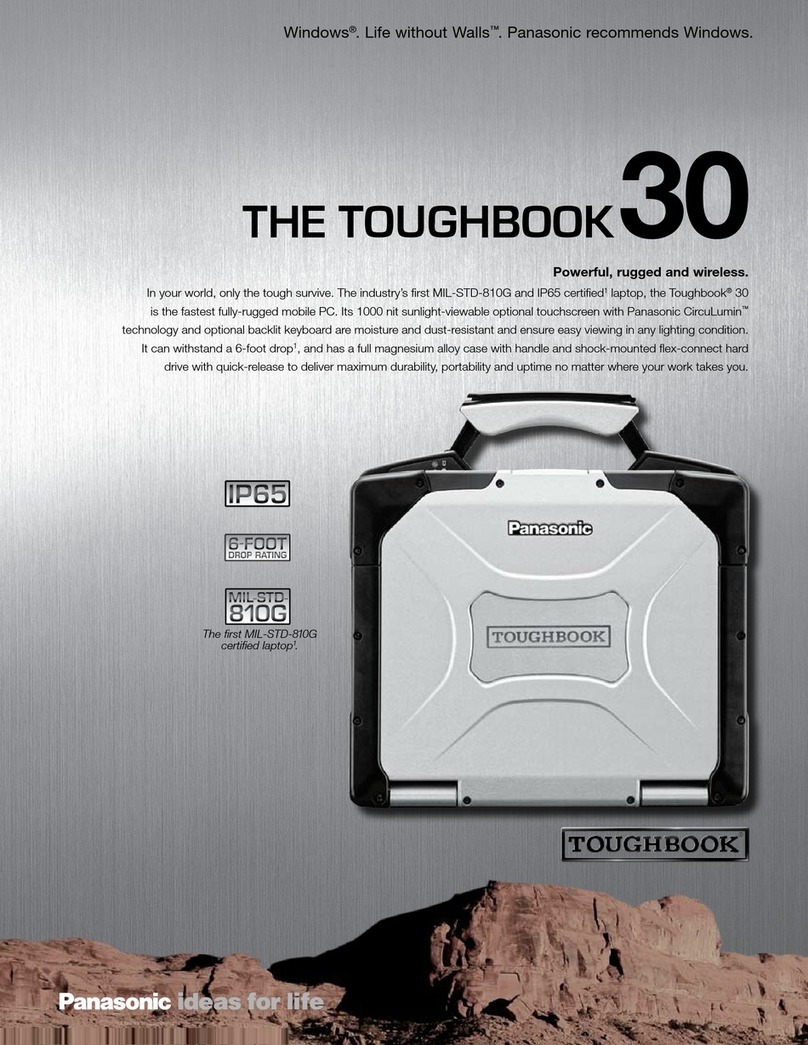
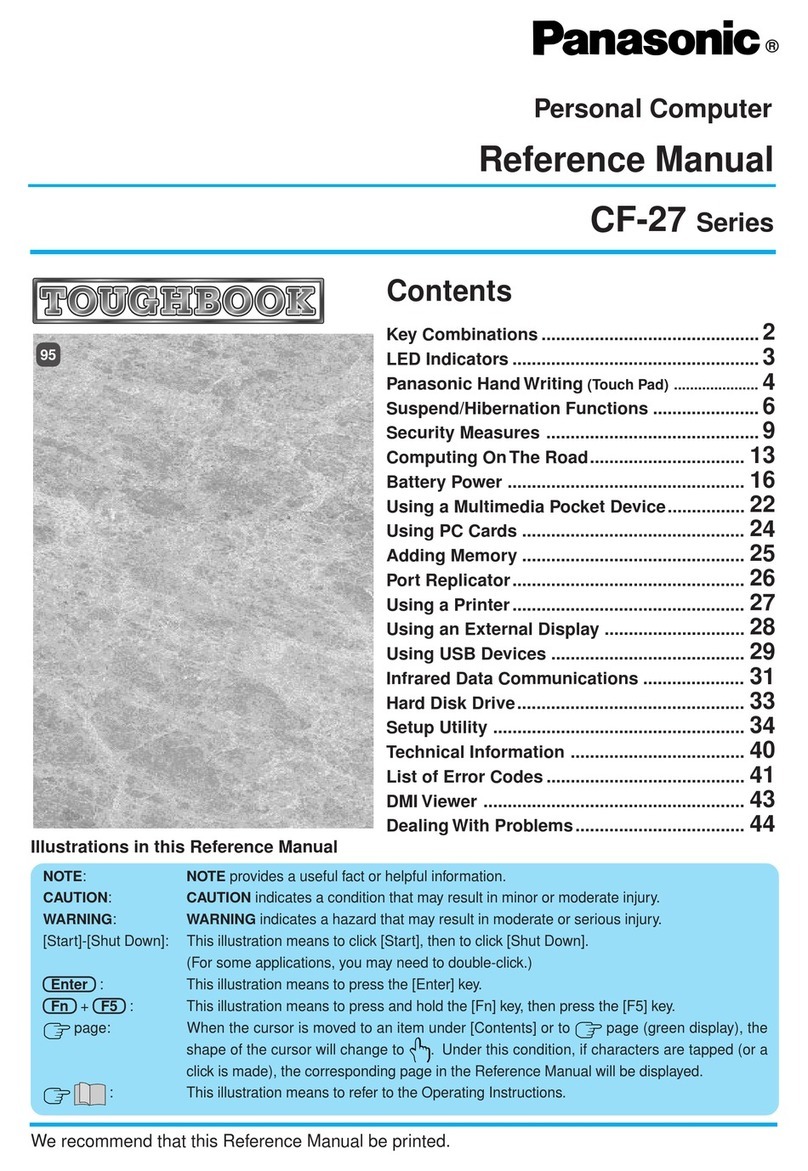
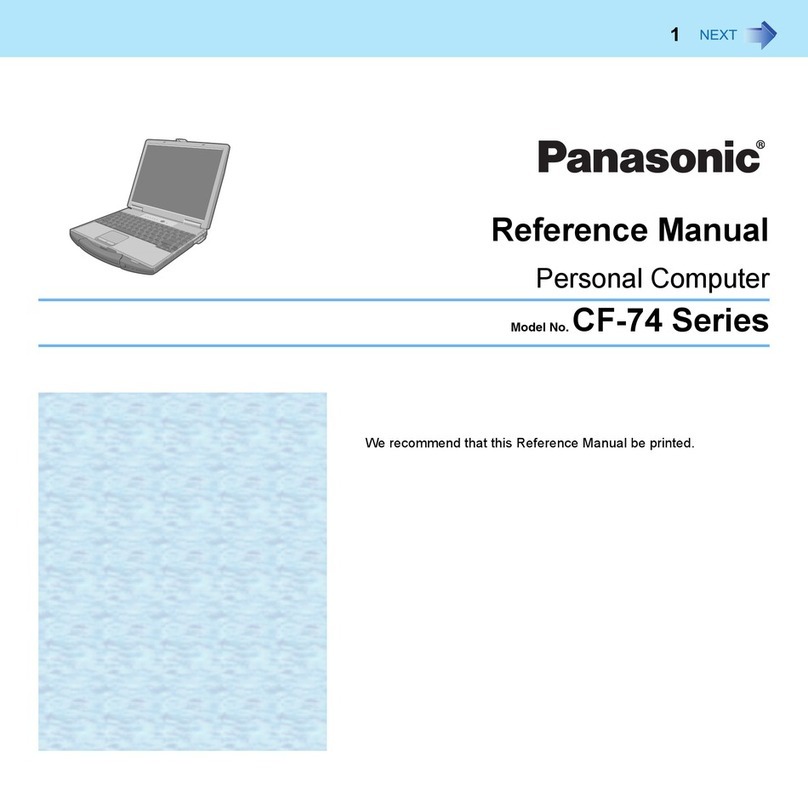
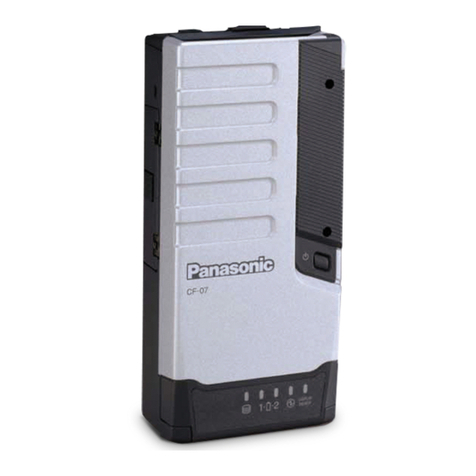
  9. Panasonic Toughbook C1 User manual

Panasonic Toughbook C1 User manual

Other manuals for Toughbook C1

1

Other Panasonic Laptop manuals

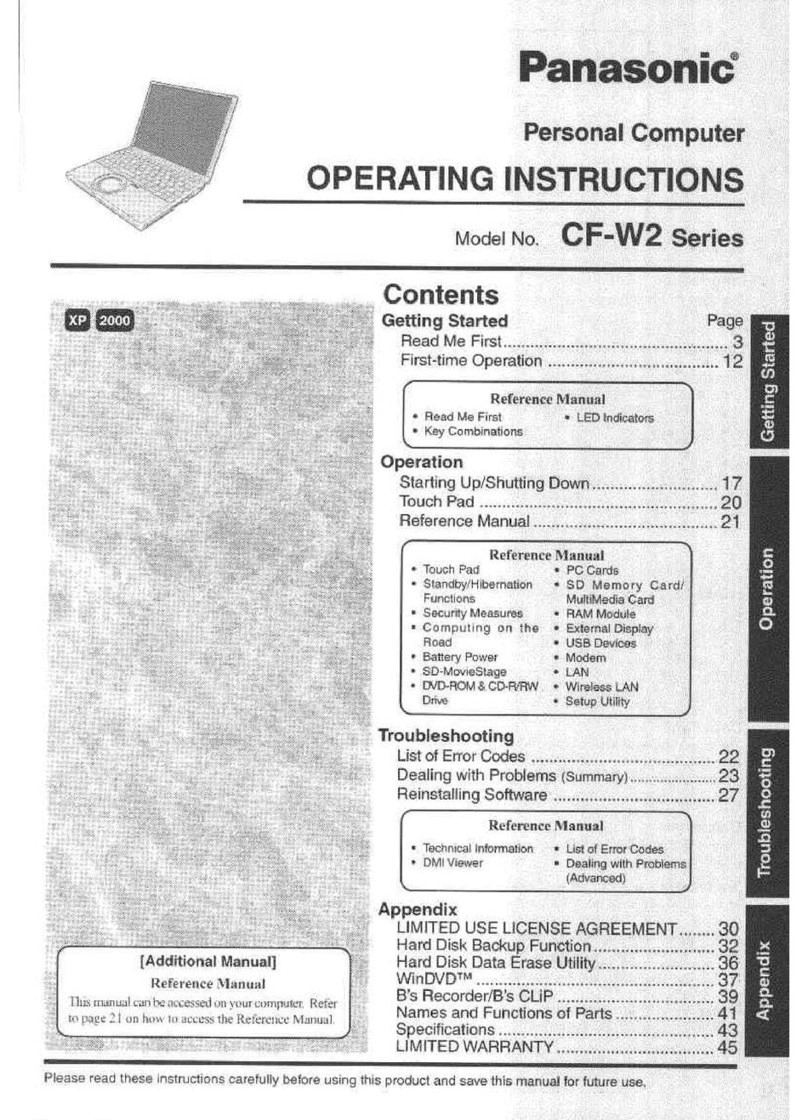
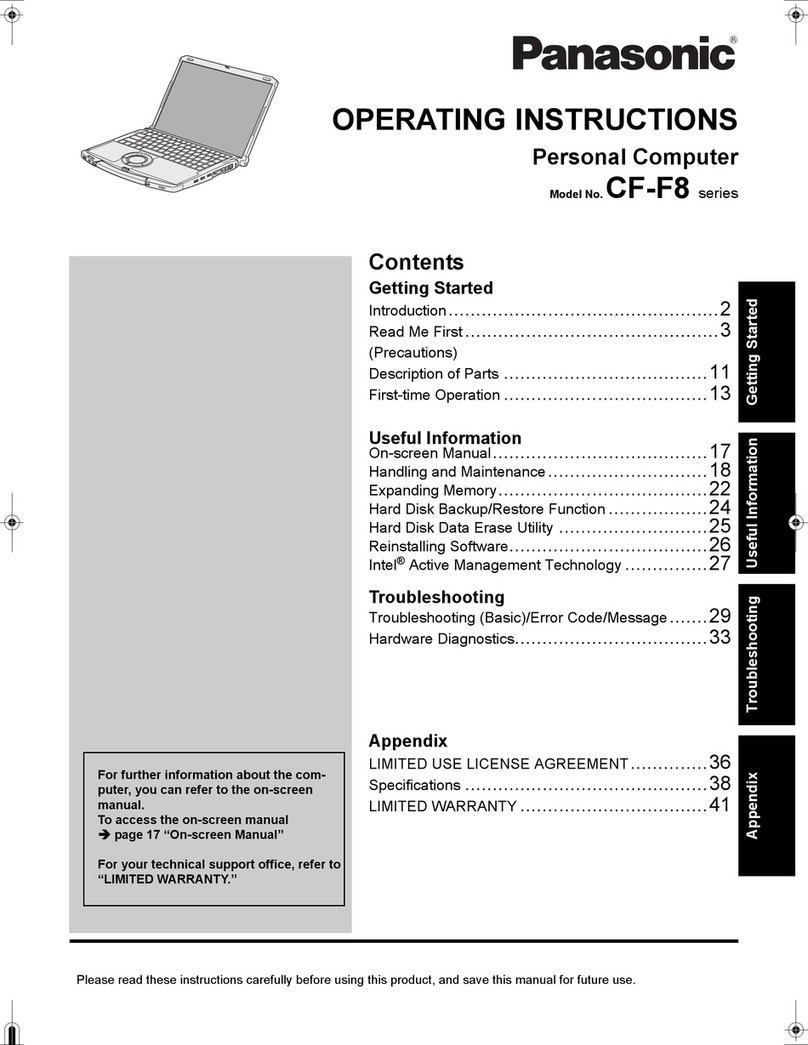
Panasonic Toughbook CF-52EKMBGAM User manual

Panasonic

Panasonic Toughbook CF-52EKMBGAM User manual

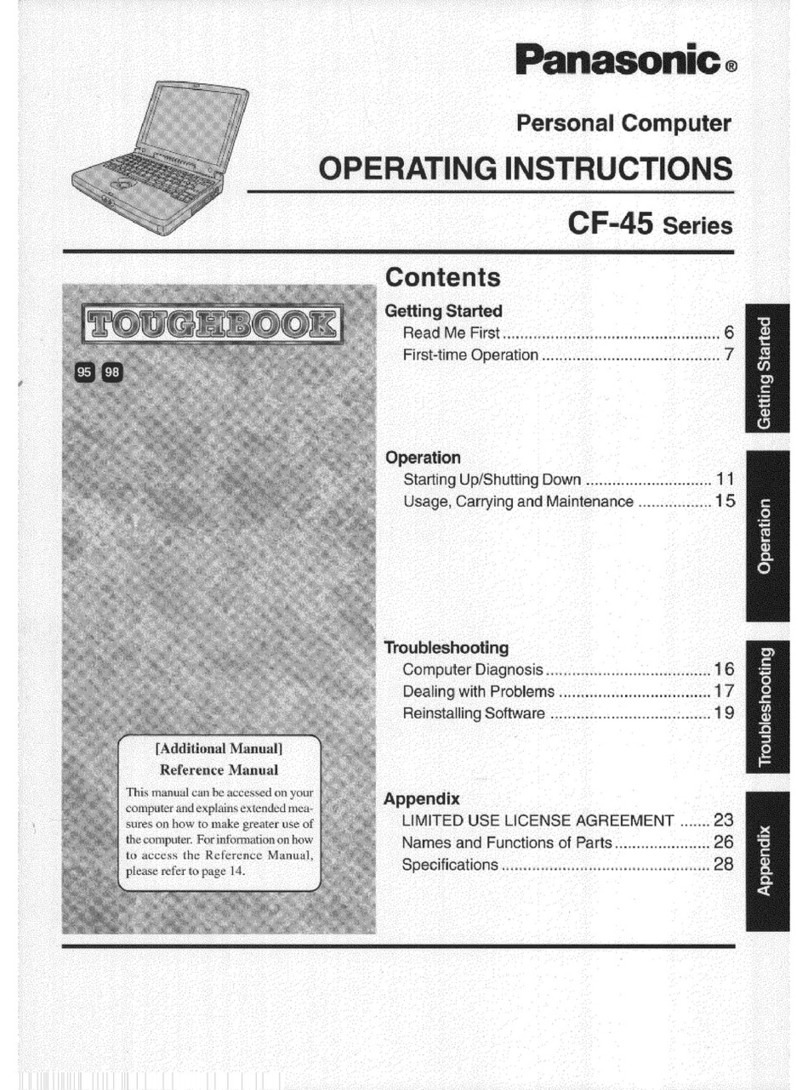
Panasonic CF-25 User manual

Panasonic

Panasonic CF-25 User manual

Panasonic CF-53AUGZK1M User manual

Panasonic

Panasonic CF-53AUGZK1M User manual

Panasonic CF-30KTPAXJM User manual

Panasonic

Panasonic CF-30KTPAXJM User manual

Panasonic Toughbook CF-T8EWATZJM User manual

Panasonic

Panasonic Toughbook CF-T8EWATZJM User manual

Panasonic Toughbook CF-18BHKZXDM User manual

Panasonic

Panasonic Toughbook CF-18BHKZXDM User manual

Panasonic CF-W5MWEZZBM - Toughbook W5 - Core Duo 1.06... User manual

Panasonic

Panasonic CF-W5MWEZZBM - Toughbook W5 - Core Duo 1.06... User manual

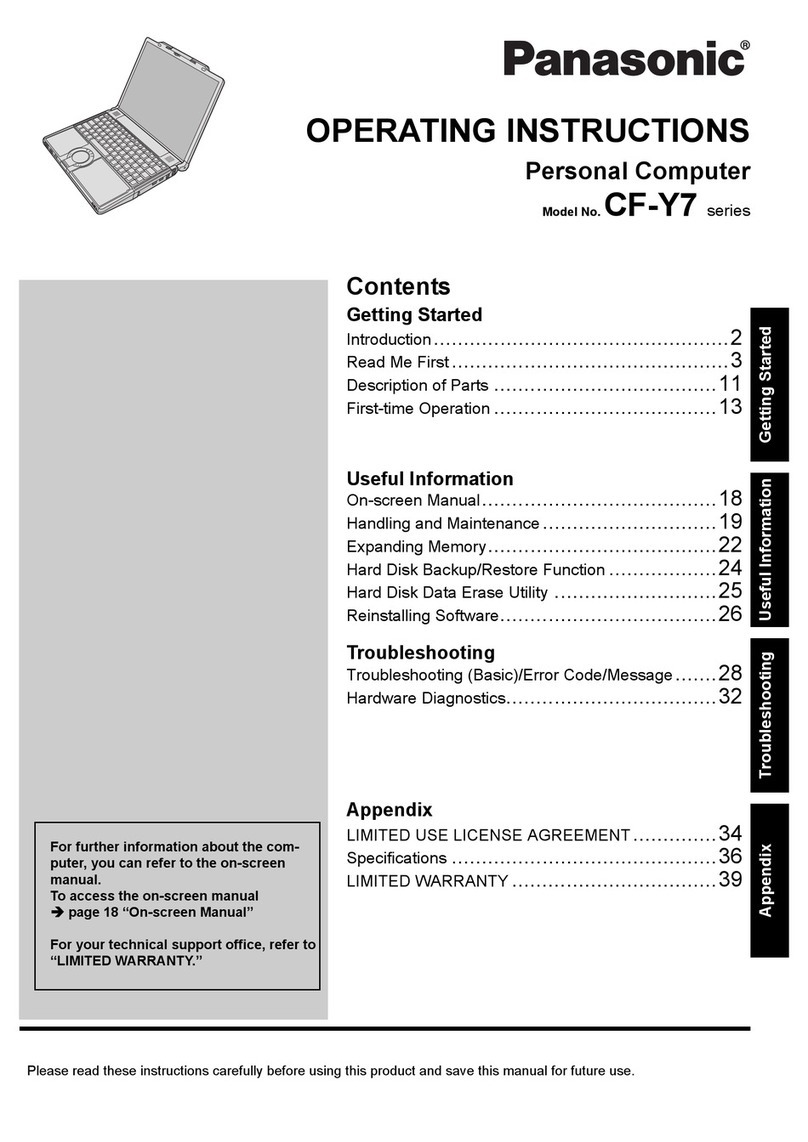
Panasonic Toughbook W4 User manual

Panasonic

Panasonic Toughbook W4 User manual

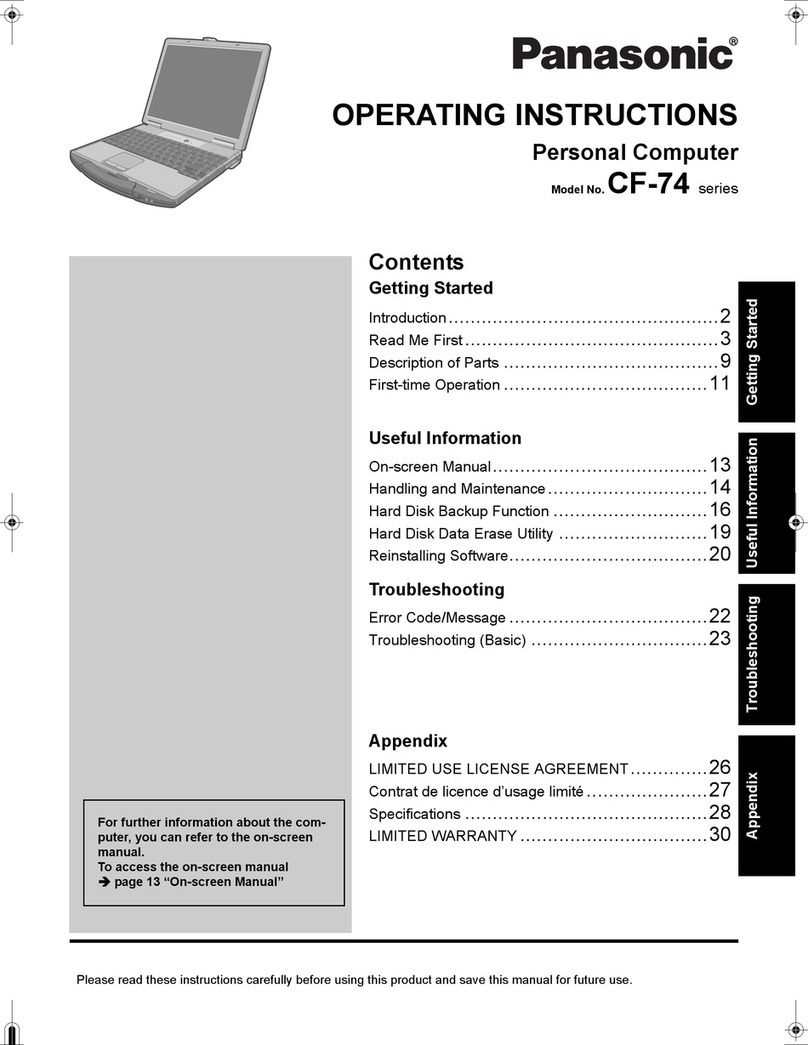
Panasonic Toughbook CF-18 Series User manual

Panasonic

Panasonic Toughbook CF-18 Series User manual

Panasonic Toughbook CF-31AAAAA2M User manual

Panasonic

Panasonic Toughbook CF-31AAAAA2M User manual

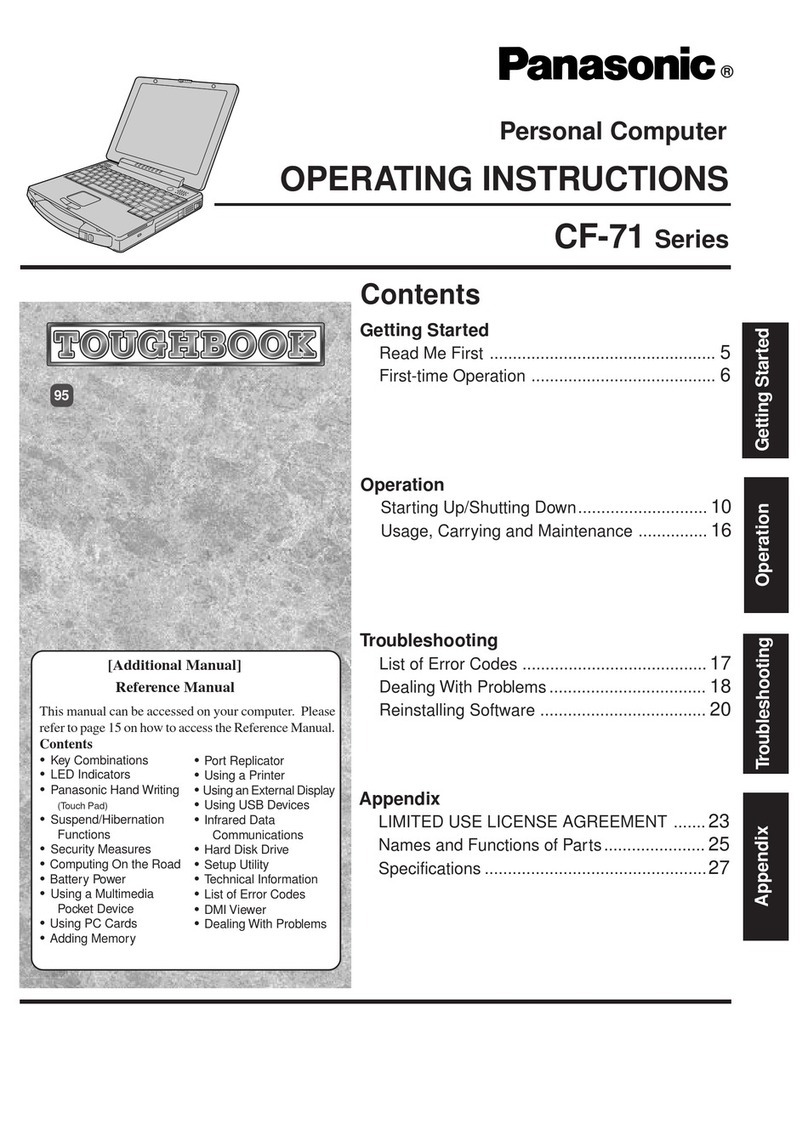
Panasonic Toughbook CF-71GYAGBAM User manual

Panasonic

Panasonic Toughbook CF-71GYAGBAM User manual

Panasonic Toughbook CF-73XCVTSBM User manual

Panasonic

Panasonic Toughbook CF-73XCVTSBM User manual

Panasonic Toughbook CF-Y4HWPZZBM User manual

Panasonic

Panasonic Toughbook CF-Y4HWPZZBM User manual

Panasonic Toughbook CF-F9KWH011M User manual

Panasonic

Panasonic Toughbook CF-F9KWH011M User manual

Panasonic CF-T1 Series User manual

Panasonic

Panasonic CF-T1 Series User manual

Panasonic CF-T7 Series User manual

Panasonic

Panasonic CF-T7 Series User manual

Panasonic Toughbook CF-30FTSAZAM User manual

Panasonic

Panasonic Toughbook CF-30FTSAZAM User manual

Panasonic CF-T2 Series User manual

Panasonic

Panasonic CF-T2 Series User manual

Panasonic The Toughbook 52 User manual

Panasonic

Panasonic The Toughbook 52 User manual

Panasonic TOUGHBOOK CF-19KHRJXQV User manual

Panasonic

Panasonic TOUGHBOOK CF-19KHRJXQV User manual

Panasonic Toughbook CF-31GT1AX1M User manual

Panasonic

Panasonic Toughbook CF-31GT1AX1M User manual

Panasonic CF-31JEGAXDM User manual

Panasonic

Panasonic CF-31JEGAXDM User manual

Panasonic Toughbook CF-52GGNBP2B User manual

Panasonic

Panasonic Toughbook CF-52GGNBP2B User manual

Panasonic Toughbook CF-Y5LWEZABM User manual

Panasonic

Panasonic Toughbook CF-Y5LWEZABM User manual

Popular Laptop manuals by other brands

EUROCOM ARMADILLO 2 W840AU Service manual

EUROCOM

EUROCOM ARMADILLO 2 W840AU Service manual

HP EliteBook 8570p Maintenance and service guide

HP

HP EliteBook 8570p Maintenance and service guide

Toshiba L300-EZ1522 Specifications

Toshiba

Toshiba L300-EZ1522 Specifications

HP Compaq 6520s Maintenance and service guide

HP

HP Compaq 6520s Maintenance and service guide

Lenovo ThinkPad T530 null

Lenovo

Lenovo ThinkPad T530 null

IBM THINKPAD T41 - Warranty user manual

IBM

IBM THINKPAD T41 - Warranty user manual

Lenovo ThinkPad X1 Carbon user guide

Lenovo

Lenovo ThinkPad X1 Carbon user guide

Lenovo ThinkPad T400s Ghid de service şi depanare

Lenovo

Lenovo ThinkPad T400s Ghid de service şi depanare

Toshiba TE2000 user manual

Toshiba

Toshiba TE2000 user manual

Acer SP514-51N user manual

Acer

Acer SP514-51N user manual

Fujitsu P1620 - LifeBook - Core 2 Duo 1.2 GHz Getting started

Fujitsu

Fujitsu P1620 - LifeBook - Core 2 Duo 1.2 GHz Getting started

IBM ThinkPad 240 Quick reference guide

IBM

IBM ThinkPad 240 Quick reference guide

Dell G3 15 Setup and specifications

Dell

Dell G3 15 Setup and specifications

Clevo D400P Service manual

Clevo

Clevo D400P Service manual

HP EliteBook 840r G4 Maintenance and service guide

HP

HP EliteBook 840r G4 Maintenance and service guide

Clevo NL51CU Service manual

Clevo

Clevo NL51CU Service manual

Dell Inspiron 3700 Get started

Dell

Dell Inspiron 3700 Get started

Toshiba R700-S1320 Specifications

Toshiba

Toshiba R700-S1320 Specifications

manuals.online logo
manuals.online logoBrands
  • About & Mission
  • Contact us
  • Privacy Policy
  • Terms and Conditions

Copyright 2025 Manuals.Online. All Rights Reserved.

Panasonic recommends Windows®7.
solutions for BusinEss
Eliminating time constraints is
how we’re engineering a better world.
Panasonic recommends Windows®7.
Toughbook C1
Toughbook C1 Specs
Key Features
nGenuine Windows®7 Professional 32-bit1or
Genuine Windows®7 Professional 64-bit1
nIntel®Core™i5-2520M vPro™Processor (2.5GHz)
nChoice of multi touch + digitizer screen or gloved
multi touch screen
nAnti-glare screen treatment
Durability Features
nBusiness-rugged—30" drop rating (to base)2
nShock-mounted flex-connect hard drive with quick-release
nTriple hinge design with screen rotation lock
nErgonomic strap and dome hand support
nDrop and spill-resistant magnesium alloy case
Wireless Features
nOptional integrated 4G LTE mobile broadband
nOptional integrated 3G Gobi™ mobile broadband
nIntel®Centrino®Advanced-N 6205 802.11a/b/g/n
nBluetooth®v2.1 + EDR (Class 2)
Security Features
nPassword Security: Supervisor, User, Hard Disk Lock
nKensington cable lock slot
nTrusted platform module (TPM) security chip v.1.2
nComputrace®theft protection agent in BIOS3
nIntel®Anti-Theft Technology
nOptional fingerprint reader
nOptional SmartCard reader
Integrated Features
n1.3MP webcam
Power Features
nHot-swappable twin lithium ion battery packs
(with optional 2nd battery)
– 7.4V, typical 6000mAh each battery
nBattery operation: 6 hours (12 hours with optional 2nd battery)4
Dimensions & Weight
n8.9"(L) x 11.8"(W) x 1.2"/1.7"(H) front/rear
n3.28 lbs. (3.73 lbs. with optional 2nd battery)
Warranty
n3-year limited warranty, parts and labor
Integrated Options
n4G LTE mobile broadband
n3G Gobi™mobile broadband
n128GB solid state drive (SSD)
nFingerprint and SmartCard readers
1
A full set of Windows XP drivers are available at panasonic.com/toughbook/support.
230" drop rating to base. 12" drop rating to all 26 angles.
3Requires software and activation to enable theft protection.
4Number of batteries varies by model. Battery performance features such as charge
time and life span can vary according to the conditions under which the computer
and battery are used. Battery operation and recharge times will vary based on
many factors, including screen brightness, applications, features, power
management, battery conditioning and other customer preferences.
Battery testing results from MobileMark 2007.
Intel, the Intel logo, Intel Core, Intel vPro, Core Inside and vPro Inside are trademarks of Intel Corporation in the U.S. and other countries. Toughbook notebook PCs are
covered by a 3-year limited warranty, parts and labor. To view the full text of the warranty, log on to panasonic.com/toughbook/warranty. Please consult your Panasonic
representative prior to purchase. Panasonic is constantly enhancing product specifications and accessories. Specifications subject to change without notice.
©2012 Panasonic Corporation of North America. All rights reserved. B_C1_06/12
1.800.662.3537
panasonic.com/toughbook/C1

solutions for BusinEss
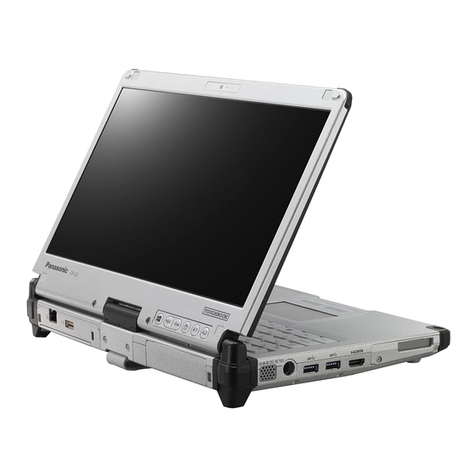
The world’s lightest 12.1" convertible tablet PC.
Introducing an array of industry-leading advancements, such as a unique triple hinge design,
the Panasonic Toughbook®C1 is available with a gloved multi touch or a multi touch + digitizer

screen for finger and gesture computing and an electronic stylus for handwriting recognition
or greater precision. With a spill-resistant keyboard and the ability to survive up to a 30" drop,
the Toughbook C1 is a dependable, versatile convertible tablet PC that’s built to perform.

Key Features
nLightest business-rugged convertible tablet PC (3.28-3.73 lbs.)
perfectly balanced with either one or two batteries
nIndustry’s only triple hinge design: it uses two hinges for
opening and closing the screen, and a third hinge for rotating
the screen into tablet mode
nQuick-release hard drive for efficient, secure deployment
nHot-swappable twin battery design provides continuous use with optional second battery
(up to 12 hours without swapping)
nErgonomic hand strap and dome cradle the hand for comfortable long-term use
nWi-Fi, Bluetooth®and optional 4G LTE or 3G Gobi™mobile broadband for wireless connectivity
nFive user-definable tablet buttons, backlit for use in low-light environments
nDashboard application provides a convenient, intuitive way to access commonly used
features such as brightness, volume, wireless and touchscreen settings
nBuilt-in dual array microphone provides superior speech recognition and improved dictation
Broad Industry Appeal
The greatest asset of the Toughbook C1 is its versatility. Industries will benefit
from its intelligent, time-saving design that empowers field workers with extreme
mobility and productivity.
nHealthcare
nUtilities
nPharmaceutical Sales
nMobile Point-of-Sale
nInsurance
nAnd More
Panasonic recommends Windows®7.
1.800.662.3537
panasonic.com/toughbook/C1