manuals.online logo
Brands
  1. Home
  2. •
  3. Brands
  4. •
  5. Patching Panda
  6. •
  7. Modulator
  8. •
  9. Patching Panda PUNCH MG User manual

Patching Panda PUNCH MG User manual

Popular Modulator manuals by other brands

Channel Vision Digital RF Modulator E-1200 installation instructions

Channel Vision

Channel Vision Digital RF Modulator E-1200 installation instructions

Trophy AMD-53-S2 instruction manual

Trophy

Trophy AMD-53-S2 instruction manual

axing AVM 5-00 Operation instructions

axing

axing AVM 5-00 Operation instructions

IKUSI MAC-HOME HD user manual

IKUSI

IKUSI MAC-HOME HD user manual

Wisi MINI OM 10 operating instructions

Wisi

Wisi MINI OM 10 operating instructions

Elan MOD3000 installation instructions

Elan

Elan MOD3000 installation instructions

RCA CRF910 user manual

RCA

RCA CRF910 user manual

Thor Broadcast H-IP-32RF manual

Thor Broadcast

Thor Broadcast H-IP-32RF manual

Delphi SA10003 installation guide

Delphi

Delphi SA10003 installation guide

Crucial Audio Die Gotterdämmerung operating instructions

Crucial Audio

Crucial Audio Die Gotterdämmerung operating instructions

Televes 554912 user manual

Televes

Televes 554912 user manual

Pico Macom PM45 Specifications

Pico Macom

Pico Macom PM45 Specifications

FTE Maximal MODIG AIR user manual

FTE Maximal

FTE Maximal MODIG AIR user manual

ProTelevision PT 5780 instruction manual

ProTelevision

ProTelevision PT 5780 instruction manual

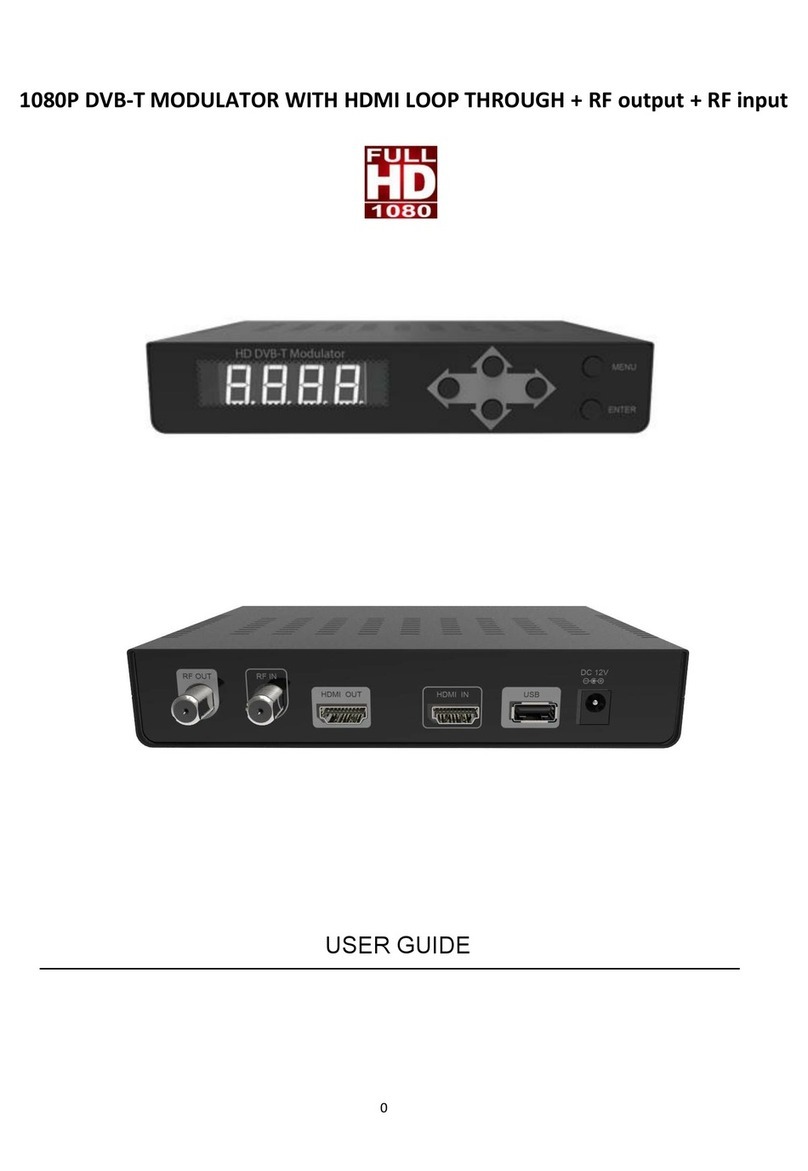
Argent Cables HD DVB-T MODULATOR user guide

Argent Cables

Argent Cables HD DVB-T MODULATOR user guide

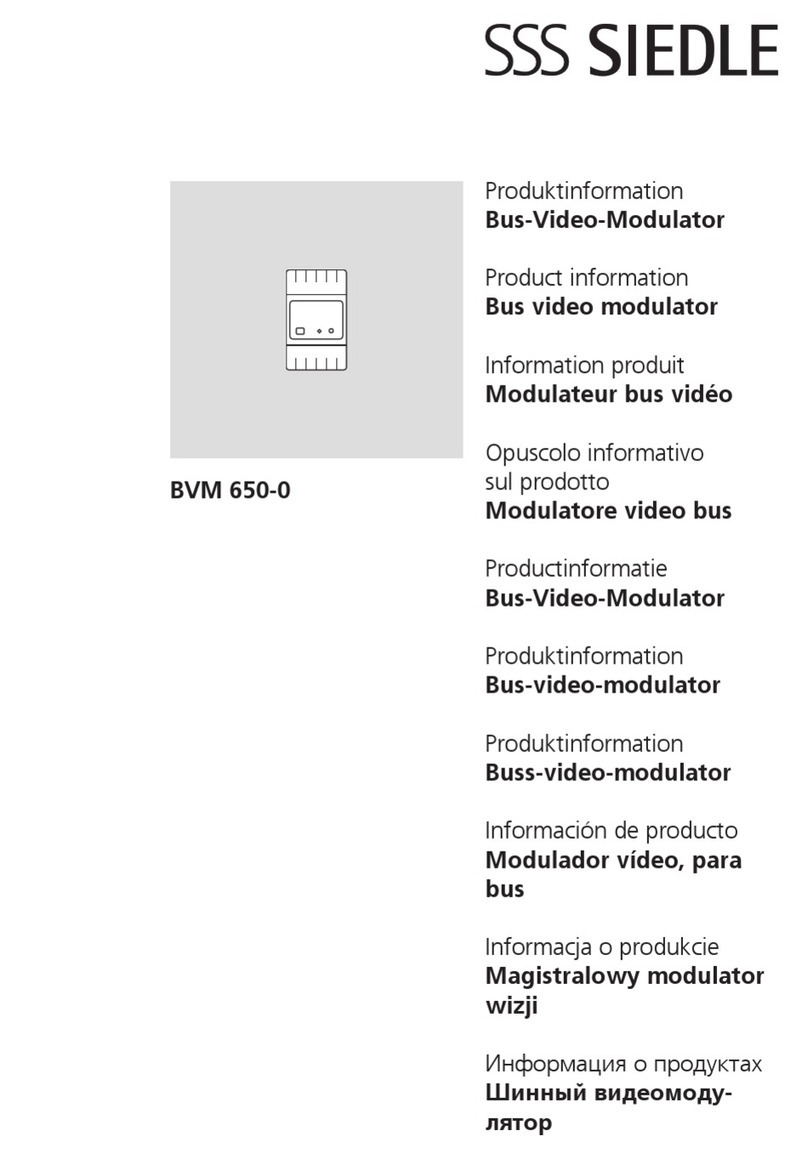
SSS Siedle BVM 650-0 Product information

SSS Siedle

SSS Siedle BVM 650-0 Product information

ClearView SD4260 manual

ClearView

ClearView SD4260 manual

Televes T.0X COFDM-QAM CI User instructions

Televes

Televes T.0X COFDM-QAM CI User instructions

manuals.online logo
manuals.online logoBrands
  • About & Mission
  • Contact us
  • Privacy Policy
  • Terms and Conditions

Copyright 2025 Manuals.Online. All Rights Reserved.

3. Solder the 2 pin male connector.
1. Prepare the parts to begin the assembly
proccess.
4. Attach both PCB´s with female/male
connectors and metal spacers, then
solder them.
FOLLOW THIS STEPS FOR BUILDING THIS KIT
2. Solder the power connector and the
4 multiturn trimmers.
5. Place the jacks and metal spacer like the
pic. The pink circle are showing 8 jacks
sharing the ground leg in the same hole.
( Don´t solder mechanic´s yet )
6. Straighten up the pot and place the rest
of the hardware with 2 washers per pot,
push buttons have polarity, check for the
at side on the silkscreen.
7. Place the panel, screw 3 jacks nuts, 4 pot
nuts, the small screw, all circled in yellow.
FOLLOW THIS STEPS FOR BUILDING THIS KIT
8. Before proceeding to solder the
mechanics make sure pots are lifted, faders
and buttons are completly down.
Solder 1 pin of each btn and slider to easily
adjust them if needed.
9. Remove the panel, insert the 8 sliding switches, when placing the panel back try to bring up the
swicthes with your hand from the bottom, when the switches are up you can screw a few nuts to
prevent them to fall out.
You can also carefully use SMD twezeers to bring them up too.
Attach the panel and don´t solder them yet.
10. With the help of the side cutters place
the module upside down horizontally only
solder the middle pin from the switches,
then make sure they can slide correctly
before proceeding to solder the rest of the
pins.
11. Attach both PCB´s place knobs, check
the user manual to continue for calibration.