Warranty Conditions
Manufacturer is not responsible for any product defects due to misuse, abuse, or usage of product in way that is
not in compliance with the written product instructions. To use this product other than expressed in the
instructions will void customer's product warranty.
Precautions and Notices
¾Please do not attempt to remove the memory card from your Pharos PDR200.
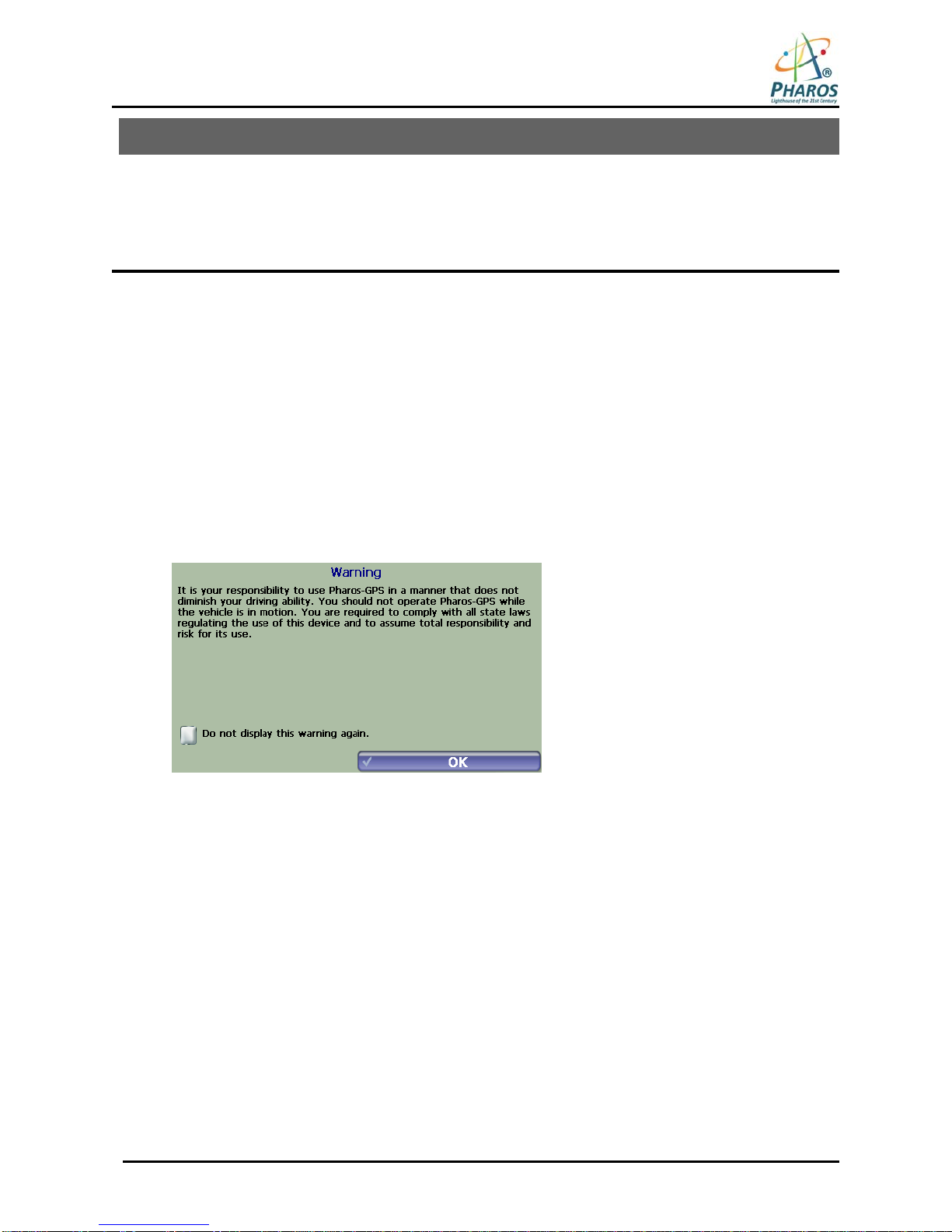
¾Do not attempt to operate the GPS Personal Navigation Device (PND) in a vehicle while the vehicle is in
motion or in anyway that interferes with safe driving.
¾Secure your device to the vehicle in such a way so as to not endanger the driver or passengers while driving
or during operation.
¾Be attentive to roadway signage, all posted roadway information, and the condition of the road itself.
Calculated routes are for reference only; users must obey all traffic signs and local regulations.
¾GPS positioning is intended for use as reference, not precise measurement of direction, distance or
topography.
¾Do not place the device where it will block the driver’s vision.
¾Do not place the device where the airbags are located or where the airbags could deploy.
¾Do not place the device anywhere in the vehicle without securing it in the holder.
¾Do not place your device in any area of the vehicle where the use of electronic displays is prohibited in motor
vehicles.
¾Do not use the device in a wet location.
¾Do not use the device close to hot areas such as radiators, stoves, or other products that produce heat.
¾Do not leave the product in direct sunlight or heat for extendedperiods of time. Overheating the battery can be
dangerous and/or cause malfunctions.
¾Do not push objects of any kind into cabinet slots or other openings in product. Slots provided for ventilation
must not be blocked or covered.
¾Do not use product on unstable table, cart, stand, tripod or bracket.Any mounting of the product should follow
manufacturer’s instructions, and should use a manufacturer-recommended mounting accessory.
¾Use the correct external power source indicated on the electrical ratings label.
¾Handle battery packs carefully. Battery pack could burn or explode if handled improperly. Do not open, crush,
or puncture battery pack. Do not dispose of battery pack in fire or water, or expose battery pack to direct
sunlight.
¾GPS signals cannot pass through opaque solid materials. Obstacles, such as tall buildings, tunnels, dense
trees and bad weather can affect signal reception. Window tint that contains metallic material can affect GPS
signal as well. Cordless phones, radar detectors, satellite radio receivers, and other wireless devices may
also interfere with GPS reception.
¾To power on device, hold the power switch up to 5 sec until screen turns on.
¾It may take a few minutes to successfully acquire GPS signals when turning on the GPS device for the first
time. Complete this procedure in an outdoor open space. Whenever Reset is pressed, it turns the device off.
¾Map database may not cover one hundred percent of all areas and/or addresses listed.
¾This GPS PND may not be used for any purpose in which failure could lead to personal injury, physical, or
environmental damage.
¾Software version and user manual contents are subject to change without notices.
¾The USB port is used to charge the battery in the device. You can connect the USB cable to the charger or to
an open USB port on your PC.
¾For more information regarding ActiveSync, please visit the ActiveSync website:
http://www.microsoft.com/windowsmobile/activesync/default.mspx
Pharos Science & Applications, Inc.
411 Amapola Avenue
Torrance, CA 90501-1478
www.pharosgps.com
Tel: 888-742-7678