BACKLIT LED REMOTE CONTROL Makes it easy
to use all remote TV functions even in low light
conditions. No more fumbling with tiny buttons; just
press the glow-in-the-dark STATUS button and all
major function buttons light up.
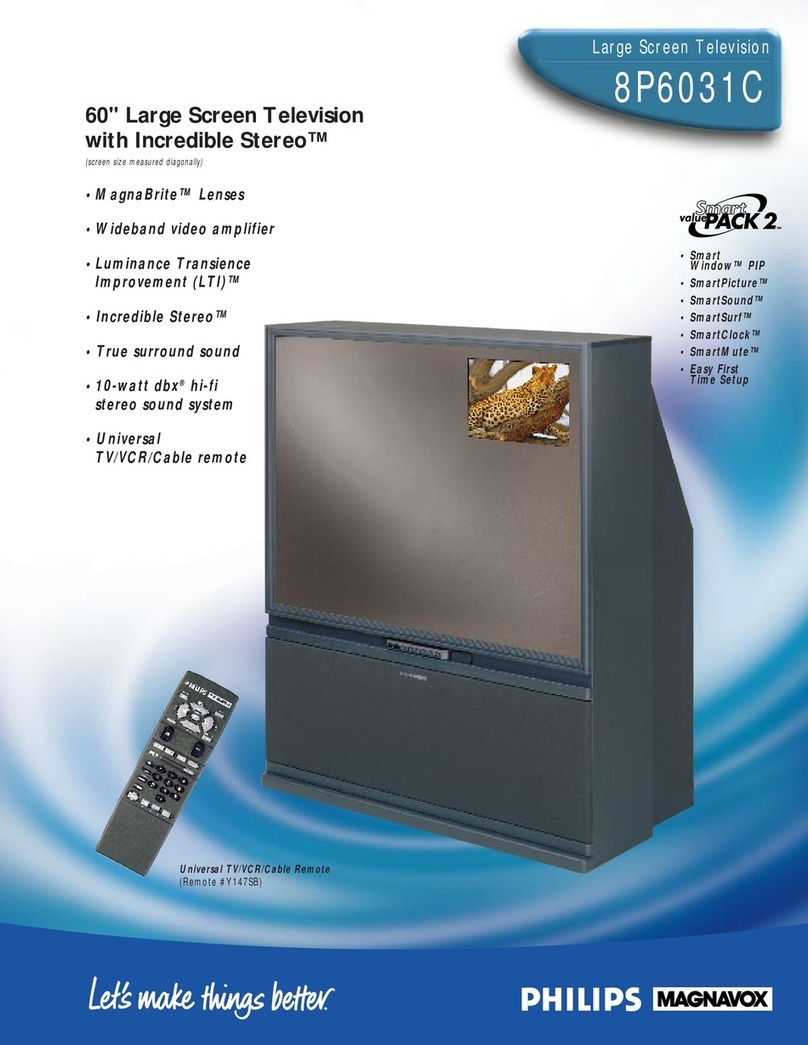
UNIVERSAL TV/VCR/CABLE REMOTE Controls all
features and functions of this monitor/receiver with
direct menu access plus activates Smart Window
Picture-In-Picture with Action Freeze, Position and
Swap; and exclusive SmartSound and SmartPicture
options. In addition, this remote controls all
important operating features and functions of
virtually all infrared VCRs, and on/off and channel
up/down on most cable converter/decoders.
(Remote #Y147SB )
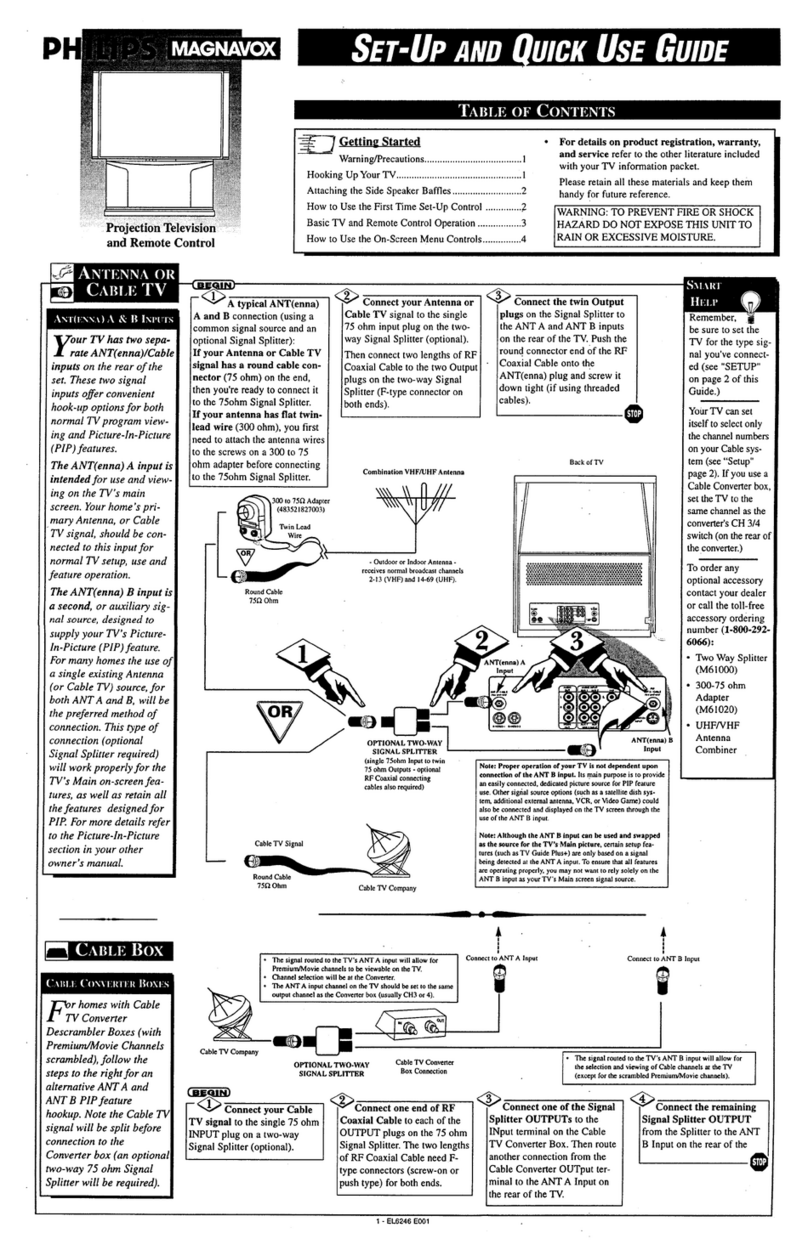
SMART WINDOW™(PIP) Used in conjunction
with a second video source such as a VCR, DVD
Video player, or web browser, picture-in-picture
allows you to monitor one TV channel while
watching another; monitor a videotape or videodisc
playback while watching another program, or
monitor a TV channel while viewing a videotape or
videodisc. Plus, the main and secondary pictures may
be swapped, you can position secondary pictures in
any screen corner, or freeze the main picture
information and put it into the inset picture. In all
cases, the main picture is provided with its
corresponding audio. A “size select” menu function
facilitates reduction of the size of the inset picture by
approximately 50%.
SMARTPICTURE™A touch of the
SmartPicture™button on the remote control
provides the option of selecting one of four preset
positions to enhance enjoyment of video games,
sports, movies or weak signals. Select the desired
option and all important picture elements are
instantly adjusted to optimize viewing pleasure.
ADVANCED HELP MENU Activating the Help Menu
provides the viewer the option of selecting First Time
Setup assistance; Operating Tips for enhancing the
ultimate video/audio experience; and a special Glossary
to provide further explanation of each listed feature’s
function and its corresponding benefit to the viewer.
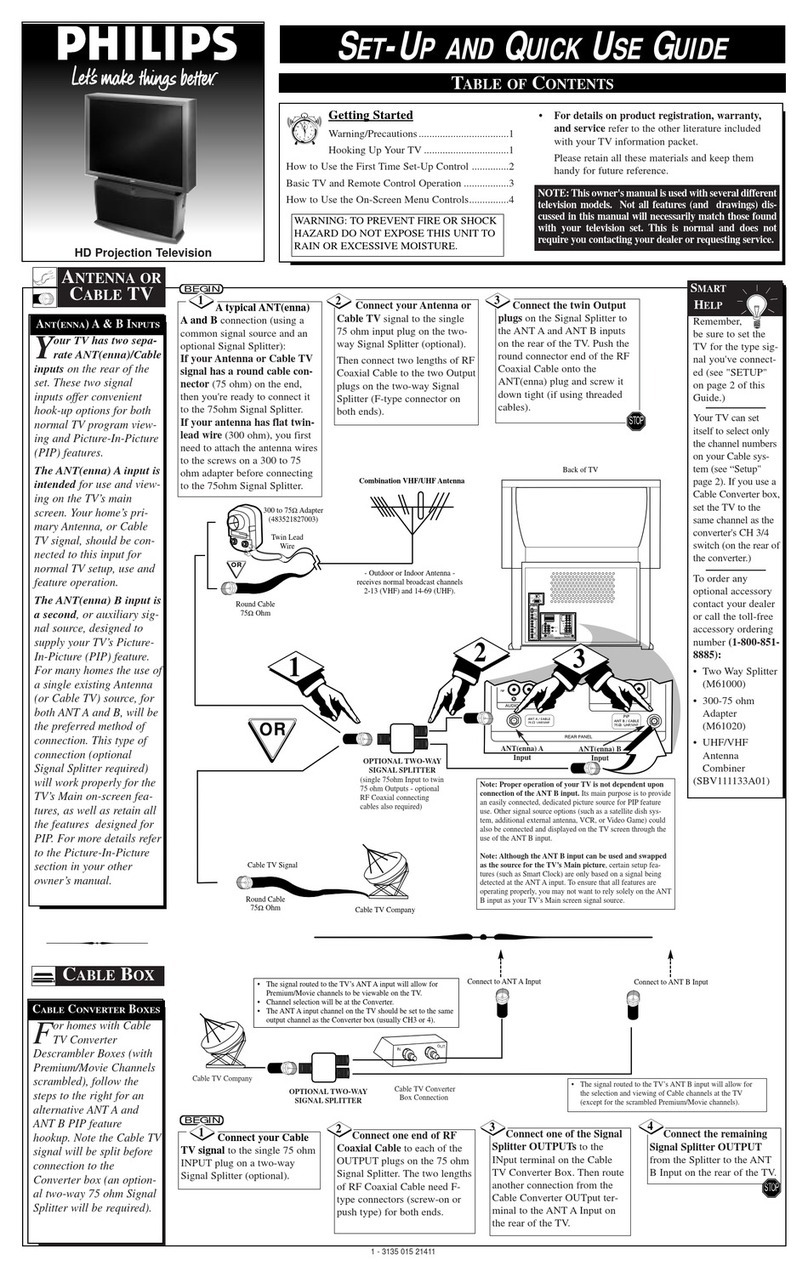
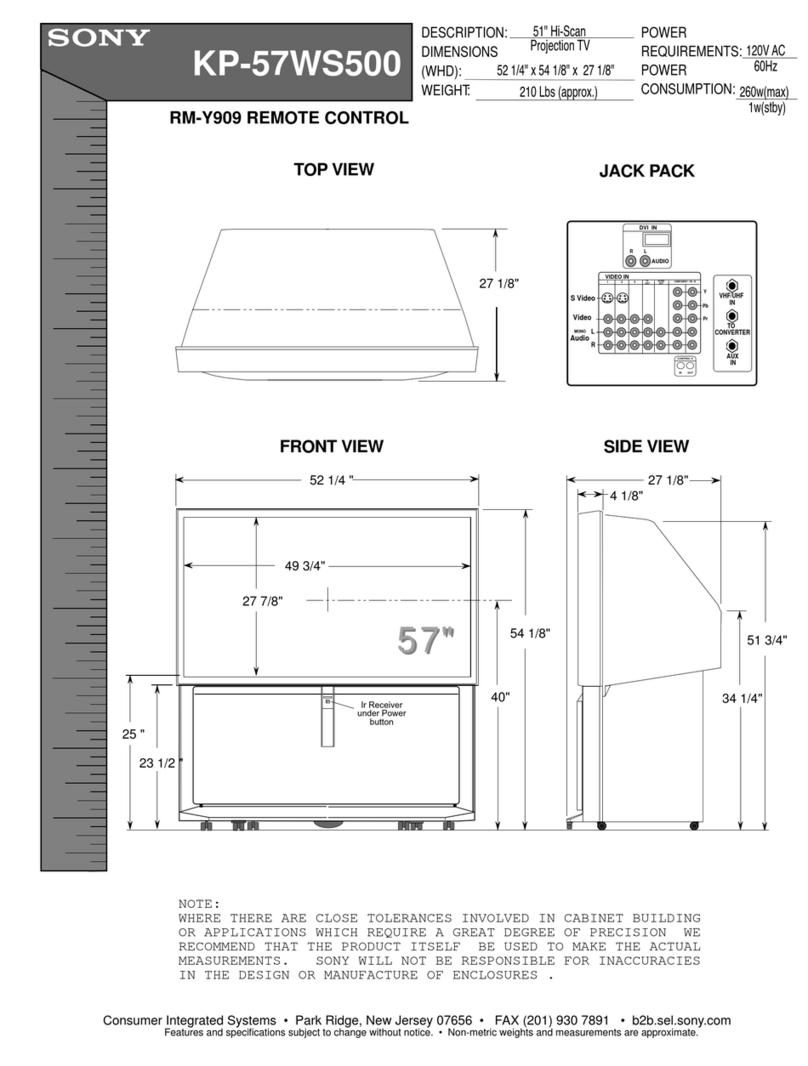
AUDIO/VIDEO JACK PANEL (GR6D-10)
The A/V jack panel on the back of this set includes one
standard 75Ωantenna input, audio/video inputs for
connection of a VCR, DVD player, web browser or other
accessory equipment; variable audio outputs which allow
sound from TV or accessories to be routed through a
home audio system; L/R (+/-) speaker jacks, and a menu-
selectable speaker switch for choosing internal or external
sound systems.
• 160° wide-angle screen/550 foot lamberts peak
brightness
• Delta 77/78 lenses with curved faceplate
• 7" liquid-cooled, liquid-coupled tubes
• 181 total channel capability
• Clearview video noise reduction
• Random channel access
• Programmable scan tuning
• 120-minute sleep timer
• Auto programming
• Channel Edit
• Total remote “menu” format tuning
with multi-color on-screen graphics
• 181 channel capability
• 4-way cursor directional control
• One-button picture reset
• Status recall
• Mono/Stereo/SAP select
• Cable/Normal select
• Two 4"x6" oval speakers
INTERNET ADDRESS: http://www.philipsmagnavox.com
picture:
remote control: A/V jack panel:
additional
features:
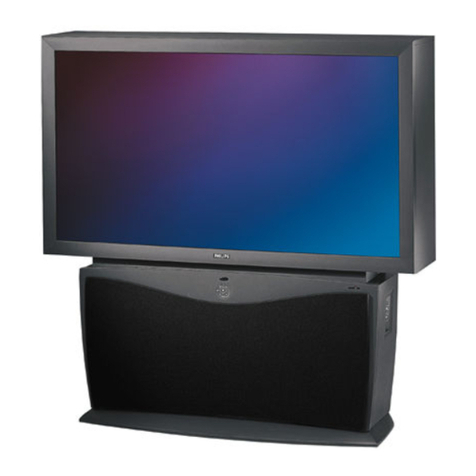
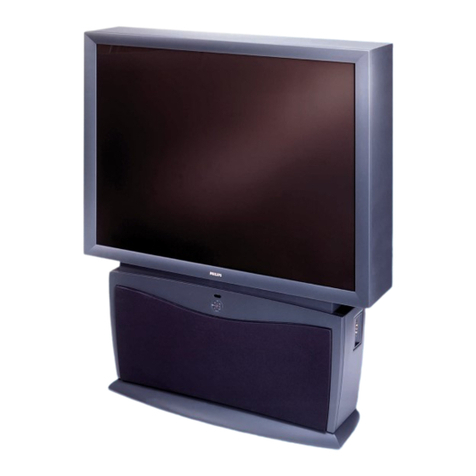
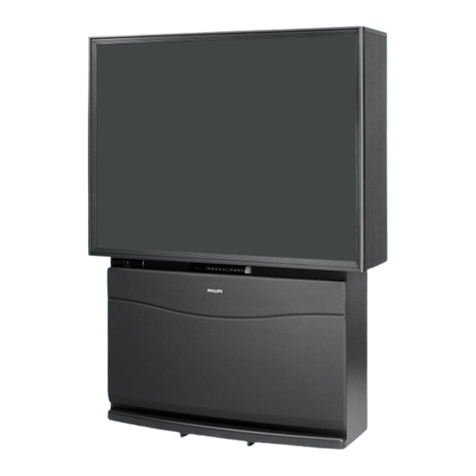
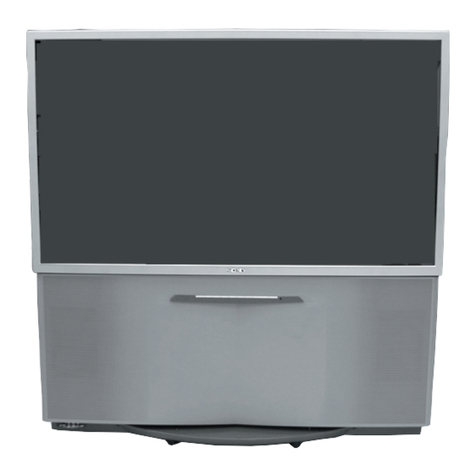
48"Large Screen Television with Incredible StereoTM
7P4830W
UPC:
Product dimensions: 41"W x 53.2"H x 22.6"D
Product weight: lbs.
Carton dimensions: 45.4"W x 54.5"H x 27.9"D
Carton weight: lbs.
Master pack: 1
Carton Contains: 48" Large Screen TV, Universal
TV/VCR/CBL Remote Control w/ Batteries, Operating
Instructions, Warranty Information
Printed in U.S.A.
©1997 Philips Consumer Electronics Co.
A Division of Philips Electronics North America Corp.
Specifications subject to change without notice.
Visual Communications, Philips Consumer Electronics Co.
dbx®is a registered trademark of dbx, Inc., Sunnyvale, CA.
Smart Window, SmartSound, SmartPicture, SmartMute, SmartSurf, and Incredible
Stereo are trademarks of Philips Consumer Electronics Company.
1Lines per picture width. 480 based on EIA measurement procedures
SMARTSURF™ Eliminates the frustration of
trying to remember what channels had programs of
interest while channel surfing. After establishing the
SmartSurf™ configuration with the user-friendly
menu, the viewer can store up to ten stations in the
SmartSurf™ memory and then surf only those
channels at the touch of a button. The versatility of
this feature is enhanced by the availability of an on-
screen list of the channels stored and offers the
option of adding or deleting channels in the list by
remote control.
SMARTCLOCK™ Finally, an accurate digital clock
that’s always right! By monitoring the vertical blanking
interval of PBS broadcasts, Philips Magnavox TVs
equipped with SmartClock can automatically set the
right time of day and maintain it through brown-outs,
power failures, and even daylight savings time
adjustments.
SMARTMUTE™An audio mute advancement that
automatically activates closed captioning when the
mute button is pressed. Now dialogue and narratives
(on Closed Caption telecasts) can be displayed on
screen whenever the mute button is pressed, without
the aid of an optional, external decoding device.
• EASY FIRST TIME SET-UP
• ON-SCREEN CLOCK WITH SLEEP TIMER AND
ALARM TIMER
• TRILINGUAL ON-SCREEN DISPLAY
• AUTO PROGRAMMING
• CLOSED CAPTION
• CHANNEL REMINDER DISPLAY
• CHANNEL EDIT
•fSMARTSOUND™
• TRUE SURROUND SOUND
• INCREDIBLE STEREO™
• 10-WATT DBX®HI-FI STEREO SOUND SYSTEM
• BASS BOOST
convenience:
MAGNABRITE LENSES By moving the red,
green, and blue guns closer to the view screen
more consistent edge-to-edge brightness and
contrast become a reality. Add the advantage of
Delta 77/78 optics and the focal length of the
guns is dramatically reduced producing crisp,
well-defined large screen images and slim
cabinet design.
COMB FILTER Get greater picture detail and
see what you’ve been missing with up to 640
lines of horizontal resolution1(through A/V
input jacks).
DIGITAL CONVERGENCE Designed to meet
the demands of curved CRT faceplates and
short focal length lenses, Digital Convergence
brings with it the accuracy of digital technology
for flawless convergence of red, green, and
blue guns and a superb picture with no
colored haloes.
LUMINANCE TRANSIENCE IMPROVEMENT
(LTI) A new generation of edge enhancement
technology applied directly to the video
processing circuitry creates a remarkable
increase in clarity and sharpness at the point of
transition from dark to light areas of the video
image. When coupled with other recent
advancements, LTI produces a picture so sharp
and well defined that it rivals that of a direct-
view TV.
DYNAMIC BLUE STRETCH Developed to
refine the white areas of the video image
produced by large screen TVs, Dynamic Blue
Stretch applies blue highlights to the white areas
extending their brilliance resulting in a brighter,
clearer picture.
BLACK STRETCH Special circuitry has been
incorporated into this television receiver to
enhance the darker portions of the picture for
added realism and overall picture quality.
sound: