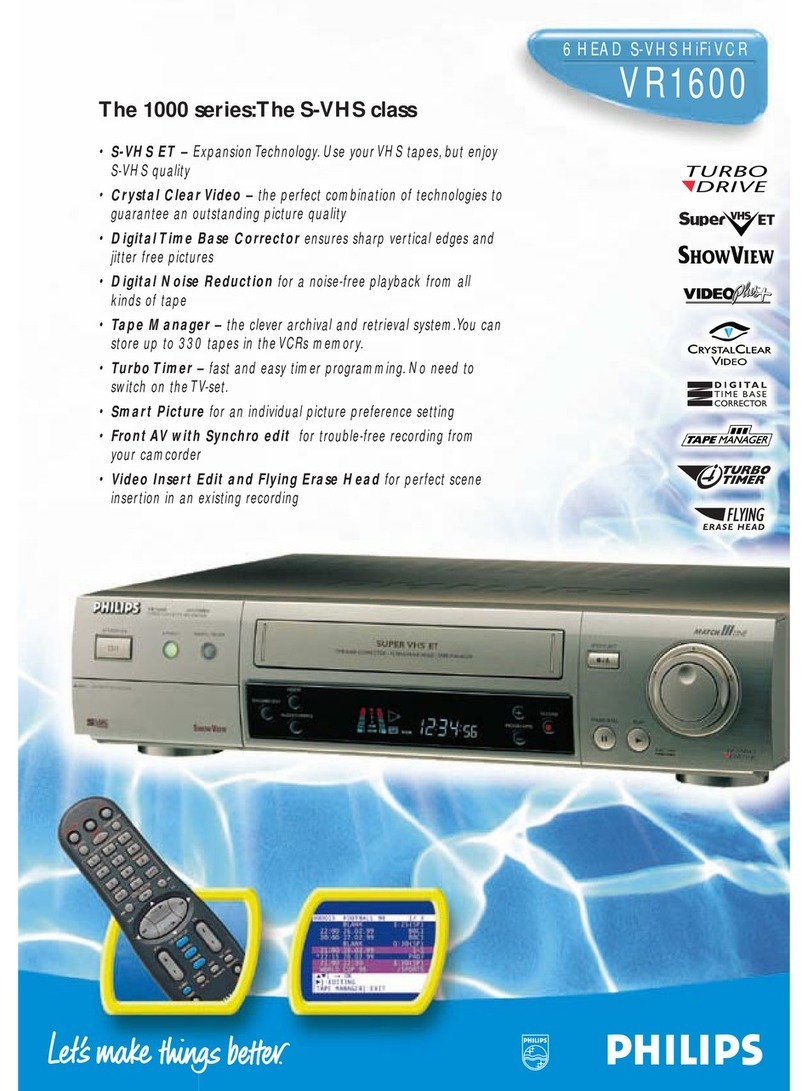
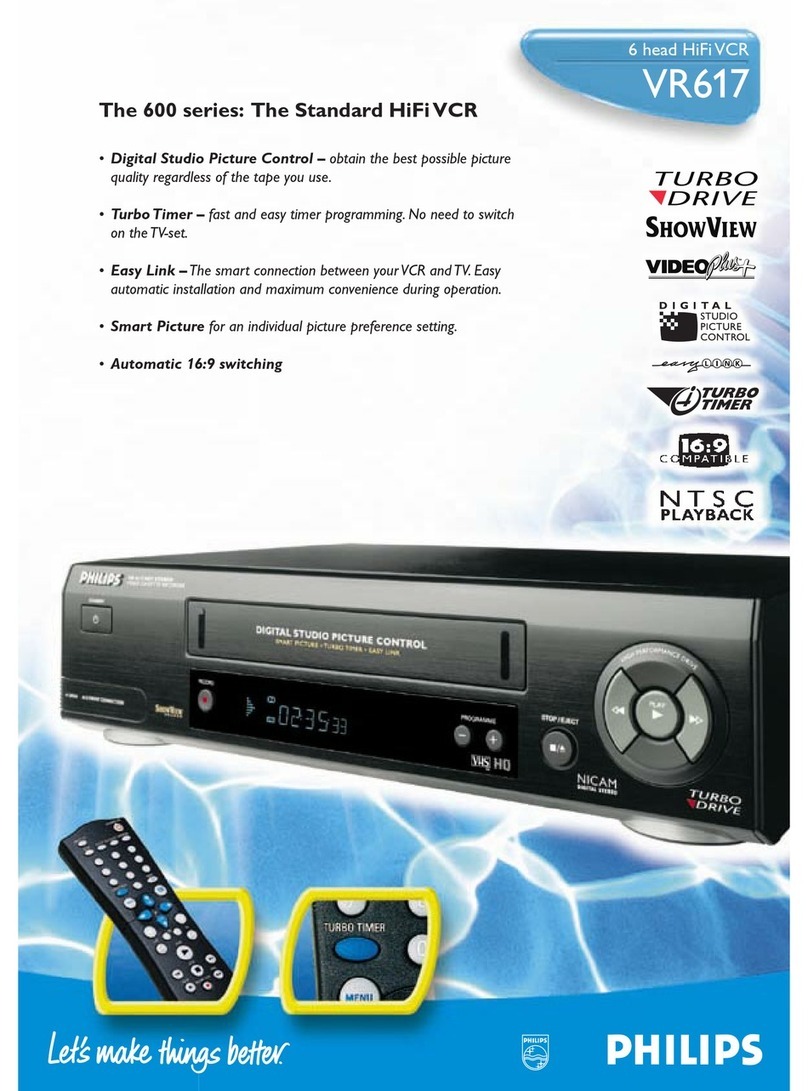
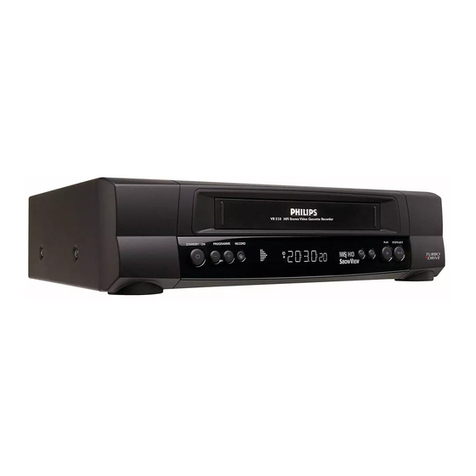
6 Head Hi-Fi Stereo Video Recorder
Product Highlights
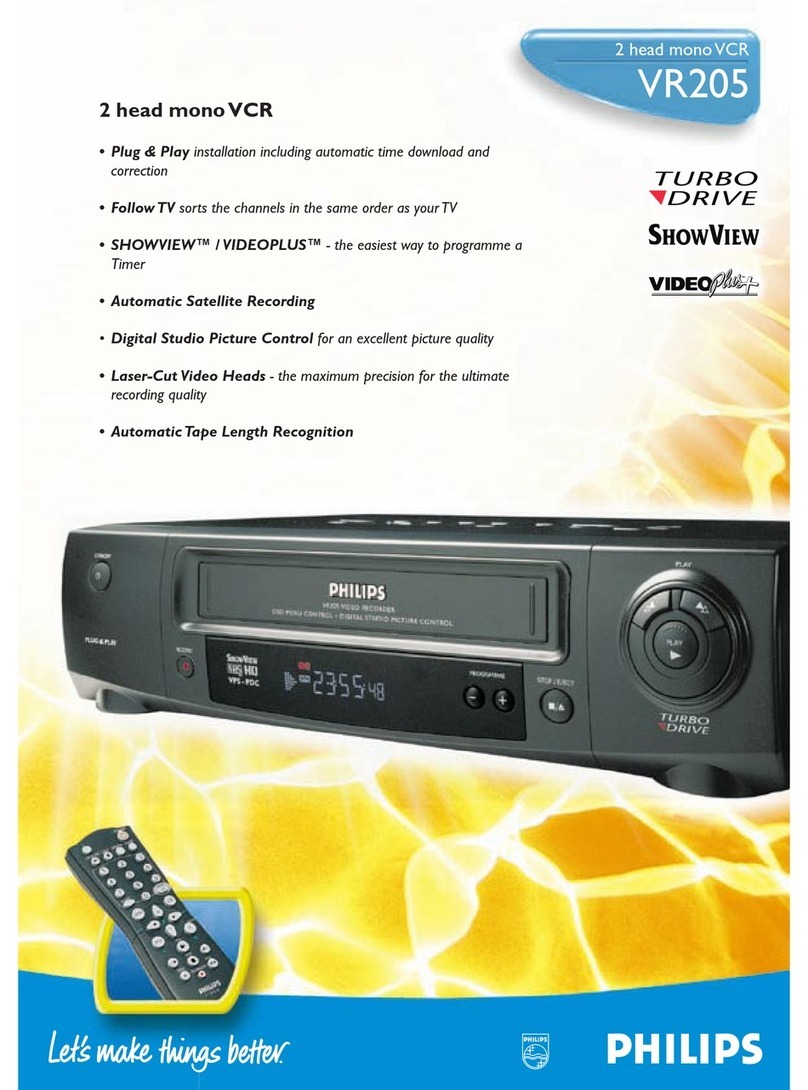
• Digital Studio Picture Control
Digital Studio Picture Control keeps checking the quality of your videotapes and
reproduces the best possible picture performance.
Philips’ Digital Studio Picture Control optimises the playback quality. It measures the
characteristics of the tape, adapts the resolution and reduces the picture noise.
• New Turbo Drive deck
The new Turbo Drive deck offers:
•Speed
75-second ultra-fast rewind speed.
•Reliability
To guarantee an optimum playback reliability, a Dirty Head Warning system will
automatically detect when the use of a cleaning tape is necessary and display a
message.This comes in addition to the Automatic Head Cleaning which has
equipped the Philips’Turbo Drive decks over the past years.
•Intelligence
The Tape Position Indicator, in wind and re-wind situations, displays the accurate
position of the tape on the TV screen and indicates progress by means of a
moving/blinking arrow. At any time, you can follow the tape movement on the
TV screen.
• Turbo Timer
Is Timer programming complicated? No!
Is Timer programming time consuming? No!
Just press the Turbo Timer button on the remote control, select the TV channel
you want to record, set the start and the end time.That’s it.All it takes is only a few
seconds.
• Record Link
Your satellite receiver is equipped with a Timer function?
Connect both your VCR and the satellite receiver with a SCART cable and make use
of the „Record Link“ function.You just have to activate it and switch your VCR to
std-by. As soon as the satellite receiver gets active, the VCR switches on and is set in
the record mode. At the end of the recording it returns automatically to Stand-by.
Product information
Reception - Installation
• Tuner: Hyperband, UHF,VHF
• Tuning - Presets: PLL, CH entry, 99 presets
• TV Related Functions: 16:9 (pin 8), Direct Record, Follow TV
• Time/Date Download: PDC (Time/Date),Text (Time)
User Interface
• Record Speed: Long Play, Standard Play
• Record Speed Selection: Auto LP, Per Menu
• Picture Improvement System: Digital Studio Picture Control
• Audio Recording Level: Automatic
• Special Features: Auto Standby, Channel Name Display
On Tape Standard
• Additional Playback Standard: NTSC Playback on PAL TV
Remote Control Unit
• Remote Control - Type Number: RT223/111
• Remote Control - Codes: VCR1,TV Commands
Connectors Rear
• EXT1: Black, Euro CVBS in/out
• EXT2: Black, Euro CVBS in, Euro Decoder
• Terrestrial Antenna In/Out: 75 Ohms (IEC type)
Tape Deck
• Number of Video / FM Audio / Flying Erase Heads: 4 / 2 / 0
• Play: +1, Repeat
• Still Features: Perfect
• Index Related Functions: Next/Prev. index search
• Head Cleaning: Automatic, Dirty Head Warning
• Tape Length Recognition: Automatic
• Tape Counter: Linear Relative (h.m.s),Tape Position Indicator,Time Left (h.m)
• Winding / Rewinding Time (E180): 75 sec.
Programming
• Number of Events: 8/year
• Special Timer Programming: Turbo Timer
• Record Link: SCART 2
General
• Voltage: 198 - 264 V
• Frequency: 50Hz
• Backup Presets: 1yr
• Backup Clock - Calendar - Timer Event: 1mn
• Power Consumption SB in Watts: <4
• Set Size - W x D x H in mm: 360 x 230 x 93
• Packaging - W x D x H in mm: 426 x 290 x 181
• Equipement Supplied: Aerial Cable, Batteries for RC
VR 630
VR 630
Subject to modification without notice
Show View and Video+ are registered Trademarks of Gemstar Development Cooperation.
VR630/58 VR630/39 VR630/16 VR630/07 VR630/02
TV Systems Off Air PAL B/G, PAL D/K, PAL B/G, SECAM B/G, PAL B/G PAL I PAL B/G
SECAM B/G, SECAM D/K SECAM L/L1
Sound Systems German Stereo, Mono, German Stereo, Mono, German Stereo, Mono, Mono, NICAM German Stereo, Mono
NICAM NICAM NICAM
OSD Menu Languages Czech, English, Hungarian, Dutch, French, German Dutch, English, French, English Dutch, English, French,
Polish, Russian Cyrillic German, Italian, German, Italian,
Spanish, Swedish Spanish, Swedish
Record / Playback Standard MESECAM, PAL MESECAM, PAL, SECAM PAL PAL PAL
Record Control & PDC, VPS PDC, VPS PDC, VPS PDC PDC, VPS
Transmitter Identification
Programming System Showview, Manual Timer, Showview, Manual Timer, Showview, Manual Timer,
VideoPlus +, Manual Timer,
Showview, Manual Timer,
One Touch Recording One Touch Recording One Touch Recording One Touch Recording One Touch Recording