ApusOne WA-100 User Manual
7/ 15
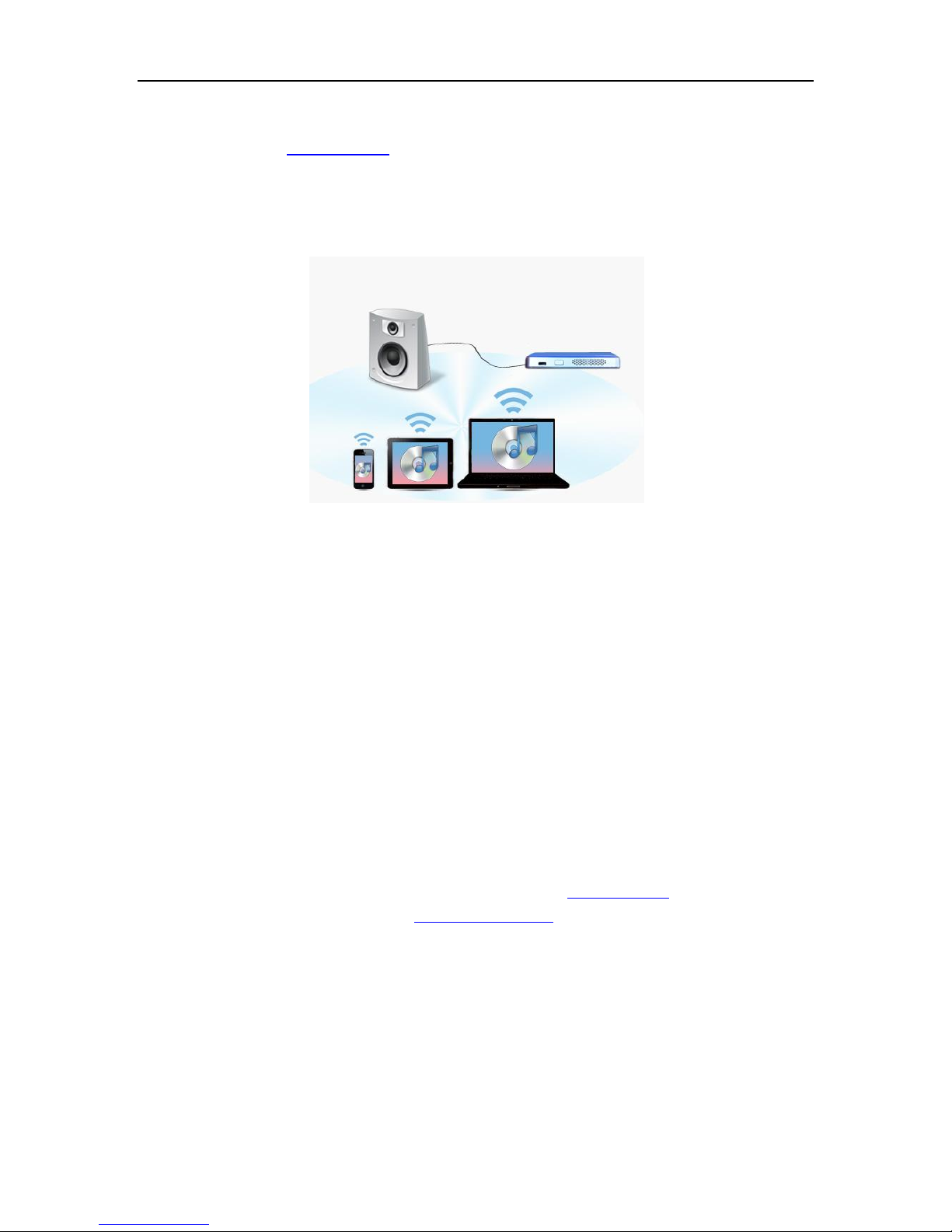
You can use Internet browser on your PC or smart device to set the AudioBox, just directly enter
the device name like http://wa-xxxx and press Go.
If you want to enable Internet access when you connect to device directly, you need to setup
wireless network on device. You can refer the steps listed in next section to guide you how to
connect WA-100 AudioBox device to Home network.
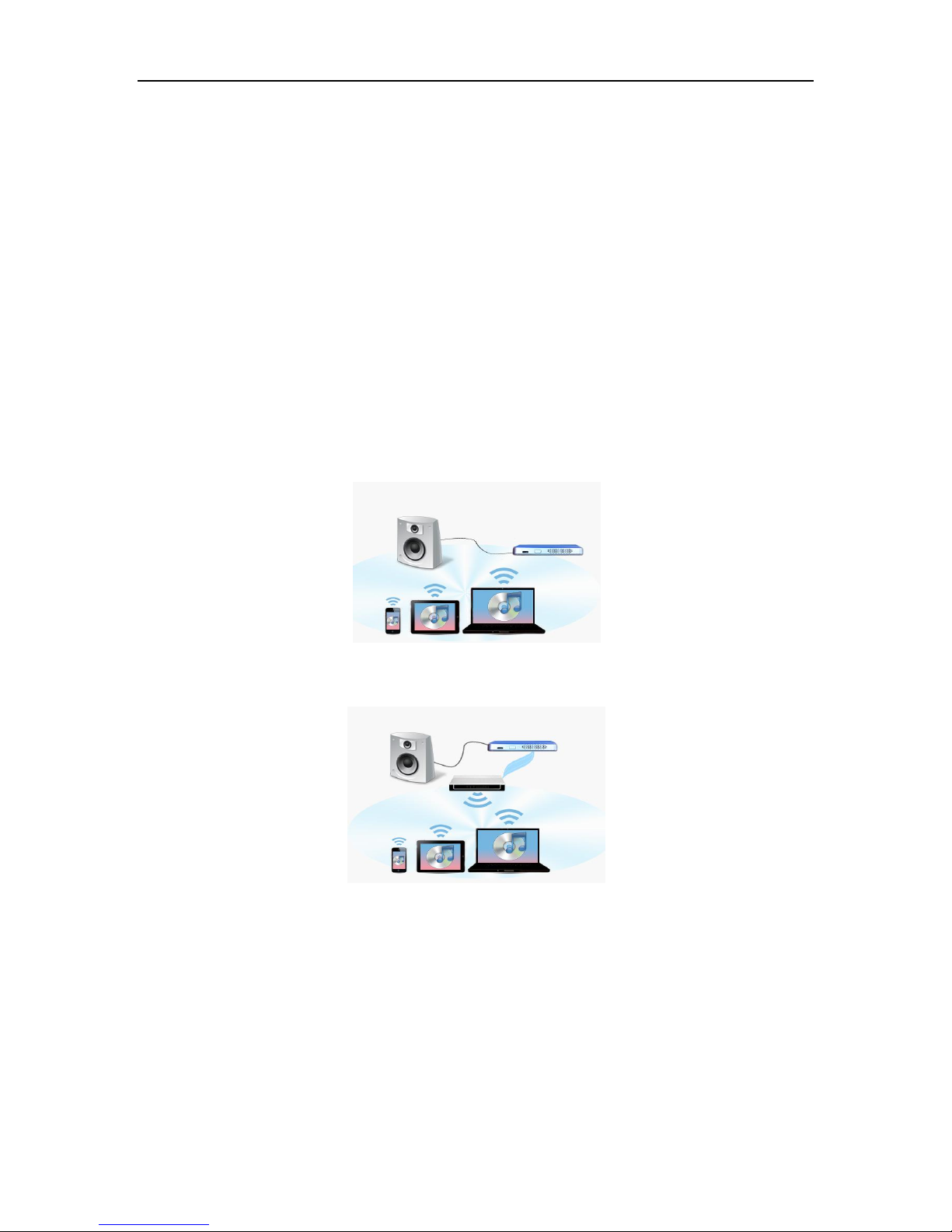
b) Home network connection –Most convenient
Connect WA-100 AudioBox device into your home network system is the most convenient
connection way. This setup provides the balance between performance and convenience. To
connect, please follow the steps list below.
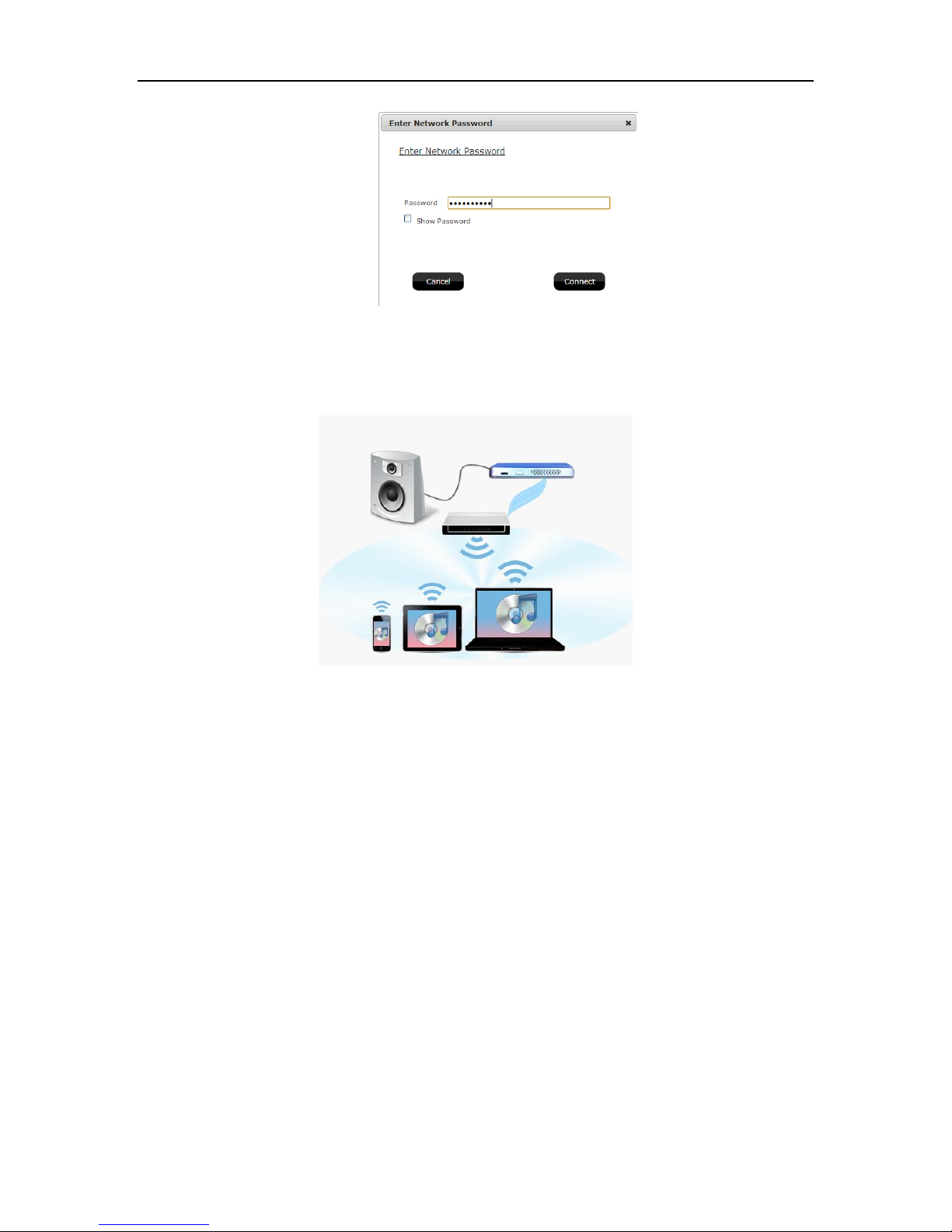
Step 1: Connect the WA-100 AudioBox with your Home network. It could be configured from
your PC or smart device as follows.
Make sure WA-100 AudioBox device boot up and its SSID could be found in WiFi list.
Connect WA-100 AudioBox directly by connect its SSID from your PC or smart device
just like to connect a wireless AP.
Launch the Internet browser from your PC or smart device.
a. If Windows OS, just enter the device name like http://wa-xxxx and press Go.
b. If Mac OS/iOS, just enter http://wa-xxxx.local and press Go.
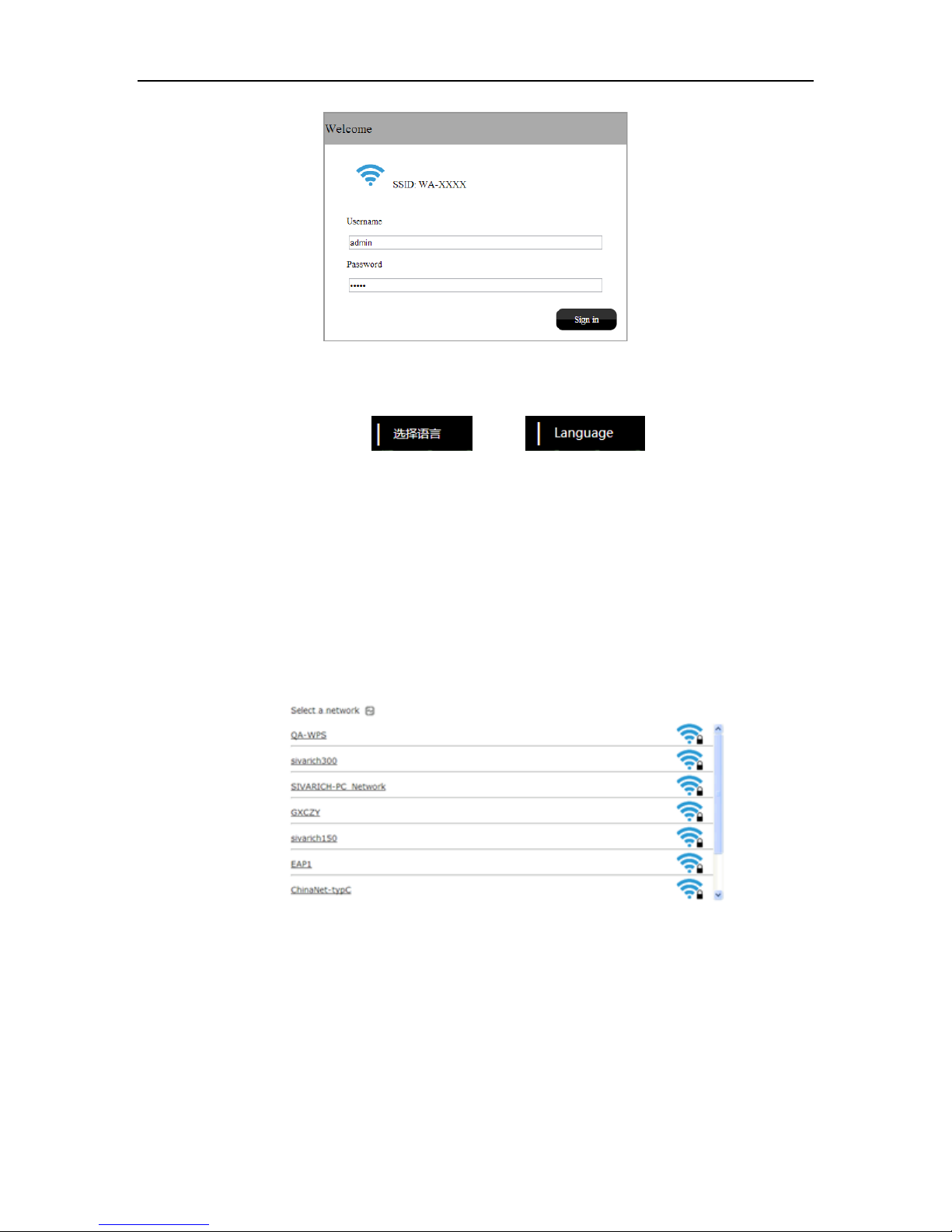
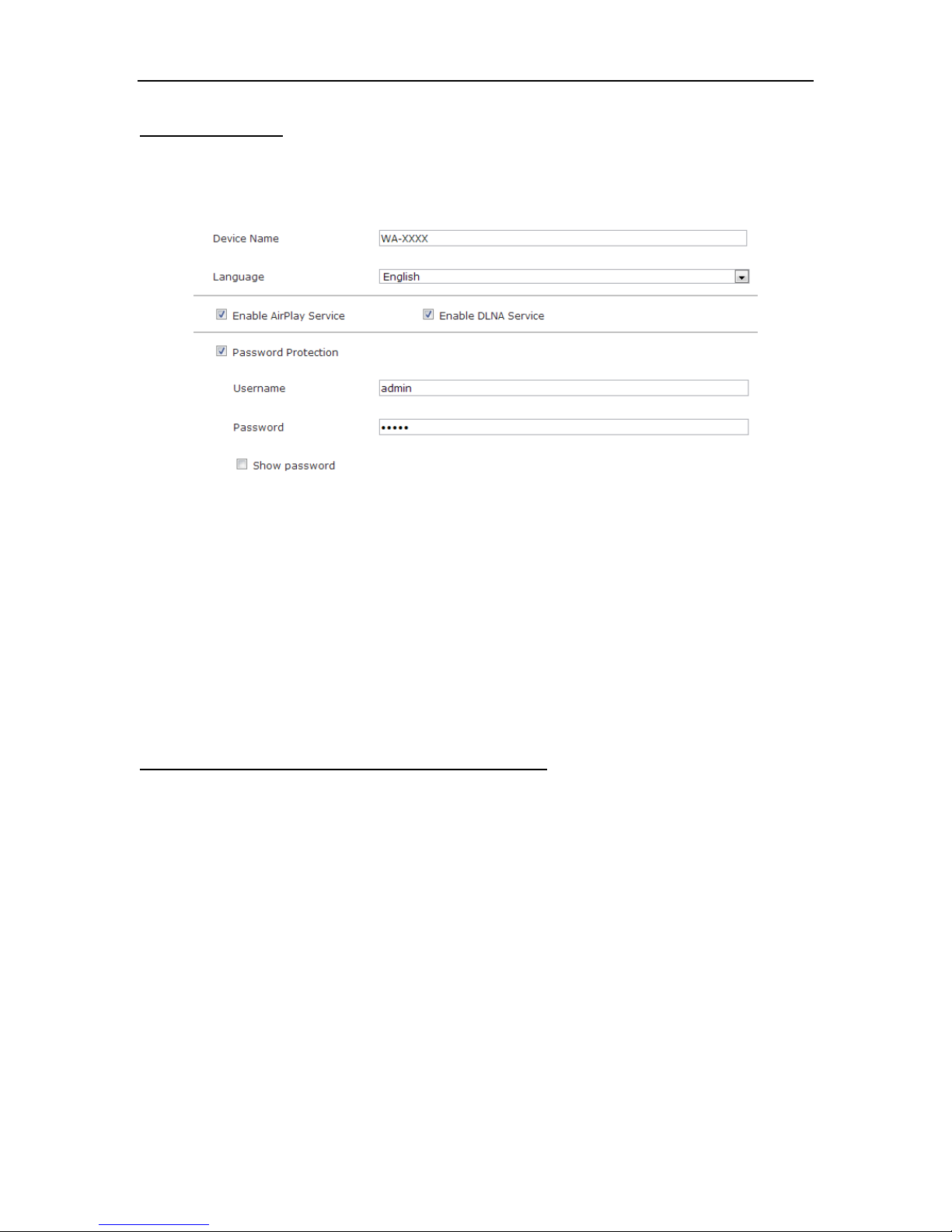
Input the default username and password (both are “admin”) to login the WA-100
AudioBox configuration system.