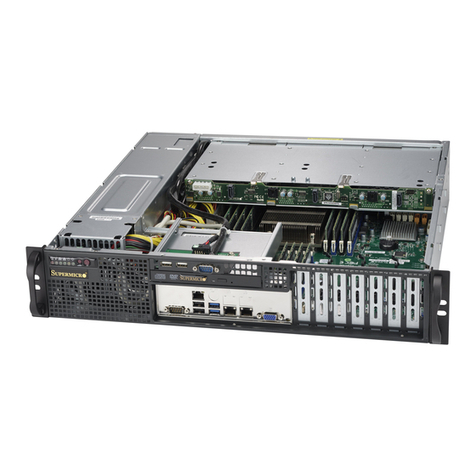
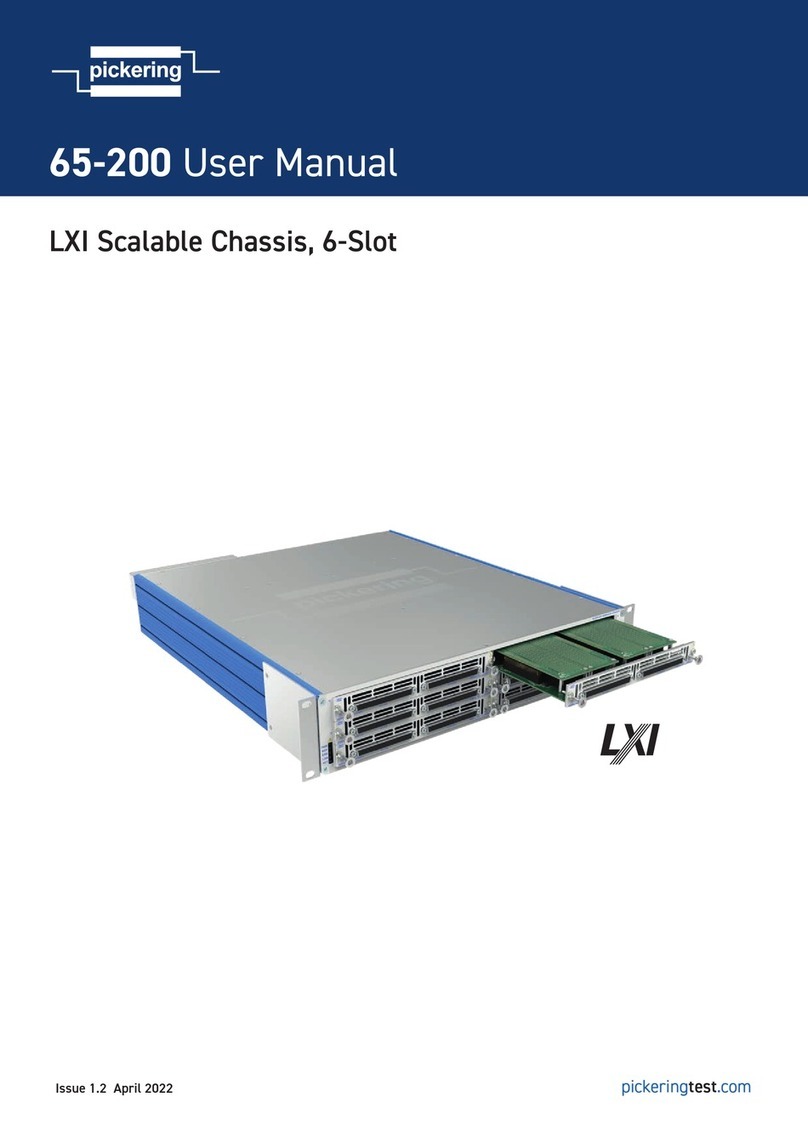
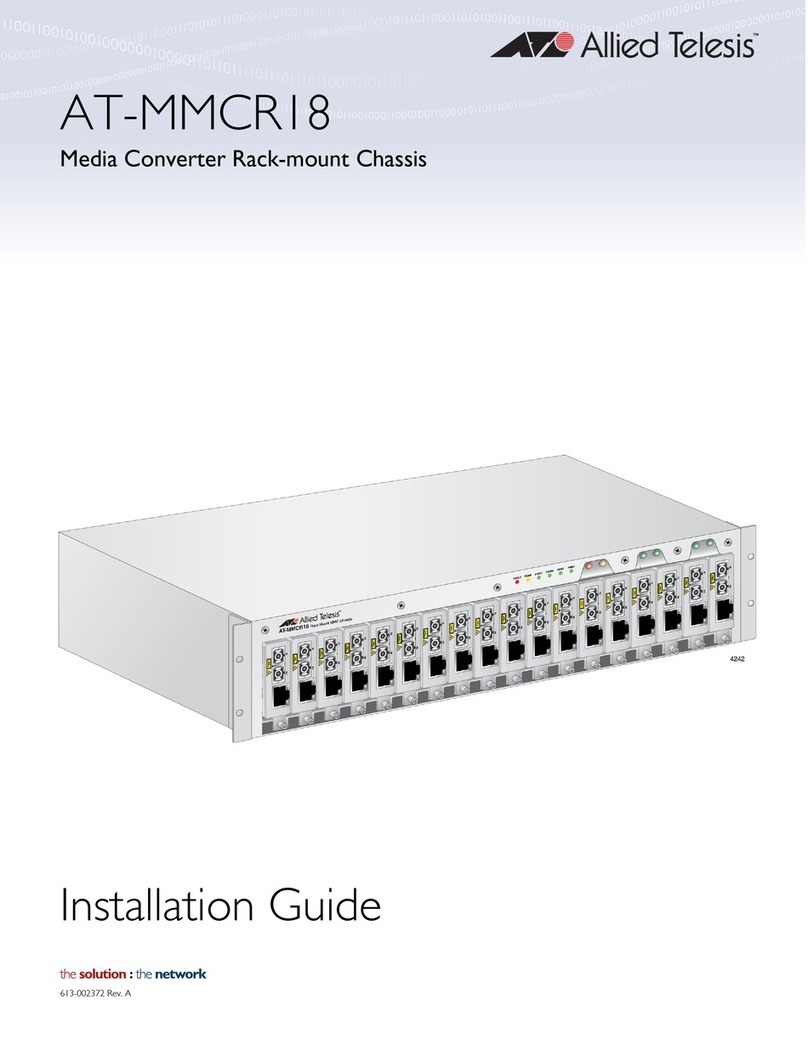
Powerware Expansion Chassis User manual

Powerware®
Expansion Chassis
User’s Guide
www.powerware.com

Powerware is a registered trademark and X-Slot is a trademark of Powerware Corporation.
Modbus is a registered trademark of Modicon.
.
Copyright 2002 Powerware Corporation, Raleigh, NC, USA. All rights reserved. No part of this document may be
reproduced in any way without the express written approval of Powerware Corporation.

3
Powerware®Expansion Chassis User’s Guide Rev A :www.powerware.com
CHAPTER 1
INSTALLATION
The Powerware
9
Expansion Chassis is a connectivity device that
contains a Modbus
9
Card and two slots for other X-SlotZconnectivity
devices, providing greater power management control and flexible
monitoring.
Refer to the respective user’s guide for operation of the X-Slot cards to
be used in the chassis.
Inspecting the Equipment
If any equipment has been damaged during shipment, keep the shipping
cartons and packing materials for the carrier or place of purchase and
file a claim for shipping damage. If you discover damage after
acceptance, file a claim for concealed damage.
To file a claim for shipping damage or concealed damage: 1) File with
the carrier within 15 days of receipt of the equipment; 2) Send a copy of
the damage claim within 15 days to your service representative.
Safety Precautions
Read the following precautions before you install the Expansion
Chassis.
CAUTION
:To reduce the risk of fire or electric shock, install the chassis in a temperature and
humidity controlled, indoor environment, free of conductive contaminants. Ambient
temperature must not exceed 40C (104F). Do not operate near water or
excessive humidity (95% max).
:For rack installations only. The rack should be connected to a reliable earth
ground in accordance with local regulations.

Installation
4Powerware®Expansion Chassis User’s Guide Rev A :www.powerware.com
Installing Additional X-Slot Cards
NOTE Refer to the individual X-Slot card user’s guide before installation. There may
be specific instructions that need to be completed first, such as changing default
jumpers. Also verify that the X-Slot card you are using with the chassis is compatible
with the communication port on your UPS.
For the Powerware 9315 UPS. The Powerware 9315 UPS is not compatible with the
Relay Interface Adapter or the Single Port Serial Card. Both cards require open
collector signals (AC Fail and Low Battery), and the 9315 only provides RS-232 serial
data through the communication port. Only the RS-232 capability of the Single Port
Serial Card is supported. Refer to the UPS user’s guide for more information.
The Modbus Card is factory-installed in Slot 1 and must remain in
Slot 1. To install additional X-Slot cards:
1. Remove the X-Slot cover on the chassis rear panel. Retain the
screws (see Figure 1).
2. To prevent electrostatic discharge (ESD), place one hand on an
unpainted metal surface such as the UPS rear panel.
Align the X-Slot card with the slot guides and slide the card
into the slot until it is firmly seated.
3. Secure the card with the screws removed in Step 1.
Figure 1. Installing Additional X-Slot Cards

Installation
5
Powerware®Expansion Chassis User’s Guide Rev A :www.powerware.com
Installing the Expansion Chassis
The Expansion Chassis can be installed three different ways:
:as a freestanding device
:wall-mounted
:rack-mounted, using only 1U of valuable rack space
To install the chassis, perform the following steps:
1. Freestanding Installations Only. Attach the supplied adhesive feet
to the bottom corners of the chassis.
Position the chassis close to your UPS. Skip to Step 4.
2. Wall-Mount Installation Only. Using a Phillips screwdriver, remove
the four screws on each side of the chassis. Retain the screws.
Attach the supplied wall brackets to each side of the chassis
using the removed screws (see Figure 2).
The chassis may be mounted in either orientation to the wall.
Attach the chassis to the wall using customer-supplied screws
andwallanchors.SkiptoStep4.
Figure 2. Attaching the Wall Bracket

Installation
6Powerware®Expansion Chassis User’s Guide Rev A :www.powerware.com
3. Rack-Mount Installations Only. Using a Phillips screwdriver,
remove the four screws on each side of the chassis. Retain the
screws.
Attach the supplied L-brackets to each side of the chassis using
the removed screws (see Figure 3).
Mount the chassis in the rack. Continue to Step 4.
Figure 3. Attaching the L-Bracket
4. Connect the supplied serial cable (Powerware part number
124102022) to the communication port on the chassis rear
panel (see Figure 4).
5. Connect the other end of the serial cable to the communication
port on the UPS.
Communication Port
(to UPS)
Input Connectors
Figure 4. Expansion Chassis Rear Panel

Installation
7
Powerware®Expansion Chassis User’s Guide Rev A :www.powerware.com
6. Locate the Voltage Selector switch on the bottom of the
external power supply (see Figure 5). Verify that the proper
input voltage is selected (either 115 or 230V). The default is
230V.
Voltage Selector Switch
(230V Position)
Input
Connector
DC Power Cord
Figure 5. External Power Supply
7. Plug the DC power cord from the external power supply into
one of the input connectors on the chassis rear panel.
8. Plug the supplied power cord (either 110V or 220V cord) into
the external power supply input connector.
Plug the other end of the power cord into a power outlet.
NOTE It is recommended that you plug the power supply cord into one of the outlets
on the back of your UPS or an outlet powered by the UPS. This allows the chassis to be
protected during a power outage.
NOTE For UPSs with load segments, it is recommended to plug the Expansion Chassis
into the last group to be powered down. This allows the chassis to be powered as long
as the UPS before it shuts down completely.
9. Verify that the chassis is operating normally; the X1 indicators
should illuminate and flicker when the chassis is
communicating with your UPS (see Figure 6).
If the indicators are not on, verify that the UPS is powered on
and check the power cord and serial cable connections.
10. If you installed additional X-Slot cards, the X2 and X3
indicators (for Slot 2 and Slot 3, respectively) should illuminate
and flicker when the chassis is communicating with your UPS.

Installation
8Powerware®Expansion Chassis User’s Guide Rev A :www.powerware.com
11. In some situations, it may be necessary for a UPS to
communicate directly to the card in Slot 3 instead of the default
Slot 1 card. In this case, attach the UPS to the communication
port on the chassis front panel and move the switch to the AUX
position (see Figure 6).
X3
12
X2
12
X1
12
Power Indicator
NORM AUX
UPS Communication Port
Auxiliary Switch
Figure 6. Expansion Chassis Front Panel
12. Refer to the individual X-Slot card user’s guide to set up the
card for communication with your serial devices or network.

9
Powerware®Expansion Chassis User’s Guide Rev A :www.powerware.com
CHAPTER 2
TROUBLESHOOTING
Problem Possible Cause Corrective Action
The Power indicator is
not on. The power cord is not
connected.
Verify the power cord connections are secure.
The UPS is not powered on. If the power cord is plugged into the UPS, verify
that the UPS is powered on.
Xnindicators are not
on. If the first indicator is not on,
the chassis may need to be
reset.
Unplug the power cord from the chassis for
several seconds, then plug the power cord back
in.
If the second indicator is not
on, the UPS is not responding.
Verify that the serial cable is securely attached to
the chassis and to the UPS.
Verify that the UPS is powered on.
Service and Support
If you have any questions or problems with the Expansion Chassis, call
your Local Distributor or the Help Desk at one of the following telephone
numbers and ask for a Expansion Chassis technical representative.
In the United States:
1-800-365-4892
or
1-919-870-3149
Europe, Middle East, Africa:
+44-17 53 608 700
Asia:
+852-2830-3030
Australia:
+61-3-9706-5022
Please have the following information ready when you call the Help
Desk:
:Model number
:Date of failure or problem
:Symptoms of failure or problem
:Customer return address and contact information

Troubleshooting
10 Powerware®Expansion Chassis User’s Guide Rev A :www.powerware.com
If repair is required, you will be given a Returned Material Authorization
(RMA) Number. This number must appear on the outside of the
package and on the Bill Of Lading (if applicable). Use the original
packaging or request packaging from the Help Desk or distributor. Units
damaged in shipment as a result of improper packaging are not covered
under warranty. A replacement or repair unit will be shipped, freight
prepaid for all warrantied units.
NOTE For critical applications, immediate replacement may be available. Call the
Help Desk for the dealer or distributor nearest you.
Table of contents