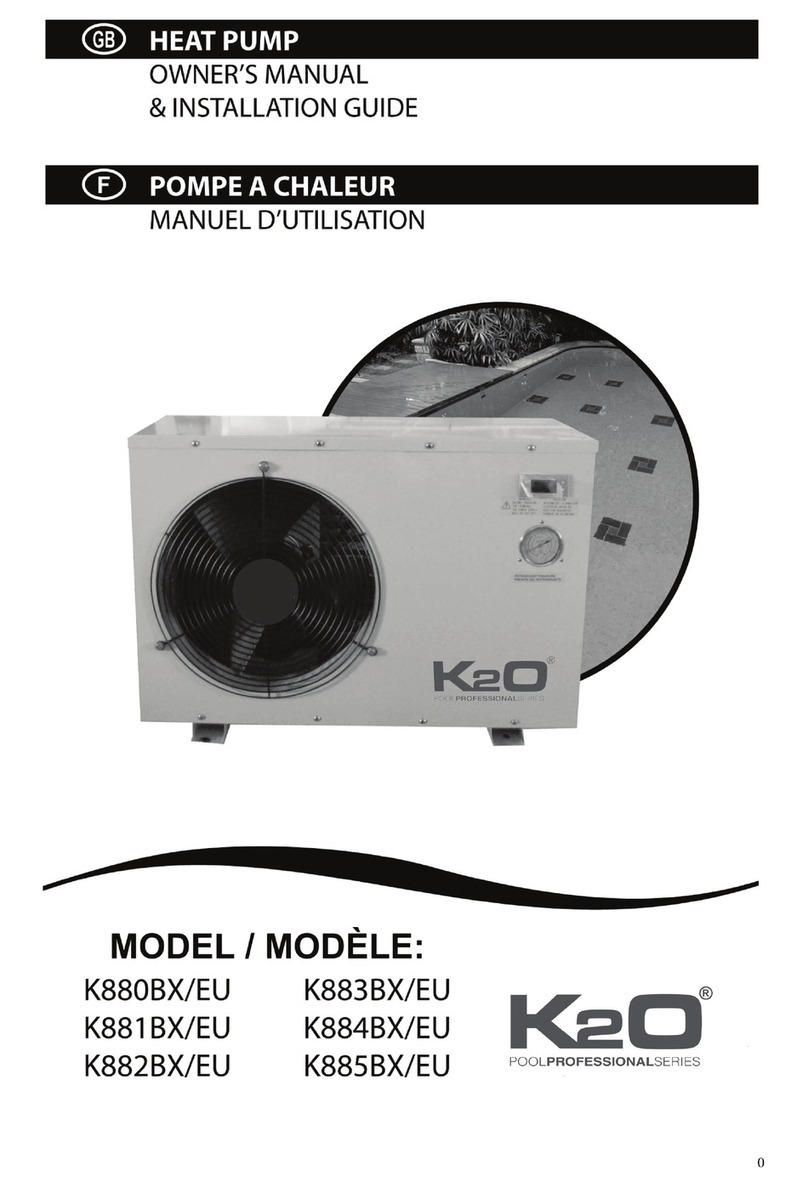
2. First starting up
1. Turn the filter pump .
2. Turn on
3. Check the air temperature and the automatic stop
4.
on Check the flow
the unit
Check the water warming-up
Technical notes
Flow switch
S
Check for water leak and verify flow to and from the pool.
the electrical power supply with the main switch .
before the fan starts running. Similarly, the compressor starts also
after some delay.
(after 10 minutes)
After a few minutes make sure the air leaving the side of the
unit is cooler than the air coming in .
When the unit is running, turn the filter pump off. The units should also
automatically.
(after 24 hours)
the unit and the pool pump to run 24 hours per day until
desired pool water temperature is reached. When the set water-in
temperature is reached (setting the values see p. ), the unit stops. It will
restart automatically (if the pool pump is running) when the pool
temperature drops more than 2 deg below the set temperature.
The unit is equipped with a flow switch that turns it on when the pool pump
is running and shuts it off when the pump off.
The unit is equipped with a 3 minute built-in solid state restart delay
included to protect the control circuit components and to eliminate restart
cycling and contact chatter. This time delay will automatically restart the
unit approximately 3 minutes after each control circuit interruption. Even a
br ef power interruption will activate the solid state 3 minute restart delay
and prevent the unit from starting unti nute countdown is
completed. Power interruptions during the delay period will have no effect
on the 3 minute countdown.
the unit age the
Turn There is some
delay
When the unit is on and the flow rate is too small, the flow switch will
automatically turn the unit off.
running front
(about 10 deg)
stop
Let continuously
the
13
water
switches If the water flow
(see technical Unit Specification) through the Heat Pump is too low the
Heat Pump will also shut off.
i
lthe3mi
olid state restart delay
10