5
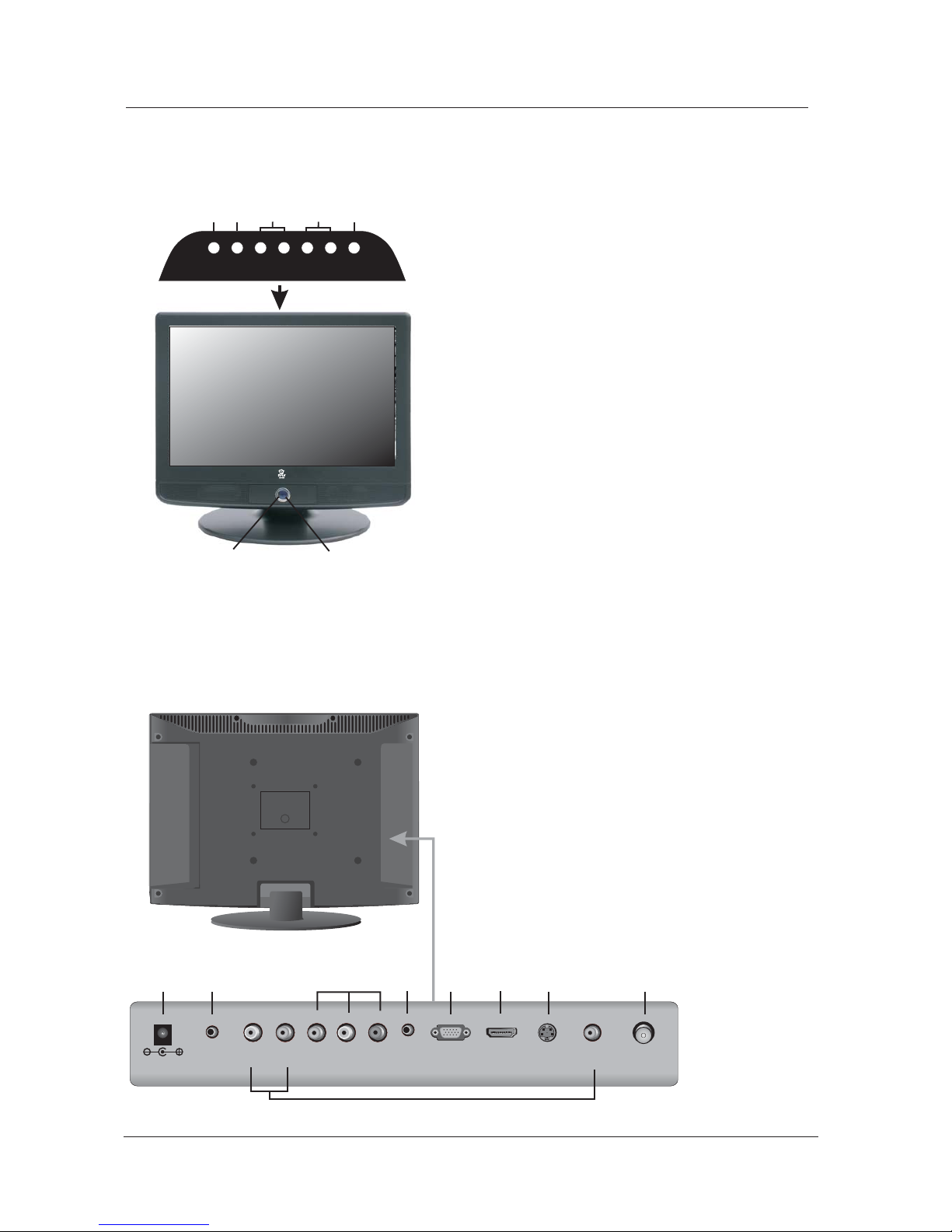
3. Front , Back , Connections of LCD
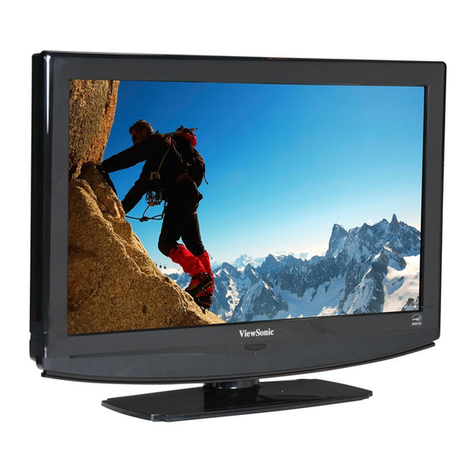
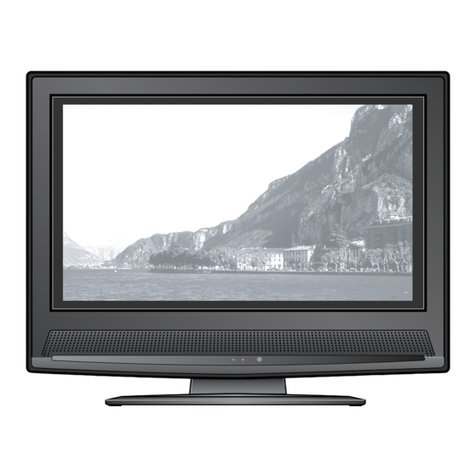
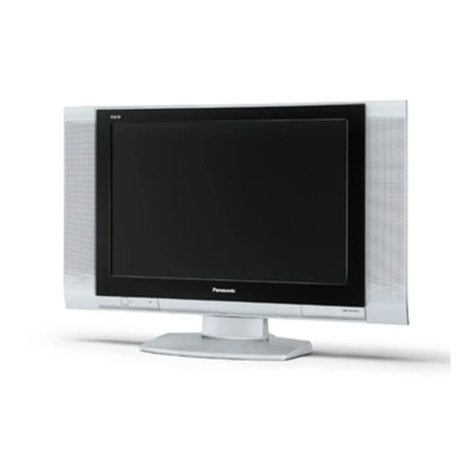
Front View
Back View and Control Connections
SOURCE
MENU
CH- CH+ VOL- VOL+
POWER
12
3
4
5
67
5oAUDIO: Connect the Audio output jack f.PC
PC.
2. PHONE: Connect the headphone.
1. DC IN: DC input socket.
L/R(AUDIO) : Connect the Audio out put ack
j
of DVD ,VCR or PC for Video/S-VIDEO/YPbPr.
3. Video
V( ) Connect the Video output jack of:
.DVDorVCR
4. YPbPr: Connect the YPbPr output jack of
DVD or VCR.
6. VGA: Connect the PC-RGB output jack of PC.
7. HDMI: Connect the HDMI output jack of DVD.
8. S-VIDEO: Connect the S-VIDEO output jack
ofDVDorVCR.
9. RF: Connect the antenna.
VGA
HDMI S-VIDEO RF
YPr
Pb
LR
DC 12V
PHONE
PC
AUDIO
V
3
12 45678 9
1. Press POWER button to turn standby mode“”
on or off.
4. Press MENU to bring up the main menu on“”
the screen.
5. Press to select the input source.“”SOURCE
2. Press VOL+ or VOL- to increase or“”“”
the sound level.decrease
6 POWER INDICATOR: show red in standby mode,.
show green when your TV is switched on.
7. REMOTE SENSOR: infrared sensor for the rem
control.
3. Press CH+ or CH- to scan through channels.“”“”