manuals.online logo
Brands
  1. Home
  2. •
  3. Brands
  4. •
  5. Pyle
  6. •
  7. Rack & Stand
  8. •
  9. Pyle PLPTS25 User manual

Pyle PLPTS25 User manual

Other Pyle Rack & Stand manuals

Pyle PMKS40 User manual

Pyle

Pyle PMKS40 User manual

Pyle PLPTS35 User manual

Pyle

Pyle PLPTS35 User manual

Pyle PLPTS2 User manual

Pyle

Pyle PLPTS2 User manual

Pyle LPTS25X2 User manual

Pyle

Pyle LPTS25X2 User manual

Pyle PSTNDSON17 User manual

Pyle

Pyle PSTNDSON17 User manual

Pyle PMKS15 User manual

Pyle

Pyle PMKS15 User manual

Pyle PLCTND44 User manual

Pyle

Pyle PLCTND44 User manual

Pyle PLPTS26 User manual

Pyle

Pyle PLPTS26 User manual

Pyle PGST43 User manual

Pyle

Pyle PGST43 User manual

Pyle PMKS38 User manual

Pyle

Pyle PMKS38 User manual

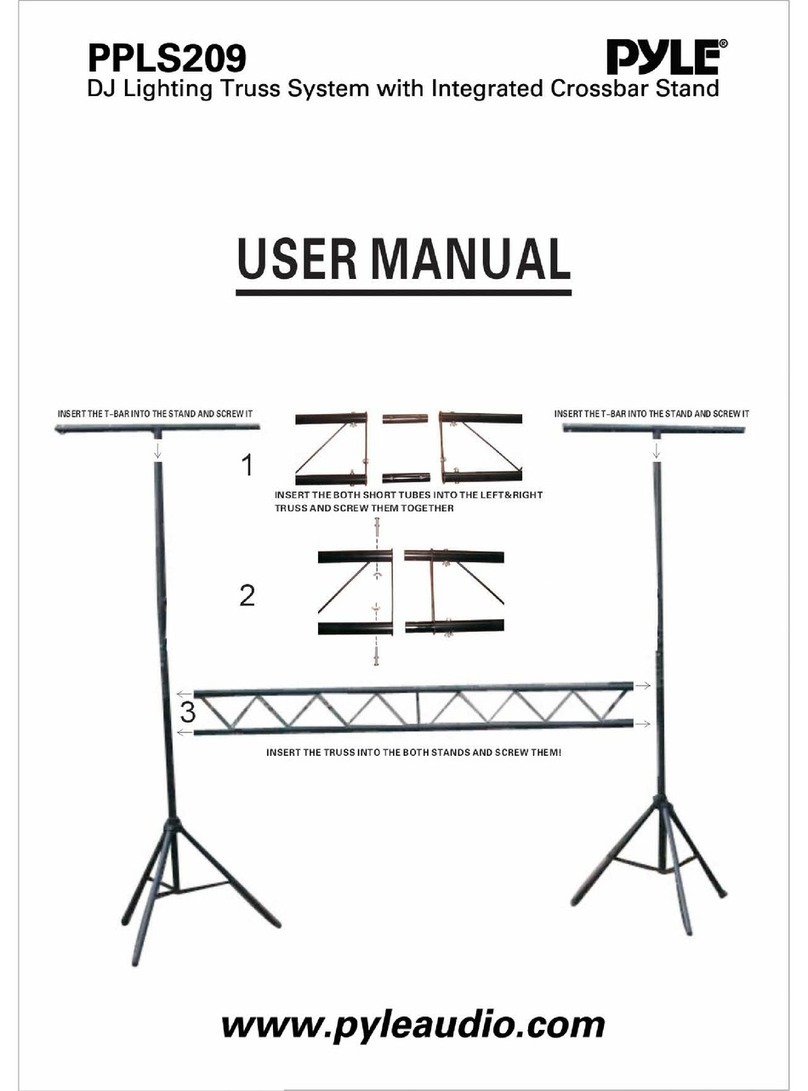
Pyle PPLS209 User manual

Pyle

Pyle PPLS209 User manual

Pyle PSTND13 User manual

Pyle

Pyle PSTND13 User manual

Pyle PSTND14 User manual

Pyle

Pyle PSTND14 User manual

Pyle PLPTS1 Instructions for use

Pyle

Pyle PLPTS1 Instructions for use

Pyle PSW772 User manual

Pyle

Pyle PSW772 User manual

Pyle PTVSTNDPT3215X2 User manual

Pyle

Pyle PTVSTNDPT3215X2 User manual

Pyle PLPTS1 User manual

Pyle

Pyle PLPTS1 User manual

Pyle PLCTND44 User manual

Pyle

Pyle PLCTND44 User manual

Pyle PMKS18 User manual

Pyle

Pyle PMKS18 User manual

Pyle PLPTS4X2 User manual

Pyle

Pyle PLPTS4X2 User manual

Pyle PMKS32 User manual

Pyle

Pyle PMKS32 User manual

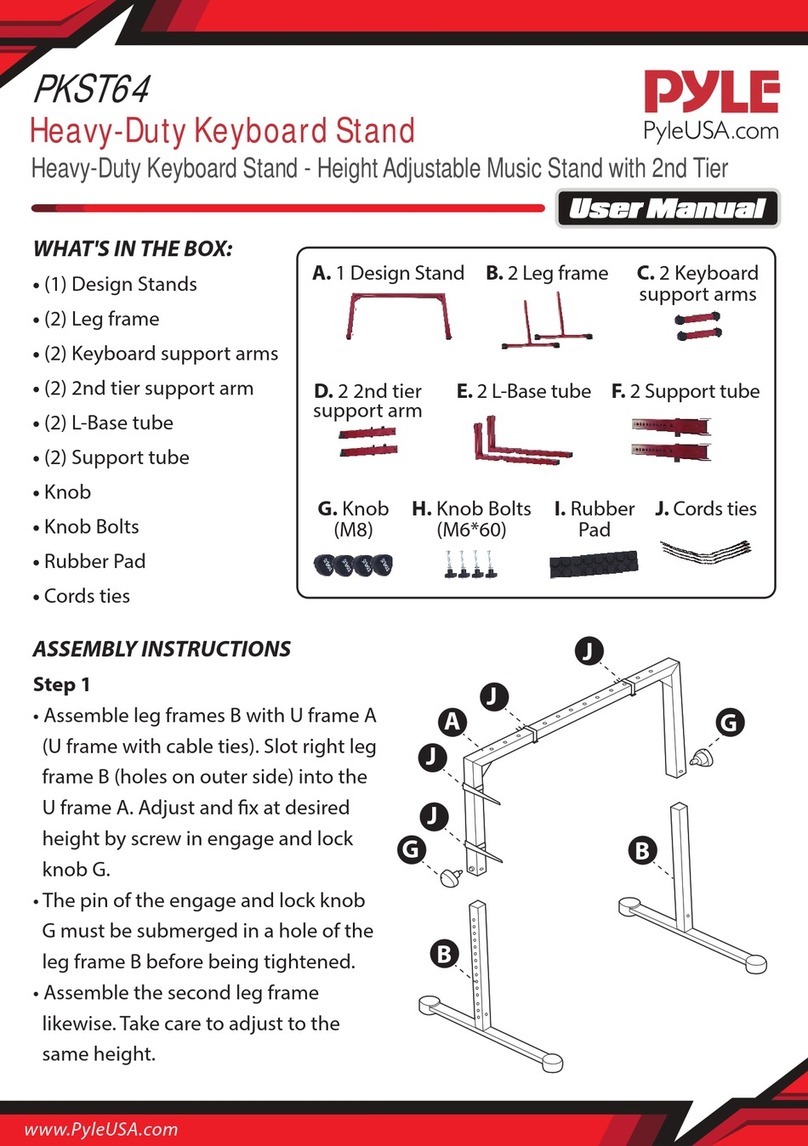
Pyle PKST64 User manual

Pyle

Pyle PKST64 User manual

Pyle PTVSTNDPT3215 User manual

Pyle

Pyle PTVSTNDPT3215 User manual

Pyle PLPTS38 User manual

Pyle

Pyle PLPTS38 User manual

Popular Rack & Stand manuals by other brands

Dynex DX-MP3MT Quick setup guide

Dynex

Dynex DX-MP3MT Quick setup guide

Konig & Meyer 24185 manual

Konig & Meyer

Konig & Meyer 24185 manual

ECG LD 326501 instruction manual

ECG

ECG LD 326501 instruction manual

Philips SB7S19S/00 quick start guide

Philips

Philips SB7S19S/00 quick start guide

Woodline KIT-250 lb instructions

Woodline

Woodline KIT-250 lb instructions

ricoo S1222 installation instructions

ricoo

ricoo S1222 installation instructions

Kanto P301 user manual

Kanto

Kanto P301 user manual

VidaBox VB MNT FFS2 installation guide

VidaBox

VidaBox VB MNT FFS2 installation guide

PROEL PLWIN60C user manual

PROEL

PROEL PLWIN60C user manual

AllMounts PLB-43S instruction manual

AllMounts

AllMounts PLB-43S instruction manual

VMP VH-001 instruction sheet

VMP

VMP VH-001 instruction sheet

Nederman SYSTEM 920/400 instruction manual

Nederman

Nederman SYSTEM 920/400 instruction manual

Glasdon ORBIS POST MOUNTING KIT installation guide

Glasdon

Glasdon ORBIS POST MOUNTING KIT installation guide

Songmics LGR105 manual

Songmics

Songmics LGR105 manual

Grape GM401 user manual

Grape

Grape GM401 user manual

FourStarGroup 11225296 manual

FourStarGroup

FourStarGroup 11225296 manual

CHIEF FLR100 installation instructions

CHIEF

CHIEF FLR100 installation instructions

FEC XDCAM EX PMW-EX30 manual

FEC

FEC XDCAM EX PMW-EX30 manual

manuals.online logo
manuals.online logoBrands
  • About & Mission
  • Contact us
  • Privacy Policy
  • Terms and Conditions

Copyright 2025 Manuals.Online. All Rights Reserved.

PLPTS25
Laptop Computer Stand for DJs
http://www.pyleaudio.com
Thanks for purchasing the PLPTS25, an awesome laptop stand from Pyle Pro that’s
perfect for DJing. It places your laptop at an angle for easy access while you drop
your beats. Plus, it has a variable height adjustment for your convenience. Holds up
to 8 lbs. Also compatible with CD players, controllers, EFX machines, and lighting
controllers.
Specifications:
Ideal For Holding Your Laptop, CD Player/Controller,
EFX Machine Or Lighting Controller
This Versatile Stand Can Stand Alone On Any Flat
Surface For Quick And Easy Set-Up
Features 4 Easy Line-It-Up Height Adjustments
Platform Dimensions: 9.25(w) x 10.8(d) Inches
Height Range: 6.3 - 10.9 inches
Weight Capacity: 8 lbs.
Your kit includes one (1) set of the following items:
2 x L-bar (left, right)
2 x L-bar with rubber
stoppers (left, right)
2 x support bars
1. Start by removing the end screws from the
two support bars.
2. Next, you will be connecting two of the L-
bars. Use one with rubber stoppers and one
without. Make sure that the two L-bars are
for the same side. The base and the
rubberized part of each respective L-bar
should be facing the same direction. Align the
L-bars so that at least two of their holes are
overlapping, and then insert two of the end
screws.
3. Now, flip this structure over and screw on
the two support bars.
4. Align the other two L-bars with the support
bars. Make sure that the two rubber stopper
L-bars are parallel and facing in towards each
other. The other L-bar should also be parallel
with its counterpart and facing inwards. Use
the remaining two end screws to secure this
mechanism into place.
5. Your stand is now complete!