manuals.online logo
Brands
  1. Home
  2. •
  3. Brands
  4. •
  5. QSC
  6. •
  7. Speakers
  8. •
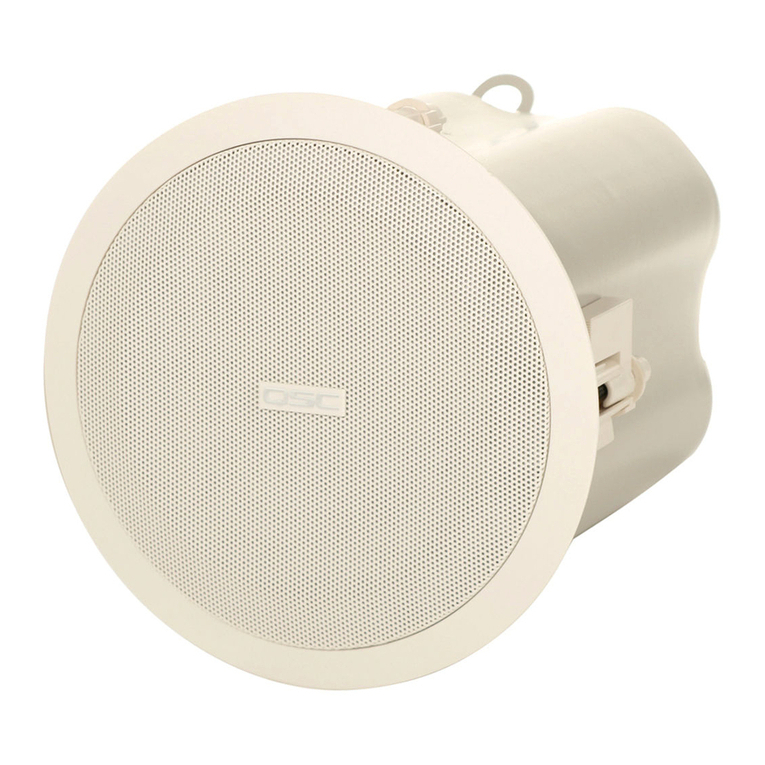
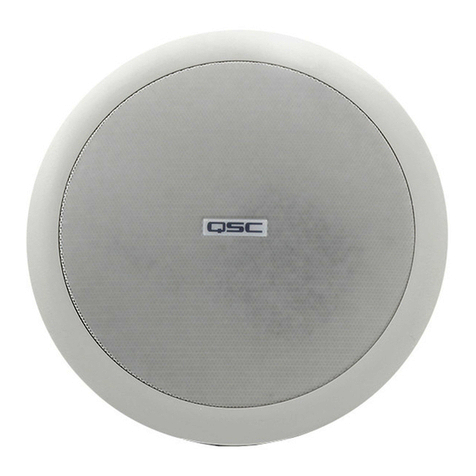
  9. QSC AcousticCoverage AC-C8T User manual

QSC AcousticCoverage AC-C8T User manual

Other QSC Speakers manuals

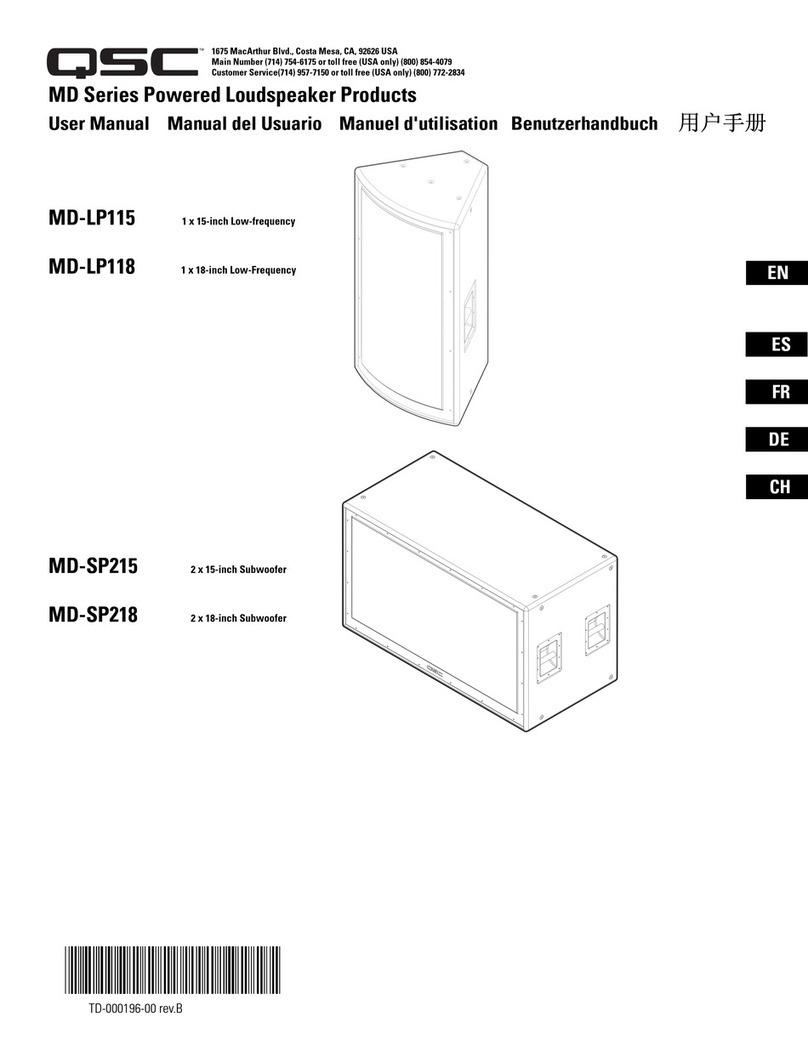
QSC I-82H User manual

QSC

QSC I-82H User manual

QSC AcousticDesign AD-S32T User manual

QSC

QSC AcousticDesign AD-S32T User manual

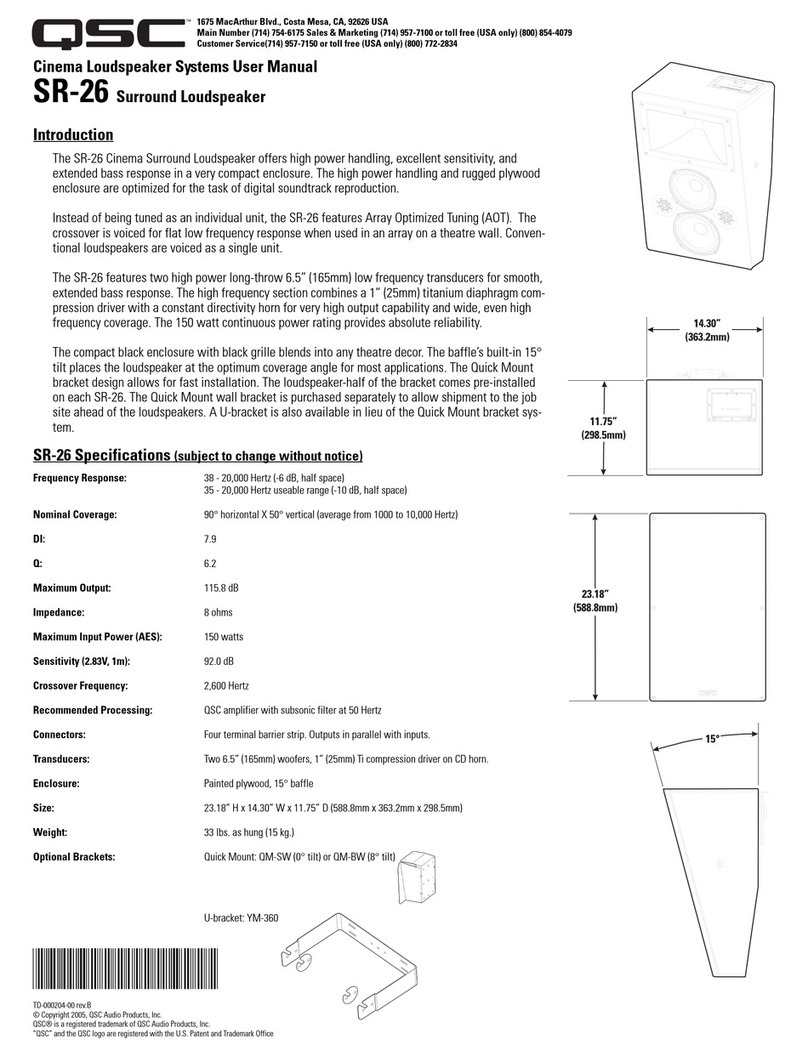
QSC SR-18 User manual

QSC

QSC SR-18 User manual

QSC AD-S282H User manual

QSC

QSC AD-S282H User manual

QSC AcousticDesign Series Instructions for use

QSC

QSC AcousticDesign Series Instructions for use

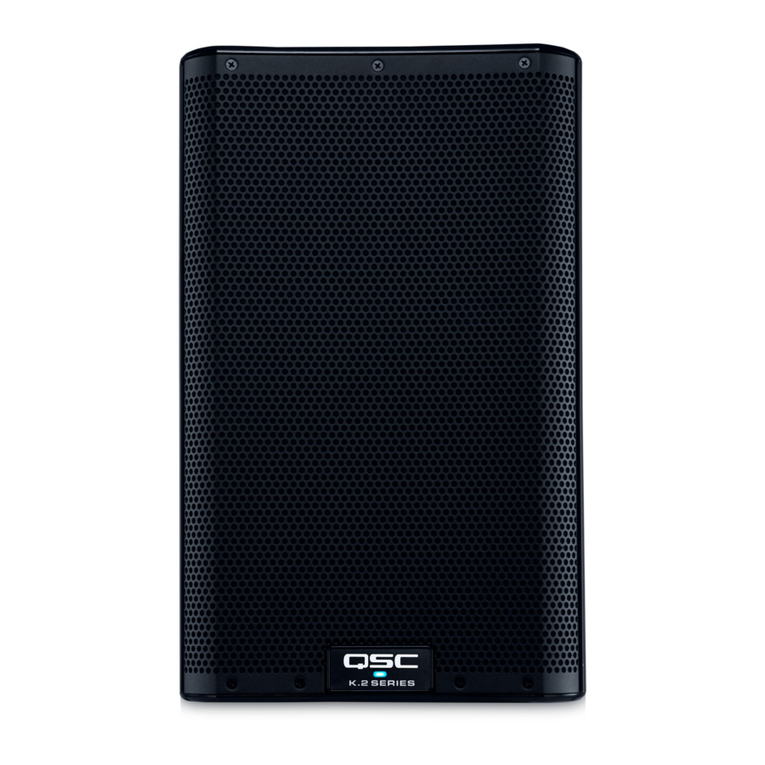
QSC E 12 User manual

QSC

QSC E 12 User manual

QSC ILA Series User manual

QSC

QSC ILA Series User manual

QSC AcousticDesign Series Instructions for use

QSC

QSC AcousticDesign Series Instructions for use

QSC AcousticDesign AD-S52 Operating manual

QSC

QSC AcousticDesign AD-S52 Operating manual

QSC SR-1000 User manual

QSC

QSC SR-1000 User manual

QSC AcousticPerformance AP-5122m User manual

QSC

QSC AcousticPerformance AP-5122m User manual

QSC LF-4215 User manual

QSC

QSC LF-4215 User manual

QSC AD-S402T User manual

QSC

QSC AD-S402T User manual

QSC AD-C42T User manual

QSC

QSC AD-C42T User manual

QSC AD-C42T User manual

QSC

QSC AD-C42T User manual

QSC AcousticDesign AD-S10T User manual

QSC

QSC AcousticDesign AD-S10T User manual

QSC SB-15121 User manual

QSC

QSC SB-15121 User manual

QSC AcousticDesign Series User manual

QSC

QSC AcousticDesign Series User manual

QSC AcousticDesign AD-C4T-BK User manual

QSC

QSC AcousticDesign AD-C4T-BK User manual

QSC KLA series User manual

QSC

QSC KLA series User manual

QSC Weatherized WideLine Series User manual

QSC

QSC Weatherized WideLine Series User manual

QSC Acoustic Design Series User manual

QSC

QSC Acoustic Design Series User manual

QSC AP-5102 User manual

QSC

QSC AP-5102 User manual

QSC Acoustic Design Series User manual

QSC

QSC Acoustic Design Series User manual

Popular Speakers manuals by other brands

Electro-Voice LR4S engineering data

Electro-Voice

Electro-Voice LR4S engineering data

Definitive Technology Sound Cylinder user guide

Definitive Technology

Definitive Technology Sound Cylinder user guide

AudioSource LS545 user manual

AudioSource

AudioSource LS545 user manual

Paso C402-T Instructions for use

Paso

Paso C402-T Instructions for use

Altec Lansing 416-8C LF SPEAKER manual

Altec Lansing

Altec Lansing 416-8C LF SPEAKER manual

Kenwood KFC-1072 Servise manual

Kenwood

Kenwood KFC-1072 Servise manual

Peavey ProSys 112 user guide

Peavey

Peavey ProSys 112 user guide

JBL Control Contractor 60 Series installation instructions

JBL

JBL Control Contractor 60 Series installation instructions

Aura STORM-8 owner's manual

Aura

Aura STORM-8 owner's manual

Oontz ANGLE 3 PLUS quick start guide

Oontz

Oontz ANGLE 3 PLUS quick start guide

Electro-Voice LR4A engineering data

Electro-Voice

Electro-Voice LR4A engineering data

Rave RK-650-ICA-B owner's manual

Rave

Rave RK-650-ICA-B owner's manual

Flux Reference Series installation manual

Flux

Flux Reference Series installation manual

Lanzar AQAWBS64BK installation manual

Lanzar

Lanzar AQAWBS64BK installation manual

DAPAudio DCS-6230 manual

DAPAudio

DAPAudio DCS-6230 manual

Aluratek ABS03F quick start guide

Aluratek

Aluratek ABS03F quick start guide

Kenwood KES-5A instruction manual

Kenwood

Kenwood KES-5A instruction manual

Sonance ORIGINAL SERIES instruction manual

Sonance

Sonance ORIGINAL SERIES instruction manual

manuals.online logo
manuals.online logoBrands
  • About & Mission
  • Contact us
  • Privacy Policy
  • Terms and Conditions

Copyright 2025 Manuals.Online. All Rights Reserved.

AcousticCoverage (AC)
User Manual
Model: AC-C8T
1
2
4
8
1
6
W
8
Ω
7
0
V
1
0
0
V
TD-000497-00-A
*TD-000497-00*
2
TD-000497-00-A
EN
EXPLANATION OF SYMBOLS
The term “WARNING!” indicates instructions regarding personal safety. If the instructions are not followed the result may be bodily injury or death.
The term “CAUTION!” indicates instructions regarding possible damage to physical equipment. If these instructions are not followed, it may result in damage to the equipment that may not be covered under the
warranty.
The term “IMPORTANT!” indicates instructions or information that are vital to the successful completion of the procedure.
The term "NOTE" is used to indicate additional useful information.
The intent of the lightning flash with arrowhead symbol in a triangle is to alert the user to the presence of un-insulated "dangerous" voltage within the product's enclosure that may be of sufficient
magnitude to constitute a risk of electric shock to humans.
The intent of the exclamation point within a triangle is to alert the user to the presence of important safety, and operating and maintenance instructions in this manual.
IMPORTANT SAFETY INSTRUCTIONS
• Read these instructions
• Keep these instructions.
• Heed all warnings.
• Follow all instructions.
• Do not use this apparatus near water.
• Clean only with a dry cloth.
• Do not install near any heat sources such as radiators, heat registers, stoves, or other apparatus (including amplifiers) that produce heat.
• Only use attachments/accessories specified by the manufacturer.
• Refer all servicing to qualified service personnel. Servicing is required when the apparatus has been damaged in any way, such as power-supply cord or plug is damaged, liquid has been spilled or objects have
fallen into the apparatus, the apparatus has been exposed to rain or moisture, does not operate normally, or has been dropped.
• Do not use this apparatus in or near water or liquids.
• Do not submerge the apparatus in water or liquids.
• Do not use any aerosol spray, cleaner, disinfectant or fumigant on, near or into the apparatus.
• Do not block any ventilation opening. Install in accordance with the manufacturer's instructions.
• Keep ventilation opening free of dust or other matter.
• Adhere to all applicable, local codes.
• Consult a licensed, professional engineer when any doubt or questions arise regarding a physical equipment installation.
Maintenance and Repair
Advance technology, e.g., the use of modern materials and powerful electronics, requires specially adapted maintenance and repair methods. To avoid a danger of subsequent damage to the apparatus, injuries to
persons and/or the creation of additional safety hazards, all maintenance or repair work on the apparatus should be performed only by a QSC authorized service station or an authorized QSC International Distributor.
QSC is not responsible for any injury, harm or related damages arising from any failure of the customer, owner or user of the apparatus to facilitate those repairs.
Warranty
For a copy of the QSC Limited Warranty, visit the QSC Audio Products website at www.qsc.com
Para una copia de la Garantía Limitada de QSC, visite el sitio web de QSC Audio Products, en www.qsc.com
Pour obtenir une copie de la garantie limitée de QSC, visitez le site de QSC Audio Products à www.qsc.com
Besuchen Sie die Webseite von QSC Audio Products (www.qsc.com) um eine Kopie der beschränkten Garantie von QSC zu erhalten.
如果您想要QSC有限保修的複印本,请造访QSC音频产品的网站www.qsc.com
Для получения копии ограниченной гарантии QSC посетите веб-сайт QSC Audio Products, расположенный по адресу www.qsc.com.
www.qsc.com    QSC  
 
 

    QSC       
3
EN
TD-000497-00-A
Prepare Ceiling
Refer to Figure 1.
1. Use the template provided to mark and cut a hole (1) in the ceiling where the
loudspeaker is to be installed. For frame-construction ceiling, skip to "Wire the
Loudspeakers".
2. Install two V-rails (2), one on each side of the hole, and supported by the
suspended-ceiling support rails (3).
3. Install the C-ring (4) over the hole, using the V-rails as support. Make sure the
clips on the C-ring are properly fitted over the V-rail.
4. Use sheet-metal screws (5) to secure the C-ring to the V-rails.
Wire the Loudspeakers
Refer to Figure 2.
1. Pass the wires down through the conduit/stress-relief clamp. Leave enough wire for
making connections. Carefully tighten the clamp over the wires, or over the conduit if
it is used.
2. Wire the female Euro-style plug (1) as shown in Figure 3.
3. Plug the connector securely into the receptacle.
4. Slide the cover (4) over the connector and secure with the Phillips screw.
Seismic Safety
Refer to Figure 4.
1. Attach an appropriate safety line to the safety tab on the back of the connector cover,
and to an appropriate part of the structure.
WARNING!: Be sure to check and adhere to local building codes for
seismic requirements. If in doubt, consult an appropriate engineer.
Mount the Loudspeaker
Refer to Figure 5.
1. Make sure all of the dog-ears are up against the side of the metal loudspeaker housing.
2. Slide the Loudspeaker Housing up through the hole into the ceiling.
3. Use a Phillips screwdriver to tighten each of the four dog-ear screws. As you tighten the
screws, the dog-ears swing away from the housing and over the ceiling. Be sure all dog-
ears are properly positioned over the ceiling.
CAUTION!: Do not overtighten the dog-ear screws!
4. Use a flat-tip screwdriver to set the transformer tap based on the requirements of the installation.
5. Install the loudspeaker grill.
Specifications
AC-C8T Specification
Transducer 210 mm [8 in.] Polypropylene cone with rubber surround
22 mm [0.86 in.] Silk dome tweeter, coaxially mounted
Rated noise power [rms] (1) 80 W
Nominal Impedance 8Ω
Transformer Taps 70V: 60, 30, 15, 7.5, 3.8 W
100V: 60, 30, 15, 7.5 W
8Ω Bypass
Effective frequency range (2) 55 Hz – 20 kHz
Rated coverage (3) 100°conical
Sensitivity (4) 89 dB
Maximum continuous SPL (5) 108 dB
Maximum peak SPL (5) 114 dB
Net weight 5.2 kg [11.5 lb]
Product dimensions (Diameter x Height) Ø 316 x 288 mm [Ø 12.4 x 11.3 in.]
Shipping weight 13.3 kg [29.3 lb] (pair packed)
Shipping dimensions (H x W x D) 743 x 381 x 381 mm [29.3 x 15 x 15 in] (pair packed)
1 AES2-1984 noise signal for 2 Hrs, 8Ω
2 Half-space, -10 dB from on-axis sensitivity
3 -6 dB from on-axis, 500 Hz–5 kHz
4 Half-space, on-axis, 2.83V, 1 m
5 Calculated from rated noise voltage and sensitivity
— Figure 1 —
1
2
3
4
5
— Figure 2 —
1
3
4
2
— Figure 3 —
Parallel Wiring Diagram
Amp
To more
speakers
From
Source
To Additional
Loudspeakers
1
— Figure 4 —
— Figure 5 —
Dog-ears against loudspeaker
1
Turn the screw clockwise to engage
the dog-ear with the ceiling.
2
— Figure 6 —
[Ø 10.7 in]
Ø 272 mm
[Ø 12.4 in]
Ø 316 mm
[Ø 11.0 in]
Ø 279 mm
[Ø 9.2 in]
Ø 233 mm
[11.1 in]
282 mm
[11.3 in]
288 mm
[10.7 in]
272 mm

4
TD-000497-00-A
EN
Mailing Address:
QSC Audio Products, LLC
1675 MacArthur Boulevard
Costa Mesa, CA 92626-1468 USA
Telephone Numbers:
Main Number: (714) 754-6175
Sales & Marketing: (714) 957-7100 or toll free (USA only) (800) 854-4079
Customer Service: (714) 957-7150 or toll free (USA only) (800) 772-2834
Facsimile Numbers:
Sales & Marketing FAX: (714) 754-6174
Customer Service FAX: (714) 754-6173
World Wide Web:
www.qsc.com
E-mail:
[email protected]
[email protected]
[email protected]
© 2014 QSC Audio Products, LLC. All rights reserved. QSC and the QSC logo are trademarks of
QSC Audio Products, LLC in the U.S. Patent and Trademark office and other countries.
http://patents.qsc.com.