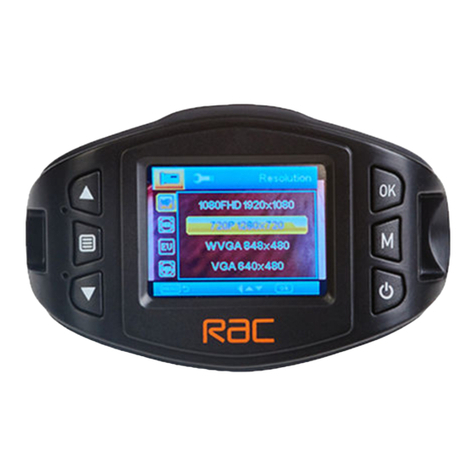
Emergency File Protection
Important:
The RAC 107 records in segments onto the Micro SD card. The default segment
duration is 3 minutes, which can be changed from the menu settings. For
example, 1 hour of recording would generate 20 x 3 minute segments.
During recording, press KEY button
to protect current video, thelock icon
appears on the screen, if you press the KEY button before the last 5 seconds
of this video’s segment, the current video will beprotected; if you pressKEY button
during the last 5 seconds of this video’s segment, both the current and the next
video segments will be protected and cannot be replaced. For example, if set 3
minutes as segment, press button before 2 minutes and 55 seconds of this
video, the current video will be protected; press button during 2 minutes 55
seconds to 3 minutes, the current and the next video will be protected.
Remove the protection for the video:
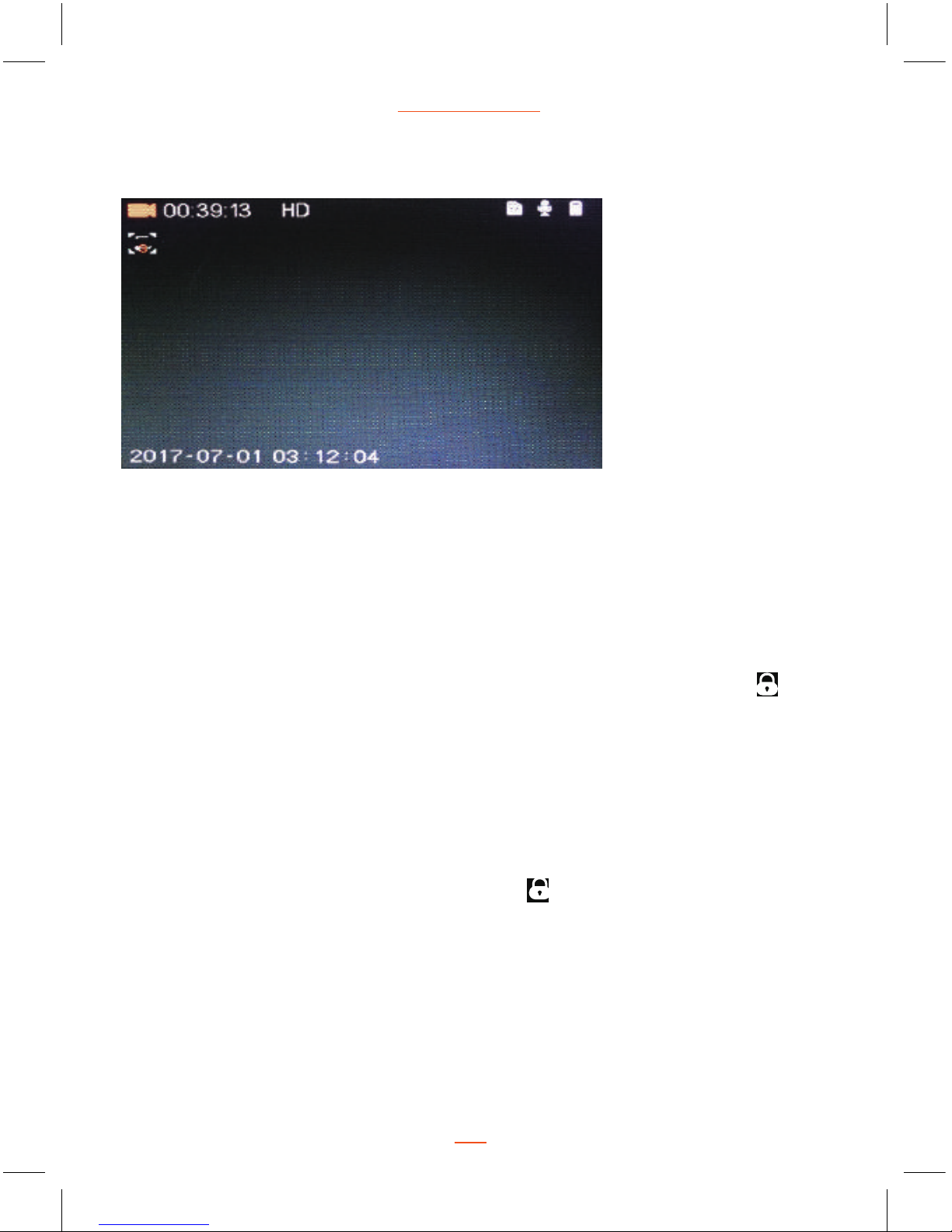
Recording Screen
07
RAC 107 HD Dash Cam
The protective video can be seen the lock icon in dash cam playback mode,
and the file name will be changed to “SOS-XXXXX” in dash cam and computer.
Press OK button to stop recording, then press MODE button twice switch to
Playback Mode, choose the protection video and then press MENU button to
enter Playback menu, press UP and DOWN buttons to select “Unlock One” or
“Unlock All”, press OK button to confirm unlock current video or all the protected
videos, the lock icon will disappear from the screen and the file name will be
changed to “REC-XXXXX”, the video will not be protected and can be replaced
if the Micro SD card is full.
KEY
KEY