2
DashCam 500 User Manual
Contents
Your New DashCam 500 ..............................................................................3
About the DashCam 500 ..................................................................3
Key Features .....................................................................................3
What’s in the Box..............................................................................4
Getting Started .................................................................................5
Install the Memory Card ...................................................................5
Attach the Suction Cup and Mount to Window................................5
Connect a USB Cable for Power........................................................6
Turn On/Off ......................................................................................7
Install the Companion App ...............................................................7
Pair the Camera with your Phone......................................................8
Format the Memory Card .................................................................9
Using the DashCam....................................................................................10
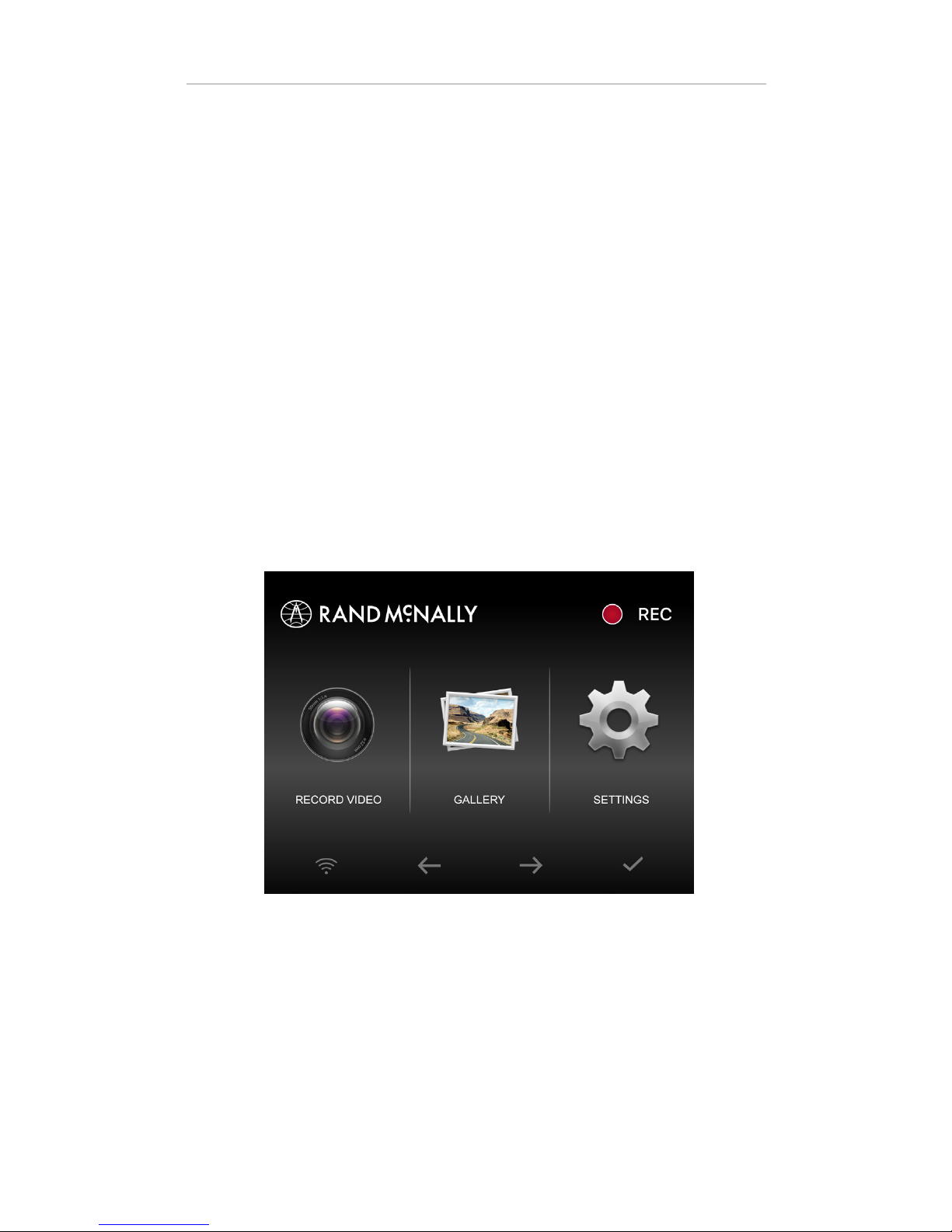
Home Screen.................................................................................. 10
Dynamic Buttons ............................................................................11
Power Button .................................................................................13
Wi-Fi®.............................................................................................13
Live Feed ........................................................................................14
Gallery............................................................................................15
Photo .............................................................................................16
Settings ..........................................................................................16
Using the App ............................................................................................19
Live Feed........................................................................................19
Videos............................................................................................21
Photos............................................................................................22
MapShots™.....................................................................................22
Download and Share Videos and Photos.........................................23
Settings...................................................................... ....................25
Flashback Videos........................................................................................26
Use on DashCam............................................................................ 26
Use in App..................................................................................... 27
Warnings, End-User License Agreement, and Warranty ....................... 28