manuals.online logo
Brands
  1. Home
  2. •
  3. Brands
  4. •
  5. RCA
  6. •
  7. Home Cinema Speakers
  8. •
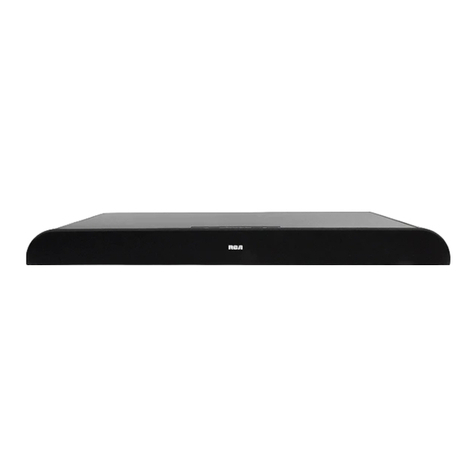
  9. RCA 40-5039 User manual

RCA 40-5039 User manual

Other RCA Home Cinema Speakers manuals

RCA 7-Piece 275 User manual

RCA

RCA 7-Piece 275 User manual

RCA RTD206 User manual

RCA

RCA RTD206 User manual

RCA RTD 152 User manual

RCA

RCA RTD 152 User manual

RCA rts796b User manual

RCA

RCA rts796b User manual

RCA RTS735E User manual

RCA

RCA RTS735E User manual

RCA RTS635 User manual

RCA

RCA RTS635 User manual

Popular Home Cinema Speakers manuals by other brands

BÖHM B3 Soundbase user manual

BÖHM

BÖHM B3 Soundbase user manual

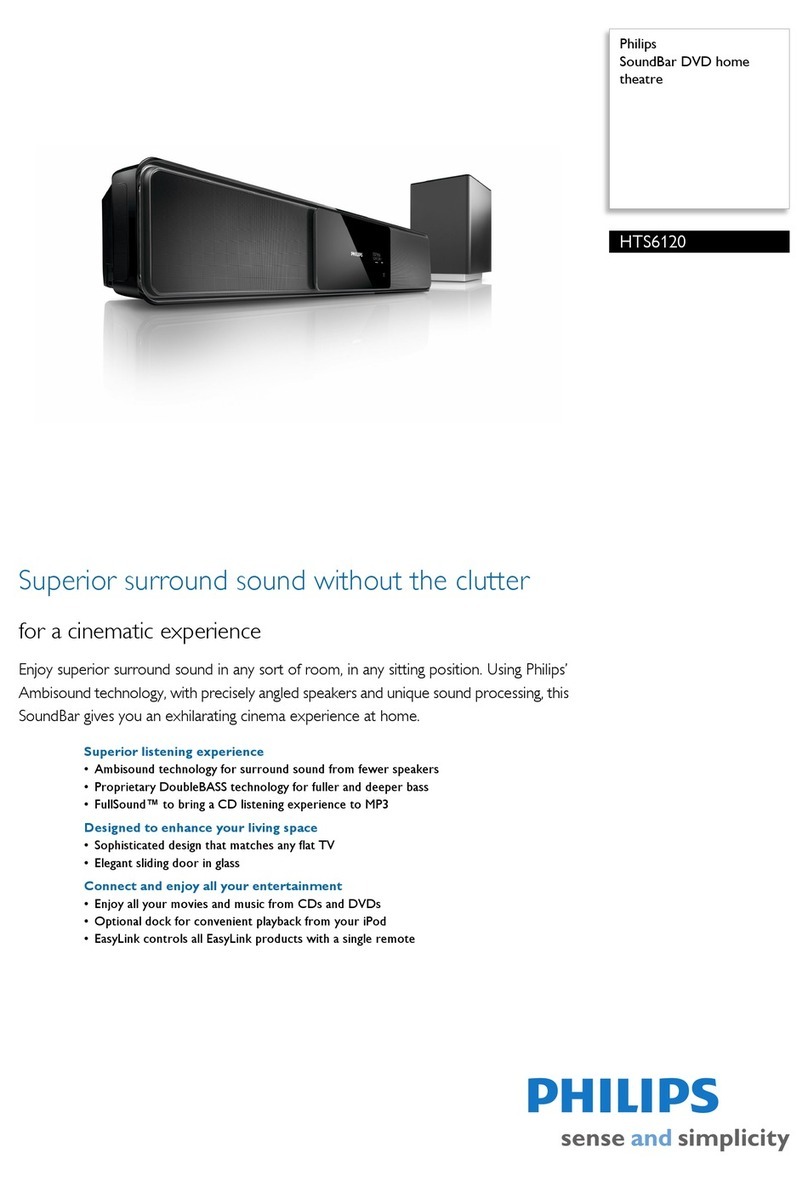
Philips HTS6120 Brochure & specs

Philips

Philips HTS6120 Brochure & specs

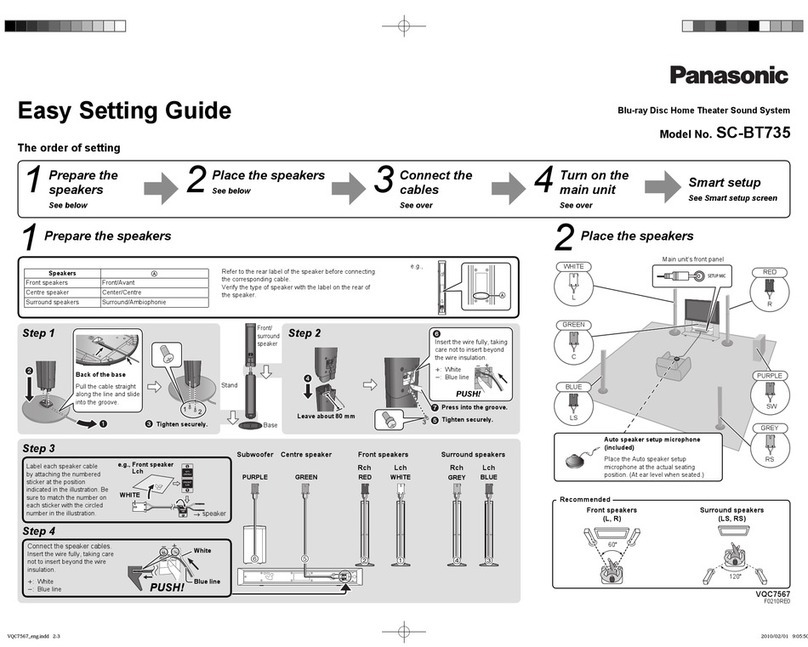
Panasonic SC-BT735 Easy setting guide

Panasonic

Panasonic SC-BT735 Easy setting guide

Insignia NS-HSB318 user guide

Insignia

Insignia NS-HSB318 user guide

Panasonic SC-HTB770 operating instructions

Panasonic

Panasonic SC-HTB770 operating instructions

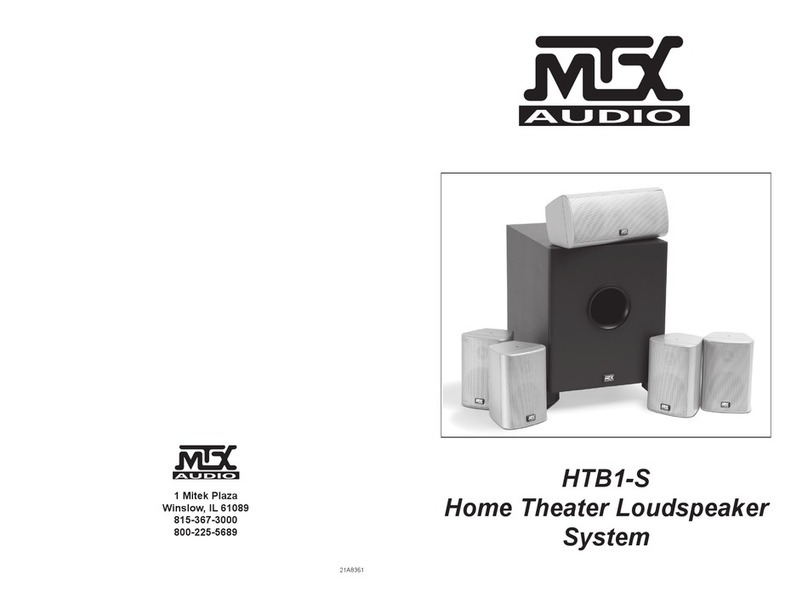
MTX MTX HTB1-S owner's manual

MTX

MTX MTX HTB1-S owner's manual

JBL Simply Cinema SCS138 owner's guide

JBL

JBL Simply Cinema SCS138 owner's guide

JBL Reference 610 quick start guide

JBL

JBL Reference 610 quick start guide

MTX 525W owner's manual

MTX

MTX 525W owner's manual

DaytonAudio HTS-1200B user manual

DaytonAudio

DaytonAudio HTS-1200B user manual

Goodmans ASPECT user manual

Goodmans

Goodmans ASPECT user manual

Philips Fidelio B5 quick start guide

Philips

Philips Fidelio B5 quick start guide

Denon DHT-486DV Specifications

Denon

Denon DHT-486DV Specifications

Philips HTS6100/75 quick start guide

Philips

Philips HTS6100/75 quick start guide

TCL TS5000 user manual

TCL

TCL TS5000 user manual

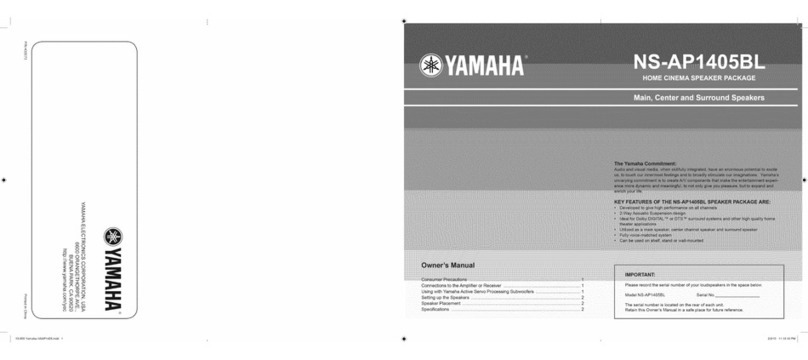
Yamaha NS-AP1405BL owner's manual

Yamaha

Yamaha NS-AP1405BL owner's manual

Sony SS-FCRW105 Hook-up instructions

Sony

Sony SS-FCRW105 Hook-up instructions

US Blaster USB 4001 user manual

US Blaster

US Blaster USB 4001 user manual

manuals.online logo
manuals.online logoBrands
  • About & Mission
  • Contact us
  • Privacy Policy
  • Terms and Conditions

Copyright 2025 Manuals.Online. All Rights Reserved.

© 2003 RadioShack Corporation.
All Rights Reserved.
RadioShack and RadioShack.com are trademarks used by RadioShack Corporation.
RadioShack Corporation Fort Worth, Texas 76102 02A03
PrintedinChina
40-5039
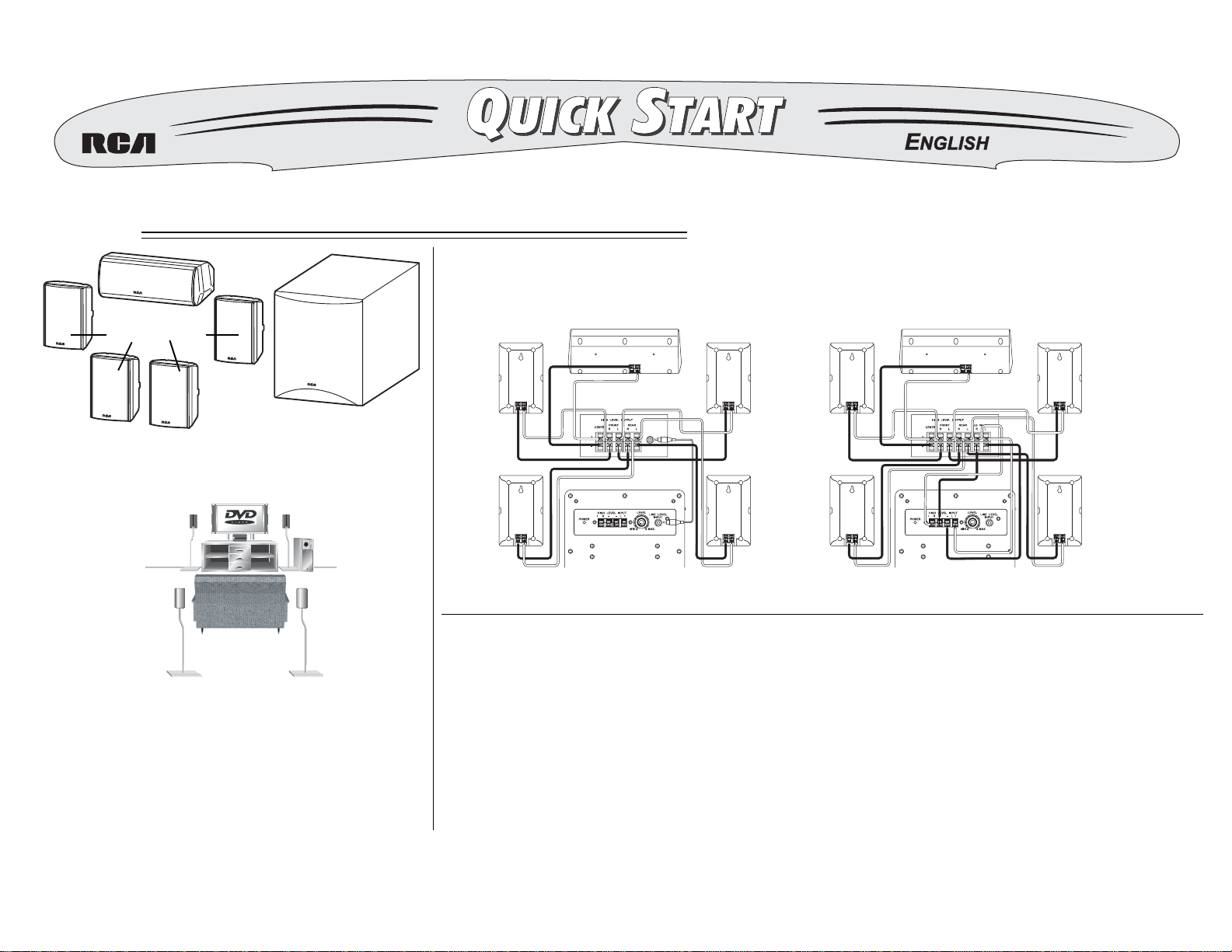
6-Piece Home Theater Speaker Package
Refer to your Owner’s Manual for complete instructions.
Center Speaker
R
ight Front Speaker
R
ight Rear Speaker
Left Front Speaker
Left Rear Speaker
Amplifier/Receiver
Subwoofer
Center Speaker
Right Front Speaker
R
ight Rear Speaker
Left Front Speaker
Left Rear Speaker
Amplifier/Receiver
Subwoofer
Center Channel Speaker
Subwoofer
Satellite Speakers
Speaker Placement
Connecting the Subwoofer to an Amplifier/Receiver
Line Level Input Jack High Level Input Terminals
• Place the center speaker directly above or below
the TV so that the sound of the center channel is
localized at the TV.
• If possible, place the surround speakers slightly
above ear level.
• Try to place all the speakers at an equal distance
from the listening position.
Connect the power cord to a standard
120V/60 Hz AC outlet. Route the
subwoofer’s power cord so it is not likely
to be walked on or pinched by items
placed upon or against it, especially at
plugs, convenience receptacles, and the
point where it exits from the subwoofer.
Connecting Power
The subwoofer turns on and off automatically. Follow these steps to adjust
the volume.
1. Rotate LEVEL clockwise to MIN then turn on your audio system.
2. Play a DVD/CD, record, cassette, radio, or TV and adjust the audio
system to a comfortable level.
3. Rotate LEVEL clockwise until you achieve the desired balance of bass
between the subwoofer and the main speakers. After you adjust
LEVEL, use the amplifier/receiver’s volume control to control the
speaker’s volume.
Subwoofer Operation
(Amplifier/Receiver Not Supplied)