manuals.online logo
Brands
  1. Home
  2. •
  3. Brands
  4. •
  5. Remedic
  6. •
  7. Mobility Aid
  8. •
  9. Remedic REM280010 User manual

Remedic REM280010 User manual

Popular Mobility Aid manuals by other brands

Drive DeVilbiss GoLite 200 operating instructions

Drive DeVilbiss

Drive DeVilbiss GoLite 200 operating instructions

Invacare 8153-J user manual

Invacare

Invacare 8153-J user manual

Clearwell Mobility Brandon User instructions

Clearwell Mobility

Clearwell Mobility Brandon User instructions

Handicare 1100 user manual

Handicare

Handicare 1100 user manual

NRS Healthcare M11090 User instructions

NRS Healthcare

NRS Healthcare M11090 User instructions

Alber Scalamobil iQ operating instructions

Alber

Alber Scalamobil iQ operating instructions

Ferno CCT-PX user manual

Ferno

Ferno CCT-PX user manual

Medline MDS86835DSHEC User Instructions & Warranty

Medline

Medline MDS86835DSHEC User Instructions & Warranty

Guldmann Twin Turner II user manual

Guldmann

Guldmann Twin Turner II user manual

Ferno 35-ITA user manual

Ferno

Ferno 35-ITA user manual

Drive ROOMBA Operation manual

Drive

Drive ROOMBA Operation manual

Gate Balder operating instructions

Gate

Gate Balder operating instructions

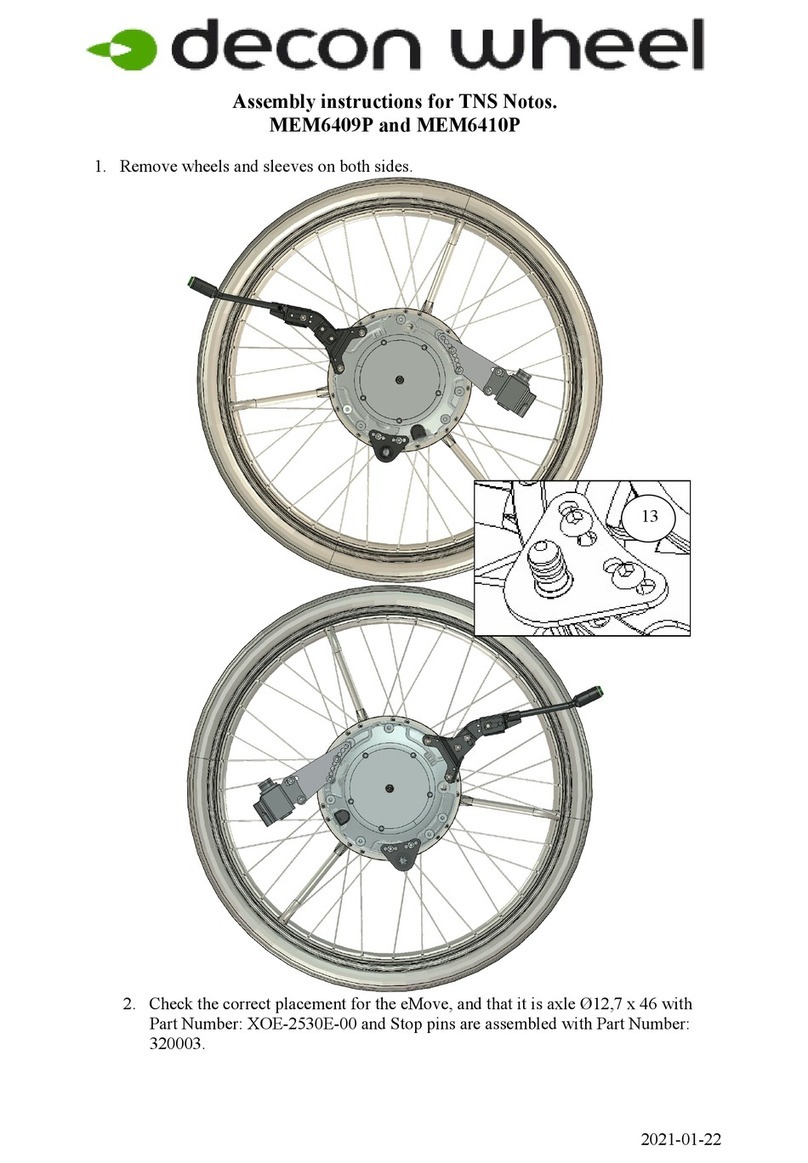
Decon wheel TNS Notos Assembly instructions

Decon wheel

Decon wheel TNS Notos Assembly instructions

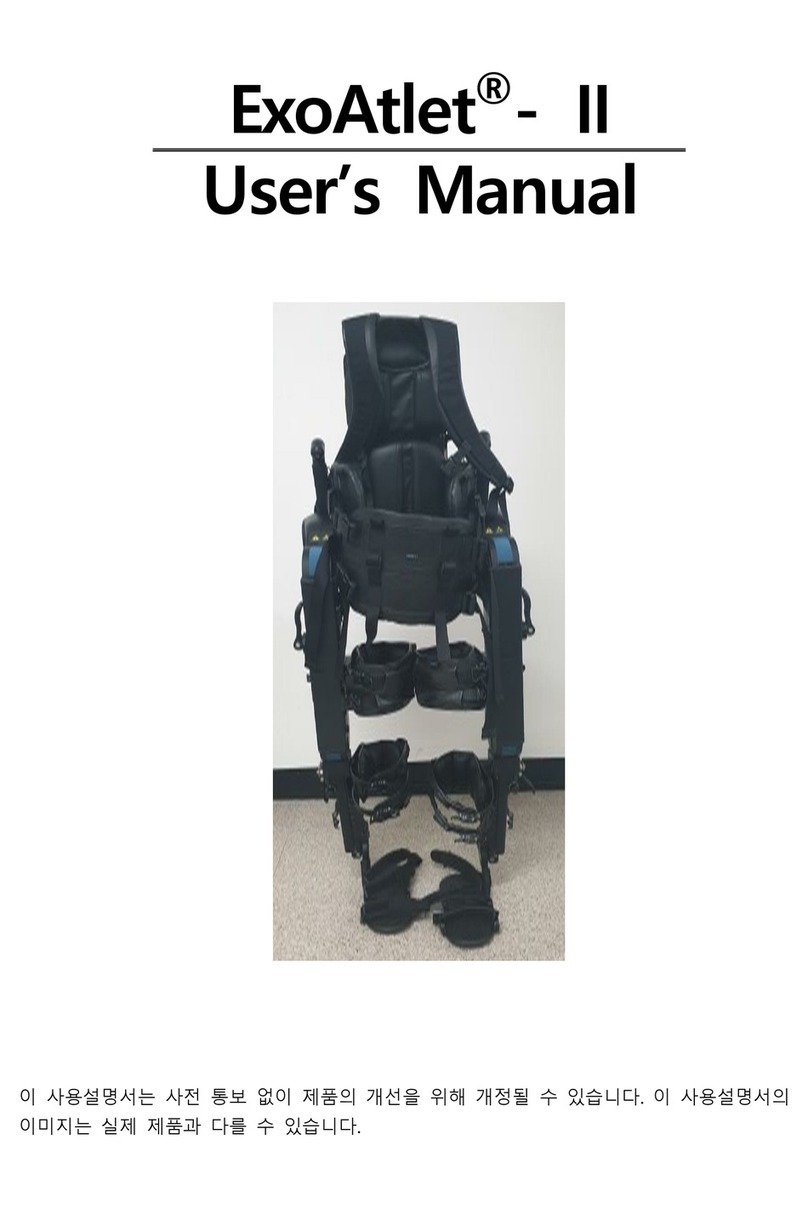
ExoAtlet ExoAtlet-II user manual

ExoAtlet

ExoAtlet ExoAtlet-II user manual

Invacare Storm Series parts catalog

Invacare

Invacare Storm Series parts catalog

Rhythm Healthcare B3800F manual

Rhythm Healthcare

Rhythm Healthcare B3800F manual

AMF-BRUNS PROTEKTOR installation manual

AMF-BRUNS

AMF-BRUNS PROTEKTOR installation manual

Drive DeVilbiss Healthcare OTTER Instructions for use

Drive DeVilbiss Healthcare

Drive DeVilbiss Healthcare OTTER Instructions for use

manuals.online logo
manuals.online logoBrands
  • About & Mission
  • Contact us
  • Privacy Policy
  • Terms and Conditions

Copyright 2025 Manuals.Online. All Rights Reserved.

REMEDICTM
MEDICATION AIDS, COMFORT,
INDEPENDENCE
  
    
   
   
     

   
   
    
    

     
  
    
   
   
 
  
  
  
   
    
  
   
    

    
  
•    
  
    

   
   
     
     

Multi-opener
With magnifying glass and LED light
AFFORDABLE SOLUTIONS FOR HEALTHY
DAILY LIVING
• An integrated magnifying glass and an
LED light
make it easier to read the fine print
Please read this guide before using.
• Ergonomic grip strengthening and
non-slip material ensure a secure grip.
• Don’t immerse the multi opener in
water.
• Don’t use alcohol, acetone, or gas
oline, aggressive cleaning agents for
cleaning
Please use return and collection
systems in your Community or contact
the dealer where the product
was bought.
Please dispose of the battery
environmentally friendly as per
your local legislation.
Do not put batteries in the
Household waste.
• The LED cannot be replaced but is
very durable.
• The LED comes with a button cell LR621.
• The Remedic multi opener lock
opener makes it easy to open common
(medical) screw caps and and other
screw lids with a diameter from approx.
2.8 to 5.5 cm.
.Clean the multi opener lock opener
with a damp Cloth. Prevent that water
penetrates into the battery
compartment.
• This product is not a toy. Keep away
from children!
• Batteries are very dangerous if they are
swallowed. If Batteries are swallowed
immediately get medical help!

    
   
  
    
      
 
     
   
   
1
2
3
    

  
  
  
    
    
    
  
   
     
      
  
   
   
LR621
Open screw cap
1.
Place the container you want to open
on a firm surface.
Close the screw cap
4.
Close the container in reverse order.
Magnifier and LED Light
Change Batteries
Battery
Compartment
Cover
2.
Place the multi opener on the lid of
the container and push it down until it
stop.
3.
Twist to open the container and lift the
multi opener with the cap lid inside.
• Remove the old battery.
• The battery compartment is under the red
button (LED on / off switch)
and is opened by removing the the cover.
• Insert a new battery Type LR621, with the
+ pole on the top into the compartment
• Close the battery compartment aga
in with the red cover.
To turn on the LED, press
and hold the red button For additional help/info
email:[email protected]