manuals.online logo
Brands
  1. Home
  2. •
  3. Brands
  4. •
  5. REMO Electronics
  6. •
  7. Antenna
  8. •
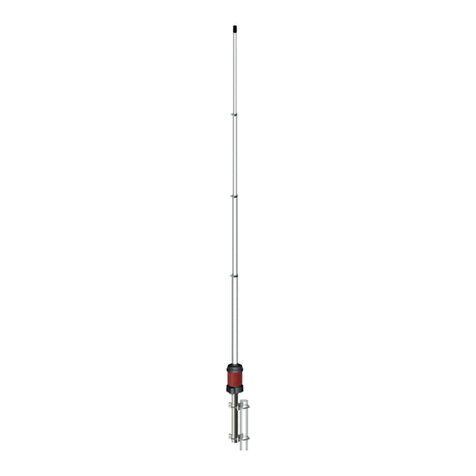
  9. REMO Electronics BAS DIAPAZON-UHF Instruction manual

REMO Electronics BAS DIAPAZON-UHF Instruction manual

Other REMO Electronics Antenna manuals

REMO Electronics BAS-2301 WiFi User manual

REMO Electronics

REMO Electronics BAS-2301 WiFi User manual

REMO Electronics CORSAR BAS-1105 Instruction manual

REMO Electronics

REMO Electronics CORSAR BAS-1105 Instruction manual

REMO Electronics BAS-2301 WiFi Instruction manual

REMO Electronics

REMO Electronics BAS-2301 WiFi Instruction manual

REMO Electronics REMO BAS-2307 WiFi Dual Band User manual

REMO Electronics

REMO Electronics REMO BAS-2307 WiFi Dual Band User manual

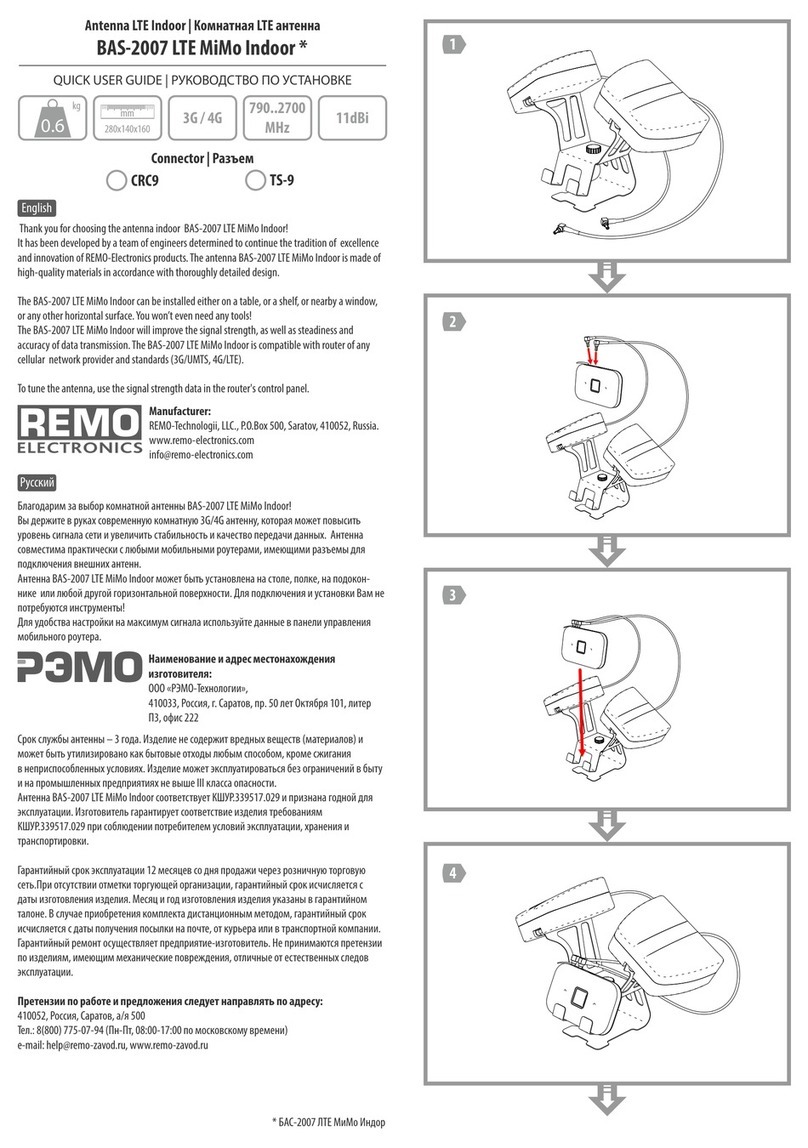
REMO Electronics BAS-2007 LTE MiMo Indoor Instruction manual

REMO Electronics

REMO Electronics BAS-2007 LTE MiMo Indoor Instruction manual

Popular Antenna manuals by other brands

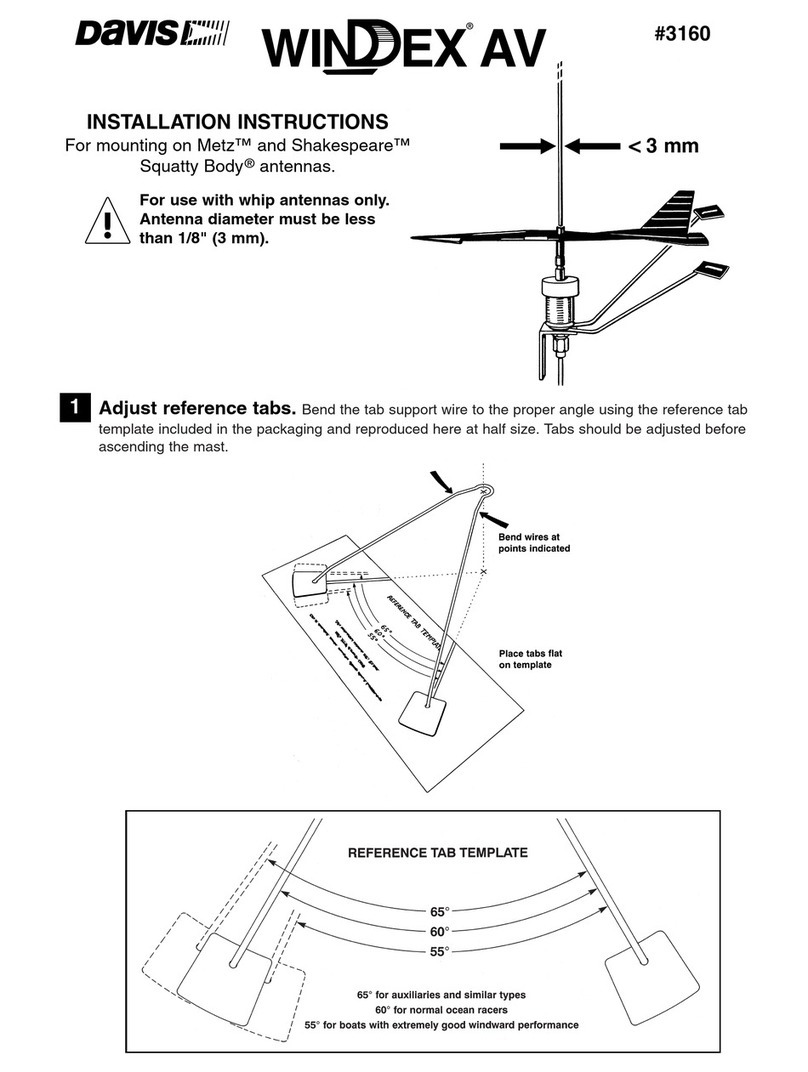
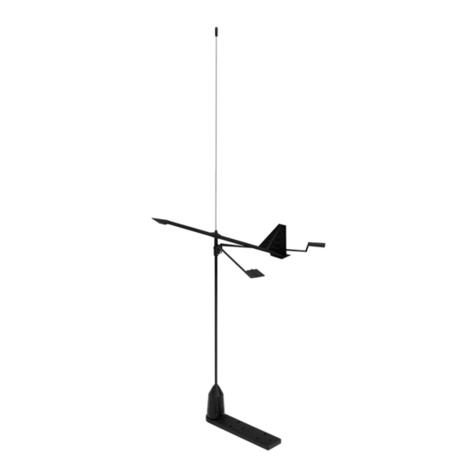
DAVIS Windex AV 3160 installation instructions

DAVIS

DAVIS Windex AV 3160 installation instructions

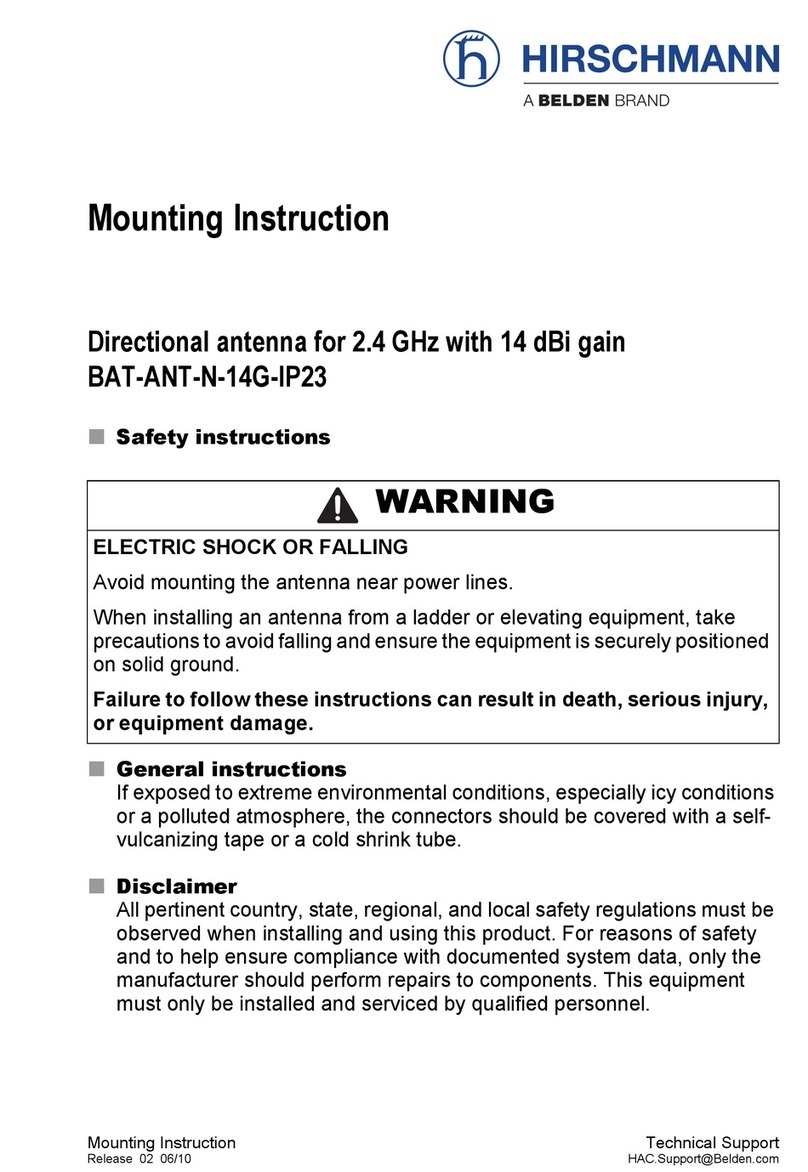
Belden Hirschmann BAT-ANT-N-14G-IP23 Mounting instruction

Belden

Belden Hirschmann BAT-ANT-N-14G-IP23 Mounting instruction

Vtronix YHK Fitting instructions

Vtronix

Vtronix YHK Fitting instructions

KVH Industries TracVision 6 Technical manual

KVH Industries

KVH Industries TracVision 6 Technical manual

Leica Geosystems GS10 user manual

Leica Geosystems

Leica Geosystems GS10 user manual

Sirio Antenne Gain-Master manual

Sirio Antenne

Sirio Antenne Gain-Master manual

Sony VCA-41 Installation/connections

Sony

Sony VCA-41 Installation/connections

ZCG Y100 Series installation guide

ZCG

ZCG Y100 Series installation guide

Advantech Wireless INTREPID120 Assembly instructions

Advantech Wireless

Advantech Wireless INTREPID120 Assembly instructions

Cerio ANT-10AO installation guide

Cerio

Cerio ANT-10AO installation guide

Alfa Network APA-L01 Specifications

Alfa Network

Alfa Network APA-L01 Specifications

Naval PR-422CA Operation manual

Naval

Naval PR-422CA Operation manual

Feig Electronic ID ISC.ANTH200/200 Series manual

Feig Electronic

Feig Electronic ID ISC.ANTH200/200 Series manual

TERK Technologies TV44 owner's manual

TERK Technologies

TERK Technologies TV44 owner's manual

TERK Technologies SIR3 owner's manual

TERK Technologies

TERK Technologies SIR3 owner's manual

Directive Systems & Engineering DSE2324LYRMK quick start guide

Directive Systems & Engineering

Directive Systems & Engineering DSE2324LYRMK quick start guide

HP J8999A instructions

HP

HP J8999A instructions

MobilSat MSP-S Mounting instructions

MobilSat

MobilSat MSP-S Mounting instructions

manuals.online logo
manuals.online logoBrands
  • About & Mission
  • Contact us
  • Privacy Policy
  • Terms and Conditions

Copyright 2025 Manuals.Online. All Rights Reserved.

Full Assembly Diagram
Схема полной сборки
REMO BAS DIAPAZON-UHF
QUICK USER GUIDE | РУКОВОДСТВО ПО УСТАНОВКЕ
TV Antenna Outdoor | Наружная ТВ антенна
English Русский
Thank you for choosing the antenna outdoor REMO BAS Diapazon-UHF!
It has been developed by a team of engineers determined to continue
the tradition of excellence and innovation of REMO-Electronics products.
The antenna REMO BAS Diapazon-UHF is made of high-quality
materials in accordance with thoroughly detailed design.
The antenna can be installed on any mast with a diameter up to 55mm
or wall mount bracket. The antenna connects to the TV via cable RG-6/U
with F-connector. Cable and connectors are purchased separately.
The antenna outdoor REMO BAS Diapazon-UHF will provide
high-quality reception of digital television DVB-T2 on the UHF
channels together with the modern TV sets or digital receiver.
The antenna has several versions:
REMO BAS Diapazon-UHF P - antenna does not require power
BAS Diapazon-UHF antenna gets REMO 5V - power through the antenna
-setsocket of the TV or digital receiver
REMO USB gets power from any USB port BAS Diapazon-UHF - antenna
using the injector
REMO DX - power from its own power BAS Diapazon-UHF antenna gets
AC supply connected to the mains electricity (household power) 230V
REMO DX - BAS Diapazon-UHF -Z antenna gets power from any source
of 5-12V through the injector (purchased separately) or through
-set .the antenna socket of the TV or digital receiver
REMO-Electronics, P.O.Box 500, Saratov, 410052, Russia
www.remo-electronics.com
Благодарим за выбор наружной антенны REMO ! BAS Diapazon-UHF
Вы держите в руках современную наружную антенну, которая
обеспечит качественный приём аналогового и цифрового
телевидения DVB-T2 на ДМВ-каналах совместно с современным
телевизором или цифровым приемником (тюнером).
Кстати, информацию о частотах и каналах вещания цифрового
телевидения Вы можете уточнить на сайте РТРС: http://rtrs.ru/dtv/
или в своей вещательной компании.
Вы можете установить антенну на мачту диаметром до 55мм или
стеновой кронштейн. Антенна подключается к телевизору через
кабель RG-6/U с помощью F-разъема (приобретаются отдельно).
Обратите внимание - антенна имеет несколько исполнений:
- не требует питания для работыREMO BAS Diapazon-UHF P
REMO BAS Diapazon-UHF получает питание через антенное 5V -
гнездо от телевизора или цифрового приёмника (ресивера).
USB -REMO BAS Diapazon-UHF получает питание от любого
USB-порта через инжектор
DX - REMO BAS Diapazon-UHF получает питание от собственного
блока питания, подключаемого в сеть 230В.
DX Z - REMO BAS Diapazon-UHF - получает питание от любого
источника 5-12В через инжектор (приобретаемый отдельно) или
от антенного гнезда телевизора или цифрового приёмника.
РЭМО-Технологии
410033, Россия, Саратов, пр-т. 50-лет Октября, 101
410052, Россия, Саратов, а/я 500, +7 (8452) 495-232, 495-242
[email protected], www.remo-zavod.ru
Version | Исполнение
1060х1900х260
mm
1.1
kg UHF / ДМВ
P
9dBi
—
5V
31dBi
5V
USB
31dBi
5V
DX-Z
31dBi
5-12V
DX
31dBi
12V
Require
Вам потребуются
Reector Assembly Diagram
Схема сборки рефлектора
1 3
2

Аttach the cable
to the mast
Закрепите кабель
на мачте
Cable Connection Diagram
Схема подключения кабеля
12
254
1
3
8
6 7 8
Connecting to a TV set and Adjusting
Подключение к телевизору и настройка
-P/-5V
-5V
-USB -DX
1a 1b 1c
23
Power On
Select Channel
Включите телевизор
Выберите канал
from the antenna
от антенны
from the antenna
от антенны
from the antenna
от антенны
AC 230V
2a
Switch on the antenna
power
Включите подачу
питания на антенну
Find Max Signal
Найдите максимум
сигнала
-DX-Z * -DX-Z *
-DX-Z **
-DX-Z *
* - Одним из способов подключения | One of the ways to connect
** - При подключении 1а | When you connect a 1a
Mount Assembly Diagram
Схема сборки узла крепления
1
23