9
Maintenance
WARNING
! !
Electrical shock hazard. Can cause injury or death. Before attempting to perform any
service or maintenance, always disconnect the unit from its power source.
Power unit can be dusted off with a clean, soft cloth. There are no user serviceable parts. For servicing of the appliance,
please contact your local authorized dealer/distributor.
Caution: do not use liquid cleaners or water as an electrical shock may occur.
ŸDo not tamper with power unit. Do not place anything on top of power unit as this could restrict cooling air to the motor,
causing the motor to overheat.
ŸDo not attempt to pick up anything that will not go through the cleaning tool or hose end. Do not use the
system to pick up construction debris.
ŸDo not attach anything else to the system’s electrical power source. Be sure that a properly- sized protected circuit is used
for your unit’s electrical requirements.
ŸAfter removing the hose from the inlet, hold the inlet door open for a few seconds to help clear dirt from the vacuum tubing
and make sure the power unit has been turned off.
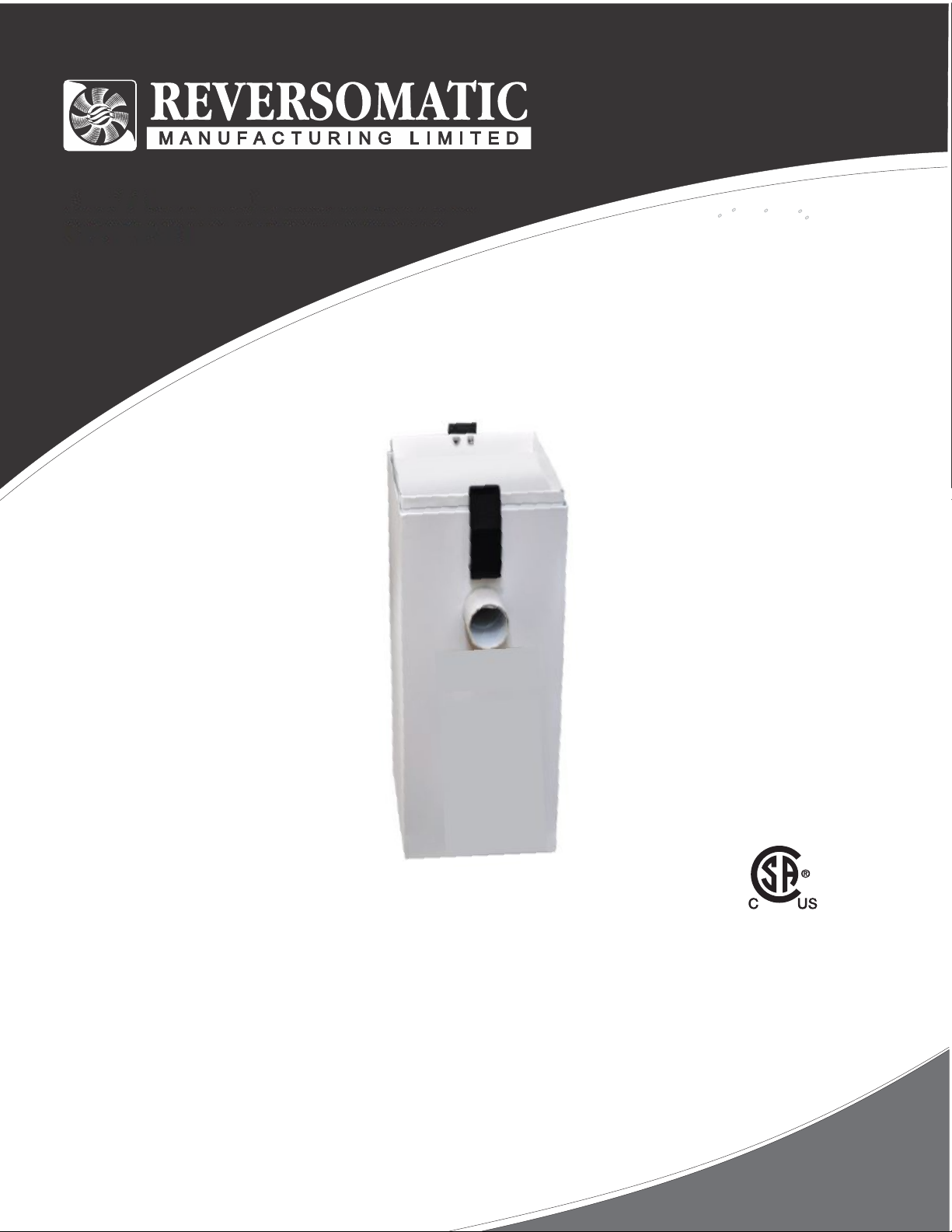
It is recommended that you change the filter bag every three months, (more regularly if you vacuum more than twice a week).
1. Open the vacuum cleaner by releasing the latch.
2. Press down on the tab at top of the filter bag and pull outwards, (discard filter bag).
3. Insert new filter bag and make sure it is aligned with the pipe.
4. Close the vacuum cleaner door.
ŸIf appliance is not working as it should, has been dropped, damaged, left outdoors or dropped into water, return it to a
service center
1. Automatic Shut-Off
The system is equipped with a thermal protection shut-off to protect the power unit from overheating. Please allow
for the unit to cool for approximately 30 minutes. If the unit does not restart after the 30 minutes, please contact
your local authorized dealer/distributor.
2. Partial Loss of Suction
i) Clean out dirt receptacle. Ensure filter is free from debris, tears and or punctures. If this does not resolves issue,
see step 2.
ii) Turn ON vacuum at Power Unit. Check suction at Power Unit. If strong, check the suction at each inlet. If it is
not the same suction at each one, the line may be partially clogged. To locate a clog, compare the suction at each
inlet. First check the inlet closest to the power unit then continue to check each successive inlet until you locate
inlet with loss of suction. The obstruction will be located between this inlet and the one previously checked. To
remove clog, carefully insert electrician’s fish tape into the inlet and push obstruction through. Or, if you have a
secondary vacuum, you can put vacuum hose into inlet, turn on secondary vacuum and draw out obstruction. If
this fails to remove the clog, call your local authorized dealer/distributor.
3. Total Loss of Suction (with motor running)
i) If you have good suction at the unit, but no suction in the hose then there is a clog in the pipes or hose. To
remove the clog, refer to step 2 above or call your local authorized dealer/distributor. If obstruction is in your hose,
take your hose to local dealer.
4. Motor Refuses to Start
i) Check to ensure central vacuum is plugged into an electrical outlet.
ii) Check fuses or breakers in your homes electrical panel
iii) If power unit has power but your inlets turn on vacuum, the problem will be in your low voltage wiring to the wall
inlets.
iv) If you are unable to resolve your issue, call your local authorized dealer/distributor.
10
Troubleshooting