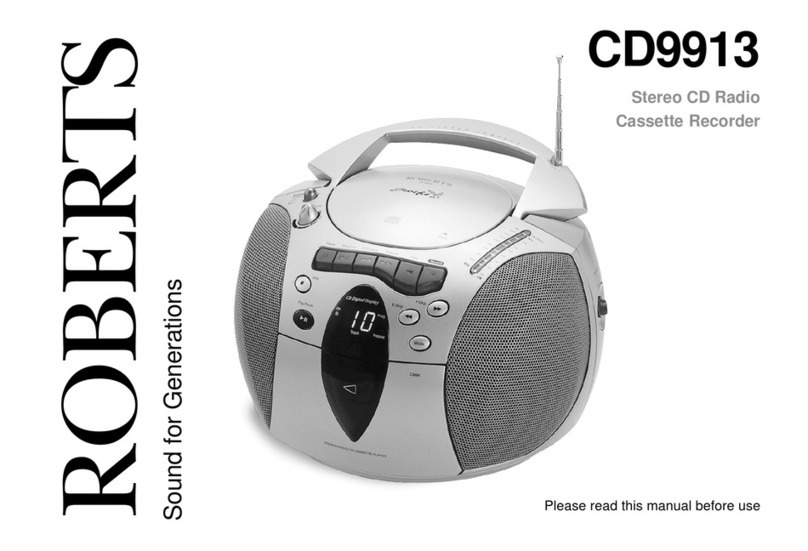
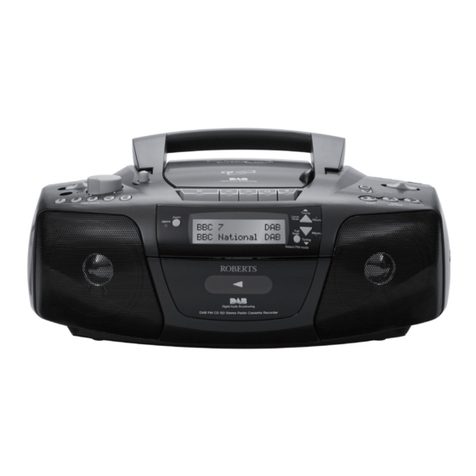
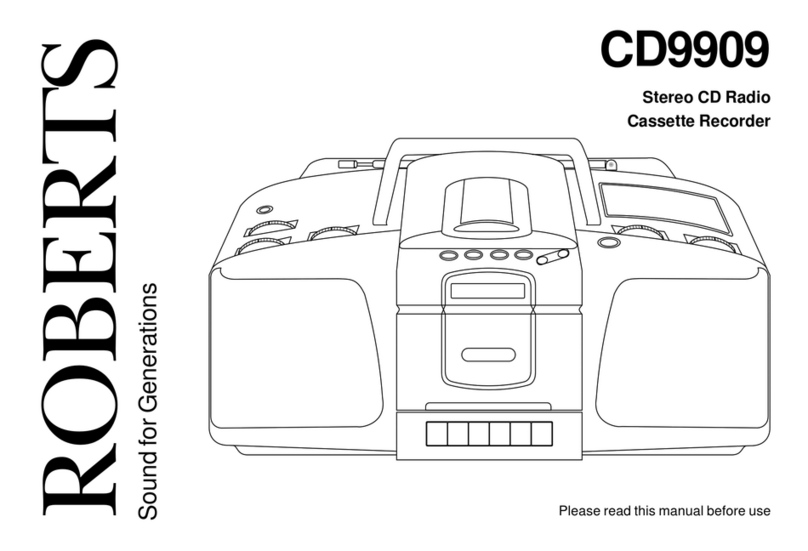
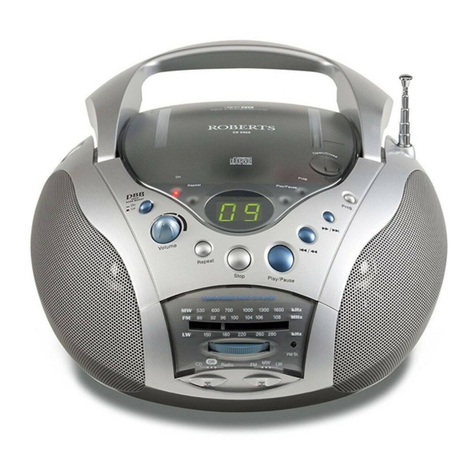
Roberts Symphony CD9949 User manual

CD9949
Stereo CD Radio
Cassette Recorder with
CD
book mar
k
Please read this manual before use
ROBERTS
Sound for Generations
Symphony
cd9949 instruction book.PMD 8/31/2005, 3:17 PM1

Contents .................................................................................... 1
Controls ..................................................................................... 2
Battery Operation...................................................................... 3
Mains Operation ........................................................................ 3
Operating the radio................................................................... 4
Presetting stations .................................................................... 5
Recalling a preset station ........................................................ 6
Inserting a CD ........................................................................... 7
Playing a CD ............................................................................. 7
CD bookmark ........................................................................... 8
Selecting a track ....................................................................... 9
Search function ......................................................................... 9
Repeat play ............................................................................... 9
Listening to cassette tapes .................................................... 10
Recording from the radio ....................................................... 11
Recording from CD ................................................................ 12
Recording from the internal microphone............................. 12
Recording from an external microphone ............................. 13
Preventing accidental erasure .............................................. 14
Cleaning tape heads.............................................................. 14
Headphones............................................................................ 15
Specification............................................................................ 16
Circuit features ........................................................................ 16
Mains supply............................................................................ 17
Guarantee................................................................................ 18
1
CLASS 1
LASER PRODUCT
Warning
CLASS 1 LASERPRODUCTmeansthatthelaser'sconstructionmakes
it inherently safe so that the legally prescribed maximum permissible
radiation values can never be exceeded
Caution: Using any equipment or devices other than those described
and specified in these operating instructions, or tampering with the unit
in any way, can result in dangerous exposure to radiation.
cd9949 instruction book.PMD 8/31/2005, 3:17 PM2

Controls
1. Preset buttons
2. Internal microphone
3. External mic socket
4. Headphone socket
5. Function switch
6. Volume control
7. Tone control
8. FM mono/stereo switch
18. Tuning up/down buttons
19. Record key
20. Play key
21. Rewind key
22. Fast forward key
23. LCD display
24. Stop key
1
2
3
12
13
14
2
5
4
7
89
10 11
15
16
17
18192021222324
9. Mains socket
10. Telescopic aerial
11. Battery compartment
12. Tuning tone volume
13. Waveband switch
14. CD track up/down buttons
15. CDPlay/Pausebutton
16. CD Stop button
17. CD repeat button
6
cd9949 instruction book.PMD 8/31/2005, 3:17 PM3

Battery operation
1. Remove the Battery cover on the rear of your CD radio cassette
by pushing the catches in the direction shown.
2. Insert eight LR14 (C size) batteries into the compartment. Take care
to ensure all batteries are inserted with the correct polarity as
shown inside the battery compartment. Replace the battery cover.
3. Reduced power, distortion, and a ‘stuttering’ sound are all signs that
the batteries may need replacing.
We would recommend for economy that your CD9949 is used
on the mains whenever possible with battery operation for
occasional or stand-by use only.
Mains operation
1. Place your CD radio cassette on a flat surface.
2. Plug the mains lead into the Socket located on the rear of your CD
radio cassette. Ensure that the plug is pushed fully into the socket.
3. Plug the other end into a wall socket and switch on.
4. Do not allow this unit to be exposed to moisture (e.g. dripping or
splashing). Do not leave your radio where excessive heat could
cause damage such as in a parked car where the heat from the sun
can build up even though the outside temperature may not seem too
high.
3
ON
11
Note: The unit remains connected to the mains even when it
is switched off. The unit is only isolated from the mains if the
mains plug is removed from the wall socket.
cd9949 instruction book.PMD 8/31/2005, 3:17 PM4

If you need any further advice, please call our Technical Helpline on :-
020 8758 0338 (Mon-Fri) 4
Operating the radio
1. Slide Function switch to the Radio position.
2. Slide Waveband switch to select the required wave band . For the
FM waveband fully extend the Telescopic aerial angle and rotate,
if necessary, to obtain best reception.
3. Press and hold down either the Tuning up or Tuning down buttons
for more than 0.5 sec to commence scan tuning. An audible tone will
be heard indicating that the radio is tuning. The tone will increase in
pitch for tuning up and decrease in pitch for tuning down.
4. Your radio will scan the selected waveband, sound a beep tone and
stop automatically when it finds a station of sufficient strength.
5. To recommence scan tuning, press and hold down either the
Tuning up or Tuning down buttons for more than 0.5 sec.
6. Whenthe waveband end is reached the radio will beep and continue
tuning from the opposite waveband end.
7. Adjust the Volume and Tone controls to the desired settings.
8. To switch off your radio slide the Function switch to the Off/Tape
position.
Note: On FM if a station being received is weak some hiss
may be audible. To reduce the hiss slide the FM Stereo/Mono
switch (on rear) to the mono position. The stereo indicator
will be removed from the display.
Radio Tape
Off
CD
FM MW LW
TUNING
VOLUME
Min Max
Tone
Min Max
12
3
3
77
cd9949 instruction book.PMD 8/31/2005, 3:17 PM5

5
Presettingstations
You may preset up to 15 different stations, 5 on FM, 5 on MW and 5 on
LW.
1. Slide Function switch to the Radio position to switch on.
2. Slide Waveband switch to select the required wave band
3. Tune into a station as previously described on page 4.
4. Press and hold down the required Preset button until the radio
beeps (greater than 2 seconds) The preset number will appear in
the display and the station will be stored under the chosen preset
button.
5. Repeat this procedure for the remaining presets.
6. Stations stored in preset memories may be overwritten by following
the above procedure.
Radio Tape
Off
CD
FM MW LW
FM
M
MHz
12
4
cd9949 instruction book.PMD 8/31/2005, 3:17 PM6

If you need any further advice, please call our Technical Helpline on :-
020 8758 0338 (Mon-Fri) 6
Recalling a preset station
1. Slide Function switch to the Radio position to switch on.
2. Slide Waveband switch to select the required wave band
3. Momentarily press the required Preset button, the preset number
and station frequency will appear in the display.
4. Adjust the Volume and Tone controls to the desired settings.
5. To switch off your radio slide the Function switch to the Off/Tape
position.
Radio Tape
Off
CD
FM MW LW
Radio Tape
Off
CD
FM
M
MHz
12
3
5
cd9949 instruction book.PMD 8/31/2005, 3:17 PM7

7
Inserting a CD
1. Slide the Function switch to the CD position.
2. ToopentheCDcompartment,presstheCDdoorontheedgemarked
Open/Close
3. Insert an Audio CD, printed side facing up. Close the CD door. The
CD player will scan the contents of the CD and the total number of
tracks and total playing time will appear on the display.
Radio Tape
Off
CD
Play/Pause
Play/Pause
Stop
TR
TR
1
1
3
4
Playing a CD
1. Press the CD Play/Pause button to start playback. The display will
show the track number and playing time.
2. Adjust the Volume and Tone controls to the desired settings
3. To pause playback press the CD Play/Pause button. The Play/
Pause indicator will appear in the display. To resume playback
press the CD Play/Pause button again.
4. To stop playback, press the CD Stop button.
5. To remove the CD, open the CD door by pressing the edge marked
Open/Close. The CD door should only be opened when the CD is in
Stop mode.
cd9949 instruction book.PMD 8/31/2005, 3:17 PM8

If you need any further advice, please call our Technical Helpline on :-
020 8758 0338 (Mon-Fri) 8
CDbookmark
Your'Symphony'CDradio cassette recorder hasaunique feature called
CDBookmark.
Whilstplaying aCDsimplypressstopand your CDunitwillautomatically
rememberthe lastplayedpositionensuringthat nexttimeyoupressPlay
you return to the same place without losing a single word.
CD bookmark will remember the last played position after switching to
radio, tape or even power off mode.
1. Press the CD Play/Pause button to start playback. The display will
show the track number and playing time.
2. Press the CD Stop button and the display will show RESUME
together with the track number and CD bookmark time.
3. ToresumeplayattheCDbookmarksimplypresstheCDPlay/Pause
button after several seconds the CD will resume play exactly
where you left off.
4. CD bookmark can be cancelled by pressing the CD Stop button
twice.
CD bookmark will also be cancelled when the end of CD is reached
or if the CD door is opened.
Note: Batteries or mains power must be maintained to
ensure operation of CD Bookmark.
Play/Pause
Stop
RESUME
TR
Play/Pause
1
2
3
cd9949 instruction book.PMD 8/31/2005, 3:17 PM9

Repeat play
1. Whilst the CD is playing press the Repeat button once to repeat
the current track. The display will show REPEAT 1
2. Press the Repeat button again to repeat all tracks on the CD. The
display will show REPEAT ALL
3. Press the Repeat button again to return to normal play.
Selecting a track
1. Whilst the CD is playing, press and release either the Track up or
Track down buttons to change to the desired track.
2. Youcanalsochangetracks whentheplayerisinstopmode. Change
to the desired track using the Track up or Track down buttons
(e.g.toselecttrack4 presstheTrackupbutton4times)Theselected
track will begin to play as soon as the Track button is released.
TRACK
Repeat
REPEAT
TR
M
Search function
1. Whilst the CD is playing, press and hold down either the Track up
or Track down buttons. Release the button when the desired part
of the track is reached.
9
1
1
TRACK
1
1
1
cd9949 instruction book.PMD 8/31/2005, 3:17 PM10
Table of contents
Other Roberts CD Player manuals