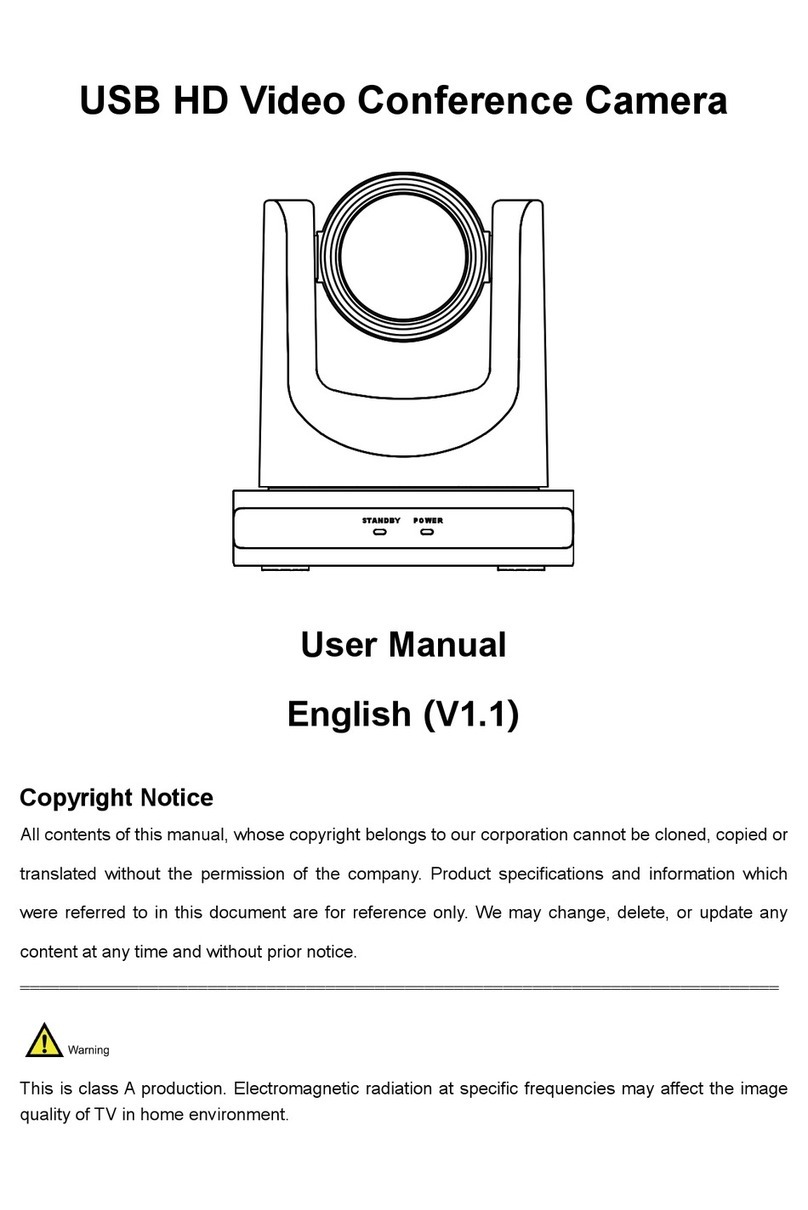
A20C USB Video Conference Camera User Manual
2
2) Connect the power adapter to the power
connector on the rear panel of the camera.
The power indicator on the front panel of
the camera is on.
3) After the camera is power on, it starts to
initialize, right up to the limit position, and
then both horizontal and vertical go to the
middle position, the motor stops running,
and the initialization is completed.
(Note: If preset 0 is saved, PTZ will be
move to preset 0)
4 About Product
4.1 Features
⚫Full Featured USB Interface
USB 2.0 interface, support encoding output,
and support UVC 1.0 protocol.
⚫1080P Full HD
High-quality HD CMOS sensor with 2.07
million effective pixels for high-quality images
up to 1920x1080.
⚫Low Light
The application of 2D and 3D noise reduction
algorithm greatly reduces the image noise.
Even under the condition of ultra-low
illumination, it still keeps the picture clean and
clear, and the SNR of image is as high as
55dB.
⚫H.264 Slice/SVC Encoding
Output H.264 code stream, and support Slice
and SVC encoding mode, can adapt to
high-end USB video conferencing applications.
⚫Double Stream
Support two code streams simultaneous
output (YUY2, MJPEG, H.264 any two), can
reduce the host codec pressure.
⚫10x Optical Zoom + 16x Digital Zoom
With a high quality lens, the optical zoom can
be up to 10 times and supports 16x digital
zoom (optional).
⚫Remote Control
The camera can be remotely controlled via an
RS232 cable.
4.2 Product Specification