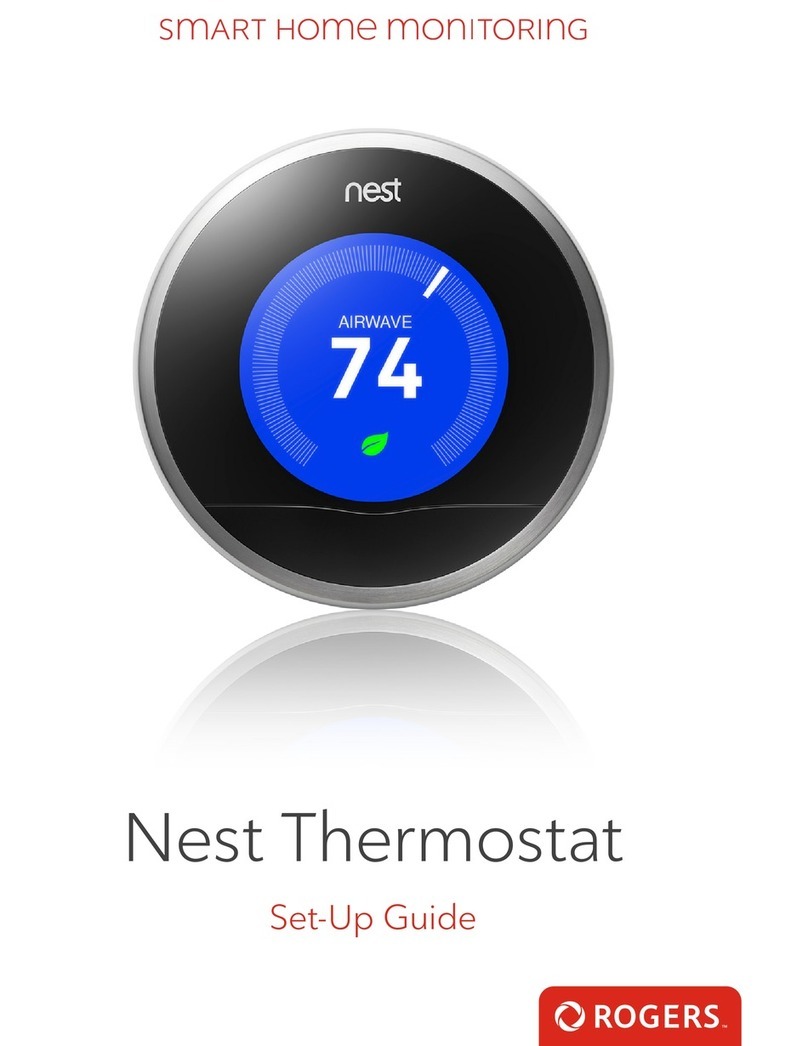
Your installation is done!
10 Smart Home Monitoring | Smart Thermostat | Smartphone Set-Up
Your Smart Thermostat is now part of your Smart Home Monitoring system.
Now you can control your Smart Thermostat remotely with your smartphone
app and through the Web Control Centre.
Start using this device:
Use your smartphone app or visit the Web Control Centre at smarthome.rogers.com to:
• Control the temperature of your home remotely.
• Create custom heating and cooling schedules to save energy and money.
• Learn more about the features of your Smart Home Monitoring system.
How to reset this device:
If you are trying to add your Smart Thermostat to your Smart Home Monitoring system and
you are unable to pair it in the first few attempts, or if you see an error while pairing, try the
following steps to reset the Smart Thermostat and then pair it again.
1. On your Smart Thermostat, press the MODE button until OFF is displayed.
2. Before the Smart Thermostat enters sleep mode, press and hold the Hidden Menu button
(located in the empty space between the HOLD button and FAN button), and swipe down
on the right slider.
3. The display will change to 01 indicating that the Smart Thermostat is in programming
mode, release the Hidden Menu button.
4. Advance through the menu using the slider on the right until 17 is displayed. Press HOLD, it
will then show 00.
5. Use the slider to change it to 11. Press HOLD.
6. On the front of the Smart Thermostat, it will flash two series of numbers (indicating the
current firmware version installed).
7. Now, try the pairing process again following the instructions in the Pairing the
Smart Thermostat section.