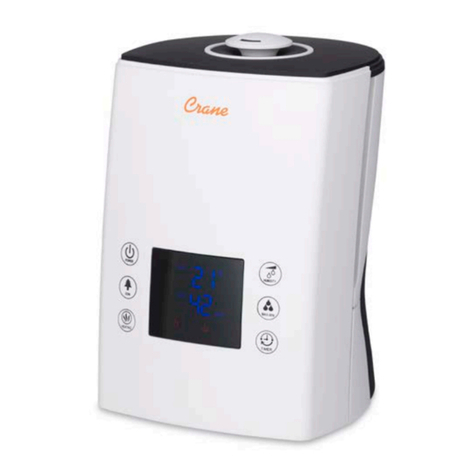
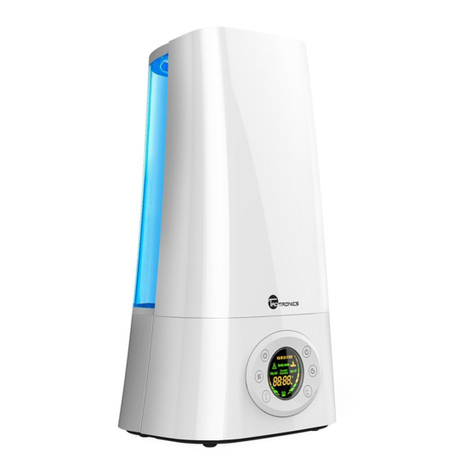
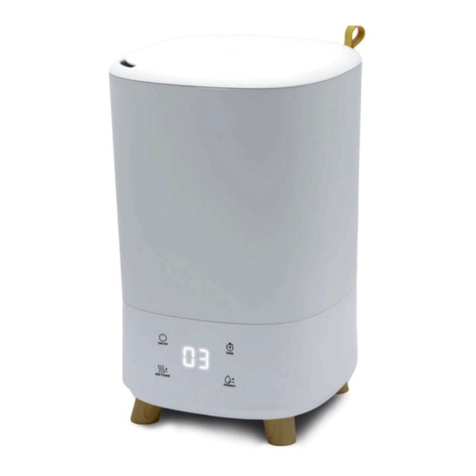
2. Humidity Setting: Machine will check around humidity automatically when turn
on this button . Humidity can be increased from 40% to 90% at every 5% . The
default humidity is 40% . When the environmental humidity is Equal to the set
humidity or above, Machine stop working.
3. Timer: Timer or no-timer function for your choose by pressing this key, Timer can be
chosen from 1 hour, 2 hours, 4 hours, 8 hours to set the machine closed. The LED will
show the time when you press the button slightly.
4. Anion: Once press this button, The icon is on. the machine start to purify air with a
negative ion generator. Press this button again, the machine stops working.
5. Sleeping mode: Keep Pressing the “Set humidity”button 3 seconds to start the
sleeping mode, Set humidity 65% automatically. The previous mist volume keeps
working . The LED display will be off after no operation for 5 seconds. The current
working LED display will be on when pressing any button. When the display is on,
the timer, mist volume and the on/off button can be operated. Only when the LED
display is on, press “set humidity”to exit this function .
HOW TO USE THE ULTRASONIC HUMIDIFIER
1. Open the lid,Fill with COOL tap water or DISTILLED water.
●DO NOT USE HOT WATER. Do not add fragrance or oil in the water –it will
cause malfunction of the unit!
●Do not exceed the Max mark.
2. Plug in power source.
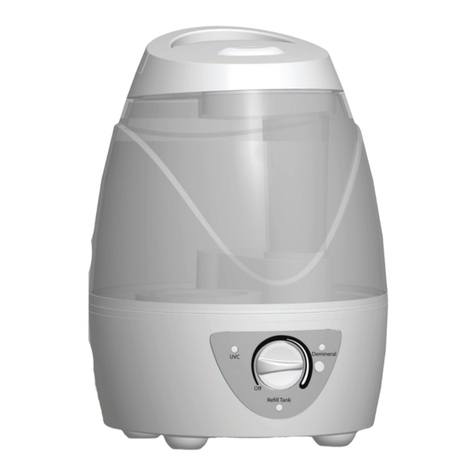
3. Turn the Power/Mist Intensity knob clockwise to turn on. You will hear a “click”.
4. To adjust mist intensity, turn the Power/Mist Intensity knob accordingly.
Clockwise increases mist intensity and counter-clockwise decreases.
‘’ Due to that fact that humidity sensor of the product is very close to the humidity
source it is possible humidity indicator to appear a decline 5 to 7 % from the real area
humidity ‘’