•Attaching the lens
- Remove the front cap and the rear cap of the lens.
- Align the mount index (red dot) indicated on the lens, to the lens
mount index (white dot) indicated on the camera mount, then rotate
the lens clockwise until a clicking sound occurs.
•Detaching the lens
- With the camera lens detaching button pressed, detach the lens by
rotating it counterclockwise until the lens stops.
• The hood blocks unnecessary light and protects the front surface of the
lens from rain, snow, and dust.
• Align the reference point marked on the hood with the reference point
marked on the lens, then turn the hood clockwise until a clicking sound
signals that the hood is fixed.
Mounting the hood
• Set the AF/MF conversion switch to the “AF”
mode for autofocus operation.
• If you wish to use manual focus, set the AF/MF
conversion switch to “MF”,
which will allow you to adjust the focus
manually using the focus ring.
Focus mode setting
Class B equipment: Korean Class B ITE
This equipment has been registered with electromagnetic compatibility for
household purposes and can be used in residential areas, as well as all
other areas.
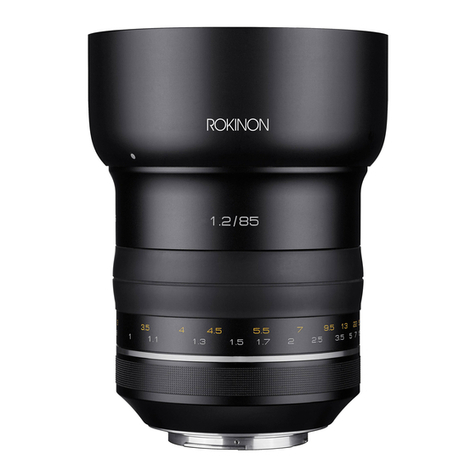
Model name AF 85mm F1.4 EF
Aperture range F1.4 ~ 16
Angle of View Full Frame ame28.4˚
APS-C 19.0˚
Optical construction 9elements in 7 groups
(including 1aspheric lenses)
Minimum focusing distance 0.90m (2.95ft)
Maximum shooting magnification x 0.11
Filter size Φ 77.0 mm
Number of aperture blades 9
Maximum diameter X length Φ 88.0mm x 72.0mm
Weight
(excluding hood and cap) 485 g
EMC Product
Product Specifications
- The minimum focus is the distance from the image sensor to the object.
- The product specifications and exterior are subject to change without notice.
Hood locking tube Focus ring
Mount AF/MF conversion switch
Lens mount index Lens signal contact
Name of each part
Lens Installation and Detachment
• A filter can be mounted on the filter mounting screw at the front of the lens.
- Only one filter should be mounted at one time.
- If two or more filters are mounted at the same time, vignetting may occur.
- Check that the filter size is compatible with the lens (refer to “Product
specifications”) and then mount it at the front of the lens.
Mounting a filter
Hood point